




600+ million people use Pinterest monthly for inspiration and to plan their next purchase. Regardless of your industry, there’s something for all types of businesses on Pinterest to engage new shoppers and drive more traffic to their websites.
To get more traffic to your brand’s website through Pinterest, you should be regularly posting content on the platform. For that purpose, you need a reliable Pinterest scheduler.
But, with so many available tools, it’s hard to decide which is right for you. We’ve narrowed the list down to the 8 best Pinterest scheduling tools, which can help you publish more content more consistently.
Ready to learn about their unique features? Let’s go!
Top 8 Pinterest Scheduling Tools
1. Gain
If you’re an agency managing Pinterest (and other popular social media platforms) for clients, Gain is a strong option to consider. Rather than acting as a simple post scheduler, Gain is built around the full client workflow: creating content, sharing previews, collecting feedback, and publishing only once everything is approved.
Gain lets teams upload and preview Pinterest pins exactly as they’ll appear once published, helping avoid surprises at go-live. Pins can be scheduled to auto-publish after approval, which is particularly useful when multiple stakeholders are involved. Because the same workflow applies across several social platforms, it’s easier to manage Pinterest alongside the rest of your client’s social presence without switching tools.
What sets Gain apart in a comparison is how client-friendly it is. Clients don’t need to log in or learn a new platform to approve content, and teams can keep campaigns organized using shared calendars, tags, folders, and filters. This makes Gain especially practical for agencies juggling multiple brands, regions, or approval workflows.
Key features:
- Uploading and Previewing: Upload and preview Pinterest pins using a dynamic editor that shows the image, title, link, description, and alt text exactly as they’ll appear once published.
- Content Approval Workflows: Automate content approvals so teams and clients can review and approve pins efficiently. Clients can approve with a single click, directly from email, without needing a password.
- Collaboration and Organization Hub: Centralize communication with real-time mentions, feedback, and revisions, while organizing Pinterest content using tags, folders, and shared content calendars.
Pricing💰: Gain’s Starter plan is priced at $99 per month when billed annually. This plan includes unlimited content approvers (clients), supports up to 6 workspaces each with its own content calendar, and allows for the creation of unlimited approval workflows, among other features.
2. SocialBee

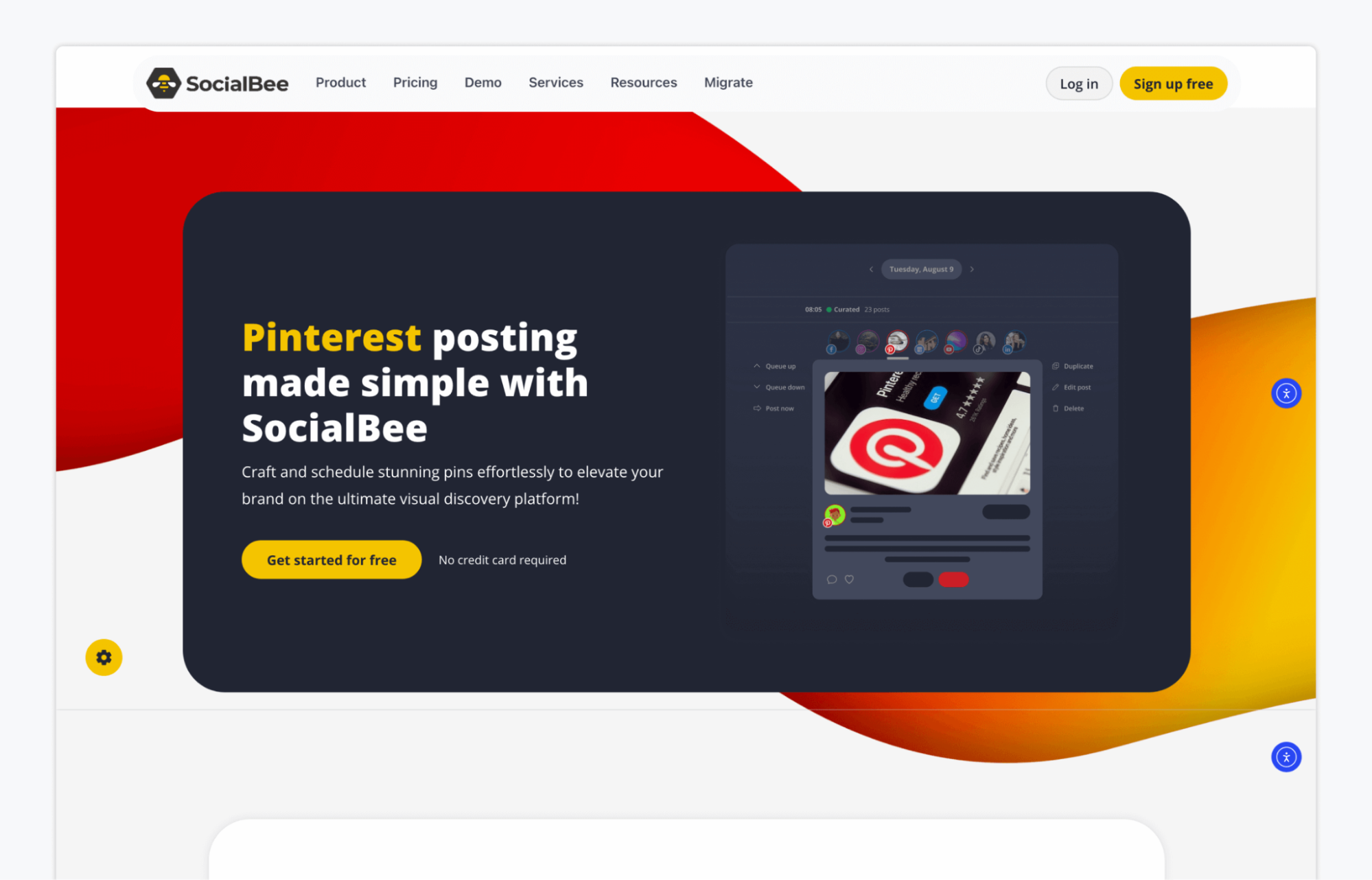
SocialBee is a versatile social media management tool that supports a variety of platforms, including Pinterest. It’s designed to help marketing teams, agencies, and social media managers streamline their content scheduling, offering a suite of features to enhance productivity and engagement.
Key features:
- AI Post Generator: Speed up content production by writing engaging Pinterest posts with SocialBee’s AI tool.
- Personalization: Tailor your Pinterest posts with customized posting schedules, intelligent hashtag recommendations, and enhanced post personalization through unique font styling options.
- Analytics and Reporting: Gain insights into your Pinterest performance, helping you understand what content resonates with your audience and adjust your strategy accordingly.
Pricing💰: SocialBee’s plans start at $29 per month on monthly billing, with higher tiers at $49 and $99 per month. When billed annually, pricing is $290, $490, or $990 per year, depending on the plan.
3. Hootsuite

Hootsuite stands out as a powerful tool for branding managers and creative and marketing teams looking to optimize their presence on Pinterest and other social media platforms. With its comprehensive suite of features, Hootsuite enables users to create, schedule, and publish content seamlessly, ensuring your Pinterest strategy is both effective and efficient.
Key features:
- Scheduling and Publishing: With Hootsuite, you can schedule and publish pins from the Hootsuite dashboard and see how exactly your pins will appear on the feed.
- Analytics: The platform offers detailed analytics tools, helping you understand the performance of your Pinterest content. You can analyze post engagement, compare your performance with competitors, and adjust your strategy accordingly.
- Social Listening: Hootsuite’s social listening tools enable you to monitor mentions, keywords, and trends related to your brand or industry on Pinterest. This feature helps in engaging with your audience more effectively and tailoring your content to meet their interests.
Pricing💰: Hootsuite’s paid plans start at $99 per user per month for the Standard plan, with the Advanced plan priced at $249 per user per month, both based on annual billing. Enterprise plans are available with custom pricing for teams that need additional users, advanced features, and tailored support.
4. Buffer
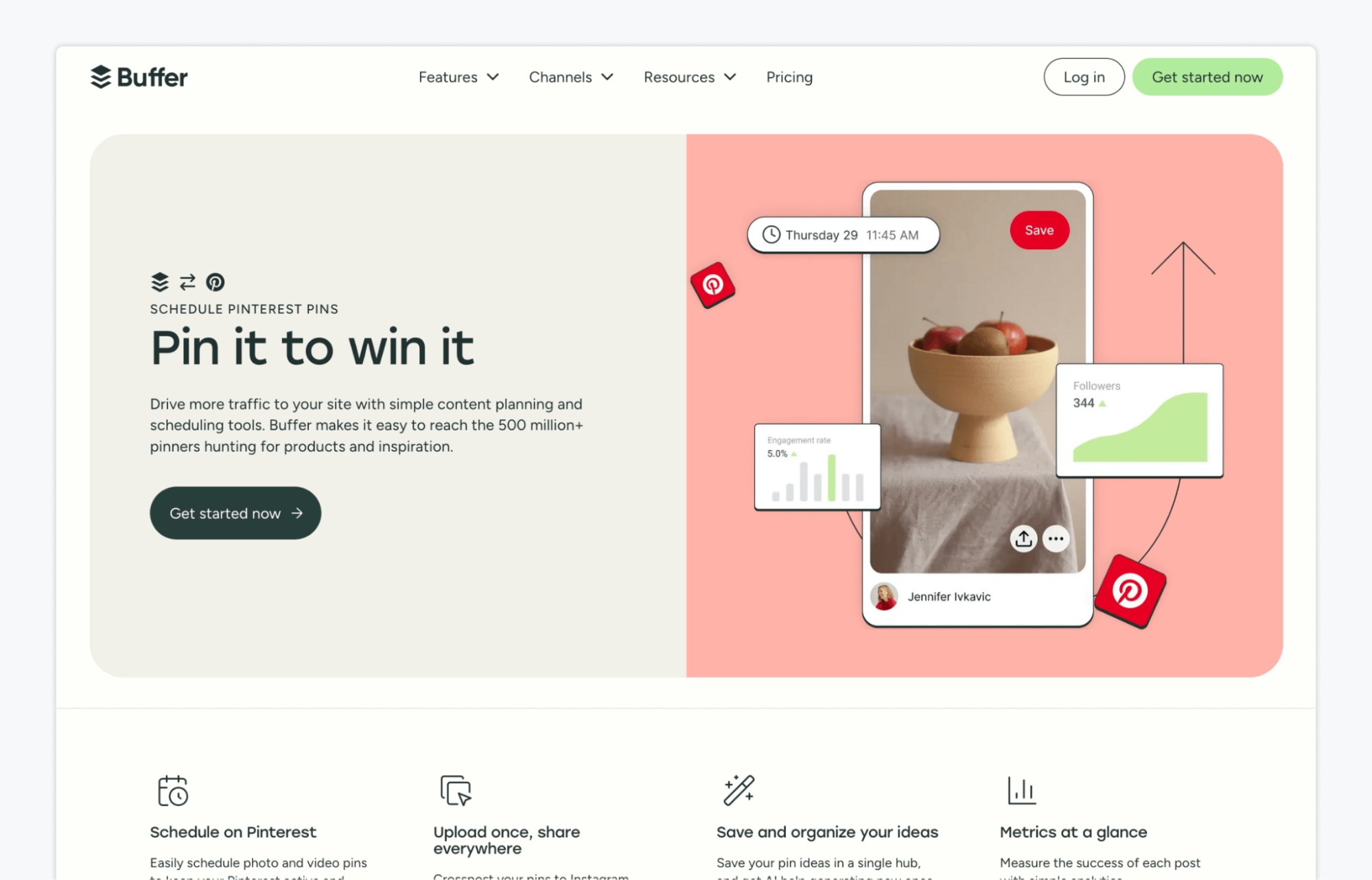
Another Pinterest scheduling tool is Buffer. Buffer is a versatile social media management tool that supports scheduling for Pinterest, allowing creative teams to streamline their content planning and execution. It’s designed to enhance engagement and efficiency across your social media channels.
Key features:
- Scheduling: Set up a content calendar with custom times for each post to go live, or use the queue to automatically publish according to a preset schedule, ensuring your Pinterest account remains active and engaging.
- Browser Extension: Download Buffer’s browser extension to save and publish new posts whenever you’re on the web.
- Content Repurposing: Repurpose your Instagram, Facebook, and X (Twitter) posts as pins and schedule them to Pinterest with Buffer’s easy-to-use composer.
Pricing💰: Buffer offers a free plan, with paid plans starting at $5 per month per channel on annual billing, or $60 per year per channel. Team plans cost $10 per month per channel, billed annually, with pricing scaling based on the number of channels connected.
5. Tailwind

Lastly, we’ve got Tailwind—a popular social media and email marketing tool that can be used as a Pinterest scheduler. It simplifies content planning, design, and analysis, allowing brands to grow their online presence efficiently.
Key features:
- Pin Design Tools: Easily create eye-catching pins with customizable templates and design elements directly within Tailwind, enhancing visual appeal.
- Smart Scheduling: Tailwind analyzes your audience’s engagement to recommend the best times for posting, maximizing visibility and interaction.
- Smart Recommendations: Leverage Tailwind’s recommendations and easy fixes to maintain a healthy queue of scheduled pins.
Pricing💰: Tailwind offers a free plan, with paid plans priced at $29.99, $54.99, or $99.99 per month, depending on usage limits and number of accounts. Higher tiers unlock more scheduled posts, AI credits, and support for multiple brands and users.
6. Planable

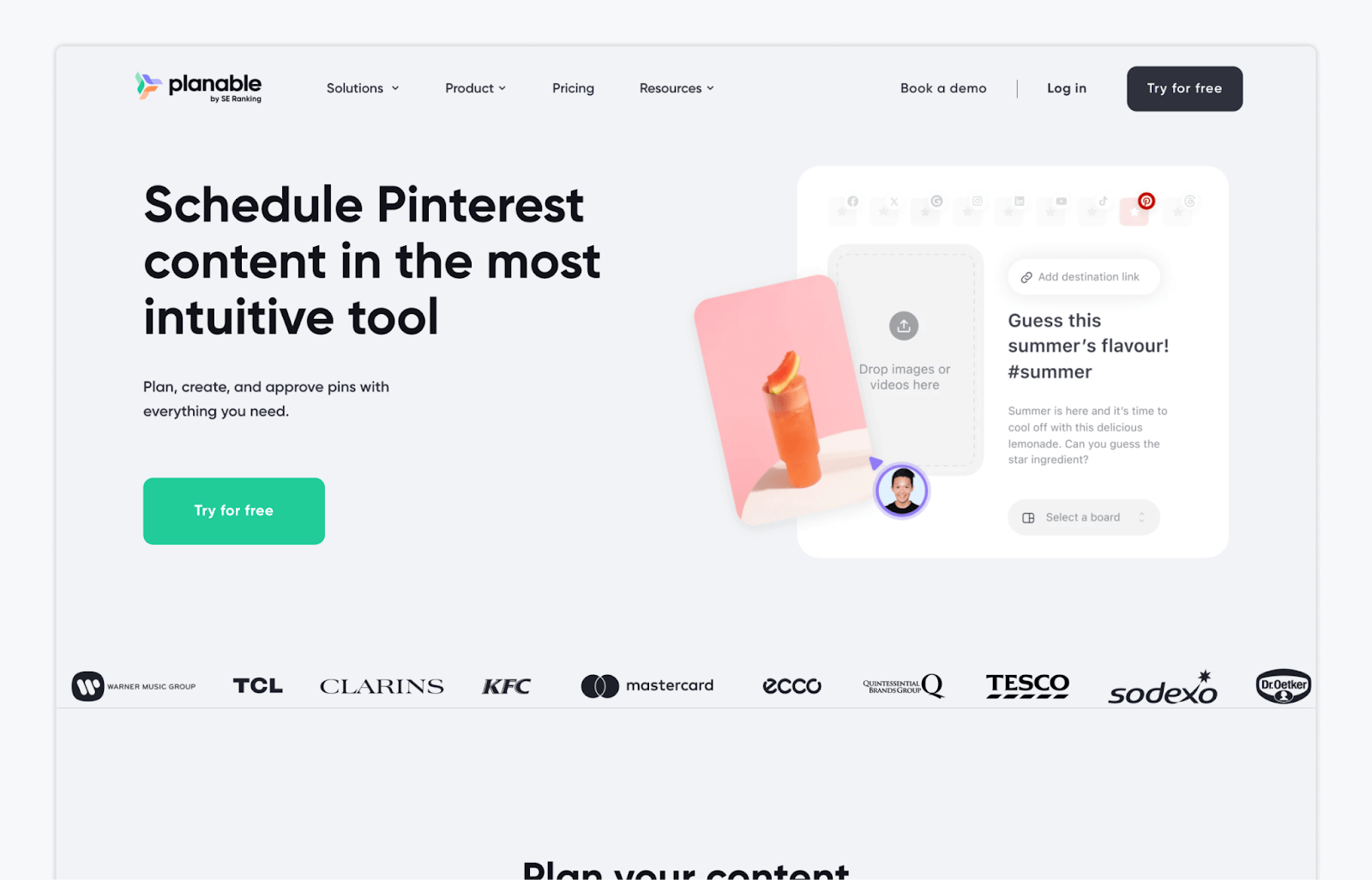
If you’re looking for a visual-first Pinterest scheduling tool, Planable is a solid option. It’s designed to help teams plan, create, and schedule pins in one intuitive workspace, making it easier to stay organized and keep your Pinterest calendar consistent.
Key features:
- Visual Planning & Scheduling: Plan and schedule Pinterest pins using feed, calendar, and grid views. Drag and drop posts, choose boards directly from the composer, and add destination links before publishing.
- Content Creation Tools: Create eye-catching pins with Planable’s built-in image and video editor, media library, and AI-powered caption generation to speed up content creation.
- Simple Collaboration: Share drafts, leave comments, and review Pinterest content directly in the platform, helping teams stay aligned without switching between tools.
Pricing 💰: Planable offers a free plan with limited publishing. Paid plans start at $33 per workspace per month for the Basic plan and $49 per workspace per month for Pro, billed monthly or annually. Enterprise plans are available with custom pricing.
7. RecurPost
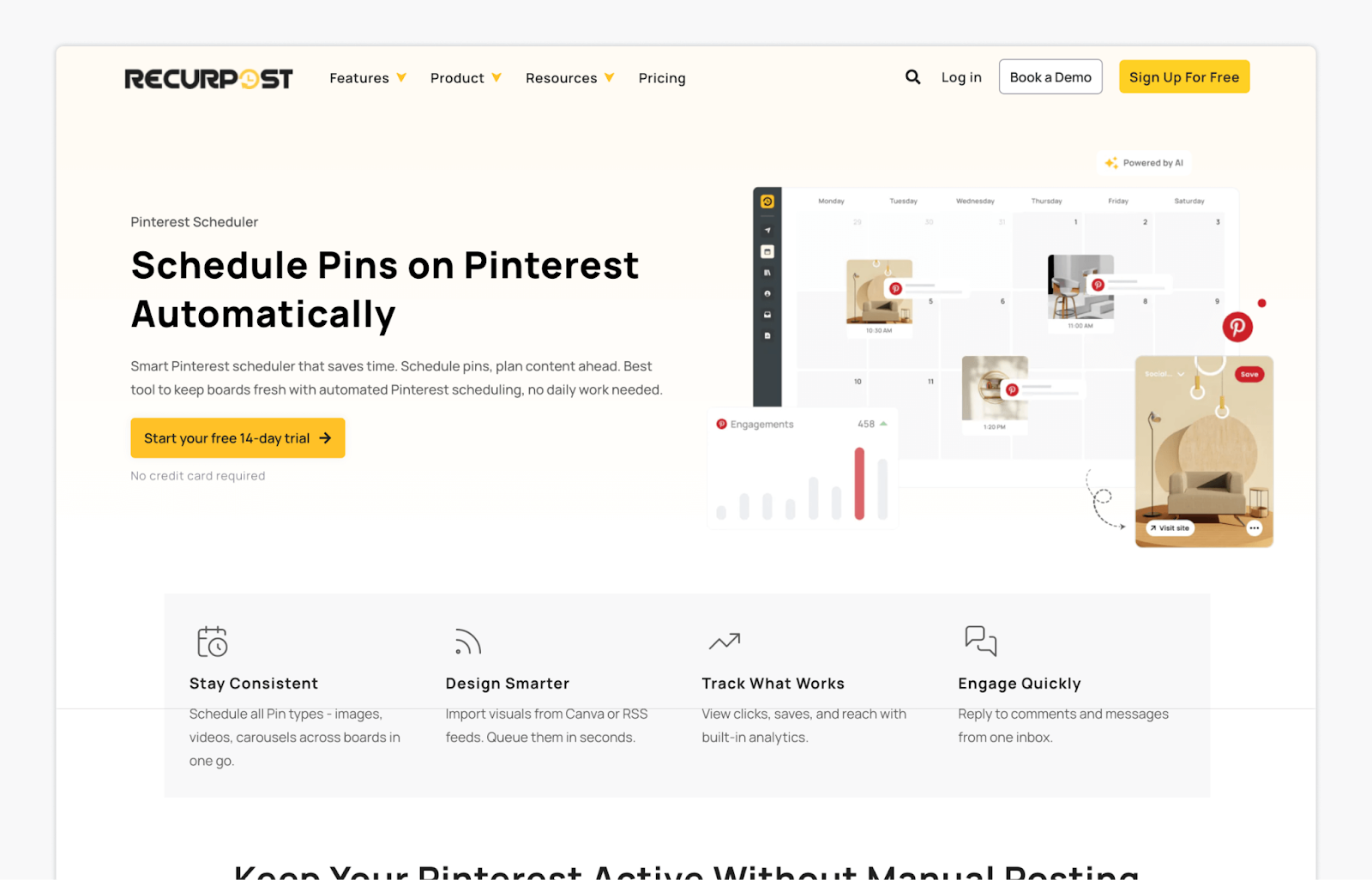
While some Pinterest scheduling tools focus on planning and collaboration, RecurPost is built for automation and consistency. If your goal is to keep boards active without daily manual posting, it’s designed to help you queue pins in bulk, recycle evergreen content, and let your Pinterest schedule run in the background.
Key features:
- Automated Pinterest Scheduling: Schedule all pin types, including images, videos, and carousels, across multiple boards. Line up content in advance and let RecurPost publish automatically to maintain a steady Pinterest presence.
- Bulk Scheduling & Content Recycling: Upload up to 100 pins at once via CSV or Google Sheets, and automatically reshare top-performing evergreen pins to reduce ongoing content workload.
- AI-Powered Timing & Content Tools: Use AI-driven posting time recommendations based on board history, plus AI-generated pin titles, descriptions, and images to speed up content creation and boost engagement.
Pricing 💰: RecurPost offers a 14-day free trial with no credit card required. Paid plans start at $90 per year (approximately $7.50 per month). Plans scale up to $250 and $790 per year for higher usage needs, with custom Enterprise pricing available.
8. Social Champ
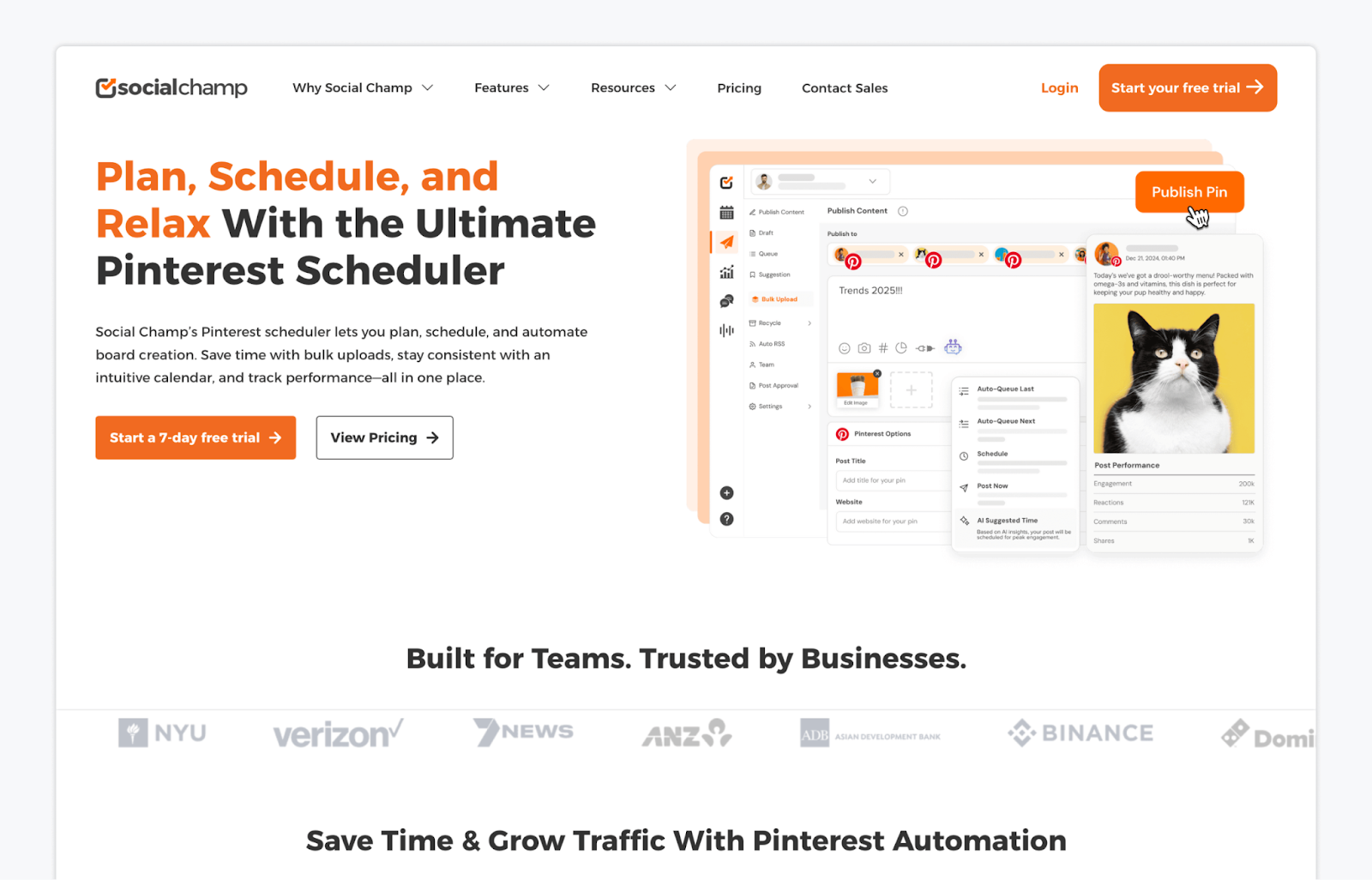
Last but not least, Social Champ is a flexible social media scheduling tool that includes Pinterest as part of a wider content workflow. It’s well-suited for planning, automating, and analyzing Pinterest pins alongside your other social channels from one centralized dashboard.
Key features:
- Pinterest Scheduling & Automation: Schedule pins in advance, publish in bulk, and recycle evergreen content to keep boards active without daily manual posting.
- Content Creation & AI Tools: Create pins faster using AI-generated titles, descriptions, and visuals, with Canva integration and hashtag management built in.
- Analytics & Reporting: Track Pinterest performance with detailed engagement metrics and export branded reports to understand what content is driving results.
Pricing 💰: Social Champ offers a free plan with limited scheduled posts. Paid plans start from $2–$4 per month per social account when billed annually, with higher tiers available for advanced features and larger teams.
FAQs
The cheapest option is Social Champ, with paid plans starting at $2–$4 per month per social account when billed annually. Buffer and RecurPost are also low-cost alternatives, depending on how many channels or posts you need, while Tailwind and Gain sit at the higher end due to more advanced features.
Gain is the best option for agencies that manage Pinterest content for clients, especially where approvals and collaboration are essential. It’s built around structured workflows, client-friendly approvals, and multi-workspace management, making it easier to handle feedback, revisions, and publishing at scale.
Yes. With a Pinterest business account, you can schedule standard Pins directly on Pinterest. You can schedule Pins up to 30 days in advance and have up to 10 Pins scheduled at any one time, but you can only schedule one Pin at a time and cannot edit the image or video after scheduling, which is why many brands use third-party Pinterest scheduling tools for greater flexibility and scale.
Top Pinterest Scheduling Tools: Take Your Pick
Selecting the right scheduling tool for your Pinterest content is crucial to making your brand stand out.
Start by considering what your creative team, agency, or clients really need. Is it a tool with powerful pin design features? Then, Tailwind might be just what you’re looking for. If Pinterest content approvals are what you struggle with, then Gain could be your go-to solution.
There’s a tool for every need and budget out there. Simply identify your Pinterest bottlenecks and choose the best scheduler accordingly.
Gain caught your attention? Why not give it a shot with a free trial? Try Gain at no cost.


