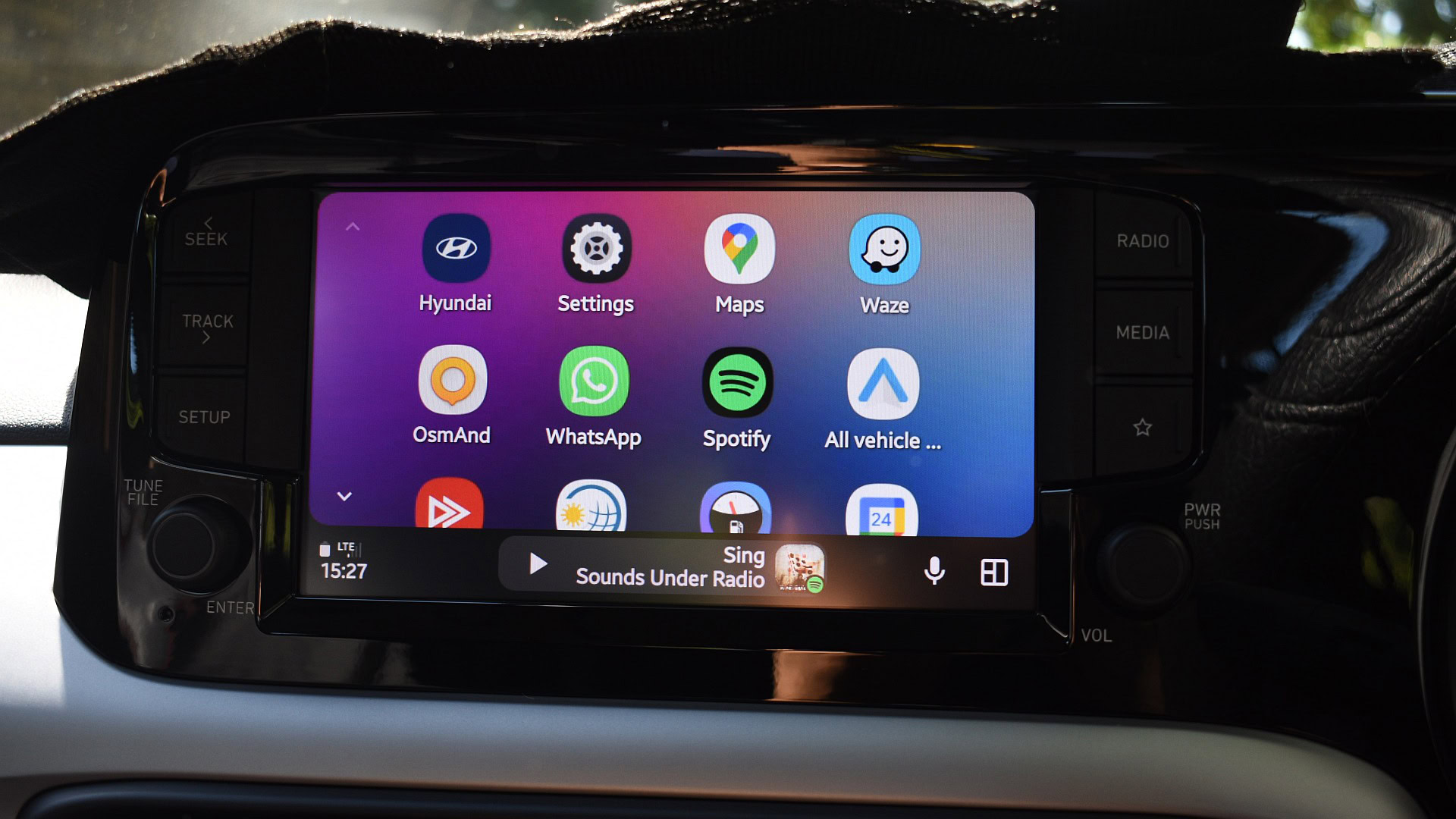
Andy Walker / Android Authority
TL;DR
- Android Auto is widely failing to connect or stay connected, especially on Pixel and Samsung phones.
- Wired connections appear to be most affected, but reports of wireless connection issues are also increasing.
- Users suspect a recent update or Android security feature is causing the problem, but there’s no official fix yet.
The issue appears to affect both wired and wireless Android Auto connections, with Pixel and Samsung Galaxy users reporting the bulk of the problems.
Don’t want to miss the best from Android Authority?


Users say their previously stable connections have suddenly stopped working reliably. The most common complaint is that Android Auto just won’t connect consistently, even when phones are plugged in or paired correctly.
Complaints also suggest that when Android Auto does launch, it often fails to stay connected long enough to be usable, especially in wired mode.
While both wired and wireless connections seem affected, Reddit reports suggest that wired Android Auto is currently more unreliable.
Wired Android Auto is currently more unreliable.
Users are also reporting that starting Android Auto while their phones are locked isn’t working as it should. Some Reddit comments suggest this may be an issue caused by Android 16’s Advanced Protection Mode.
“I noticed this keeps the USB blocked, unless the phone is unlocked. It may have become a thing in one of the last two releases,” noted one reader, suggesting that affected users should try disabling the mode to see if they can get their connection up and running again. To turn off Advanced Protection Mode, users can go to Settings > Security & Privacy > Advanced Protection.
Comments on Google’s support forums suggest this became an issue for Pixel phone users after the March update.
Meanwhile, Samsung users, including those with Galaxy S26, S25, S24, and S23, report similar instability with Android Auto connections. Some Motorola users are also facing the same issue.
Despite the growing number of complaints, Google has yet to officially acknowledge the issue. In the meantime, users have been left to troubleshoot on their own, in some cases resorting to drastic measures like factory resets. None of these workarounds is reliable or practical, and the problem needs a proper fix from Google rather than temporary, user-driven solutions.
Thank you for being part of our community. Read our Comment Policy before posting.