




Plenty of new features came to Apple Music alongside the launch of iOS 26. From the new Liquid Glass experience, the additions of Lyrics Translation and Lyrics Pronunciation, the ability to auto-pin songs, albums, artists, and playlists, updated widgets, and even animated album covers on the Lock Screen, subscribers are likely still discovering everything the service has to offer after the update.
Alongside all of these new features, Apple added AutoMix, which should have been an improvement over Crossfade. The latter has been available on the Mac for years but only arrived for iPhone and iPad users with iOS 18. With AutoMix, Apple Music got a DJ-style feature that should seamlessly mix one song into the next, similar to Crossfade, but with more dynamic transitions.
After six months going back and forth between AutoMix and Crossfade, and forgetting to turn it off every time I set up a new device, I realized that this is Apple Music’s worst feature, especially if, like me, you don’t listen to house, techno, and pop music. Here’s my experience with the feature — what it gets right, what it gets wrong, and how to turn it off for good.
AutoMix feels like an inexperienced DJ

I don’t want to be too harsh with Apple Music, which has been my primary music streaming service since it debuted a decade ago. However, AutoMix is one of the features that should probably still be in beta. While Apple personally showed me how perfectly this feature can transition between Alok and Dua Lipa, I don’t think AutoMix is doing a very good job if it’s only capable of smoothly moving between ABBA’s “Gimme Gimme Gimme” to Madonna’s “Hung Up,” right?
The thing is, everyone’s taste in music is very different, and everybody has different listening habits. Apple tells me that it took extra effort to ensure that AutoMix wouldn’t try to fade between different albums or specific genres like classic music. Still, I feel like it gets more wrong than right.
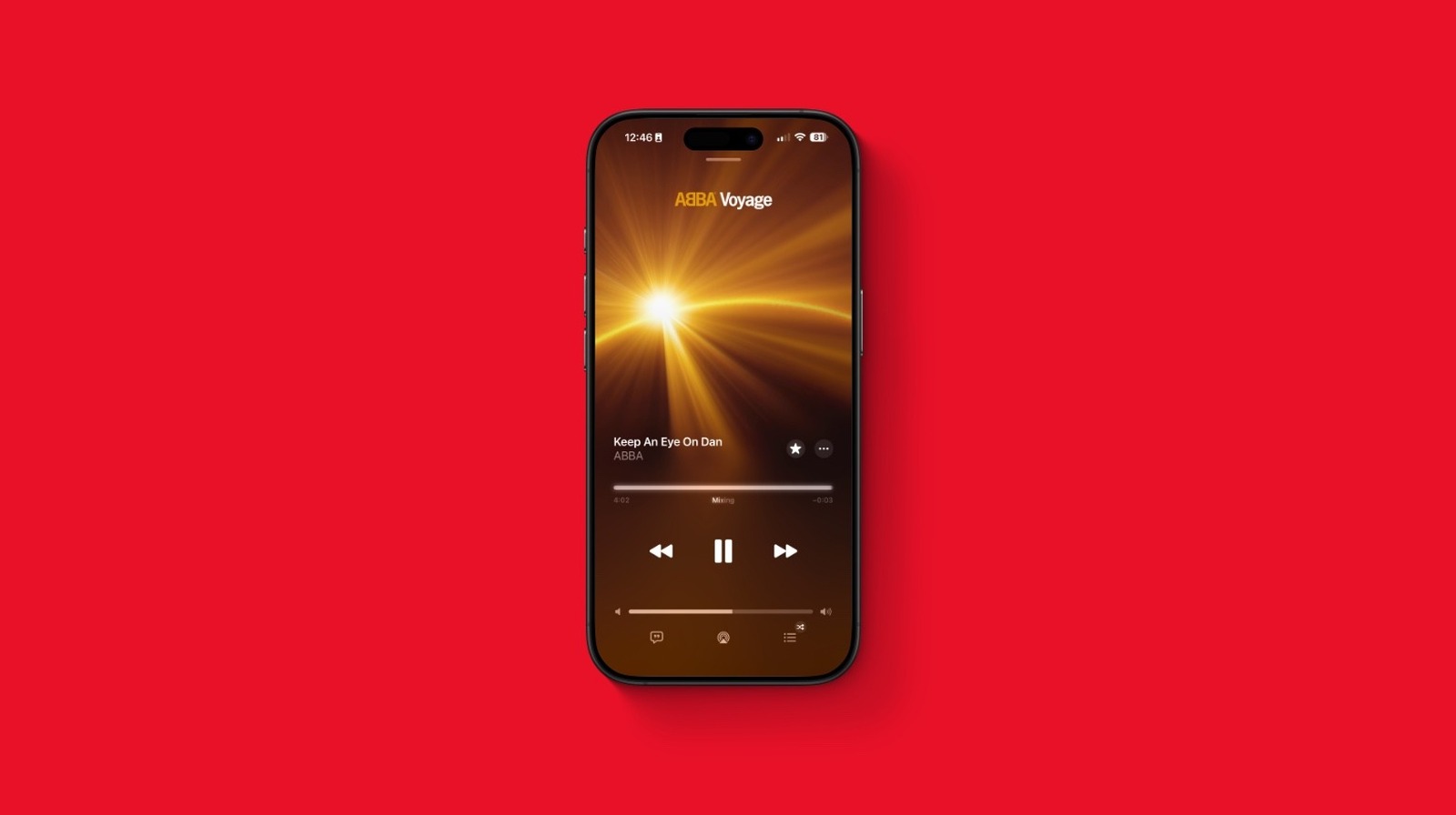
I was casually going through my favorite songs on shuffle, and by the time ABBA’s “Keep An Eye on Dan” was about to finish, Apple Music transitioned to another song. Not only was the transition not ideal, I missed out on hearing the final chords, which are an ode to the band’s “S.O.S.” In other words, AutoMix is sometimes disrespectful when it comes to relaying an artist’s creation, because it’s not even creating a good transition — it just thinks a quieter conclusion is unnecessary and starts to play a different track on top of the fade out.
How to turn AutoMix off
While Apple Music will continue to tweak and improve AutoMix in the years to come, turning this feature off for now might be the best option, especially if you’re also experiencing the same issues. Those include bad transitions, almost never hearing an ending to a song, or missing out on the beginning of a new song.
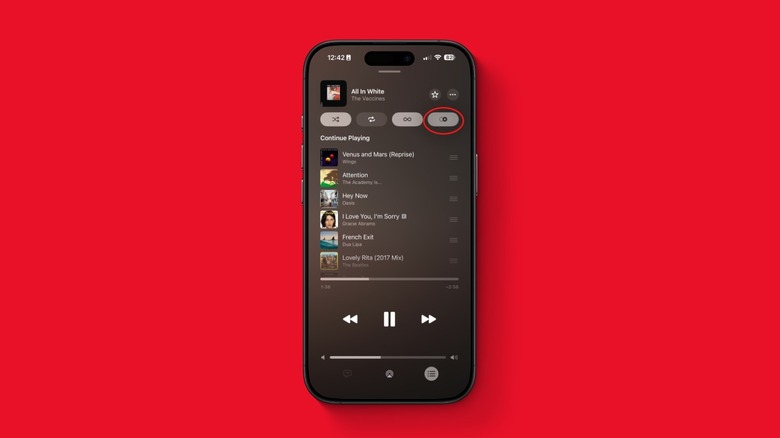
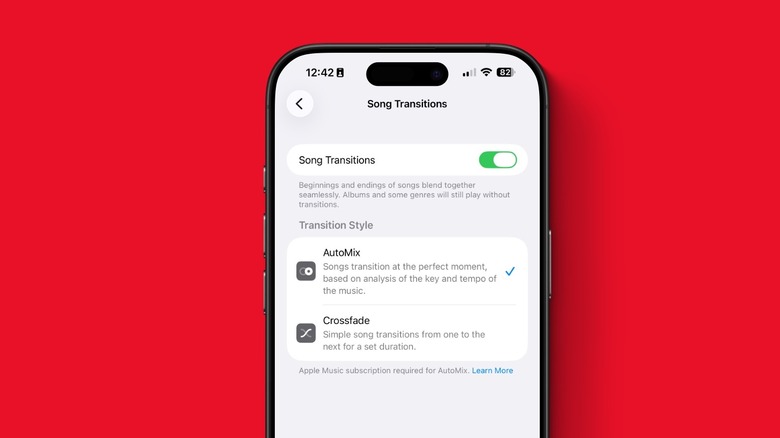
If you want to avoid AutoMix altogether, go to the song in Now Playing, tap the icon for the queue, and turn off the fourth button from left to right, which is the AutoMix icon. Another option is going to Settings > Apps > Music, and selecting “Song Transitions.” You can completely turn off Song Transitions or just switch the transition style back from AutoMix to Crossfade.
How often AutoMix activates depends on the kind of music listener you are, and unfortunately for me, an obsessed album-listener, I usually get the ick whenever I play my songs on shuffle as the “clever transitions” are often poorly executed. On the other hand, I just started using ChatGPT with my Apple Music account, and it seems there are clever ways to use AI with the music streaming service.


