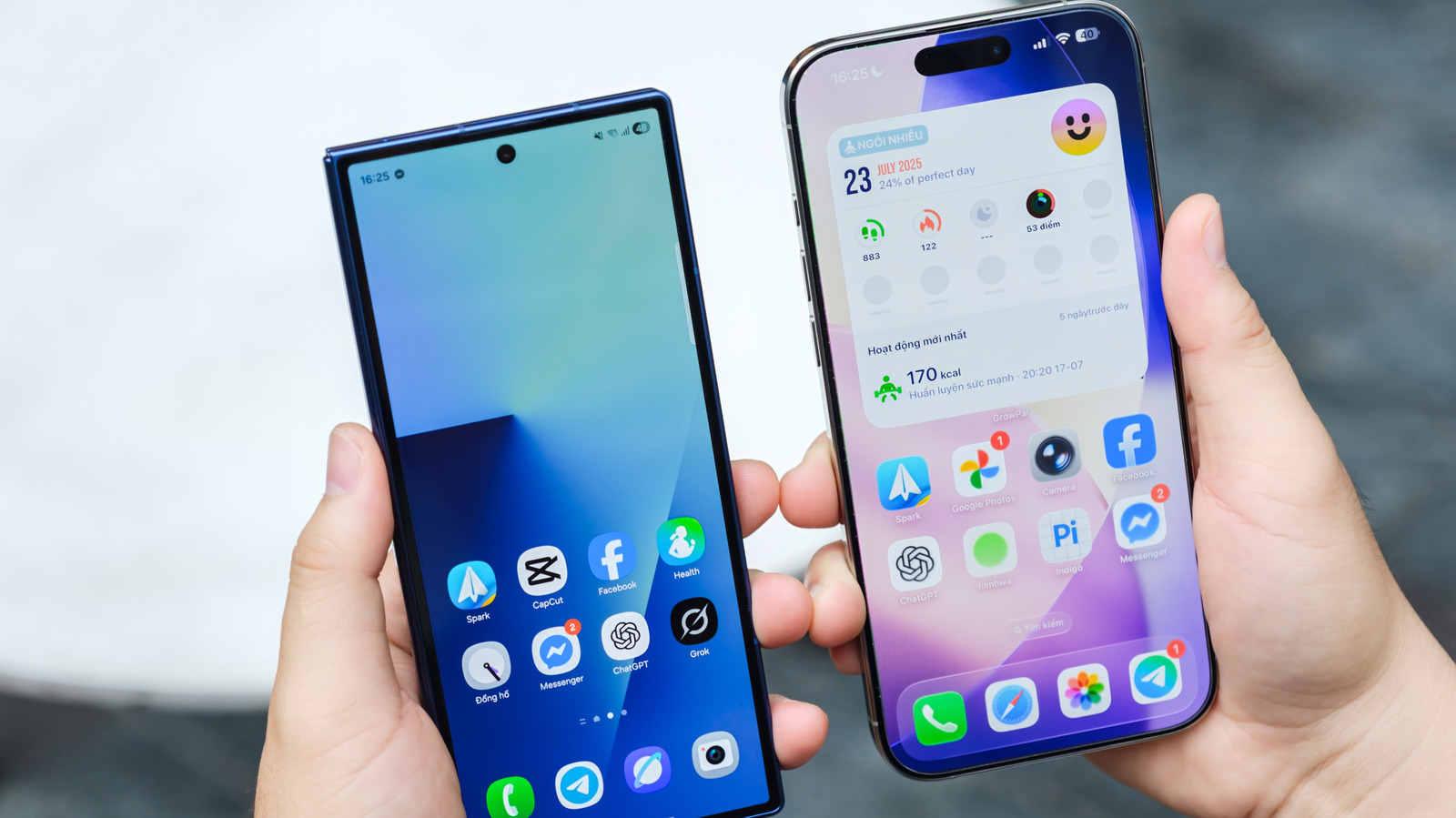
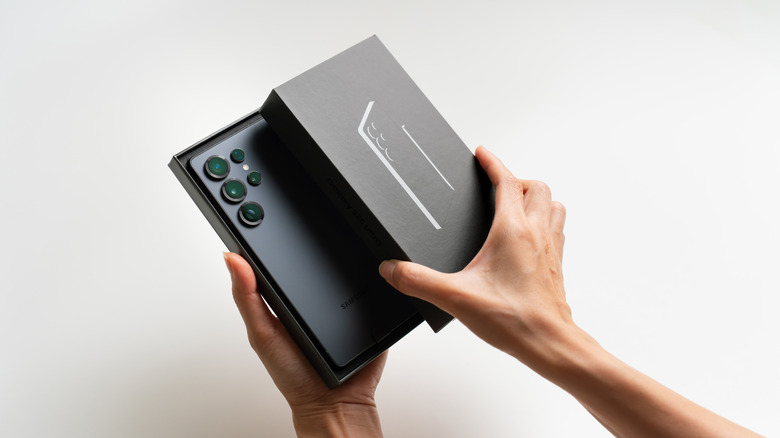
Samsung will unveil the Galaxy S26 series during the first Unpacked event of the year, which is officially scheduled for February 25. iPhone users who are tempted to switch to one of the three Galaxy S26 models and replace their iOS experience with Android may be dreading the actual move to the new operating system. They will want to transfer all their personal data from the iPhone, including contacts, messages, emails, photos, and other information, to the Android device as seamlessly as possible. Transfer tools that make the transition possible between iPhone and Android devices (and vice versa) already exist, but Apple just made it a lot easier to switch to Android via the recently released iOS 26.3 software update. The data transfer starts right from the iPhone’s Settings app, instead of requiring a separate app.
Apple’s decision to support simpler iPhone data transfers to Android may seem surprising, but the feature has been in the works for a while. Reports in mid-December indicated that Apple and Google were already working on the initiative. Both Apple and Google confirmed at the time that the new data transfer process would be available when users set up their new devices, without revealing too much information about the actual procedure. Now that iOS 26.3 is available to iPhone users, we can confirm the new “Transfer to Android” option is available in the Settings app on the iPhone. The feature lets iPhone users test what a switch to Android will feel like.
How to transfer data from iPhone to Android

iPhone users who want to take advantage of Apple’s new tool will need to update their device to iOS 26.3 to have the option available. That may be bad news for those iPhone users who have not updated from iOS 18 to iOS 26, as they may have wanted to avoid the Liquid Glass design that comes with the latter. Once you’re on iOS 26.3, open the Settings app, scroll until you find the Transfer or Reset iPhone menu, tap it, and then look for the new Transfer to Android button that appears at the end of that screen. A splash screen will appear, advising users to place the Android and iPhone devices next to each other. The devices will need to be running the latest operating system versions, be connected to Wi-Fi and have Bluetooth enabled.

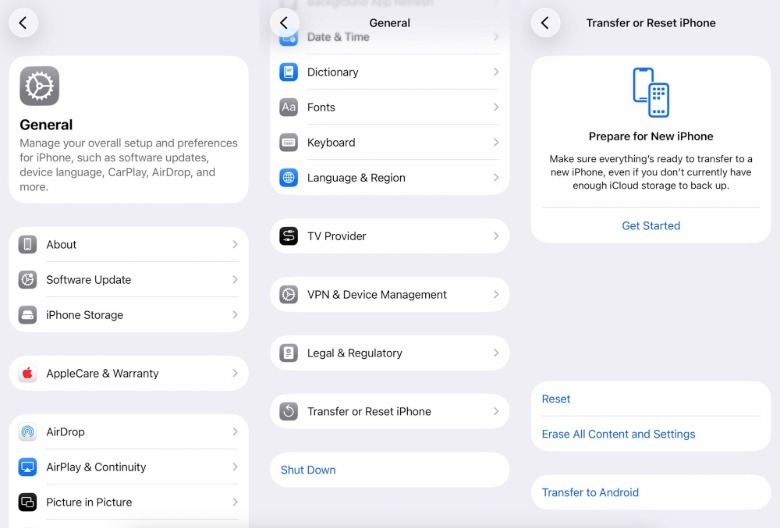
The information screen (seen later in this post) tells iPhone owners that “once you’re connected, you can choose what you want to transfer, such as your photos, messages, apps, and more.” Users can also transfer their phone number (if they use eSIMs), but they won’t be able to move any health data and “protected items.” It’s unclear what these items are. Also, the devices paired via Bluetooth to the iPhone will not be connected automatically to the new Android phone. Once you’ve read the splash screen, you can tap Continue, at which point you’ll be prompted to scan a QR code on the Android phone to connect the two devices. The process offers another connectivity option. iPhone users will have to enter a Session ID and Pairing Code that appear on the Android device. The data transfer can be canceled by going to the previous screens.
The Android component
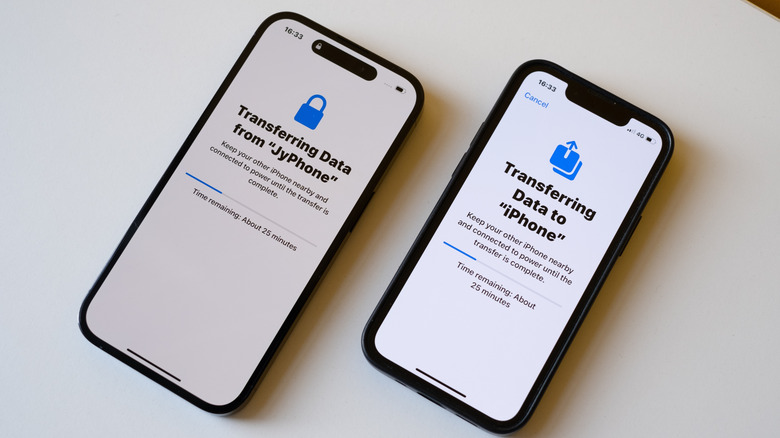
We simulated the start of a data transfer from Android to iPhone, but have not completed it. The process seems similar to iPhone-to-iPhone data transfer (seen above), though it involves going through the menu above on the iPhone. There’s a caveat here that may not be immediately obvious to users. Phones like the upcoming Galaxy S26 series will have to support the Android version of this new Transfer to Android feature. The setup process on the Galaxy S26 phone will have to either offer a QR code or the Session ID and Pairing Codes necessary for the data transfer to initiate. If Samsung’s version of Android launching with the Galaxy S26 series doesn’t support the feature, iPhone owners will need to use the Smart Switch apps that Samsung already offers to iPhone and Galaxy phone users.
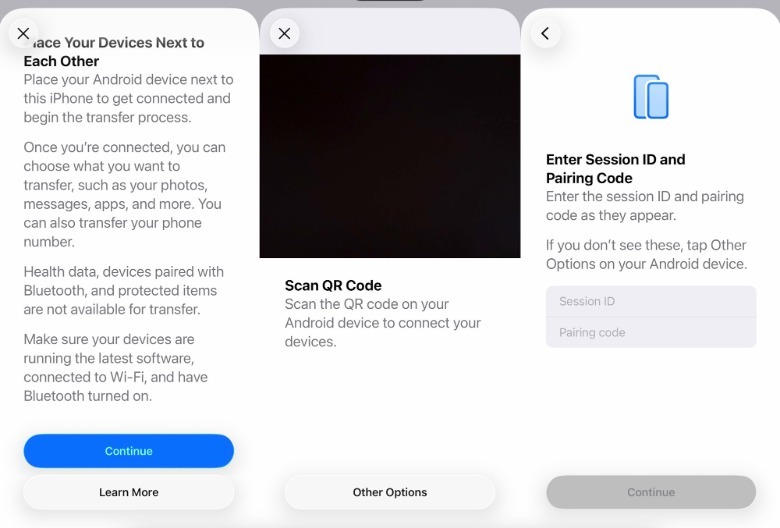
The same goes for any other Android device an iPhone user may want to switch to. Google will likely have to release an Android update to enable the new data transfer functionality on Pixel devices. Other Android vendors will also have to support it. Finally, an Apple support document guides iPhone owners through the same data transfer process, focusing on the eSIM transfer process, which should occur at the end of the Transfer to Android move.