We’ve all been there. You park your car, rush out for work, shopping, or an appointment, and hours later… you just can’t remember where you left it. Google Maps is now quietly stepping in to solve that very real problem, at least for iPhone users for now. Also Read: Jio’s New Year 2026 Plans Explained
Google has started rolling out a feature that automatically saves your car’s parking location to help you find it later easily. Here is how it works and how you can find your parked car. 

How Google Maps saves your parking spot
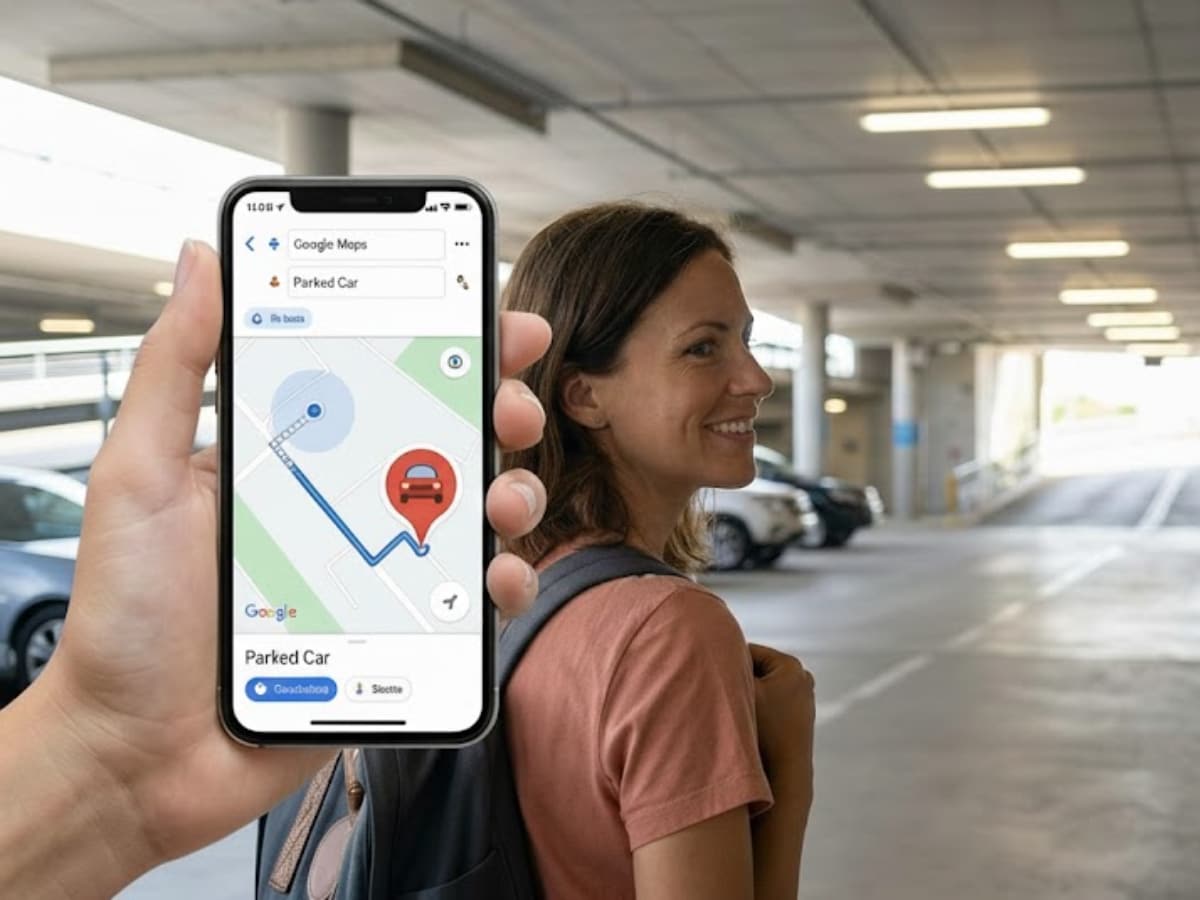
The idea is simple. When you drive somewhere with Google Maps open and your phone connected to your car, the app can detect when you’ve stopped driving. Once that happens, Google Maps drops a small pin on the map showing exactly where you parked.
You don’t have to manually save anything. The location stays visible for up to 48 hours, or until you start driving again. Once you move your car, the pin disappears automatically. If you’ve customised your car icon in Google Maps, that icon will appear at the parking spot. Otherwise, you’ll see a simple blue “P” marker with the text “You parked here.”
What you need for it to work
At the moment, this feature is rolling out on iPhones. To make sure it works properly, your phone should be connected to your car using one of these options:
- Bluetooth
- USB cable
- Apple CarPlay
You also need to allow Google Maps to access your location at all times, not just while using the app. This helps Maps recognise when you’ve stopped driving. There’s no special setup required in most cases, but you can double-check inside Google Maps settings that Save Parking Location is enabled.
How to find your parked car later
Once Google Maps saves your parking location, finding it again is easy:
- First of all, open Google Maps
- Look for the “You parked here” pin on the map
- Or tap the search bar and select Saved parking
- From there, Maps can even give you walking directions back to your car, which is especially useful in large parking lots or unfamiliar areas.
Can you edit the location? Yes. If the pin isn’t perfectly accurate, you can tap on the saved parking location and choose Change location. You can then drag the marker slightly to match the exact spot.
Is this coming to Android?
For now, Google hasn’t confirmed when (or if) this automatic parking detection will roll out to Android or Android Auto. Android users can still manually save their parking spot, but the automatic version is currently limited to iOS.