




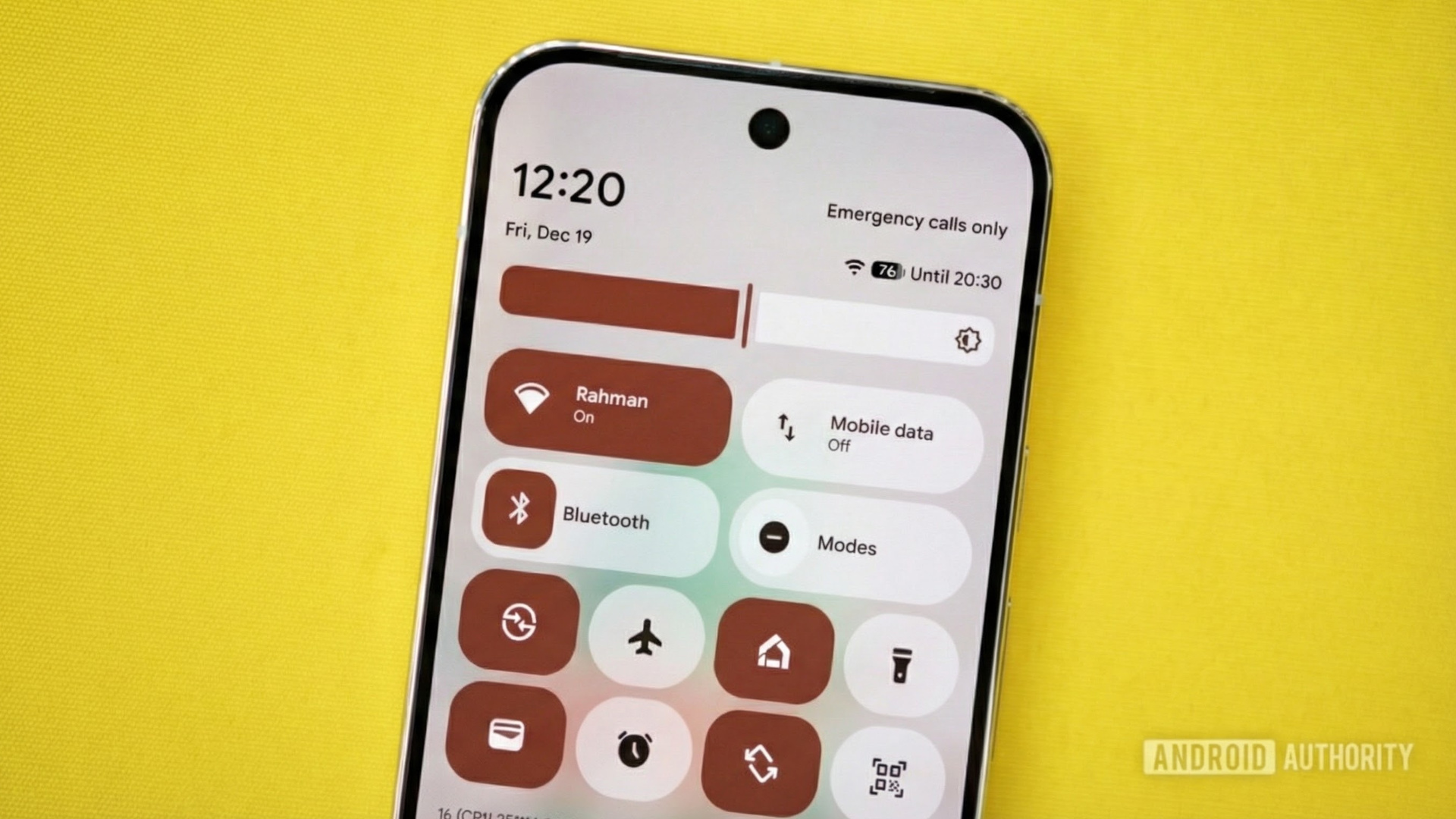
Image of a Pixel phone with Android’s Quick Settings on it. Original photo by Joe Maring. Gemini Nano Banana Pro was used to modify the photo and place the screenshot on the screen.
TL;DR
- Google is updating Pixel’s vague Adaptive Connectivity with clearer controls in Android 16 QPR3 Beta 2.
- There’s a new “Auto-switch to mobile network” toggle that keeps you online when Wi-Fi is weak, but may use more data.
- The “Optimize network for battery life” toggle prioritizes efficiency to help extend battery life.
Finding the right balance between a strong connection and a battery that lasts all day has always been tricky for smartphones. For years, Google’s Adaptive Connectivity was a simple switch that worked in the background, but it didn’t explain what it was doing. Now, with the latest Android 16 QPR3 Beta 2 update, Pixel phones are getting a more detailed version of that feature.
The main change is that instead of a single on/off switch for Adaptive Connectivity, there are now two separate toggles, each with its own purpose. Both are turned on by default, as a Reddit user noticed (via 9to5Google).
Don’t want to miss the best from Android Authority?


Before, Adaptive Connectivity claimed to extend battery life and improve performance “by automatically managing your network connections,” and this was true in the stable Android 16 QPR2 release. In reality, it was just a single switch. You turned it on and hoped your phone would choose the best balance between speed and battery life.
With QPR3 Beta 2, Google has split this into two options: “Auto-switch to mobile network” and “Optimize network for battery life.” The first toggle helps if your Wi-Fi is weak by switching to mobile data to keep you connected. This is great for avoiding dropped connections, but it can use up your data, so you can turn it off if you prefer to stay on Wi-Fi.
The second toggle looks for the most efficient connection that uses less power, whether that means a stable Wi-Fi signal or a more efficient mobile connection. Both toggles show up under Settings > Network & internet > Adaptive Connectivity.
This update might not seem exciting at first since it’s just a tweak for battery and connection quality, but it addresses a common complaint. Pixel phones often search for the best connection, and before QPR3, you couldn’t see what was happening. Now, you can choose if you want reliability (even if it uses more mobile data) or efficiency, which is a choice many Android users will appreciate.
At the moment, this change is only available in the beta channel. Google usually releases one more QPR3 beta before the full stable version, which is expected in March.
Thank you for being part of our community. Read our Comment Policy before posting.


