Joining a meeting from a conference may sound simple but it is filled with some irritating elements! You simply walk into a conference room and try to join a meeting via your phone or laptop, but most of the time it ends up being filled with echo, awkward fumbling in front of the colleagues, and whatnot. Google is now trying to quietly fix that problem with a new ultrasound-based check-in feature for Google Meet. Also Read: Google Gemini Gets Personal Intelligence To Offer More Personalised Answers: How It Works
Yes, it may sound fancy, but in reality, it’s meant to make joining meetings feel less clumsy and more automatic. Here’s how it will work. 

What’s new in Google Meet
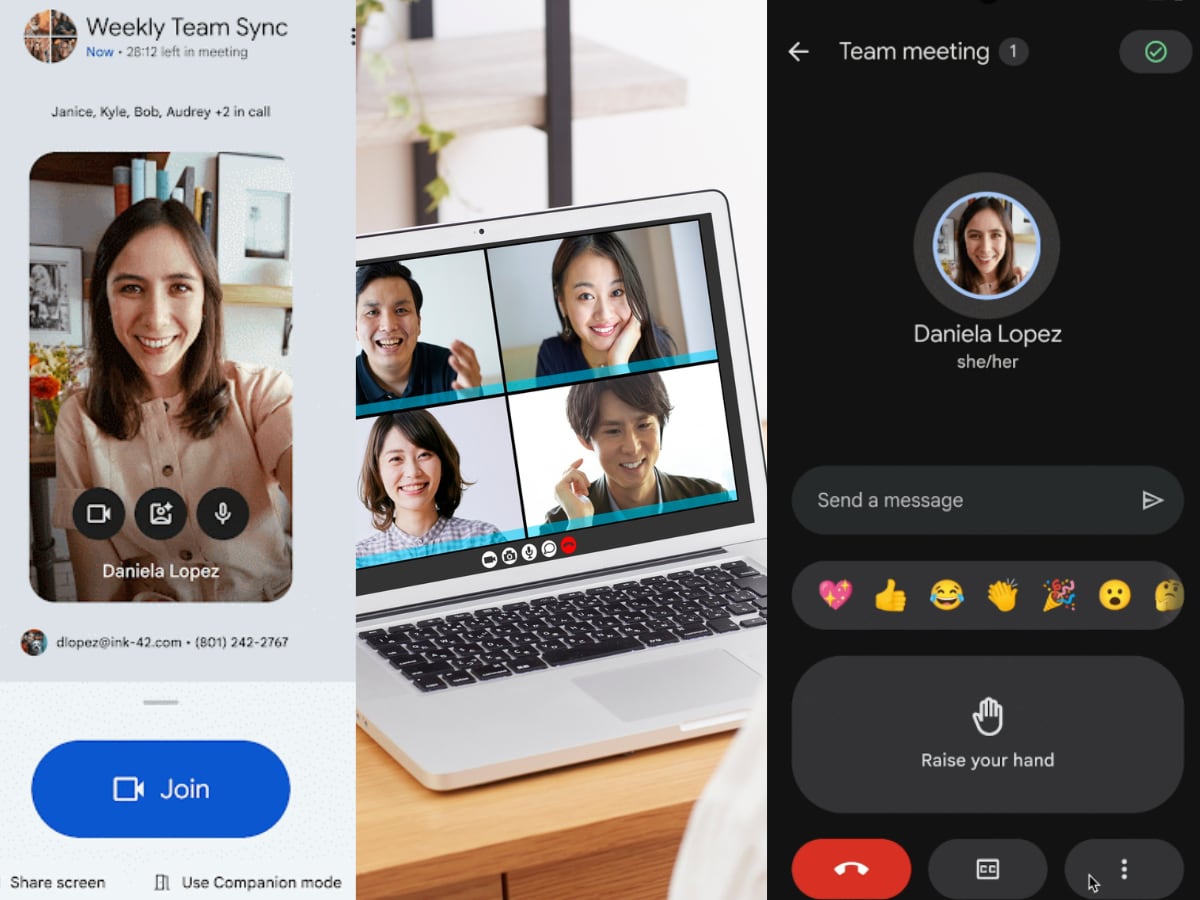
Google Meet can now automatically detect when you are inside a supported conference room using ultrasonic signals. These signals are emitted by the meeting room hardware and picked up by your phone’s microphone, without you hearing anything.
Once detected, Google Meet highlights the Companion mode option even before you join the call. If you tap it, you’re checked into the meeting room automatically. This feature works on both Android and iOS devices and is available through the Google Meet app or via Gmail.
The question is, “how ultrasound help here?” The ultrasonic signal is inaudible to humans, but your phone’s microphone can still sense it. When Meet detects this signal, it understands that you’re physically present in a conference room that already has audio and video hardware running. That’s when Companion mode becomes important. It lets you join the meeting without activating your phone’s mic or speaker, which helps avoid echo and audio loops.
If you attend back-to-back meetings or regularly join hybrid calls from meeting rooms, this saves time and avoids interruptions. You no longer have to manually select the right mode or worry about messing up the room audio.
Google Meet Ultrasound Feature Availability
The feature is rolling out gradually, starting January 13, 2025, with a wider rollout in February, Google mentioned in a blog post. It’s available to all Google Workspace customers and individual subscribers. Note that admins can turn proximity detection on or off at the room level, and it’s enabled by default.