Megan Ellis / Android Authority
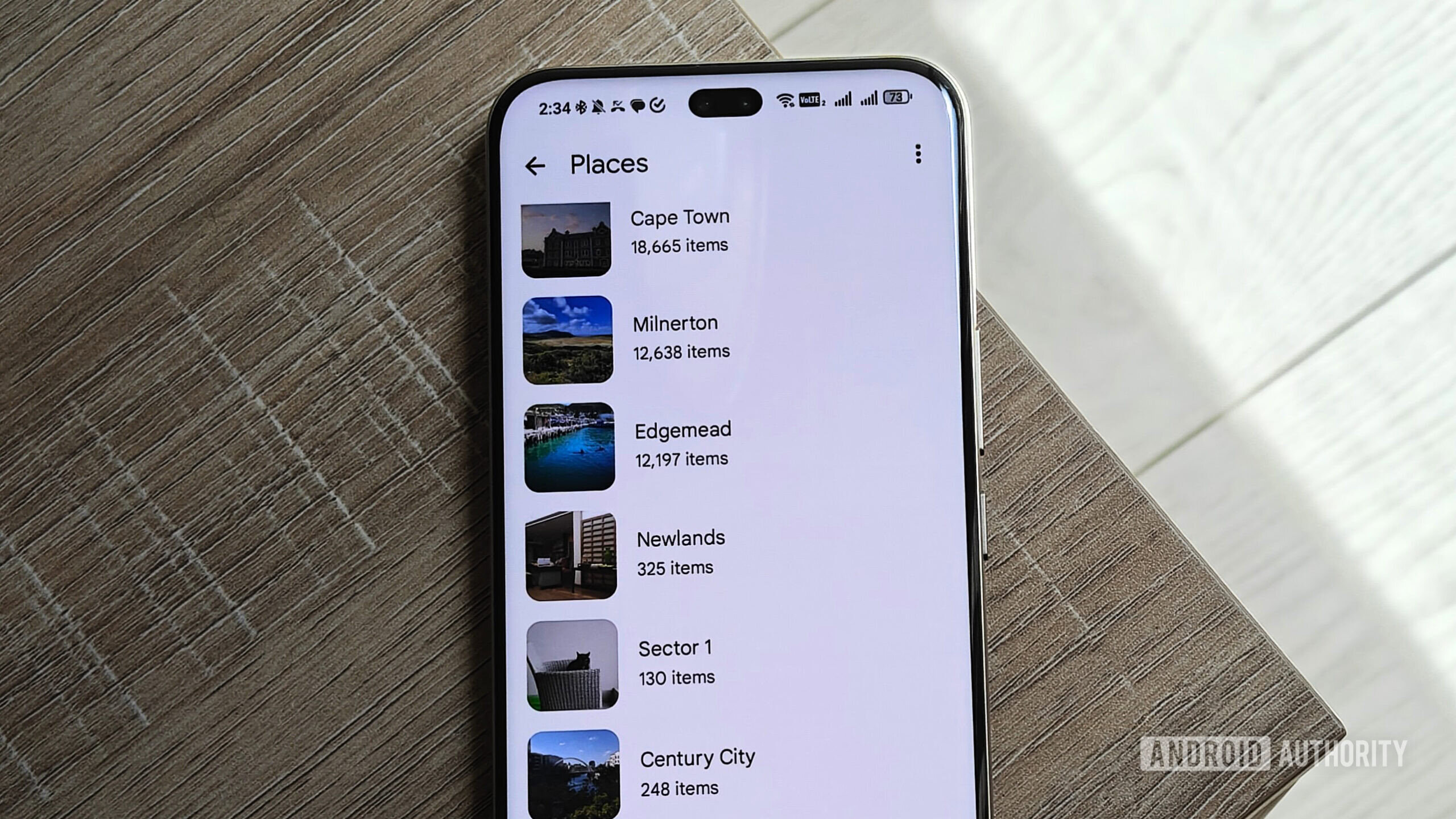
More and more people are trying to de-Google their lives, for several reasons. Privacy is the biggest one, as Google technically has access to the contents of your Google account, and AI keeps scanning it to provide specific features like Smart Compose, for example.
Some people just generally don’t like Big Tech and don’t trust it, so they prefer smaller players that don’t track their online activity.
Whatever your reason is, I’m here to help. Google has a vast array of apps available, and I don’t want to make this post too long by listing an alternative for every single one of them. Instead, I’ll focus on alternatives to five popular Google apps most people are familiar with and serve as the perfect starting point for those trying to move away from the company.
Which Google app do you want to replace the most?
29 votes
From Chrome to Brave

Megan Ellis / Android Authority
Chrome is the default choice for most users, but if privacy is what you’re after, you should look elsewhere. It tracks your activity by default for several reasons, including so the company can show you targeted ads based on your interests.
Don’t want to miss the best from Android Authority?


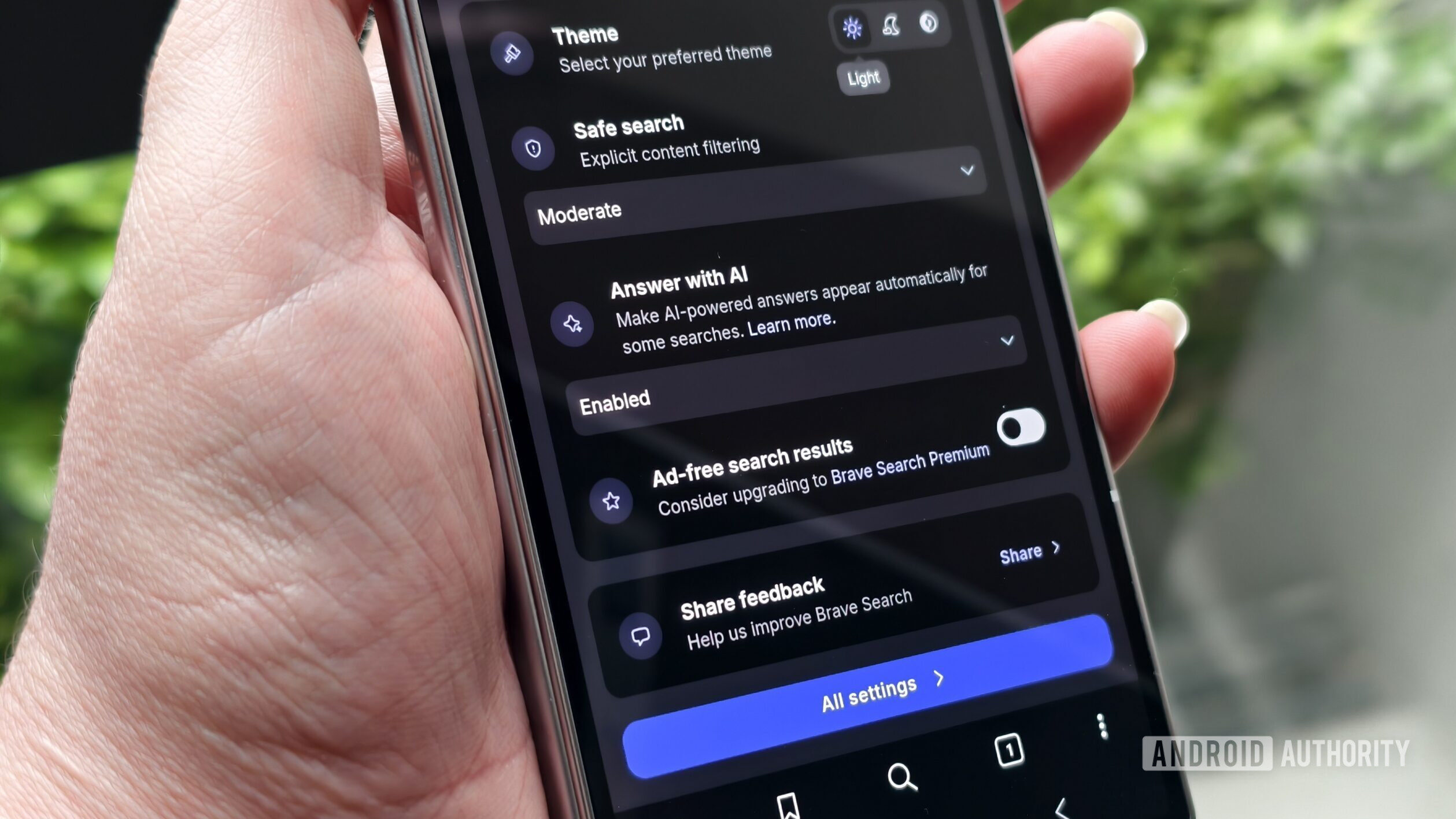
Brave is completely different. It’s also built on Chromium, which means you can easily transfer over all your bookmarks and extensions. What makes it different is that it’s very privacy-focused. It doesn’t track you and has a built-in ad blocker for a better browsing experience.
It also has a built-in VPN and a privacy-focused AI chatbot called Leo, and even blocks those annoying “Accept cookies” pop-ups. It’s available for all the major platforms and is free to use.
From Gmail to Proton Mail

Calvin Wankhede / Android Authority
A lot of users don’t feel comfortable using Gmail since it lacks end-to-end encryption, and their emails are constantly being scanned by Gemini to provide certain features.
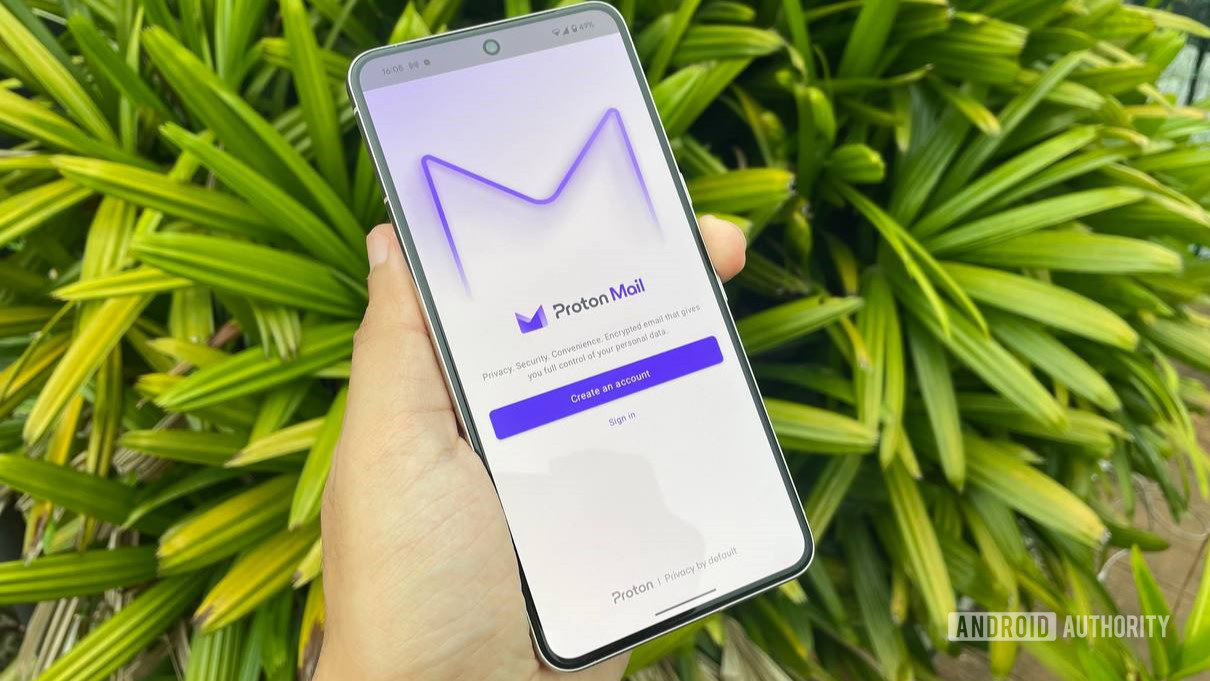
If privacy is your priority, you really can’t beat Proton Mail. Thanks to its encryption, no one can see your emails but you — not even the company has access to them. Proton Mail is designed with privacy and security in mind; it blocks trackers, is ad-free, and comes with advanced spam and phishing filters.
It even lets you unsubscribe from junk emails with a single click. Then there’s the ability to create disposable aliases to protect your identity online, and a lot more. There’s a free plan available, but it’s limited enough that you’ll likely have to upgrade to a premium one eventually. This is the case with most of these privacy-focused tools — they usually charge a subscription fee to keep your data private.
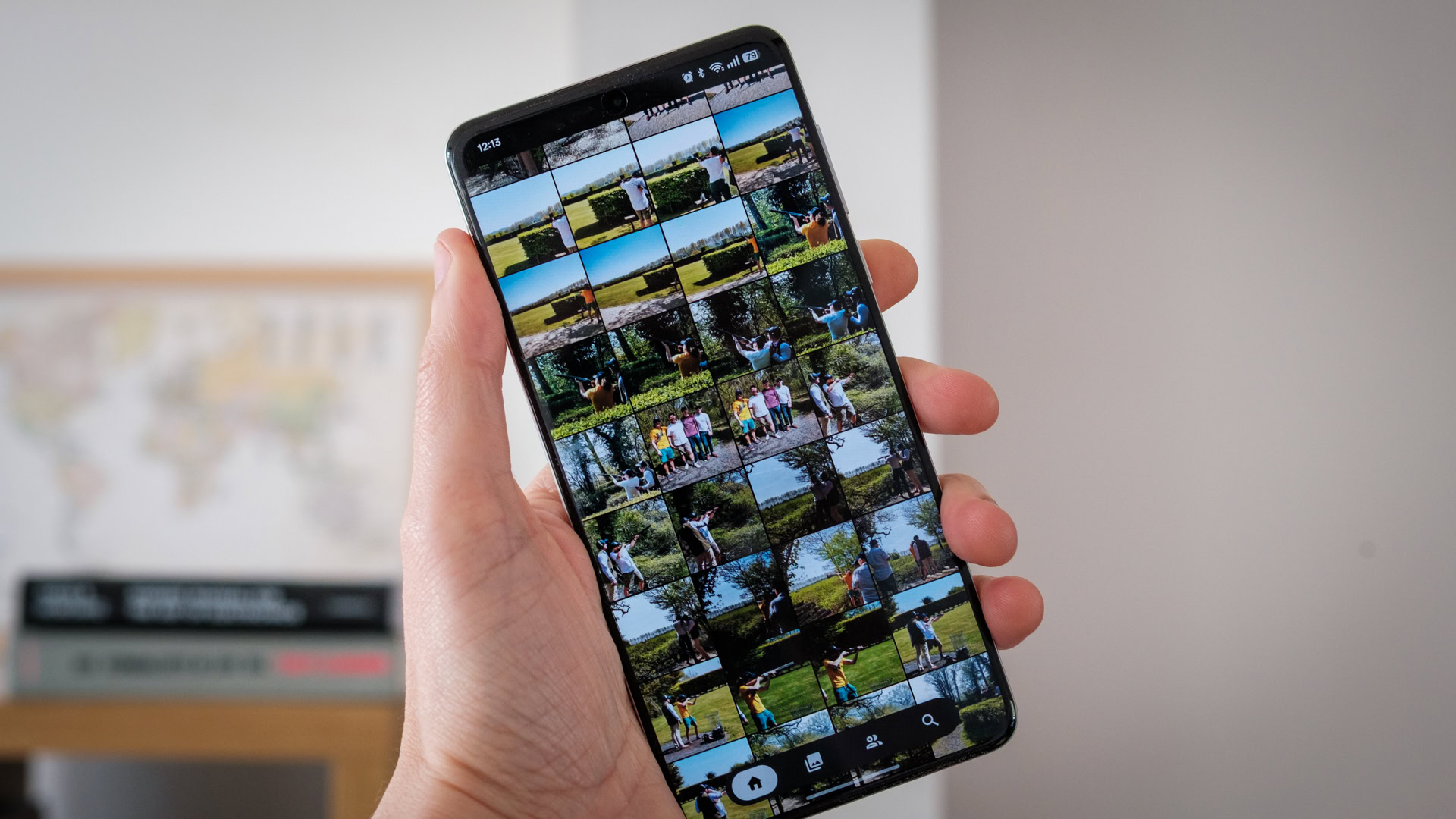
From Photos to Ente

Robert Triggs / Android Authority
Google Photos is a very convenient app, but if you don’t like the idea of hosting all your memories on Google’s servers, it’s time to find an alternative.
The problem here is the same as with many other apps. Not only does Google technically have access to all your photos, but its AI scans them to provide features like “Ask Photos” and automated memory curation. The only way to avoid some of this is to push photos into the Locked Folder, but that feature is so basic it’s hardly worth the effort for a large library.
Ente is a much better solution for privacy-focused individuals. It’s end-to-end encrypted and even open-source. There are no ads, no tracking, and your data isn’t used to train Google’s AI models. The app still uses AI for things like facial recognition, but it runs locally on your device, so your data never actually leaves your phone or computer unencrypted.
Ente offers 10GB of storage for free, after which you’ll have to pay for a monthly subscription starting at around $3 per month.
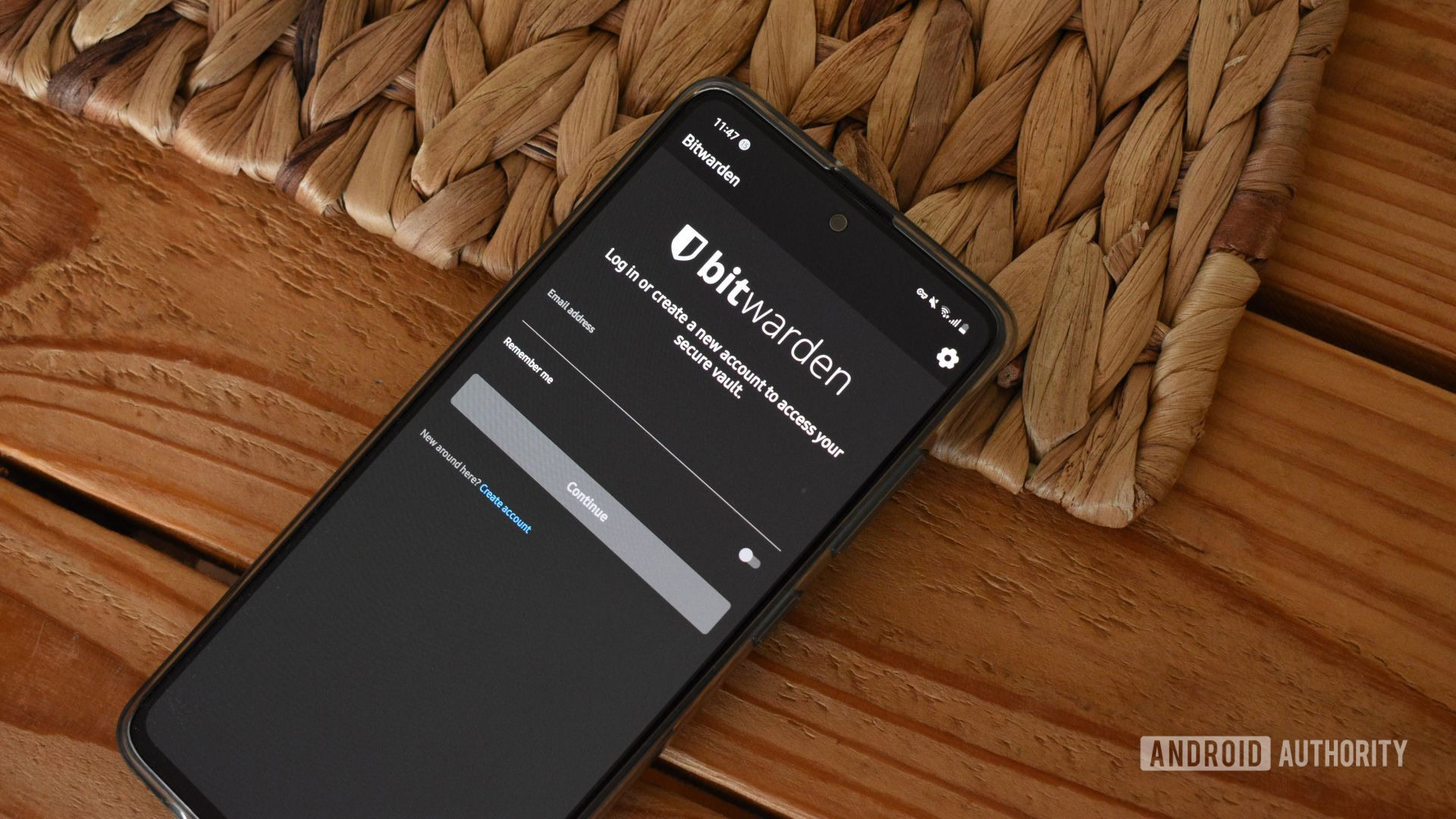
From Password Manager to BitWarden
Andy Walker / Android Authority
Using Google’s Password Manager to save your passwords is not the best idea. If your Google account gets blocked, for example, you have a massive problem.
You won’t be able to use the Password Manager app, and you won’t be able to reset most of your other passwords since you’ve lost access to your Gmail. Switching over to something like Bitwarden is the better option. It’s also free, although there are paid plans available as well.
The free plan is all most people need. You get support for unlimited devices and all the core features, while a premium subscription also gets you things like an integrated authenticator for your 2FA codes. Just like the rest of the apps on this list, Bitwarden is very privacy-focused with zero-knowledge encryption.
From Drive to Proton Drive

Tushar Mehta / Android Authority
My colleague Tushar recently wrote about his dislike for all the new AI features in Google Drive. Gemini has started scanning his files to provide summaries, often reducing the need to even open a document.
What’s controversial here is that this is opt-in by default, which many users found unsettling. It’s a stark reminder that those private files you have in Drive aren’t as private as you might think. If an AI can summarize them, then it has to read them first.
Proton Drive solves this issue. Just like Proton Mail, it features end-to-end encryption by default. Proton can’t see your files, and neither can anyone else but you. You can even share files with others using encrypted links that are password-protected and set to expire. The company offers 5GB of space for free, which is plenty for your most sensitive documents, though a subscription is required if you want to move your entire cloud life over. You can also use Ptoron Drive to store images if the Ente option I mentioned above is not up your alley.
If you’re trying to de-Google your life, these are the apps to start with. However, Google has plenty of other apps, including Keep, Fit, Calendar, Tasks, and more. Drop a comment if you want to know the best alternatives for those as well, and I’ll make it happen.
Thank you for being part of our community. Read our Comment Policy before posting.