
“Have you tried turning it off and on again?” may be one of the most annoying questions you’ll get from anyone trying to help troubleshoot a tech problem, but it should also be the first thing that you actually try. If your computer misbehaves, or if you’re suddenly dealing with spotty Wi-Fi, rebooting the faulty machine is advisable. The restart may fix the issue that’s preventing a specific element from working correctly or convince you to seek professional help in case the problem doesn’t go away. The same principle should be applied to the smartphone in your pocket or bag. You should restart your iPhone or Android device regularly to ensure everything runs smoothly. You should reboot the handset from time to time even if everything seems to be working properly. It’s a good way to deal with any software glitches and background processes that may be impacting performance and battery life.
This isn’t about restarting your iPhone or Android phone after a software update. Generally, every time you update the phone to the newest iOS or Android release, or to install a security patch, the phone will reboot — it’s part of the installation process. It’s about restarting the handset between updates, during regular operation. After all, software updates may be released every few months, regardless of operating system.
One more thing to keep in mind is the age of your device and the type of handset you’re using. Brand-new devices will offer a better experience than older ones, as they feature newer hardware. Premium phones will also offer faster performance than mid-range smartphones and entry-level devices. The differences in speed may be more obvious on Android than on iPhone, as Apple’s cheapest iPhones still feature the company’s fastest processors. More affordable Android devices usually offer slower chips.
How often should you restart an iPhone?

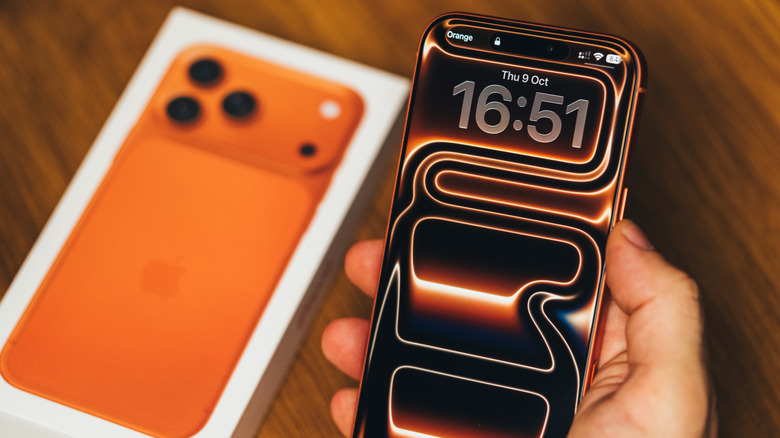
Apple doesn’t provide a recommendation for rebooting an iPhone when the phone in general doesn’t work as it should. But the company has a support page that advises users to close and reopen an app that stops working. If that doesn’t fix the problem, Apple says the next step to try is restarting the iPhone or iPad.
To restart an iPhone, you’ll have to press a combination of buttons (side and volume button for most newer handsets or the power button for older generations). The phone will turn off, and you’ll have to press the side (power) button to turn it back on. Force-restart procedures also exist for unresponsive iPhones, which have the same purpose: to restart the handset. Rebooting the iPhone also means the apps that were open on the device are closed, and users will have to reopen them. The process may fix issues that might have been hurting performance and battery life.
It wouldn’t hurt to restart your iPhone every now and then, or to stick to a specific schedule, like performing a reboot once a week or once every two weeks. At the very least, restarting your iPhone when there’s no apparent issue has the benefit of teaching you how to restart the device so you know what to do when dealing with an actual problem.
How often should you restart an Android phone?
Similar principles apply on Android, though this ecosystem is more complicated than Apple’s. Most Android vendors use a customized user interface on top of Google’s Android operating system to offer an original software experience to buyers. That can increase the risk of software bugs impacting the phone, and the need to reboot the phone. Google has a support document where the company explains that users “can solve many common software issues like frozen apps, camera issues, or poor connectivity” on Pixel phones. The first step is restarting the Pixel phone, as the process can fix “temporary issues.” Like Apple, Google doesn’t offer a recommended restart frequency for the Pixel.
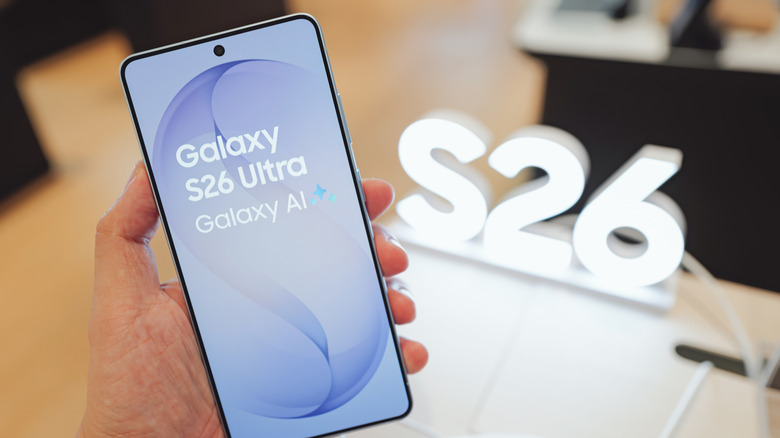
However, Samsung, which sells the largest number of Android smartphones each year, advises users to restart their Galaxy phone regularly to prevent the device from slowing down or freezing. A Samsung support document advises users to “make restarting your Galaxy phone a daily habit.” That may seem extreme to some users, especially those who buy high-end phones like the Galaxy S26 series, which feature faster chips than cheap Galaxy A devices. However, Samsung’s advice can be adapted to your needs. You may want to restart the phone every few days or once a week. The same schedule may be used for Android phones from other vendors.
Interestingly, Samsung also offers Galaxy device owners the option to turn on an “Auto restart” feature from the Settings app, which will restart the phone when needed. Users can also set a manual restart schedule as well.