




Most free cloud storage services offer only a gigabyte or two of storage, which gets used up with just a few photos or a small video. If you need more storage but don’t have the budget to upgrade, then you may be tempted by offers of 1TB free cloud storage. However, these are likely scams seeking to steal your important files or data.
In this article, I’ll explore the safest ways to get 1TB of cloud storage for cheap or free. The best option is TeraBox, but I have seven alternatives from other cloud storage services if you want better security, bonus features or no ads.
Can You Get 1TB Free Cloud Storage Safely?
If something seems too good to be true, such as 1TB of free storage, it’s likely a scam. This means you could risk having your data stolen. Even the most legitimate free 1TB plan we found is maintained by ads, which could be annoying, and it doesn’t have the best security.
How to Get 1TB Cloud Storage Free or Cheap
There’s only one trustworthy provider that I’m comfortable recommending for 1TB of free cloud storage, and that’s TeraBox. However, I’ve put together a list of some other cloud storage services that are affordable or feature-rich.


- Demystify cloud storage terminology and key concepts in plain language
- Discover easy-to-implement techniques to securely backup and sync your data across devices
- Learn money-saving strategies to optimize your cloud storage costs and usage
1. TeraBox Cloud Storage

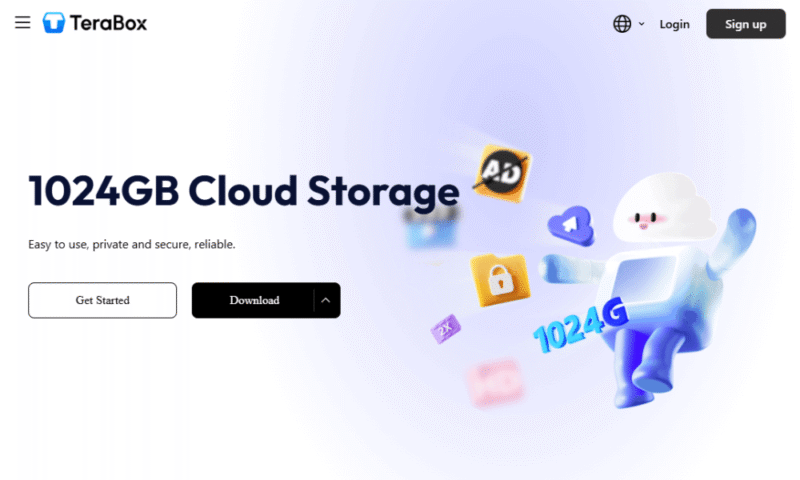
TeraBox has 1TB of free storage.
TeraBox is the only option for getting 1TB of cloud storage for free. However, you’ll have ads in your storage space and slow file uploads. If you like the service, it offers a cheap upgrade to 2TB of cloud storage.
Read our full TeraBox review for more information.


Premium
- 2048 GB of cloud storage
Original-quality video playback
Cloud decompression
Uploading of large files up to 128 GB
Encrypted space - 2TB
Premium Plus
- Everything in Premium plus:
AI Essay Writer
AI Presentation Maker
AI Transcribe
AI Assistant
Smart Paraphrase
AI Translation
Text Extraction
Batch Scanning
2. Internxt
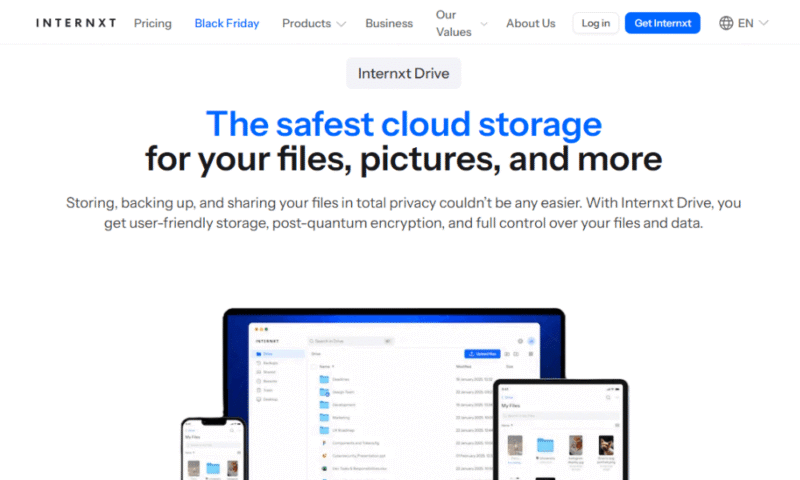
Internxt boasts strong encryption and very cheap cloud storage plans.
Internxt is one of the most secure cloud storage services, with client-side encryption on all plans. While it has only of free cloud storage, it offers a very affordable 1TB plan for one year. Unfortunately, this price increases substantially after renewal.
See our Internxt review for all the details.


Essential
- Storage + VPN (FR), Antivirus, Backup & More
- 1TB
Premium
- Storage + VPN (FR, DE, PL), Antivirus, Backup & More
- 3TB
More plans
Ultimate
- Storage + VPN (FR, DE, PL, CA, UK), Antivirus, Backup & More
- 5TB
Business Standard
- Storage + VPN (FR, DE, PL), Antivirus, Backup & More
- 1TB
Business Pro
- Storage + VPN (FR, DE, PL, CA, UK), Antivirus, Backup & More
- 2TB
3. Icedrive

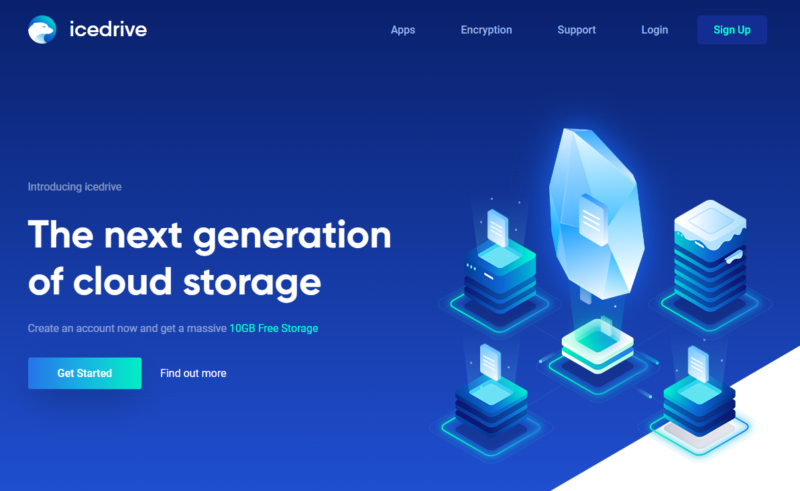
Icedrive has a cheap 1TB plan.
Icedrive offers 10GB of free cloud storage, which unfortunately is not covered by its client-side encryption. Depending on how much you’re uploading, it may be slow. However, Icedrive does have a cheap 1TB plan with no hidden renewal fees.
To learn more about the service, read our Icedrive review.


More plans
Lifetime Add On – Stack 1K
- Additional 1TB storage for users who purchased the Lifetime Plan
- 1TB
Lifetime Add On – Stack 5K
- Additional 5TB storage for users who purchased the Lifetime Plan
- 5TB
4. Sync.com

Sync.com has client-side encryption on all its plans.
Sync.com is another option for secure storage, offering client-side encryption across all its plans. However, it’s consistently left out of our fastest cloud providers list in our tests, and its 1TB plan is available for teams only. Individuals will need to go for the larger 2TB option.
Check out our review of Sync.com to learn more.


More plans
Pro Teams Standard
- per user, per month, billed annually
- 1TB
Pro Teams+ Unlimited
- Priced per user (3 users minimum)
- Unlimited GB
Enterprise
- Minimum 100 users, custom requirements, account manager, training options
5. MEGA
MEGA offers a generous 20GB of free cloud storage.
MEGA offers a very generous 20GB of free cloud storage, and you can get additional storage by referring other people to the service. Its premium plans are essentially unlimited, with pay-per-GB pricing up to 10,000TB. However, it is one of the more expensive cloud storage services.
Read our MEGA review to learn more.


Pro I
- File transfer: 3TB (Monthly plan) 36TB (yearly plan)
- 3TB
Pro II
- File transfer: 10TB (monthly plan), 120TB (yearly plan)
- 10TB
More plans
Pro III
- File transfer: 20TB (monthly plan) 240TB (yearly plan)
- 20TB
Business
- Price per user (minimum 3)
3TB Transfer quota - 100TB
6. pCloud
pCloud offers up to 10GB of free cloud storage.
pCloud is a great option for content creators, and it comes with a free music player and basic photo editor on all its plans. It has a 2GB free plan that you can expand to 10GB by referring other people or downloading its apps. Unfortunately, its client-side encryption is an expensive add-on.
For more information, read our pCloud review.
More plans
Business 1TB
- Price per user (minimum 3)
- 1TB
Business Pro 2TB
- Price per user (minimum 3)
- 2TB
pCloud Crypto Encryption
- Encryption for pCloud Drive
7. Microsoft OneDrive
OneDrive comes pre-installed with Windows.
Microsoft OneDrive is installed automatically on Windows desktops and offers 5GB of free cloud storage. If you upgrade to a premium plan, you also get access to Microsoft 365. However, OneDrive does have privacy concerns, and each user is limited to 1TB of storage even if they upgrade.
Learn more about this provider in our OneDrive review.


Microsoft 365 Basic (100GB)
Microsoft 365 Personal (1TB)
- Comes with Office 365 Personal
- 1TB
More plans
Microsoft 365 Family (6TB)
- Comes with Office 365 Home
- 6TB
OneDrive for Business (Plan 1)
Microsoft 365 Business Basic
Microsoft 365 Business Standard
8. Google Drive
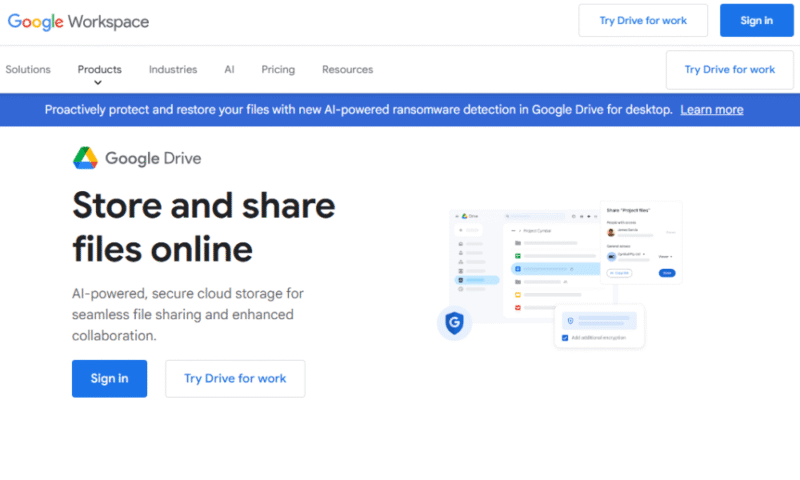
Google Drive has the best collaboration and sharing features.
Google Drive has some of the best collaboration features with its Google Workspace integration, which is available at no cost. It has a 15GB free plan, or premium plans offering 30TB, 2TB or 5TB of storage. Unfortunately, Google Drive lacks a 1TB option, and it does raise privacy concerns.
See our Google Drive review to learn more about its features.


Standard 200GB
- *The plan is “hidden.” To find the 200GB plan, you need to be subscribed to one of the other plans, upgrade or downgrade to the 200GB through your account’s settings.
- 200GB
More plans
Is 1TB Cloud Storage Enough?
Whether 1TB of cloud storage is enough for you depends on your use case. It’s enough for most people as the majority of prebuilt PCs or laptops come with less than 1TB of storage. However, you may run out of space faster if you work with raw photography files, music or video files.
Final Thoughts
While getting 1TB of free cloud storage is possible, it comes with some drawbacks such as slow speeds, restricted uploads or copious amounts of ads. While TeraBox is a decent solution for free storage, there are alternatives that won’t break the budget.
Have you tried any of these free cloud storage services? Do you often run into storage limits with free providers? Which is your preferred way of getting 1TB of cloud storage? Let us know in the comments, and thank you for reading.
FAQ: 1TB Free Cloud Storage
-
TeraBox offers the most free cloud storage, providing a generous 1TB . While the service is ad-supported and security is an issue, it’s a viable option for low-risk files.
-
No, OneDrive doesn’t offer 1TB of free cloud storage. Its maximum free option is just 5GB, and its 1TB plan is available only as a paid subscription.
-
The cheapest 1TB cloud storage is Internxt or Icedrive. Internxt offers an incredibly affordable 1TB plan, but it has a high renewal cost. Icedrive is slightly more expensive, but its cost at renewal doesn’t increase.


