
In the rapidly evolving landscape of software development, the integration of artificial intelligence has transitioned from a futuristic concept to a practical, everyday tool. Among the most powerful of these tools are OpenAI’s ChatGPT and Codex, which, when combined, offer an unprecedented boost to developer productivity. The ChatGPT Pro plan, in particular, unlocks the full potential of this synergy, providing the resources necessary for serious, professional-grade coding assistance. This comprehensive tutorial will guide you through the process of setting up and optimizing your ChatGPT Pro subscription to harness the maximum power of Codex, transforming your development workflow from the ground up.
For developers, efficiency is paramount. The ability to write clean, functional, and well-documented code quickly is the hallmark of a seasoned professional. However, even the most experienced developers face challenges such as complex algorithm design, time-consuming boilerplate code, and the constant need to learn new languages and frameworks. This is where the combination of ChatGPT Pro and Codex becomes a game-changer. By leveraging the Pro plan’s enhanced capabilities—such as priority access, faster response times, and higher usage limits—developers can use Codex not just as a code completion tool, but as a true AI-powered pair programmer. This guide will provide actionable strategies to move beyond simple code snippets and into the realm of advanced, AI-driven software engineering.
Understanding the Synergy: ChatGPT Pro and Codex
Before diving into the setup and optimization, it’s crucial to understand the individual components and why their combination is so potent. ChatGPT Pro is more than just a faster version of the free tier; it’s a professional-grade service designed for users who rely on the AI for critical tasks. Codex, on the other hand, is a specialized model built upon the GPT-3 architecture, fine-tuned on a massive corpus of code from GitHub. Together, they represent the cutting edge of natural language and code generation.
What is ChatGPT Pro?
ChatGPT Pro is the premium subscription tier for OpenAI’s popular conversational AI. It offers several key advantages over the free version, which are particularly beneficial for developers using Codex. These include general access to ChatGPT, even during peak times, which means no more waiting when you’re in the middle of a critical task. Subscribers also experience faster response times, allowing for a more fluid and interactive coding session. Furthermore, the Pro plan provides priority access to new features and improvements, ensuring that you are always working with the most advanced version of the model. For a developer, this reliability and performance are not just conveniences; they are essential for maintaining a productive workflow.
What is OpenAI Codex?
OpenAI Codex is the AI model that powers GitHub Copilot and OpenAI’s own code-generation products. It was trained on billions of lines of public code and can translate natural language prompts into code in over a dozen programming languages. Its capabilities extend far beyond simple autocompletion. Codex can generate entire functions, classes, and even complex algorithms based on a high-level description of the desired functionality. It understands context, meaning it can analyze your existing code to generate suggestions that are consistent with your project’s style and structure. This contextual awareness is what makes it such a powerful tool for accelerating development, reducing the mental overhead required to write repetitive or complex code.
Why the Pro Plan is Essential for Codex Users
While Codex can be accessed through various means, using it in conjunction with the ChatGPT Pro plan provides a superior experience. The primary reason is the removal of friction. The faster response times and priority access offered by the Pro plan mean that the AI can keep pace with a developer’s train of thought. There is no disruptive lag between asking for a piece of code and receiving it. This creates a seamless pair programming experience where the AI acts as an ever-present, knowledgeable assistant. The higher message limits also mean you can engage in more complex and extended interactions, such as refactoring large codebases or iteratively developing a complex feature, without hitting a usage cap. This sustained interaction is critical for tackling substantial software engineering challenges. OpenAI Launches $100 ChatGPT Pro Plan with 5x Codex Limits — Everything You Need to Know
Step-by-Step Guide: Setting Up Your Environment
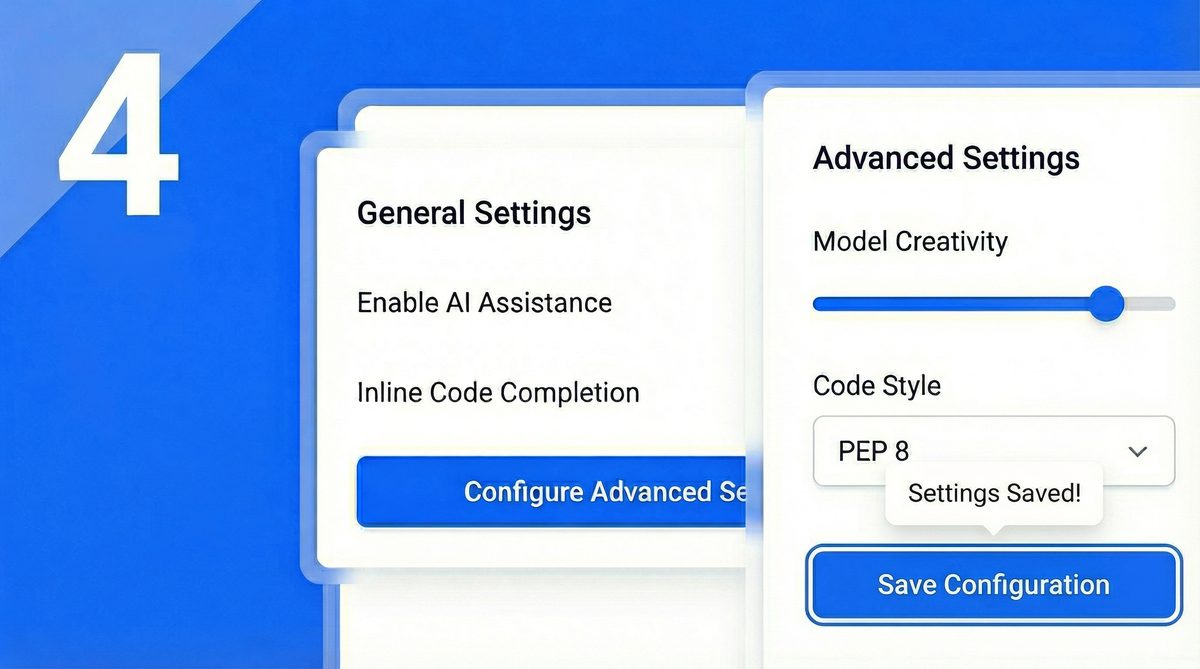
With a clear understanding of the benefits, the next step is to configure your environment to leverage this powerful combination. This involves subscribing to the Pro plan, obtaining the necessary API access for Codex, and integrating it into your preferred development workflow. A well-configured setup is the foundation for maximizing productivity.
Subscribing to ChatGPT Pro
The first step is straightforward. If you haven’t already, you’ll need to subscribe to ChatGPT Pro. This can be done directly from the OpenAI website. The process typically involves creating an account, navigating to the subscription section, and providing payment details. Once subscribed, your account will be immediately upgraded, and you will gain access to the premium features. It’s a small investment that pays significant dividends in terms of performance and reliability, forming the bedrock of your AI-assisted development environment.
Accessing Codex: APIs and Integrations
Once you have the Pro plan, you need to decide how you will interact with Codex. The most powerful and flexible method is through the OpenAI API. To do this, you will need to generate an API key from your OpenAI account dashboard. This key is your credential for making programmatic requests to the Codex model. Guard this key carefully, as it is linked to your account. Beyond the raw API, the most popular way to use Codex is through IDE integrations. The official GitHub Copilot extension for Visual Studio Code, which is powered by Codex, is an excellent choice. It seamlessly integrates code suggestions directly into your editor. There are also numerous third-party extensions and plugins for other popular IDEs like JetBrains’ suite (IntelliJ, PyCharm, etc.) that provide similar functionality.
Configuring Your Development Workflow
Integrating an AI assistant into your workflow requires some initial setup to be truly effective. Start by creating a new project or opening an existing one in your configured IDE. Ensure your API key is correctly set up in the environment variables or the settings of your chosen extension. It’s good practice to create a small test file to experiment with Codex’s capabilities. Try giving it simple prompts, such as “write a Python function that takes a list of numbers and returns the sum,” to verify that the integration is working correctly. You should also familiarize yourself with the keybindings for accepting, rejecting, and cycling through suggestions. A smooth, well-practiced workflow will allow you to interact with the AI assistant without breaking your coding rhythm.
Advanced Optimization Techniques for Codex Productivity
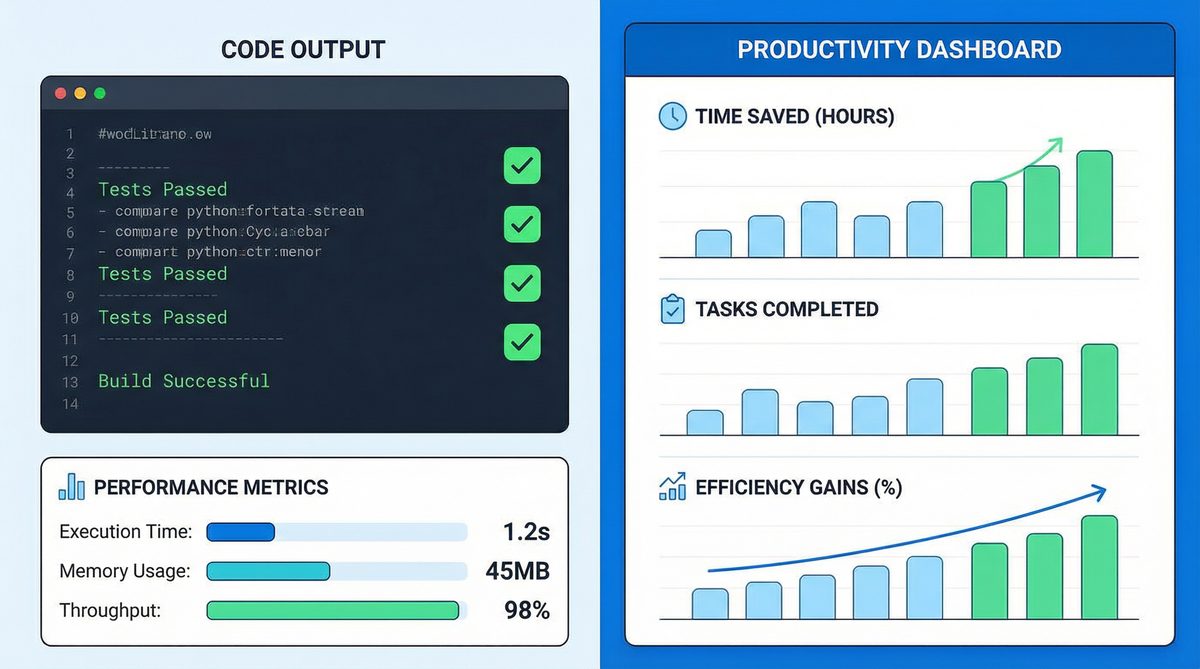
Once your environment is set up, you can begin to explore the more advanced techniques that truly unlock Codex’s potential. This goes beyond simple code completion and involves a more strategic approach to prompt engineering, leveraging the full power of the Pro plan for complex tasks, and effectively managing the AI’s context to maintain consistency across large projects.
Crafting Effective Prompts for Code Generation
The quality of the code you get from Codex is directly proportional to the quality of the prompts you provide. This is the core principle of prompt engineering. Vague prompts lead to generic or incorrect code, while precise, context-rich prompts yield accurate and useful results. When writing a prompt, be as descriptive as possible. Specify the programming language, the function signature (including parameter names and types), and the expected return value. Use comments in your code to provide high-level instructions. For example, instead of just writing a comment that says “// create a user class,” write a more detailed prompt like “// Create a Python class named ‘User’ with a constructor that accepts ‘username’ and ’email’. Include a method ‘display_info’ that prints the user’s details.” Providing examples of input and expected output within your comments can also significantly improve the accuracy of the generated code. Mastering OpenAI Codex Plugins: The Definitive 2026 Tutorial for AI-Assisted Development
Leveraging the Pro Plan’s Power: Advanced Use Cases
The ChatGPT Pro plan’s enhanced capabilities open the door to more sophisticated applications of Codex. One powerful use case is the generation of complex algorithms. You can describe a complex problem in natural language, and Codex can often produce a functional algorithmic solution, complete with edge case handling. Another advanced application is code refactoring. You can feed an entire function or class to Codex and ask it to refactor it for better performance, readability, or to adhere to a specific design pattern. Automated documentation is another area where the Pro plan shines. You can ask Codex to generate docstrings, comments, and even full README files for your projects. Finally, one of the most significant time-savers is automated unit test generation. By providing a function, you can ask Codex to write a comprehensive suite of tests, including tests for happy paths, edge cases, and error conditions.
Managing Context and Conversation History
For large or complex projects, managing the AI’s context is critical. Codex’s ability to generate relevant code depends on its understanding of the surrounding files and project structure. When using an IDE extension, the tool often handles much of this automatically by analyzing open files. However, when working in a chat-based interface or via the API, you need to be more deliberate. Keep your conversations focused on a specific feature or module to avoid confusing the model. When starting a new task, provide a summary of the relevant existing code to establish context. If you find the model’s suggestions are becoming less relevant, it may be a sign that its context window has been filled with irrelevant information. In such cases, it’s often best to start a new, more focused conversation. This disciplined approach to context management ensures that the AI remains a useful and relevant assistant throughout the development lifecycle. A Visual Guide to Google’s 30+ AI Tools and Ecosystem (2026)
Best Practices and Common Pitfalls
To truly master AI-assisted programming, it’s important to adopt a set of best practices while being mindful of common pitfalls. Integrating a tool as powerful as Codex requires a shift in mindset, treating the AI as a collaborator rather than a magic black box. This involves a continuous cycle of prompting, reviewing, and testing.
Best Practices
The most effective way to work with Codex is through iterative development. Start with a high-level prompt and then refine the generated code through a series of follow-up instructions. This conversational approach allows you to shape the final output precisely. Crucially, you must always verify and test the code that Codex generates. While it is remarkably accurate, it is not infallible and can sometimes produce code that is subtly flawed or insecure. Treat the generated code as a first draft written by a talented but inexperienced junior developer—it needs your expert review. Finally, the field of AI is advancing at an incredible pace. Make it a habit to monitor the latest changes to the ChatGPT and Codex models. New features and capabilities are released regularly, and staying informed will ensure you are always getting the most out of your Pro subscription.
Common Pitfalls to Avoid
One of the biggest dangers of using an AI coding assistant is over-reliance. Never accept and commit code that you do not fully understand. This can lead to the introduction of subtle bugs or security vulnerabilities that are difficult to track down later. Another common mistake is providing vague or ambiguous prompts. As discussed earlier, the quality of the output is a direct reflection of the input. Invest time in learning how to communicate your intent clearly to the AI. Lastly, do not ignore the security implications of the code you generate. Always sanitize inputs, handle errors gracefully, and follow security best practices, just as you would when writing code manually. The AI is a tool to augment your skills, not replace your judgment and expertise.
Access 40,000+ AI Prompts for ChatGPT, Claude & Codex — Free!
Subscribe to get instant access to our complete Notion Prompt Library — the largest curated collection of prompts for ChatGPT, Claude, OpenAI Codex, and other leading AI models. Optimized for real-world workflows across coding, research, content creation, and business.
Access Free Prompt Library
Conclusion
The combination of ChatGPT Pro and OpenAI Codex represents a paradigm shift in software development. By providing reliable, high-speed access to one of the world’s most advanced code generation models, the Pro plan empowers developers to write better code faster. From initial setup to advanced optimization, the strategies outlined in this guide provide a clear roadmap for integrating this powerful AI duo into your daily workflow. By crafting effective prompts, leveraging advanced use cases, and adhering to best practices, you can transform your productivity and focus on what truly matters: building innovative, high-quality software. The future of coding is collaborative, and with ChatGPT Pro and Codex, you have the ultimate pair programming partner.