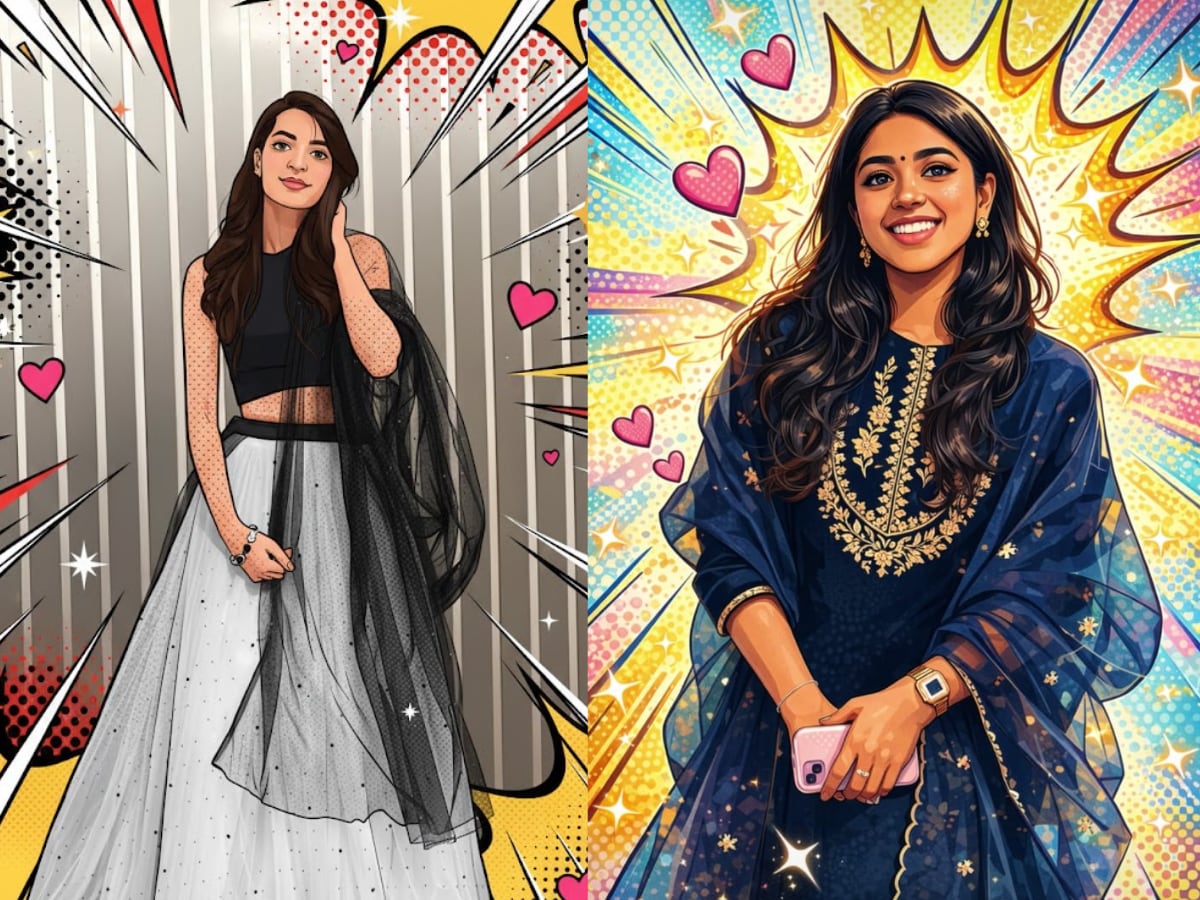
If you thought the vintage saree AI edits were everywhere, wait till you see what people are doing with their selfies now. Instagram is slowly filling up with pop-art style portraits that look like a page of a comic book. With a simple prompt, you can turn your regular photo into a poster with bold outlines, flat colours, dotted backgrounds, tiny hearts, and spark effects. Also Read: Gemini and Google AI Mode to help you prepare for JEE Main exam: Here’s how
All of this is being done using Google’s Gemini Nano Banana image editing mode with the help of one detailed prompt. All you need to do is just upload a photo and let the AI redraw you in a clean vector, pop-art style. The good part is that your face stays the same, but the textures turn into smooth colour blocks, shadows become soft comic-style shading, and the background explodes into graphic patterns. 

And yes, the results look surprisingly good when you get the prompt right. Here is the right process and prompt that you need.
How to create your own pop-art vector AI photo
Here’s a quick step-by-step to try this trend on your own picture:
- Log in to Gemini using your Google account.
- On the top bar, tap “Try Image Editing” (the Banana icon) to enter editing mode.
- Tap the + icon and upload your photo. A clear solo portrait with good lighting works best.
- Copy and paste the prompt given below into the text box.
- Hit generate and wait a few seconds.
- Download the result and post it wherever you like.
You can run it again if you want slight variations.
Viral pop-art vector prompt
Use this on your uploaded photo:
“Transform the image into a high-end professional pop-art vector illustration. Use clean vector shapes with accurate facial features, soft cartoon detailing, and minimal halftone shading. Add comic bursts, dotted patterns, motion lines, energy effects, and spark highlights using the photo’s dominant colours. Bold outlines, crisp edges, vibrant, balanced colours, fully colour-adaptive pop-art background and some cute pink hearts.”


This keeps your face realistic enough to recognise, but gives everything else that comic-poster treatment.
Small tweaks you can try
- Want a cleaner look? Add: “remove hearts and reduce background elements”
- Prefer softer colours? Add: “use a pastel pop-art colour palette”
- Want more drama? Add: “stronger contrast and thicker outlines”