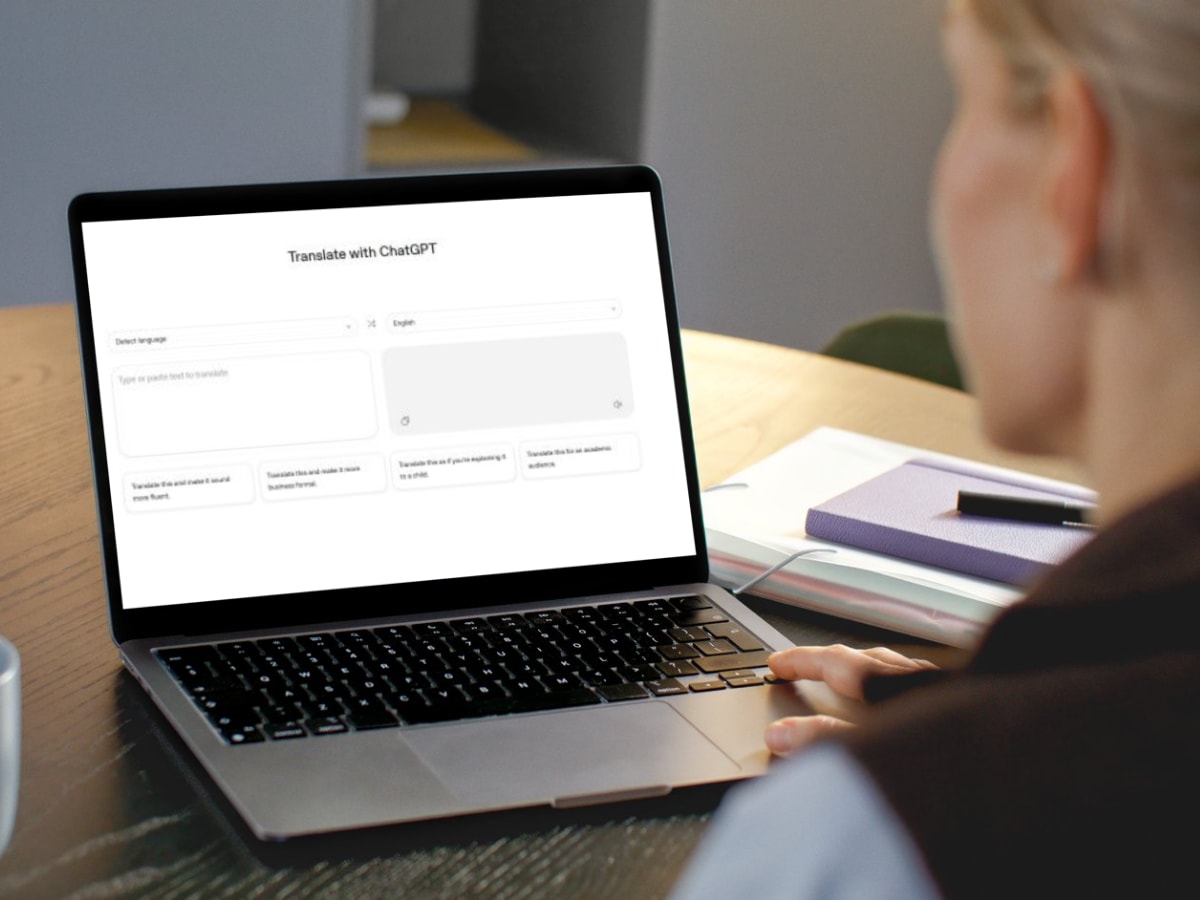
OpenAI has introduced a new translation-focused tool, and like many of its recent experiments, it arrived quietly. Called ChatGPT Translate, the tool now lives on its own webpage, separating translation from the broader ChatGPT chat interface. While users have been translating text with ChatGPT for a long time, this move signals something more intentional. OpenAI clearly wants a seat at the translation table. Also Read: WhatsApp Bans ChatGPT, Perplexity AI Bots For THIS Simple Reason
At first glance, the experience feels familiar. But a few small details hint at where OpenAI wants to take this next. 

What is ChatGPT Translate?
For those who are still confused about the newly introduced ChatGPT Translate, know that it is an independent page that supports automatic language detection and translates over 50 languages. It looks way too similar to Google Translate, with a box for input and another for output.
But the real shift comes after the translation appears. Instead of stopping at a basic translation, ChatGPT Translate offers one-tap follow-up prompts. You can instantly ask it to rewrite the translated text to sound more fluent, more formal, simpler for a child, or more academic.
Tap any of these, and you’re taken straight into the main ChatGPT interface with a ready-made prompt. From there, you can tweak tone, context, or audience further. This makes translation feel less like a final step and more like a starting point.
In short, it’s not just about translating words; it’s about adapting meaning.
How To Use ChatGPT Translate?
To try out OpenAI’s latest tool, you just have to follow these simple steps:
- First of all, visit the official page of the ChatGPT Translate – https://chatgpt.com/translate/
- Then, type out or paste the text that you want to translate in the left box
- Select the language in the top-right corner option according to your needs.
- It will automatically translate the text based on the inputs.
What’s Missing Right Now
Despite the promise, the tool still feels early. There’s no support for document uploads, websites, handwriting, or real-time conversations. While the page mentions image translation, there’s currently no option to upload an image.
There’s also no dedicated app, which means offline use is not an option. Compared to Google Translate, which already handles live conversations, calls, and on-device translation, ChatGPT Translate has a long way to go.