




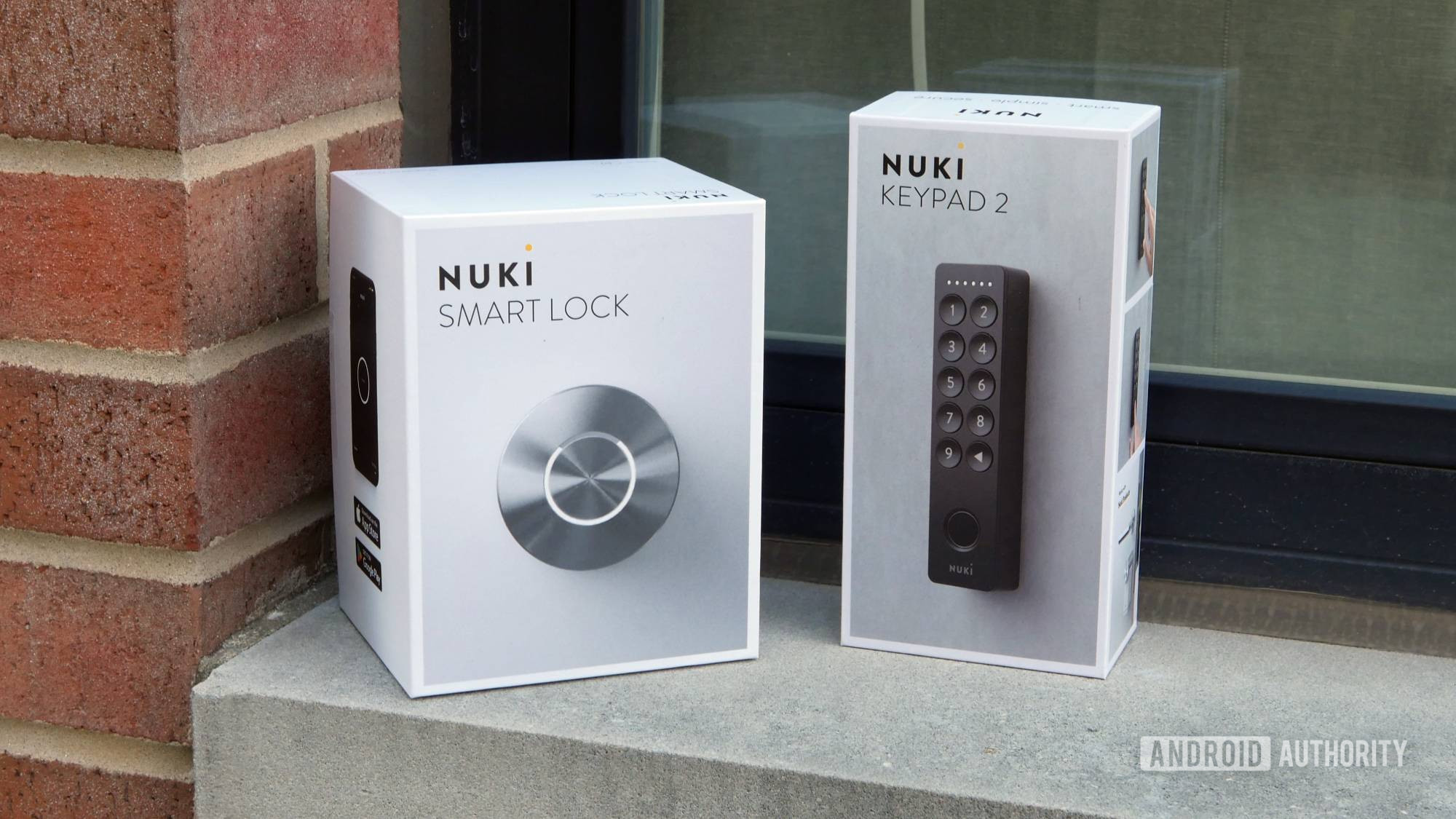
Easy installation and fantastic software make this a great smart lock option — if you can afford it.
Setting up a smart home can be a big investment — of both time and money. So it’s only understandable that many of us approach the challenge bit by bit, upgrading a few things at a time. Maybe you got started swapping out your old lights for some fun new voice-controlled bulbs with a full spectrum of RGB colors. Or maybe you set up that doorbell cam to let you know when deliveries arrive.
For my money, though, one of the most impactful, easiest, and affordable upgrades can be a smart lock — no more carrying around keys (and worrying about losing them), simple to grant access to guests, and a nice, logged record of your comings and goings. Nuki has already been a great option there for users in Europe with its Smart Lock Ultra, and now it’s bringing its Smart Lock to the US. I tested it out for a few months to see how it holds up.
Nuki Smart Lock review: At a glance
- The Nuki Smart Lock is a deadbolt replacement for the US market that adds app connectivity and Matter control to an existing door.
- You can take home the Nuki Smart Lock alone for just about $200, or $270 with its fingerprint keypad.
- Nuki both sells the Smart Lock directly on its website, or you can pick it up at Amazon.
- I installed the Nuki Smart Lock on the door between my garage and home, and have been using it for the past four months. Nuki provided Android Authority the unit for review.
- While you can find cheaper alternatives, the Nuki Smart Lock is a worthwhile, attractive upgrade to your smart home.
What I like about the Nuki Smart Lock

Stephen Schenck / Android Authority
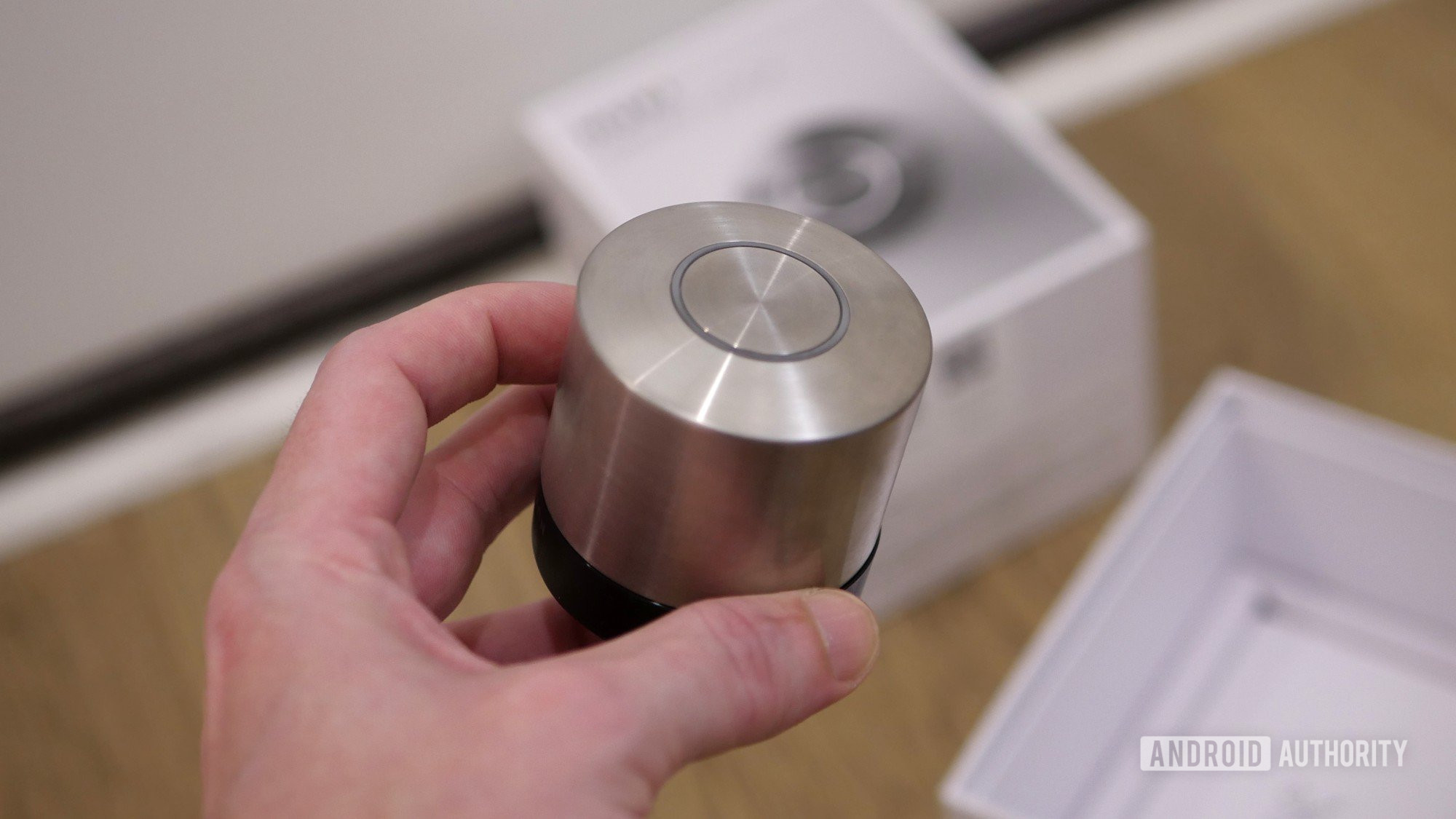
Locks can be intimidating: I get that. A lock feels like your last line of protection, separating your home and the valuables within from all the chaos and uncertainty out there in the world. And depending on the lock you’re installing, setting it up can be a real nerve-wracking experience. I have to say, though, with the Nuki Smart Lock, the company has made installation nearly user-proof.
I have the experience of already installing other smart locks similar to Nuki’s before, but the basic idea behind this class of lock is all the same. Essentially, you’re just replacing half of an existing deadbolt — the thumb-turn latch on the inside of your door — with a smart, motorized version. The actual part that interacts with your key on the outside of the door and the bolt within remain unchanged, and continue to offer the same security they did before.
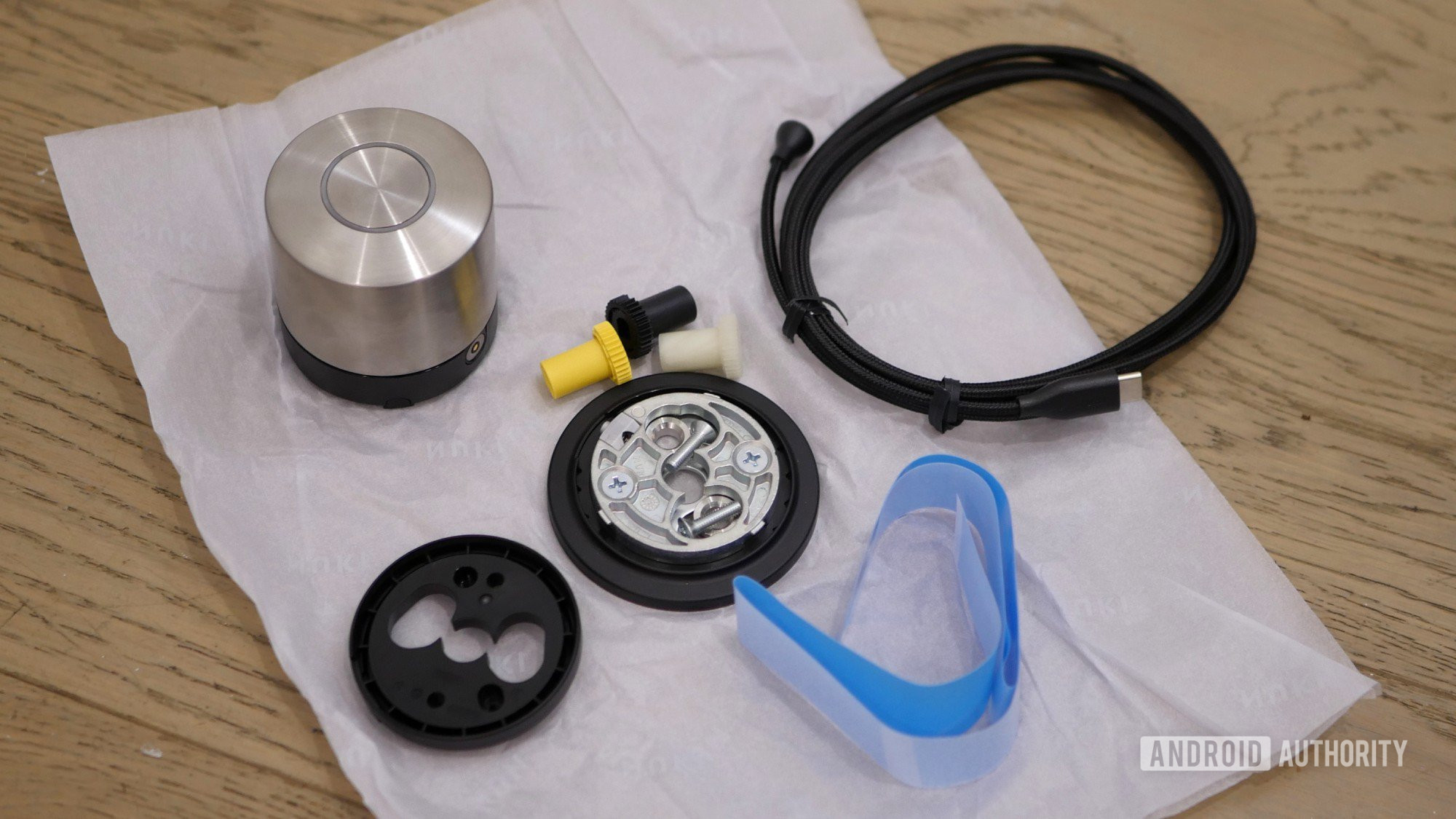
To get started, you install the Nuki app from the Play Store and pull up its installation wizard. After pairing the hardware and setting up a security code, it’s time to get started with mounting. While door hardware will differ, Nuki makes this as painless as possible, directing you to remove the existing thumb-turn, attach the new mounting plate for the Smart Lock, and choose the correct adapter that allows the Smart Lock to turn your existing lock hardware.
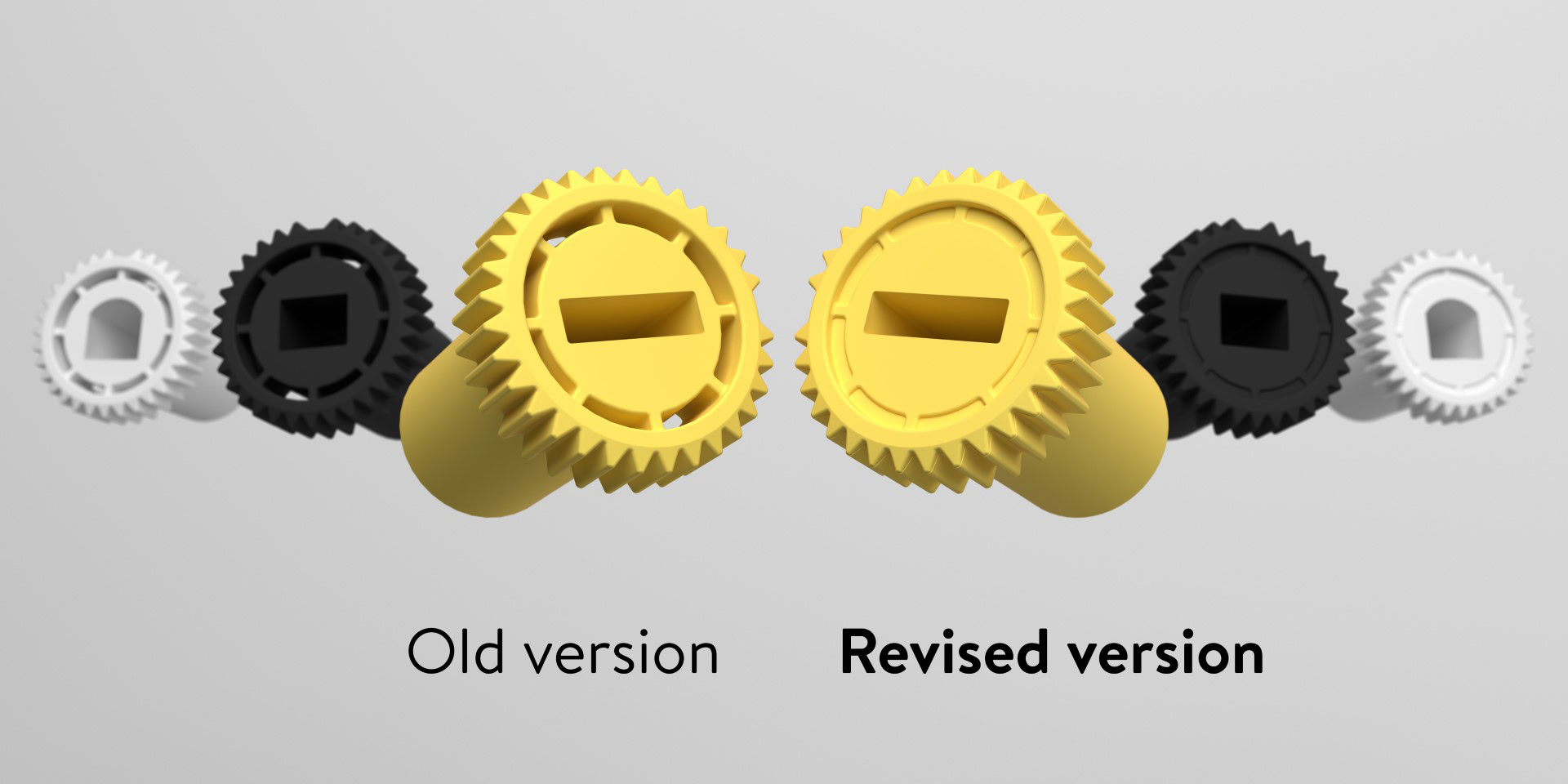
I will admit that I initially looked at those adapters with a little concern (the Smart Lock comes with three designs, covering most deadbolt hardware) , as they’re plastic pieces that have to experience quite a bit of torque — would they prove up to the task? It turns out that midway through my review period, Nuki updated the design of these adapters, making them more robust — notice how the break-away bits are now filled in:

The app makes it hard to make major mistakes here, and so long as you take your time and make sure all your screw holes are lined up, you can have the Nuki Smart Lock installed in five minutes, no problem — although absolutely don’t feel bad if it takes you a little longer. Once you’ve got all the mounting hardware tightened down, that shiny brushed metal knob finally clicks into place, completing the package.
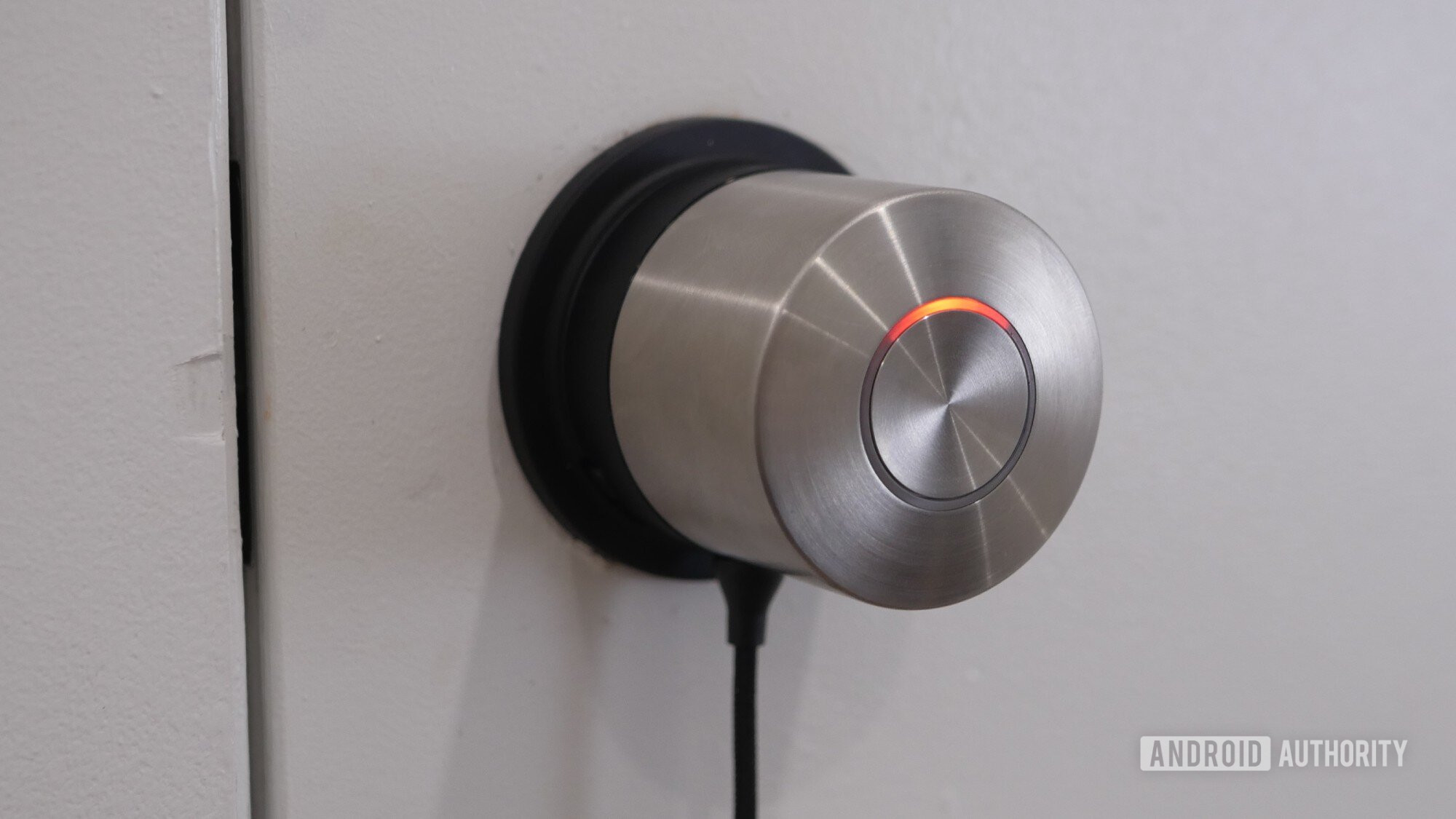
You charge the Smart Lock through a magnetic USB cable and have quite a few options there: use a nearby outlet, disconnect the knob and move it closer to an outlet, or even charge through a battery pack. Once it’s juiced up, you can enjoy six months or more of operation, depending on the connectivity options you choose.
When my colleague Rita reviewed the Smart Lock Ultra last summer, she was blown away by the features available through the Nuki app. And now, having seen them all for myself, I can appreciate why. Beyond all the basic stuff like setting up user permissions, you can configure options like how the lock should respond to pressing its center button, or how long to wait before auto-locking.
Automations and presence detection elevate Nuki’s software above that of more basic smart locks.
You can even configure automatic unlocking, using a combination of geofencing and Bluetooth to verify when you’re in range. That may not be a precise as something like UWB, but Nuki’s implementation here makes for a decent alternative (that’s also much more compatible with most phones).
It’s actually quite smart: Auto-unlocking relies on three separate events happening before anything gets triggered. First, you need to actually leave the geofence zone around your home. This extends for about a block (in my city, anyway), and you can drop a pin to set the center if Nuki’s guess is off. Then you need to re-enter the geofence zone, and finally get close enough for your phone to see the lock over Bluetooth.
All those checks don’t just help with security, but also prevent unintended operation — if all it took was that Bluetooth proximity check to auto-unlock, you might be unlocking the Nuki Smart Lock every time you went up and down a couple flights of stairs. By first requiring you to exit the geofence zone, Nuki avoids such incidents.
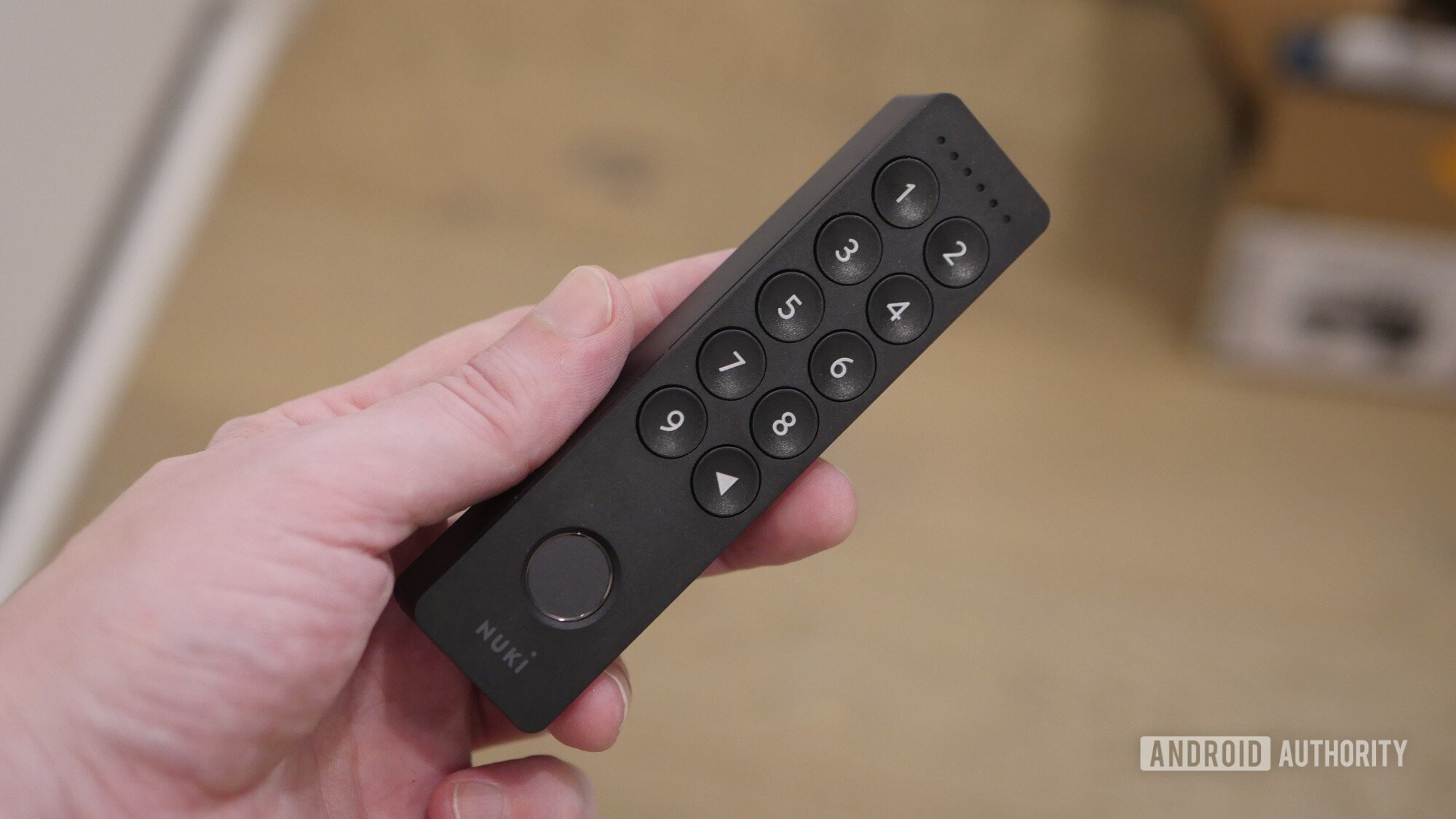
I also want to talk about the Nuki Keypad 2, as even though this is an optional add-on, I think a fair number of people picking up the Smart Lock will want to grab this alongside it. The Keypad 2 wirelessly pairs with the Smart Lock so you can easily mount it outside, either securely screwing on its bracket or using the included adhesive strips. The big benefit here is now you no longer need your phone on you to get in — just key in your unlock code or train it to recognize your fingerprints.
Once set up, you can also manually lock the Smart Lock without your phone. This is a big benefit for my situation, as the door I have the Nuki Smart Lock mounted in doesn’t quite close all the way under its own volition, and if I wait for the auto-lock to kick in, there’s a non-zero chance that the bolt will jam against the door frame — and that’s hardly Nuki’s fault. But if I give the door a gentle pull shut behind me and lock it with the Keypad 2, that problem’s solved.
What I don’t like about the Nuki Smart Lock
Stephen Schenck / Android Authority
The Smart Lock represents Nuki’s initial expansion into the US market, and it feels like the company tried to use that opportunity to introduce a tweaked business model for its locks. In the UK, for example, the Smart Lock Pro Gen 5 (the closest match in functionality to the US Smart Lock) retails for about £230 — the equivalent of nearly $310. That’s admittedly a bit steep, but for the US release Nuki aggressively pulled that price back, launching this Smart Lock at just under $160.
Unfortunately, however, that new, low price intially came attached to one big asterisk: Nuki had planned to introduce a $5.90/month subscription service. And while you could use the vast majority of the lock’s features without Nuki Premium, there was one big one paywalled behind that subscription — without it, you weren’t able to connect to the Smart Lock over Wi-Fi.
That meant that while you could use Bluetooth to easily interact with the lock at home, the app didn’t offer a free way to remotely interact with the lock when you were away. Thankfully, there was already a workaround there, as you could connect the Nuki Smart Lock to your Google Home setup over Matter and Threads, and then use Home to open the lock when away.
Stephen Schenck / Android Authority
I really, really didn’t like this approach, and it felt like Nuki was trying to monetize a feature I’d consider wholly inappropriate for monetization. Blessedly, Nuki eventually changed course. After first tempting early adopters with an offer for a free lifetime subscription, Nuki ultimately relented and reconsidered its whole approach to subscriptions.
The good news: Everybody now gets Wi-Fi connectivity without ongoing fees. If you do want some of the extra features of Nuki Premium, like a three-year protection plan or management tools for landlords, you’re free to add those à la carte.
This is a smart lock. To steal Mitch Hedberg’s donut joke: We don’t need to bring subscriptions into this.
The bad news: We have to eat some of that cost through a higher upfront price — now just under $200 for the lock alone. But considering how that extra $40 would have only gotten us half a year of Nuki Premium, that feels like a solid value.
Honestly, this could have easily broken the value proposition of the Smart Lock for me. For as much as I like both the hardware and the software, locking Wi-Fi access behind a paywall is the sort of shameless money-grab that’s hard to forgive. But at the 11th hour, Nuki saw the light, so once again all is right in the world — at least the world of Nuki locks.
Stephen Schenck / Android Authority
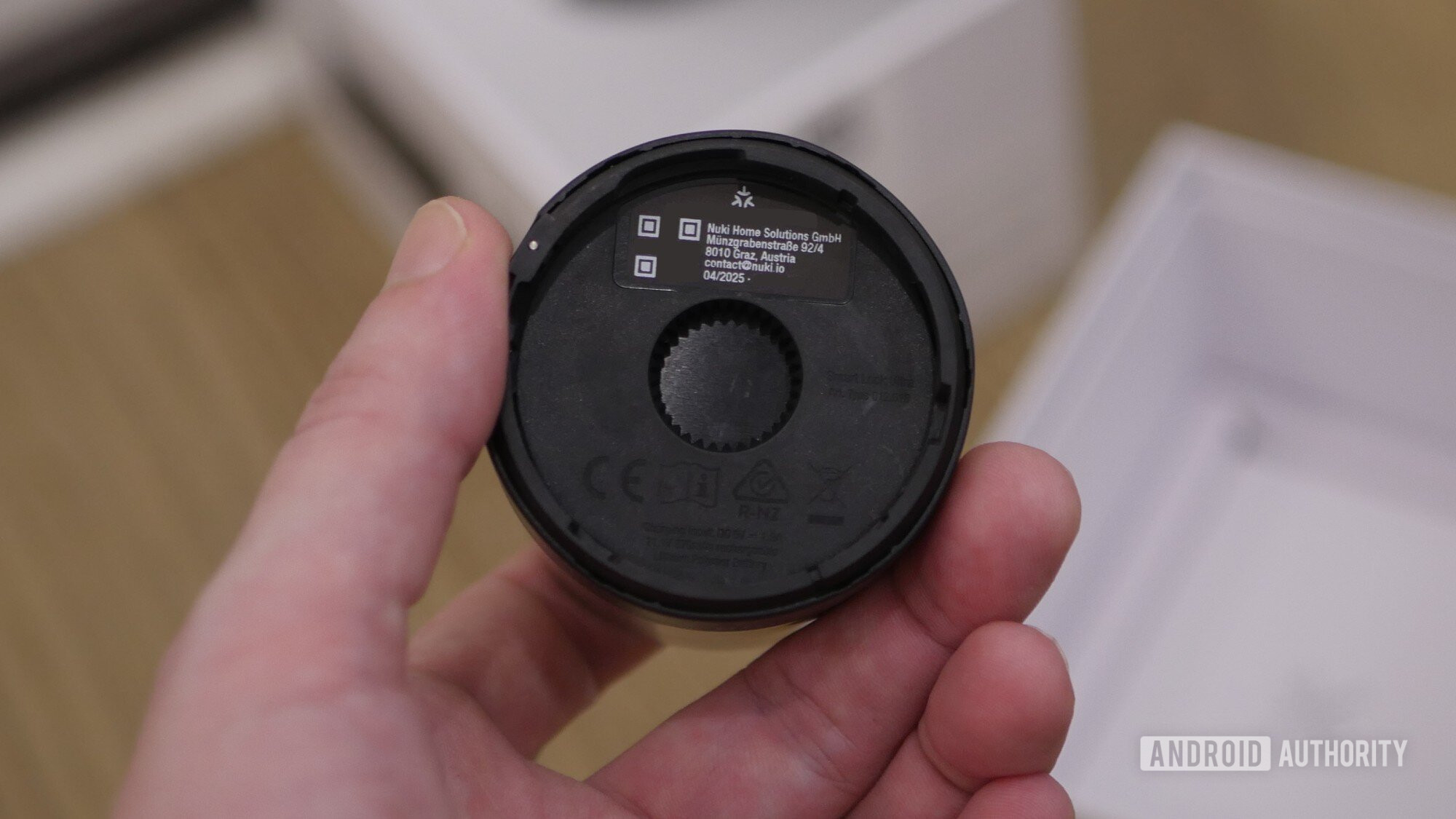
Then there’s the question of durability, as I alluded to before. Externally, the Nuki Smart Lock looks and feels great, but I can’t quite shake my discomfort over the plastic gearing within. Even with the lock fully opened or closed, there’s still a bit of give on the knob as you continue to turn — and I’m extremely hesitant to push that limit to the breaking point. Perhaps some looser tolerances are unavoidable when you’re designing a device like this to be broadly compatible with existing locks, but I think I’d feel more comfortable with full, metal linkage between the knob and lock hardware.
Pricing is on the higher side here, but you get very nice software combined with attractive hardware, and I think many shoppers will feel comfortable at this price point — for the lock, anyway. The Keypad 2 costs an extra $70 when bundled with the Smart Lock, or a staggering $159 on its own. It’s a very useful addition, absolutely, but the premium you pay for it definitely stings.
Speaking of difficult-to-swallow add-ons, if you want your Nuki to detect when the door’s closed — a useful data point for auto-locking, if you don’t want to rely on a dumb timer — you’ll need to pick up the optional Door Sensor. That goes for $59 alone, and considering how easy it is to find smart home-friendly door sensors on Amazon for $20 or less, this pricing feels especially unreasonable. Personally, I’m inclined to leave this upgrade alone, and just go with the Keypad 2 for manual locking.
Should you buy the Nuki Smart Lock?
Stephen Schenck / Android Authority
I’ve been a fan of Nuki’s ever since I first laid eyes on those big, chunky, metal knobs. Other smart locks were too plasticky, or tried too hard for elegance, while Nuki represented a modern, forward-looking evolution. And now having finally tried out the hardware for myself, it’s difficult not to come away as a fan.
If you can imagine a software feature that would be useful for a smart lock to have, Nuki almost certainly offers it. And if it doesn’t yet, chance are it’s in the works. So whether you live alone, are juggling a full household of potential lock-users, or are even renting out a property, you’re going to find some well-executed software support for your needs here.
The hardware is fast and quiet — the lock positively zips open, especially compared to some competing smart locks that loudly groan and take their time moving the bolt. And while I keep bringing up the idea of durability concerns, four months into using the Nuki Smart Lock, I’ve yet to encounter any actual problems.
Pick up the Nuki Smart Lock at a price that makes sense for you, and you’re going to be very happy with the experience.
And for as much as the whole Nuki Premium fiasco leaves a bad taste in my mouth — it turned out not to be anything that mattered that much in the end. Really, that leaves the biggest decision surrounding picking up the Nuki Smart Lock being whether you can justify the price. Even with the bundle savings, you’re looking at $270 to outfit a single door with the Smart Lock and Keypad — and you still need an existing deadbolt, to retain its locking hardware.
Compare that to my go-to smart lock solution, the Schlage Encode, which starts around the same price, often sells for $50 less, and offers the complete package with all the lock hardware you’ll need. In light of that, I can see why Nuki might have been hesitant to abandon its subscription plans and raise prices, because the original $160 price point felt a lot more competitive. Still, if you can find a deal that makes sense for you, there is a lot to like here, and I hope we keep seeing Nuki experiment with new lock products for the US market.



Easy installation • Matter compatibility • Attractive, professional design
MSRP: $199.00
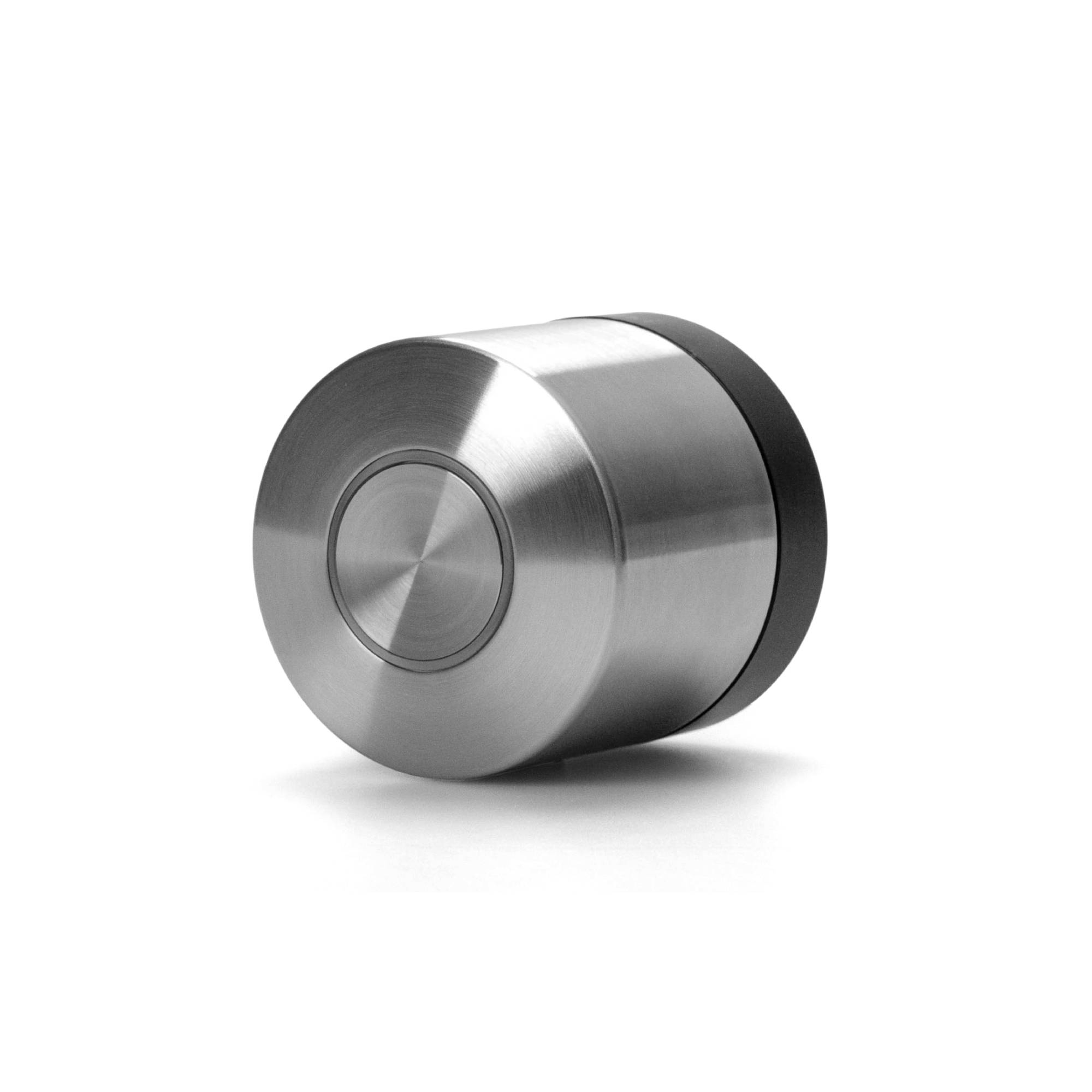
Nuki’s Smart Lock is a quick upgrade your smart home for keyless entry.
In just a few minutes, the Nuki Smart Lock can replace an existing deadbolt and bring keyless-entry convenience to your smart home. You can unlock with your phone, through Google Home, or with the optional fingerprint keypad. The lock charges over USB and runs for months between charges.
Positives
- Feature-rich software packed with locking and unlocking options
- Matter and Threads support for Google Home
- Professional, attractive brushed metal design
- Easy USB charging
Cons
- Expensive keypad
- Questionable subscription attempt
- Internals don’t feel super robust
- Pricey if you get all the extras
Nuki Smart Lock review: FAQs
The Nuki Smart Lock contains a built-in rechargeable battery and comes with a magnetically attaching USB-C cable for charging.
The Nuki Smart Lock works with most single-cylinder deadbolts from major manufacturers. You can confirm your hardware is supported with Nuki’s online tool.
Nuki supports Matter via Thread and works with Apple Home, Amazon Alexa, Google Home, and Samsung SmartThings.
Thank you for being part of our community. Read our Comment Policy before posting.


