




Robert Triggs / Android Authority
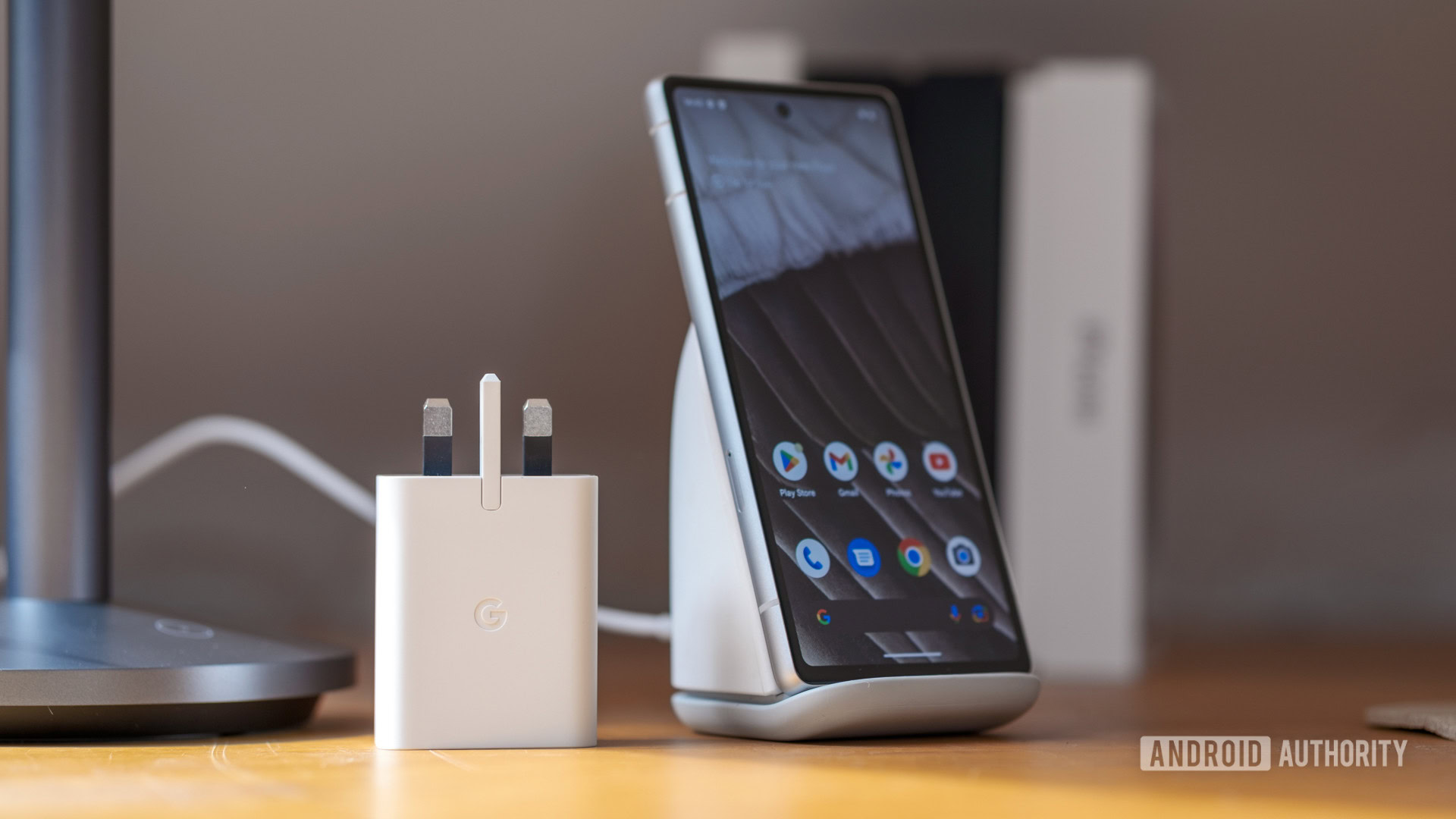
My position on USB-C is well-documented at this point; it’s a complex and opaque set of specifications and features that have become increasingly difficult to decipher over the years, resulting in a failure to live up to its promise. Still, when it comes to fast-charging my smartphones, there’s no denying that USB-C is the best option in terms of speed and efficiency. As convenient as wireless charging can be, it’s proving to be just as much of a headache in terms of compatibility, but without the fast charging times to help justify it.
However, whenever I pick a new phone to be my daily driver or recommend a new model to friends and family, I’ve recently started making sure they come with robust wireless charging capabilities. Not because I think this is how everyone should fast charge their handset all the time, but as a backup for the seemingly inevitable day when the phone’s USB-C port starts malfunctioning.
Does your phone’s USB-C port act up while charging?
0 votes
USB-C ports constantly break on me

Ryan Haines / Android Authority
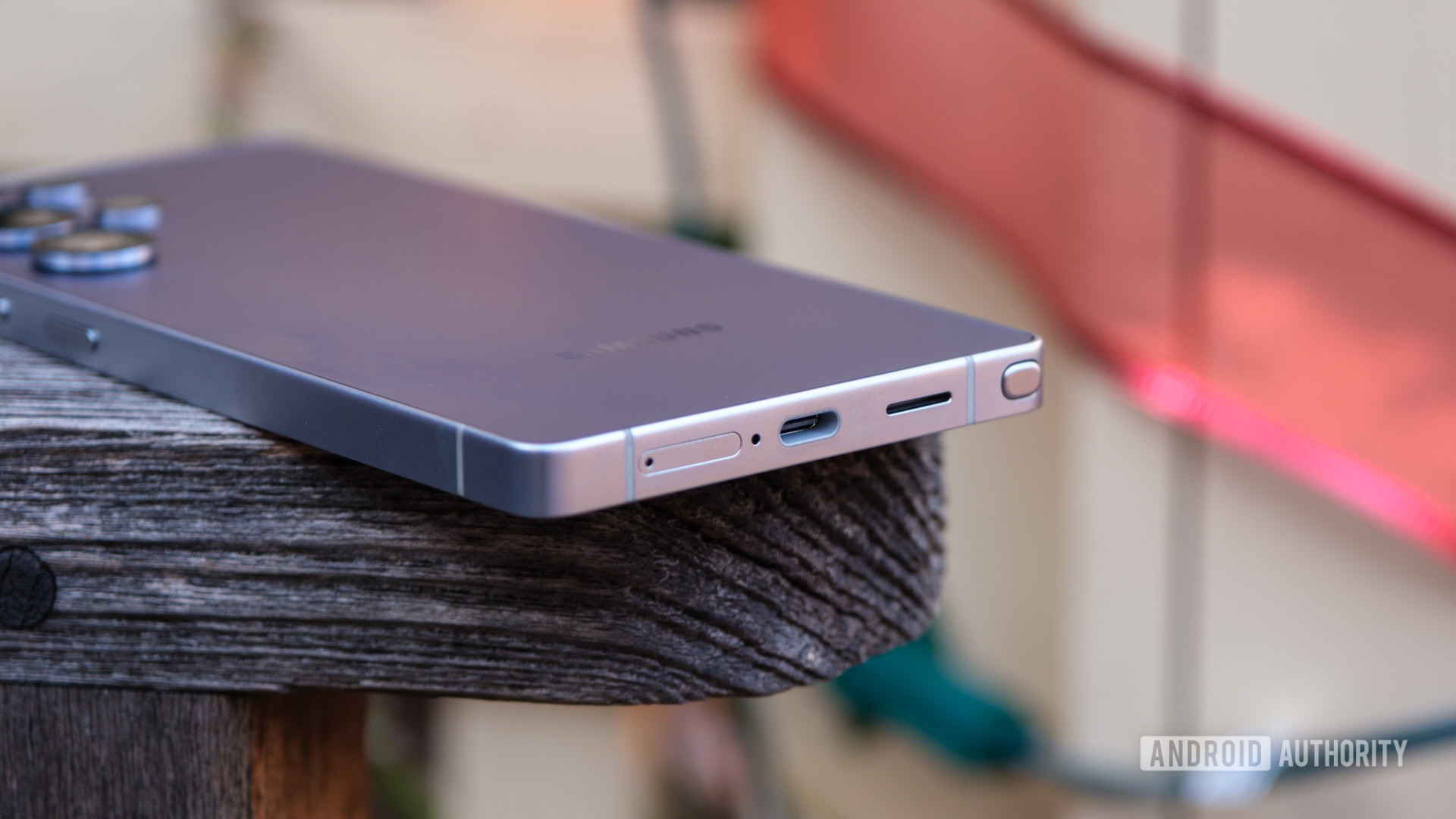
Perhaps I’m just having a string of bad luck, but all four of my previous flagship daily drivers have suffered from USB-C connection issues in one form or another — it was just a matter of time. My Pixel 6 Pro developed a loose connection, with the cable wobbling and disconnecting easily when plugged in, which likely started around 18 months after I owned it. I had to angle the cable aggressively while plugging it in to achieve a connection. My Galaxy S22 Ultra suffered a similar fate, albeit in a little less time. Charging was less of an issue, but it constantly disconnected when transferring large files to my PC. Thank goodness for Quick Share as a wireless transfer backup.
Then there was my Pixel 8 Pro (the last Pixel I used daily), which certainly wasn’t as problem-prone. However, I recall it disconnecting from my computer at least a couple of times. This issue would likely have worsened had the phone not completely died on me after barely over a year of use. Now, I’m on to the OPPO Find X8 Pro, which I’ve owned for less than a year, and it already fails to charge unless I angle the cable just so inside the USB-C port. Equally confusing is that some USB-C cables seem to work fine while others won’t charge the handset at all, regardless of how I wrestle and wrangle the cable. Infuriating doesn’t begin to describe the experience.
My last four phones have all had USB-C issues of some kind.
I don’t think I’m doing anything particularly wrong here — there’s only one way to plug in a USB-C cable, after all. I wouldn’t say I’m particularly vigorous; if anything, my experience has encouraged me to try to be gentle. Perhaps some of my cables are causing the issue, maybe they’re too tight, or their pins are too abrasive, but I have absolutely no way of knowing which ones could be the culprits. My wife uses many of the same chargers and hasn’t encountered the same issues, so I think I’ve just been unlucky.
The only conclusion I’ve been able to draw is that USB-C ports are often too delicate, or that brands are scrimping on this core component. With 24 teeny tiny connectors inside, the chances of any of these becoming bent, worn, or damaged over time are probably much higher than we might think, leading to potential issues with data or power transfer, or both. Especially if you plug your phone in at least once a day, and possibly more often if you regularly connect power packs or other accessories. I have laptops that I’ve owned for much longer, and their USB-C ports are working just fine, probably because I’m not plugging them in and out every single day.
Wireless charging as a backup

Rita El Khoury / Android Authority
If there’s a silver lining, my problems haven’t been confined to one particular brand, and I distinctly recall having similar issues with the odd phone back in the micro-USB days as well. Cable connectivity problems are nothing new, but in my experience, the issue appears to be worsening, not improving. I’ve had more problems with phones in the past five years than I had in the previous 15. Yes, USB-C port issues are repairable, but that’s hardly a cheap option, even at your local shop (which might charge anywhere from $50-$100), due to the difficulties and time required for disassembly.
Officially sanctioned repairs can be even pricier, though neither Apple, Google, nor Samsung lists their costs directly. For example, even with AppleCare+ at $13.99 per month, you’ll still have to pay the $99 accidental damage deductible. Broadly speaking, official USB-C repairs can cost between $100 and $250 — a price I’m not willing to pay given the seemingly high failure rate of a component that costs pennies to manufacture.
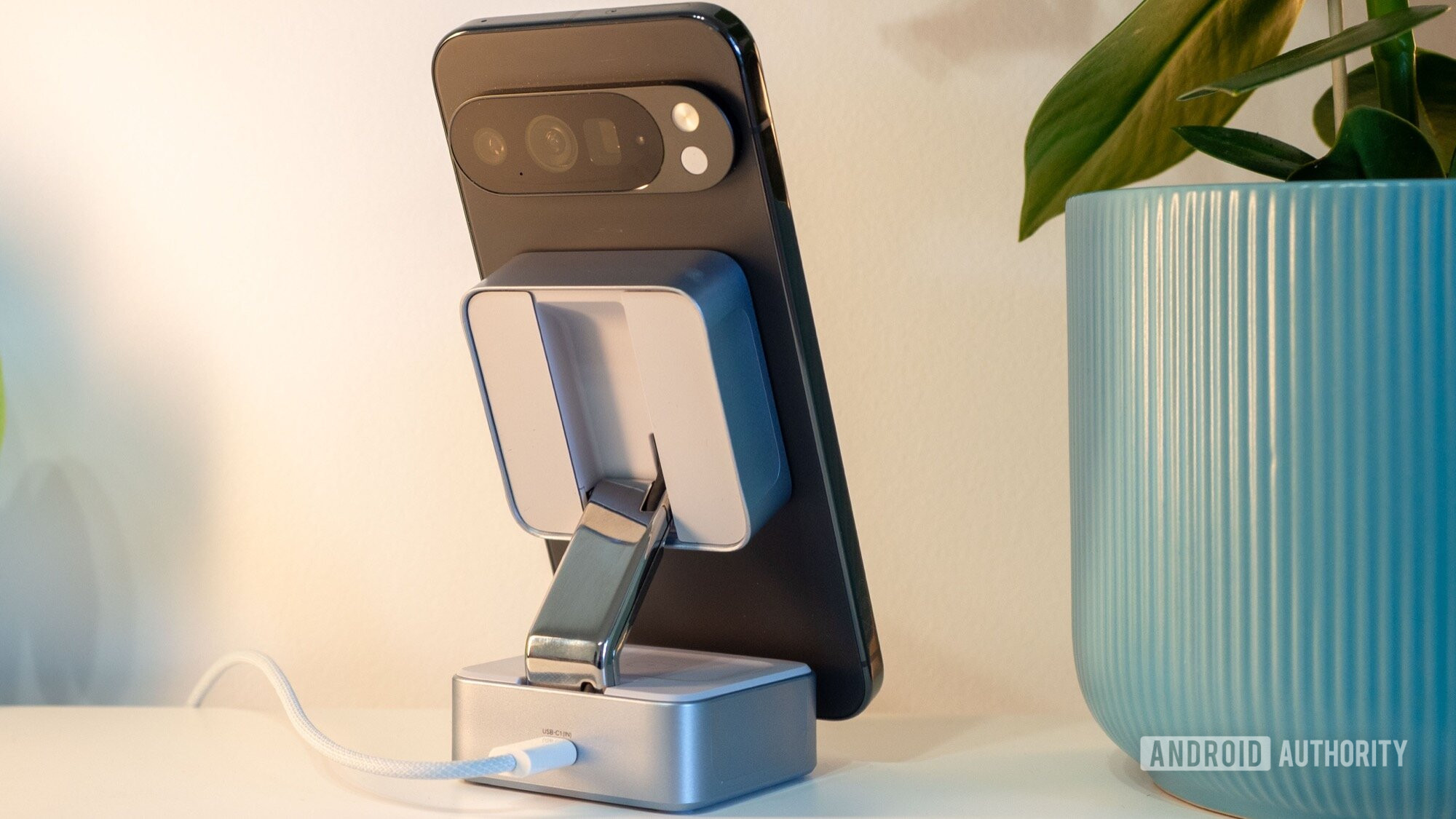
Wireless charging ensures you can power your phone if the USB-C port gives out.
As such, I’ve come to regard wireless charging not as the future of smartphone charging nor as an optional luxury. Instead, it’s become an essentially necessary hedge against the seemingly inevitable decline in USB-C reliability. When my USB-C port gives out, I can continue to power my phone via a wireless charging stand. The drawback is that charging takes a lot longer and produces more heat and stress on the battery, which is obviously detrimental to long-term battery health. Still, it’s better than not being able to charge the phone at all.
Thankfully, wireless charging is ubiquitous across the flagship smartphone space, and some models offer marginally more acceptable charging power levels, too, such as the Pixel 10 Pro XL’s 25W Qi2 capabilities or the OnePlus 15’s surprisingly speedy 50W support. If you’re on a tighter budget, there are plenty of affordable phones that offer decent 15W wireless charging capabilities too — ranging from the 15W Nothing Phone 3a at just $379 to the 15W Galaxy S25 FE for a still reasonable $650.
Until manufacturers can make USB-C ports far more durable, I strongly recommend ensuring that your next smartphone supports wireless charging — ideally at a power level well above the bare minimum 5W. Trust me, it might just save your phone from becoming an expensive paperweight the moment its only physical lifeline fails.
Don’t want to miss the best from Android Authority?


Thank you for being part of our community. Read our Comment Policy before posting.


