




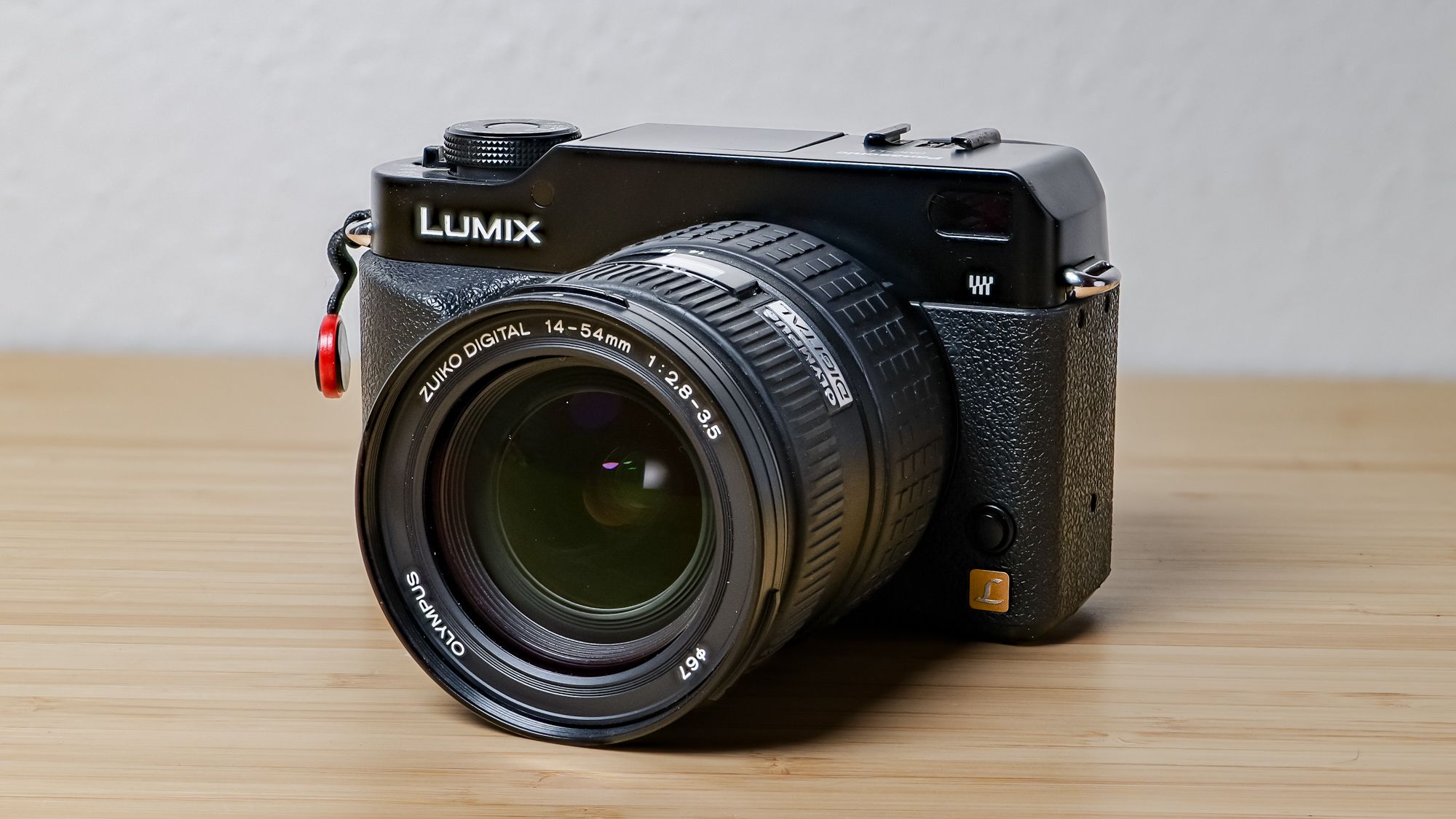
There are cameras I use professionally. Then, there are ones I use for fun. The Panasonic Lumix S5II and the GH5 are of the former variety, while the Olympus E-PM2 falls in the latter category. That’s because bringing a professional camera to a soccer match or event can be too much. I need a smaller, older, less expensive camera to bring on the weekend because I’m not scared to drop or lose it. If either happens, it doesn’t affect my bottom line.
I’m constantly looking for a new, fun camera, of which there are too many. It seems like every time I get on YouTube shorts there’s a creator telling me about a digital camera from the 2000s that I’ve never heard of. That’s how I heard of the Lumix L1 (shout out to snappiness), a beautiful rangefinder-style Panasonic DSLR from 2006.
Article continues below
A slower-paced, analog-like shooting experience
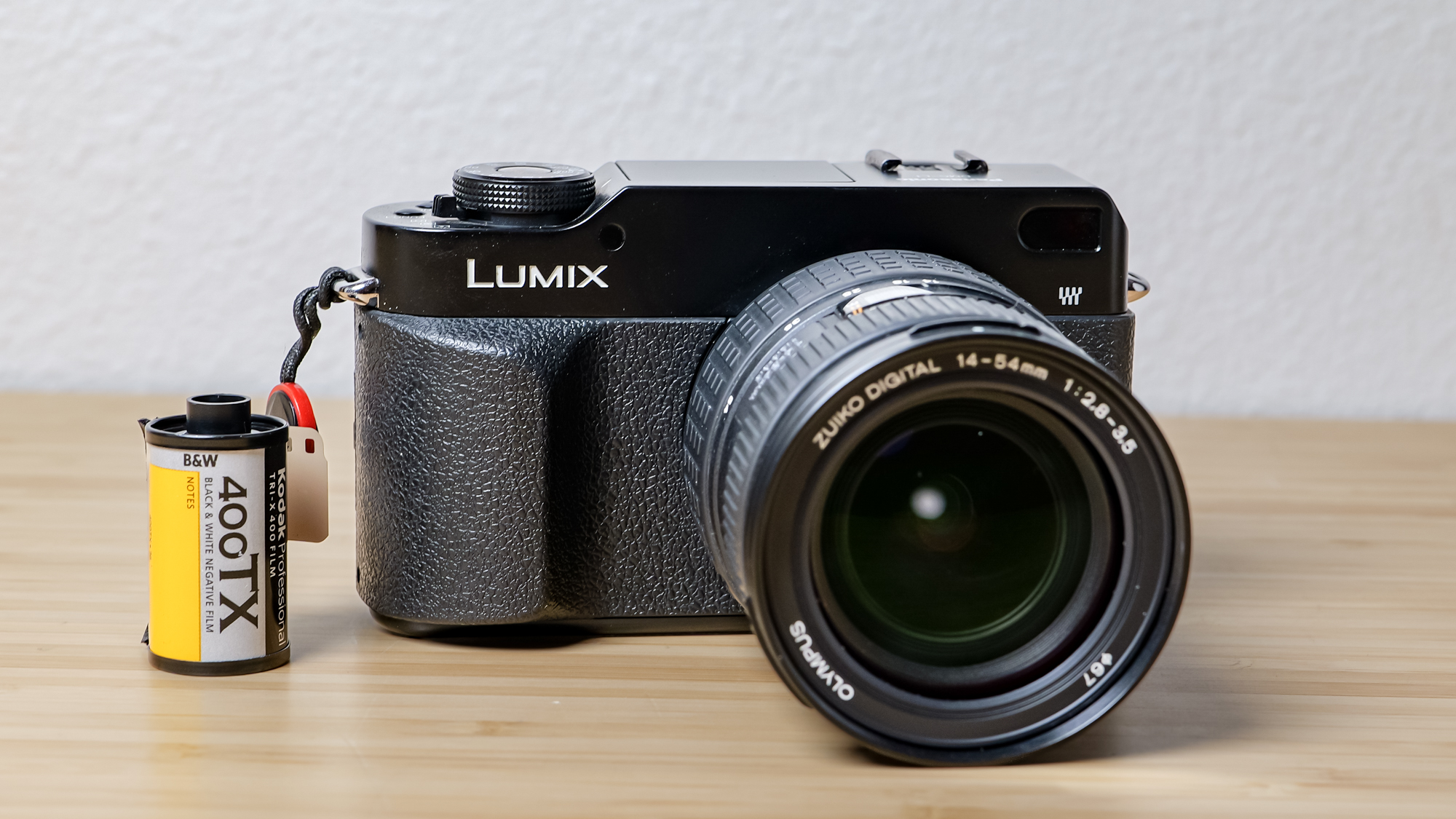
Shooting with the L1 feels like going back to basics. It feels analog. There’s a button for almost everything, and that tactility makes me feel more familiar with the camera. The grip is comfortable, and most functions can be done with the right hand.
The area around the shutter dial alone has a combination of six dials, switches, and buttons, and I can reach an additional 14 functions with my right thumb. There’s so much happening on the body, there’s not much need to visit the menu often — a good thing, as the menu is shockingly minimal compared to modern Lumix cameras.
Image 1 of 2


Coming from a modern system, it’s surprising not to see a mode dial, especially since there are so many functions available. The shutter dial lets you set the shutter to ‘auto’, but there are no shutter priority or aperture modes. While you can shoot in a fully automatic way by setting all aspects of the exposure triangle to ‘auto’, it’s not an intuitive or quick process. The lack of a mode dial snatches away the training wheels. With few aids to fall back on, I have to be more comfortable with the exposure triangle and slow down to double-check the exposure meter, even when shooting with an automatic shutter or aperture. This level of constraint, while slow, is also freeing.
Image 1 of 3


Why freeing? Because I feel at the peak of my creativity when there are constraints. Give me too many options, too many settings, and I feel overwhelmed. But take something away, and now I have to adapt and get creative to get a shot I’m happy with. For example, instead of switching to aperture priority when shooting indoors, which isn’t possible on the L1, I have to really slow down to tweak the ISO, shutter, or aperture to find the right exposure. Yes, it takes time, and it can lead to missing a shot altogether, but slowing down gives me time to compose the image to my liking in the moment rather than spraying and praying.
It’s like Kodak Tri-X straight out of camera

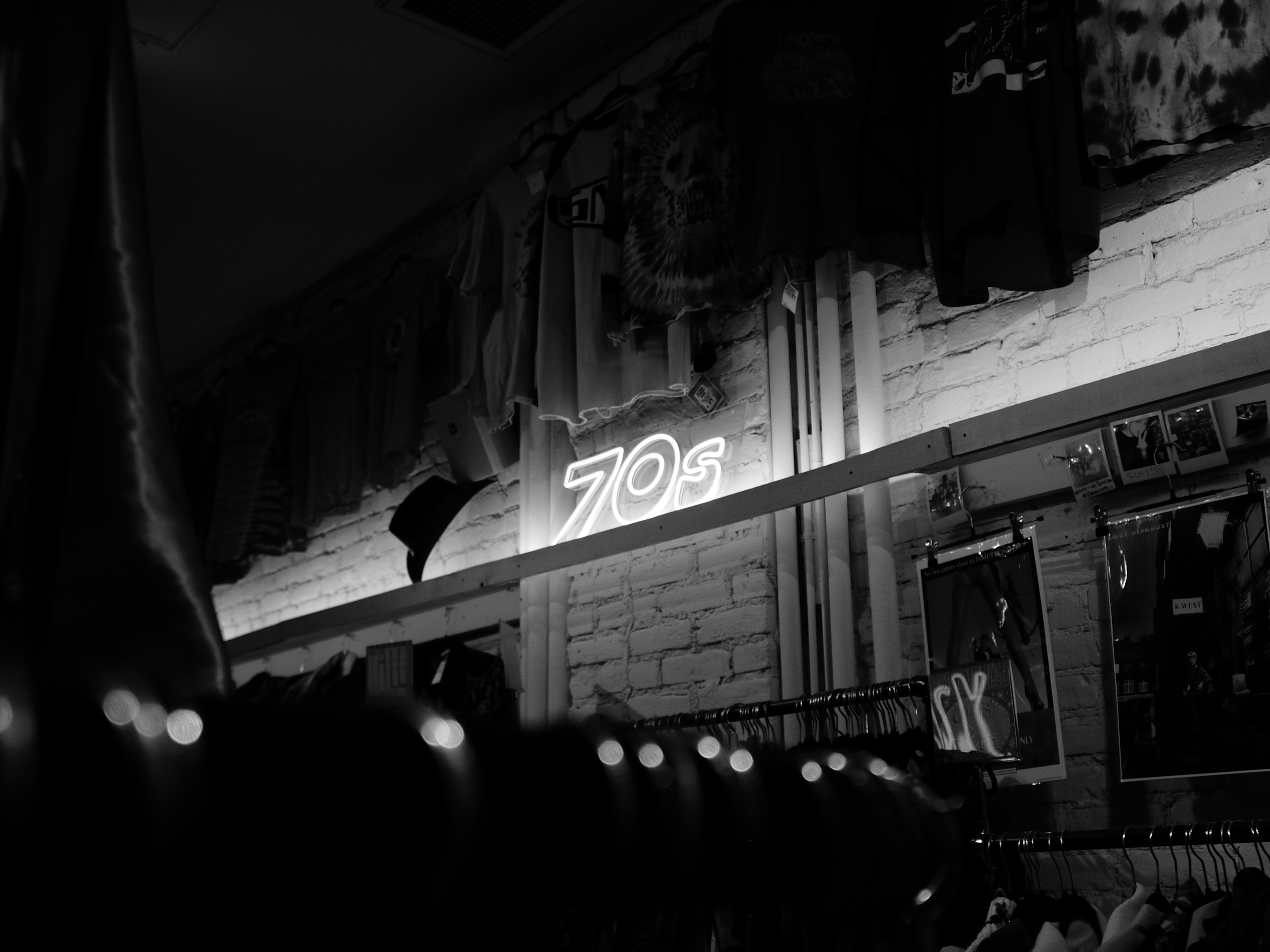
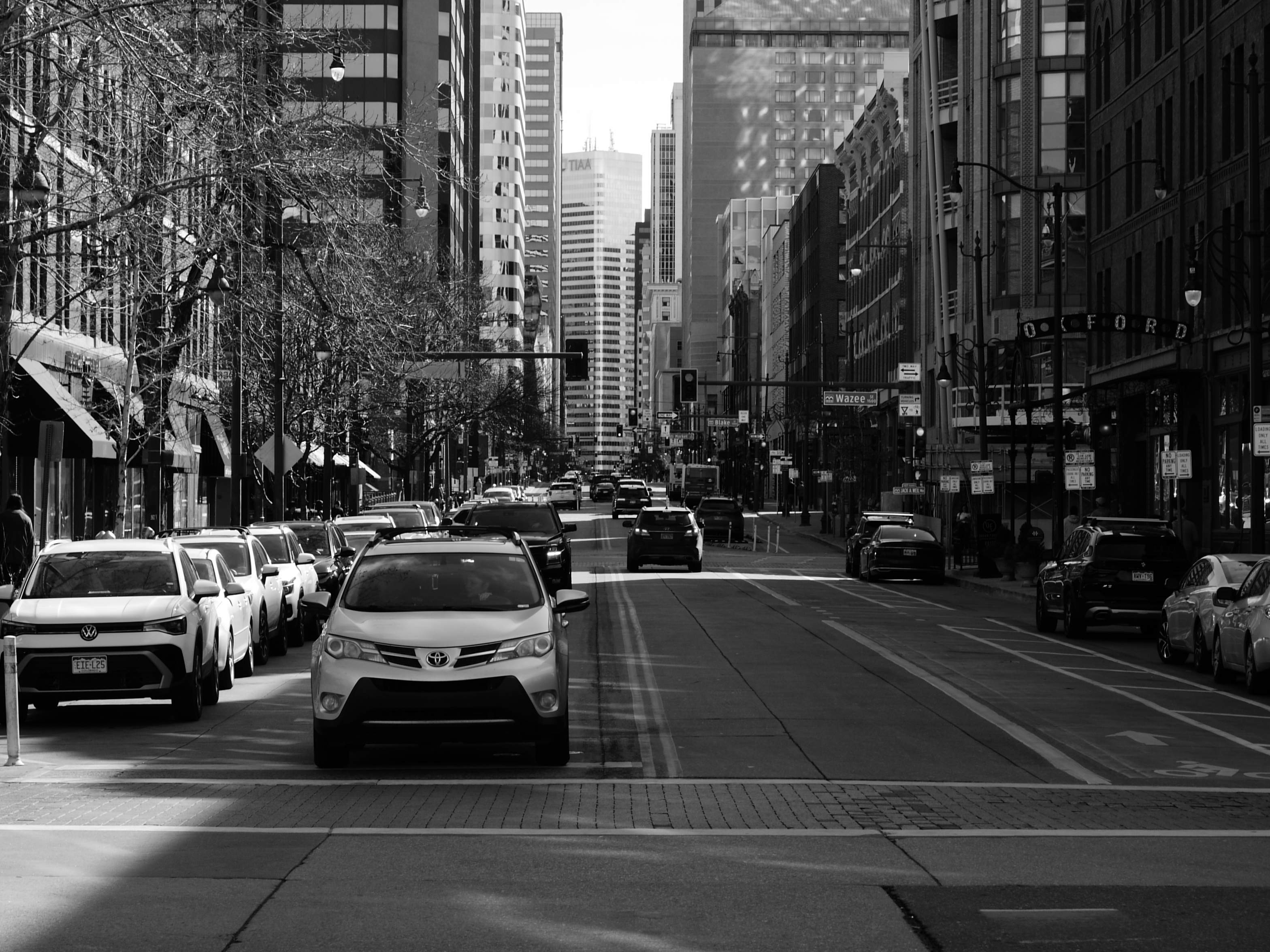
Fuji may have the market cornered when it comes to film recipes, but the L1’s film modes are low-key great. These modes are accessible through the camera menu or via one of the function buttons. The options are sparse, with just seven to choose from. Four are color, and three are black and white. The black and white modes leave the color ones in the dust, and are the main reason I got this camera in the first place.
There’s just something about this LiveMOS sensor that makes black and white images look so good, especially when shooting in the contrast-heavy ‘Dynamic’ black and white mode. I’m no expert on the minutiae of sensor technology, but Olympus’ LiveMOS sensors bridge the gap between the beloved CCD sensors and modern CMOS sensors, which dominate the industry today. You get the image quality of the CCD sensor with the low power consumption of a CMOS sensor. The result is a level of contrast and tonality in these images that I’ve only experienced when shooting Kodak Tri-X film stock.
Image 1 of 3
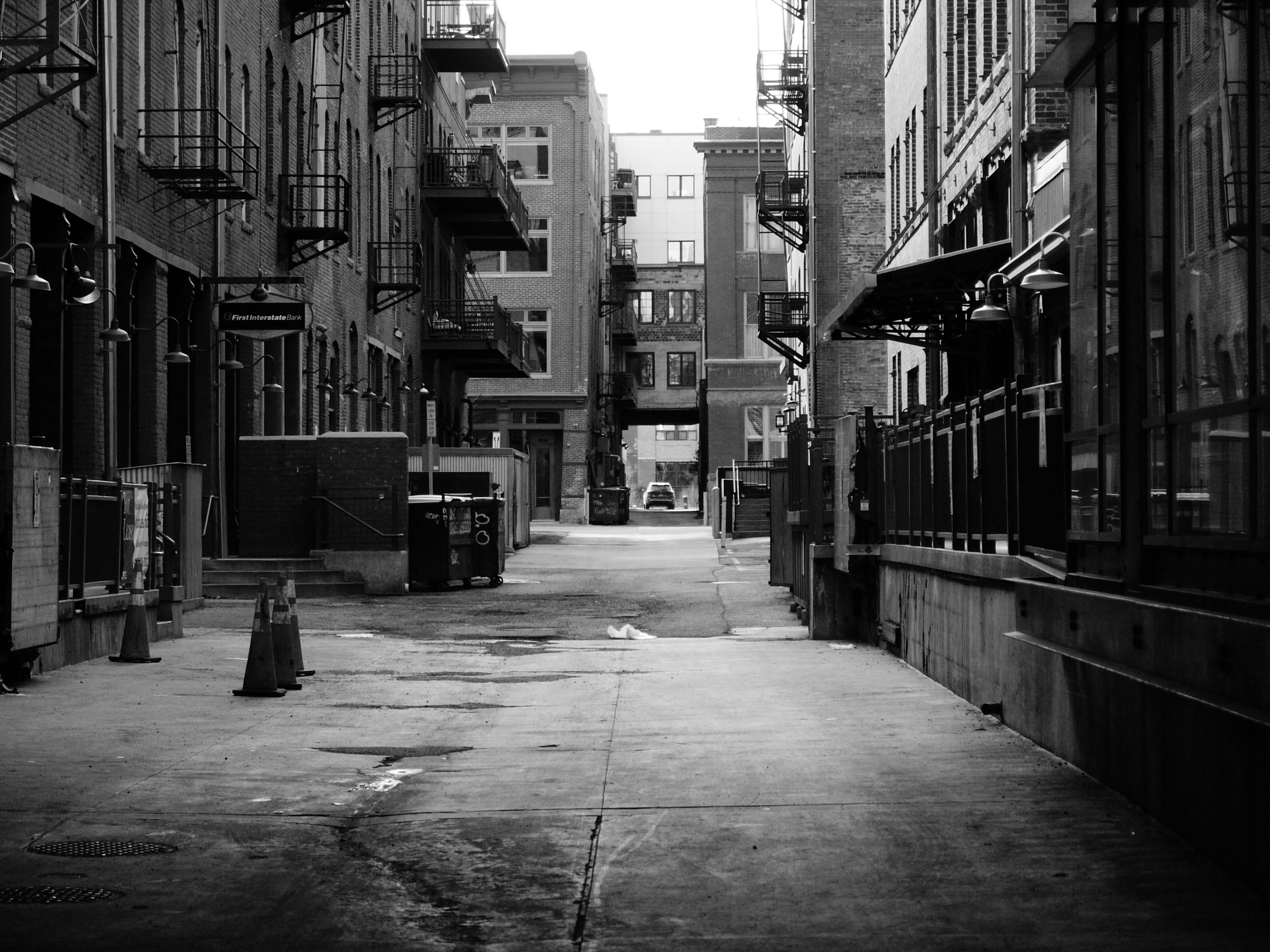
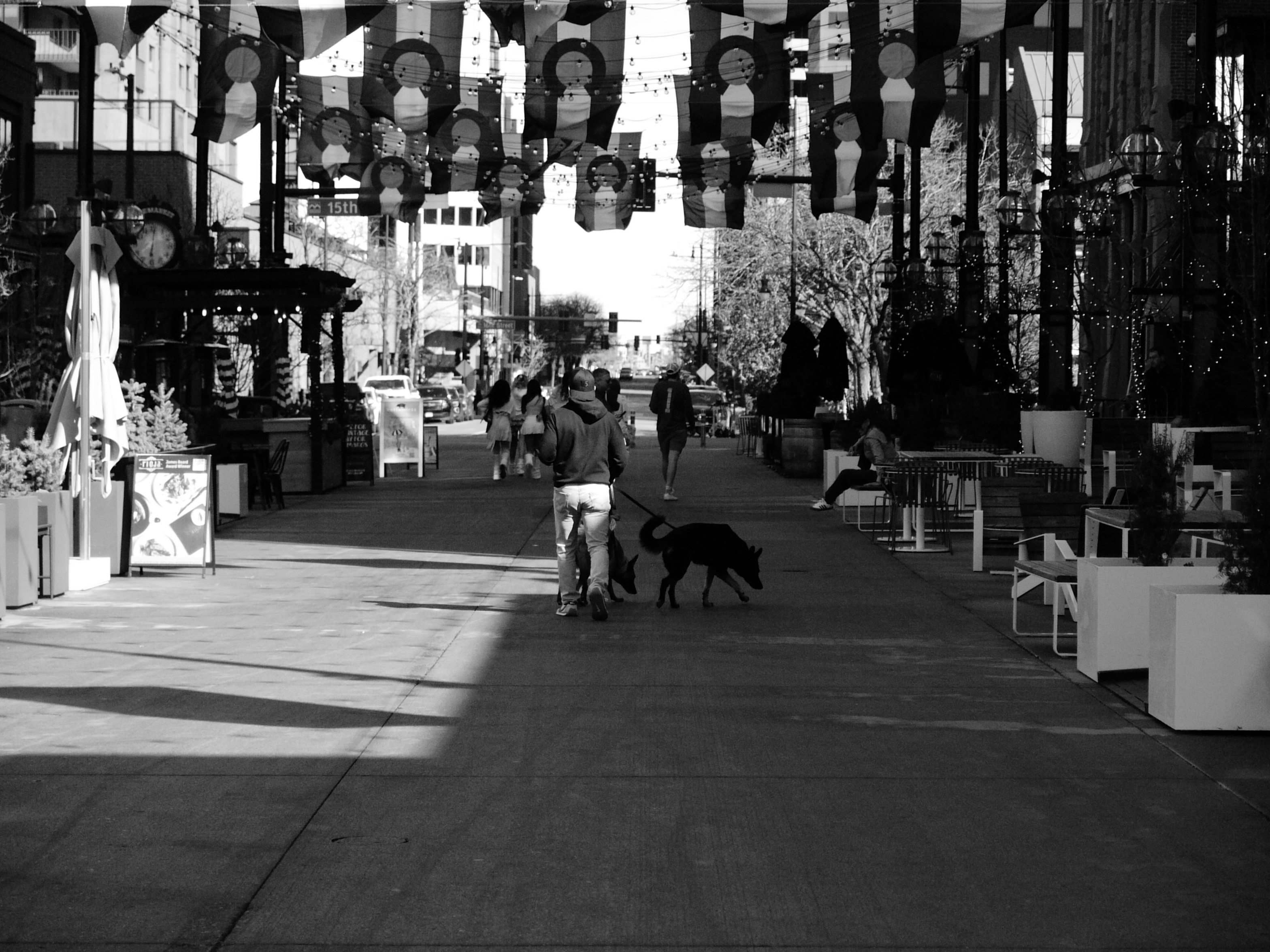

After a day of shooting, I don’t have to go into the editing bay to squeeze some juice out of the L1’s images, because they’re already the finished product. They look great to me straight out of the camera, aside from some cropping. It’s why I leave the camera on the Dynamic black and white mode all the time. The best part is that if I want the image in color in addition to black and white, I still have the RAW file to mess around with, which is in color.
A surprisingly modern… 20-year-old camera
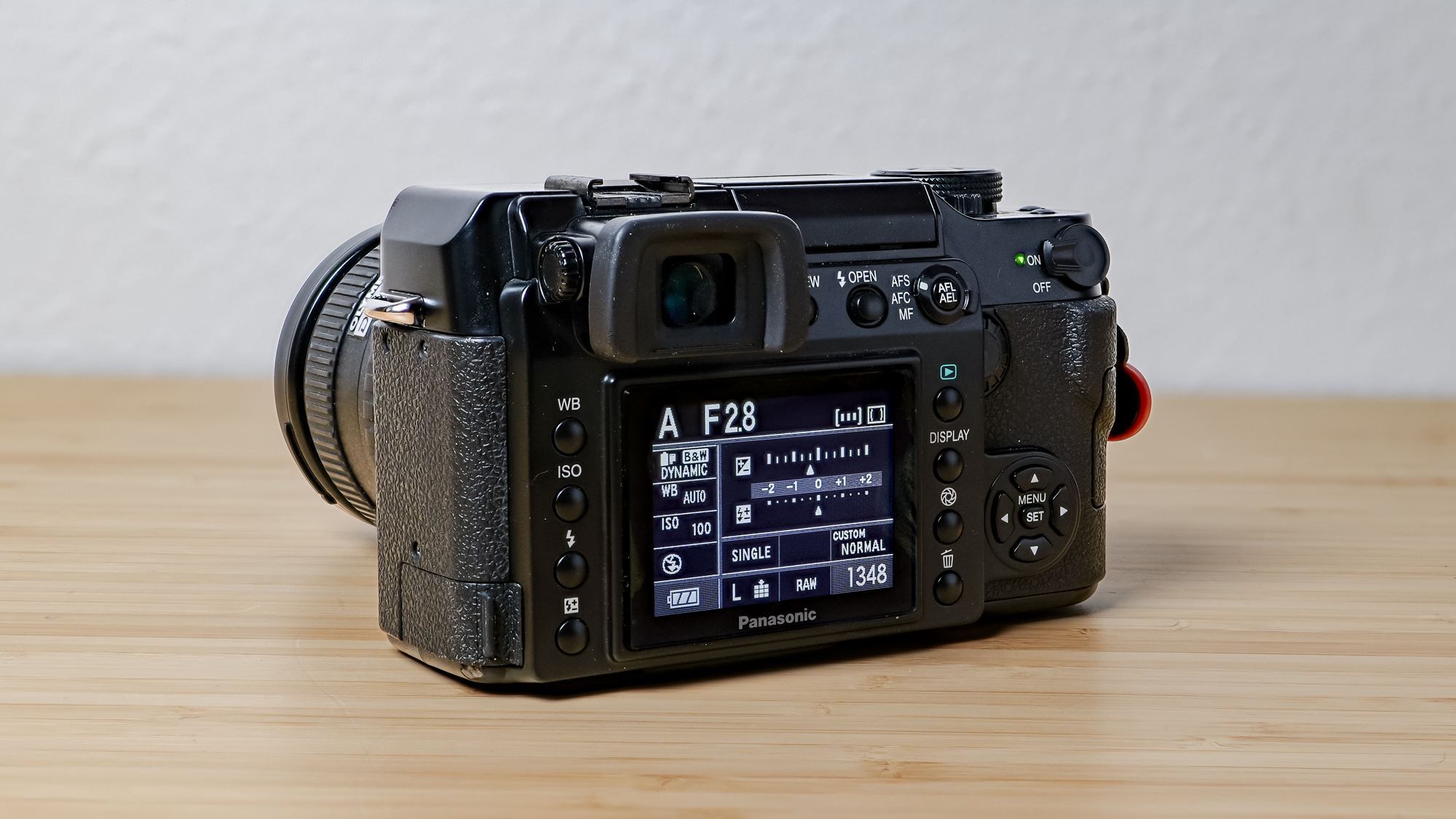
A camera old enough to drink won’t have the modern trappings you’re used to — the aforementioned mode dial being one. But things like stacked sensors, 100 FPS burst modes, and 5-axis IBIS are out of the question, too. That doesn’t mean the camera is a dinosaur, though. The Lumix L1 included some features that were ahead of its time, which makes it feel at home in 2026.
One of those features is the Live View, something we take for granted these days. Yet, back in 2006, this was cutting-edge on a DSLR, making it possible to see what the sensor was seeing on the rear display. What was a game-changer then is par for the course now, and it’s part of why the camera doesn’t feel ancient. Using Live View is loud and slow, as the camera has to shift the mirror aside every time you half-press the shutter to focus, but it’s very usable.
Image 1 of 2
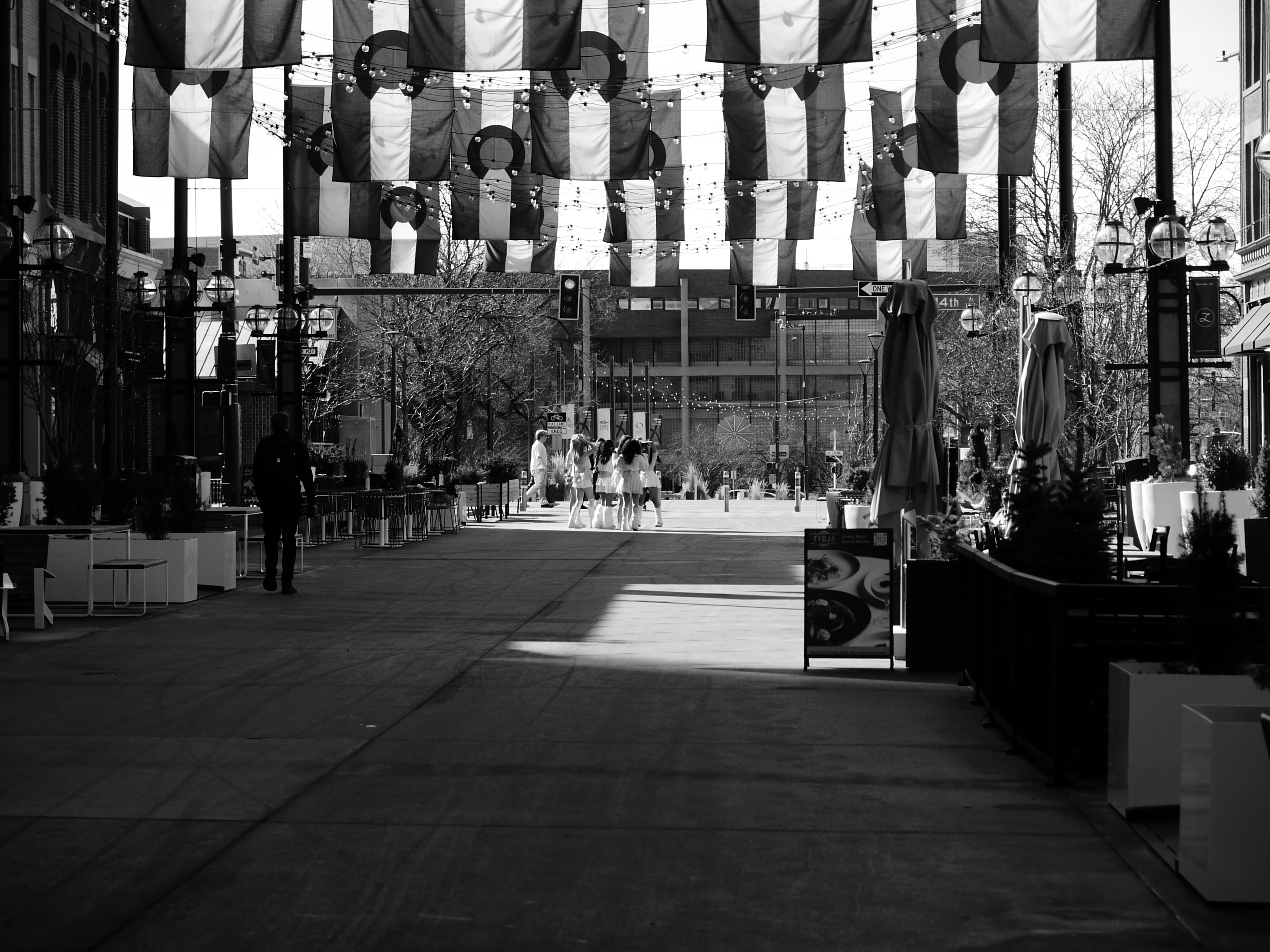

Autofocus is another modern feature. Although AF wasn’t groundbreaking in the mid-aughts, it was far from perfect. The autofocus on this system was super reliable when I used it. I didn’t feel the need to switch to manual focus often. The only times when it was necessary were in dimly lit conditions or when focusing on something far away. Other than that, autofocus worked well for me.
One thing I have to mention is the flash system on the L1. Hardly anyone in the history of camera reviews has been excited about an onboard flash, but this one is different. The pop-up flash works very similarly to the flash on the Lumix GX1 and GX85 (GX80 in the UK and Europe). You press the button, and it pops out to face the subject. But if you lightly press the button, the flash pops out to face upward. Pointing it upward lets you bounce the reflection off the ceiling, which is less harsh than a full flash to the face. It’s incredibly clever and, I believe, a one-of-a-kind flash design that I’d like to see more of in modern cameras.
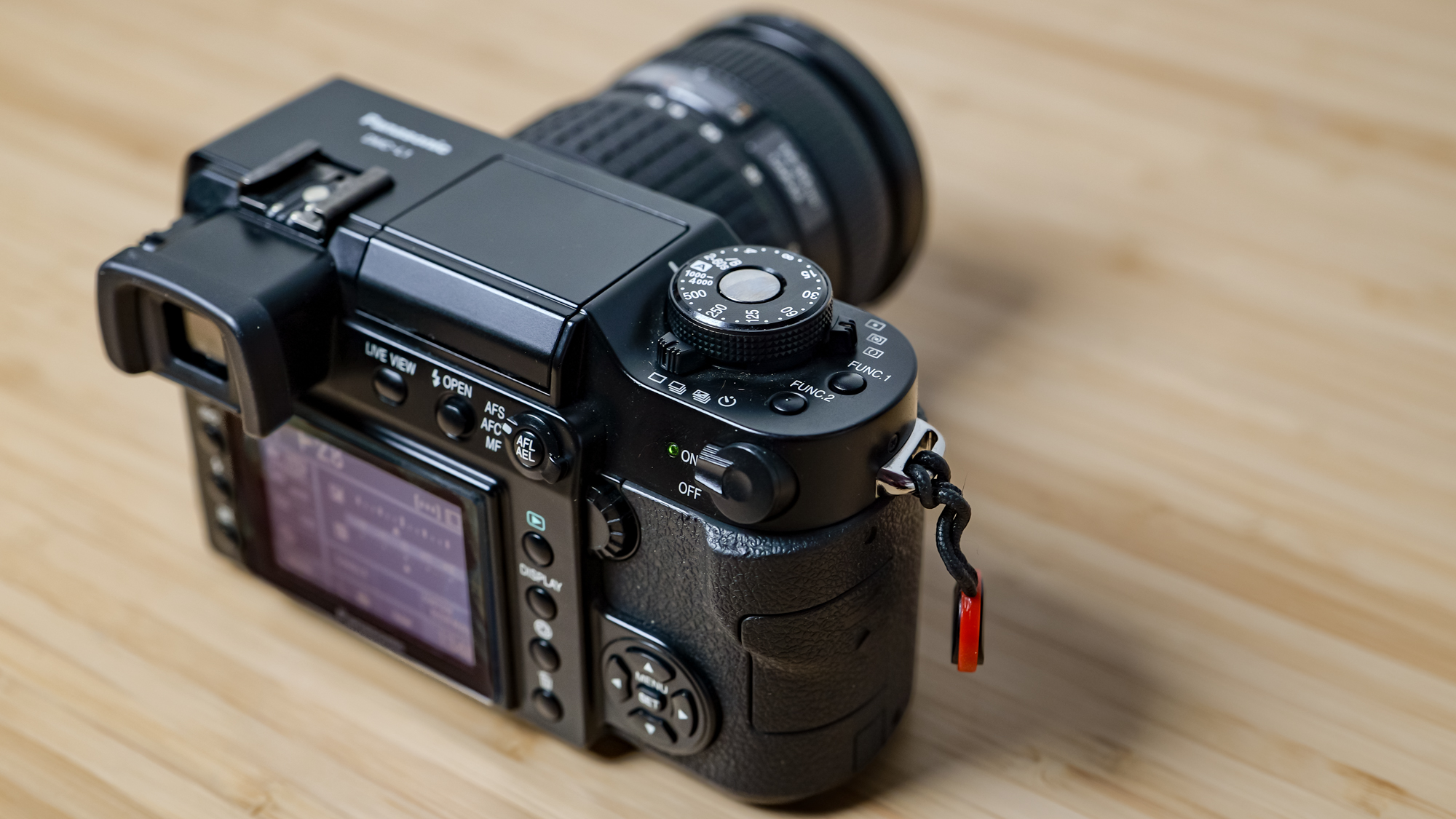
In addition to all these features, you also get a hotshoe compatible with the excellent Godox iT30 Pro flash, an SD card slot, and the ability to shoot in RAW. These last two features work naturally with modern workflows. There’s no need for an SD card adapter or relying on JPEG files that give you little flexibility.
It’s not for beginners
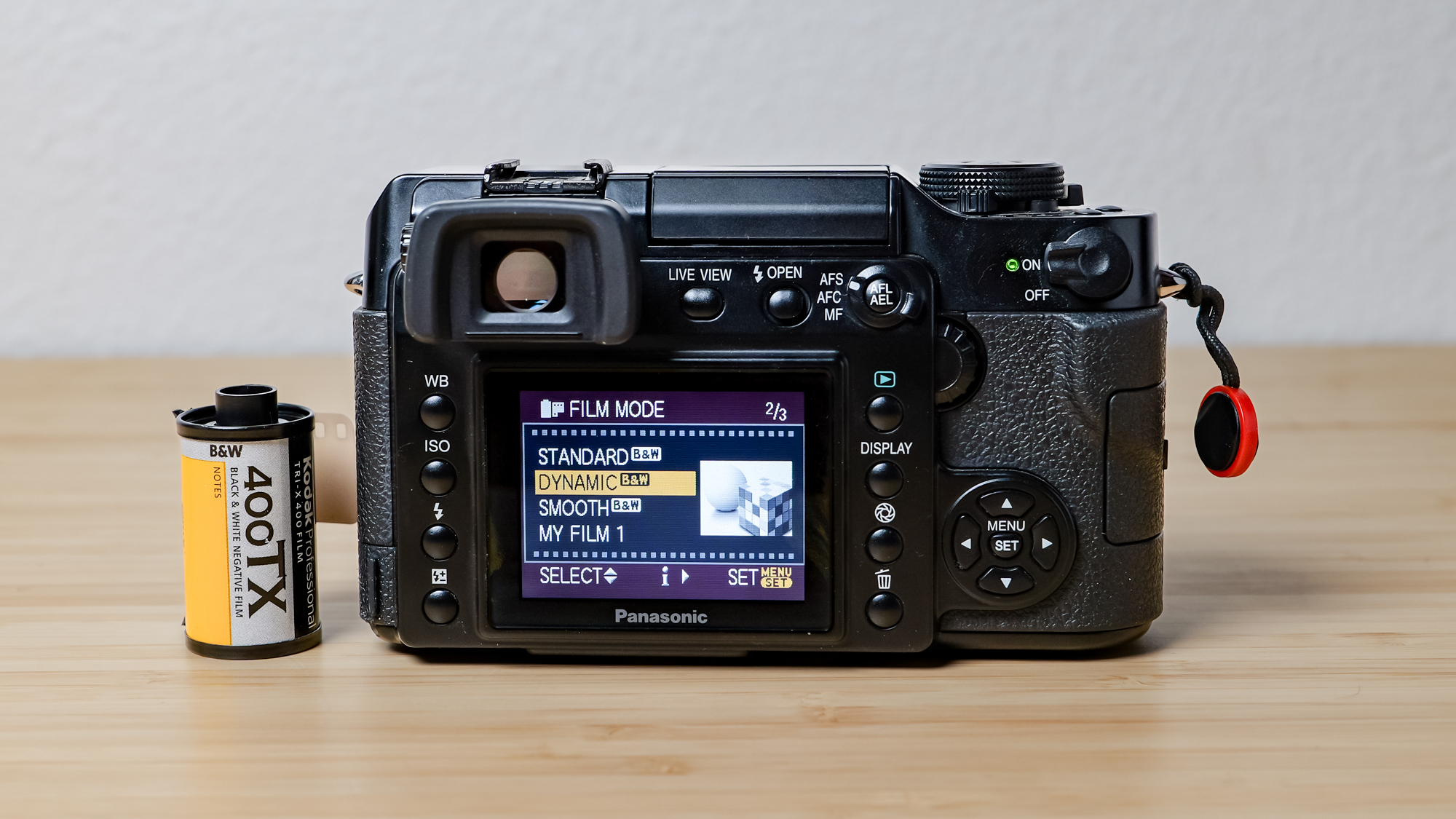
The Lumix L1 is a great weekend camera. I feel closer to the craft of photography while using it, but it’s not the camera I’d hand a friend to shoot pictures with. It’s just not intuitive, and the lack of modes, like shutter or aperture priority, can be frustrating for someone who just wants to point and shoot. This camera is clunky, heavy, and slow. Using Live View, which would appeal to someone with modern sensibilities, is sluggish and loud. The shutter is equally noisy, so it’s not an ideal camera for stealthy street photography. The rear display is another setback. It has low resolution, lacks touch capability, and it’s fixed to the camera — you can’t tilt or rotate it at all.
Functionality aside, the L1 is not an easy camera to find or purchase. Looking on used camera sites like MPB or KEH will get you nowhere, so eBay is the best place to find it, where it sells for between $300-$400 for the body alone. The L1 body I bought cost $300 and came with a third-party battery and charger.
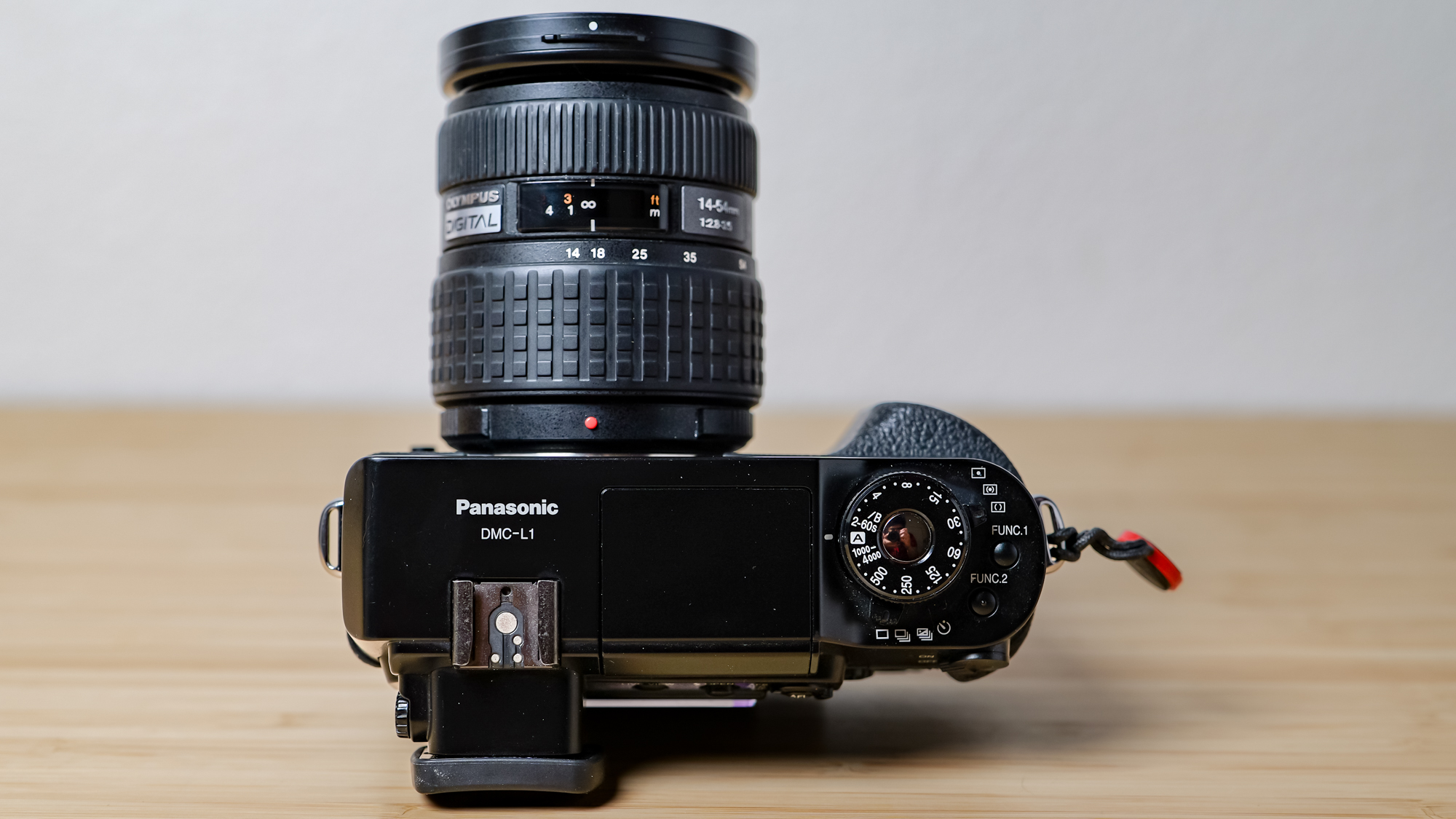
Lenses are even harder to find since every time you look for “Four Thirds lenses,” you get served with Micro Four Thirds lenses instead, which are not backward compatible with this system. I got lucky and found a 14-54mm kit lens on KEH for $80. However, if you want the nice Panasonic lenses made in collaboration with Leica, you’ll have a harder time finding those, and they’re not cheap. The good news is that, with an adapter, you can use older Four Thirds glass on the Micro Four Thirds systems, so the investment is worth it if you own cameras from both systems, as I do.
The legacy of Four Thirds lives on
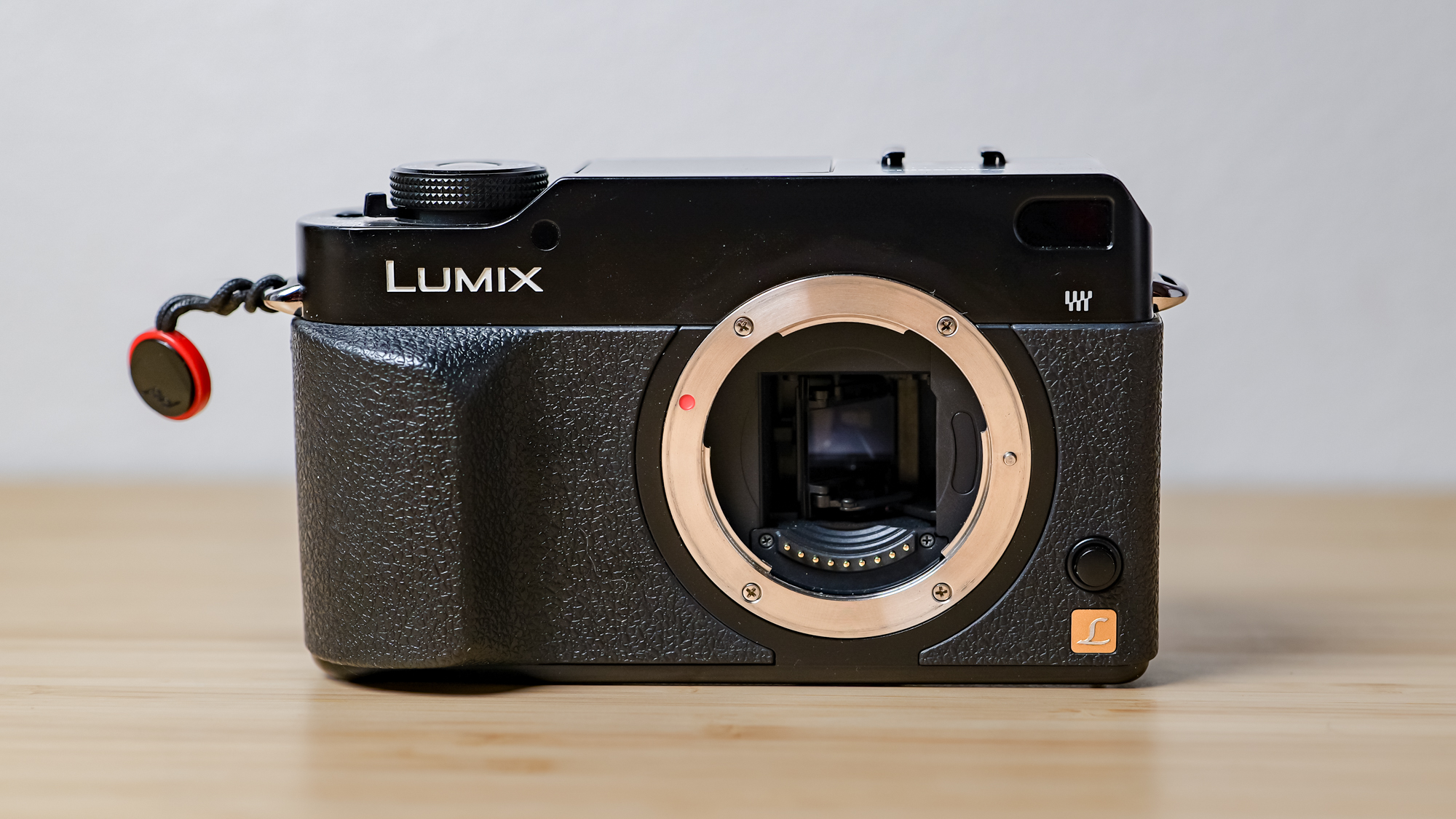
You don’t need to buy a Lumix L1 to experience the joys of shooting on a 4/3″-size sensor. Cameras like the Lumix L1 and the Olympus E-330 walked so that the Micro Four Thirds system could run. You can purchase a new Micro Four Thirds camera right now, like the video-focused Panasonic Lumix GH7; the photography-focused Lumix G9 II; a retro film body like the OM System OM-3; or the compact entry-level OM System E-M10 Mark IV.
These cameras are more compact than full-frame ones, and have a huge selection of quality first-party glass that can be found for cheap on used sites. Even older, used M43 cameras like the GX1 are great ultracompact pocket rockets perfect for weekend photography, and they’re way more affordable than the point-and-shoots popular on TikTok.
But, if you want a shooting experience that’s tactile, feels analog, and has enough obstacles to slow you down, the Lumix L1 deserves a serious look.


Follow Tom’s Guide on Google News and add us as a preferred source to get our up-to-date news, analysis, and reviews in your feeds.


