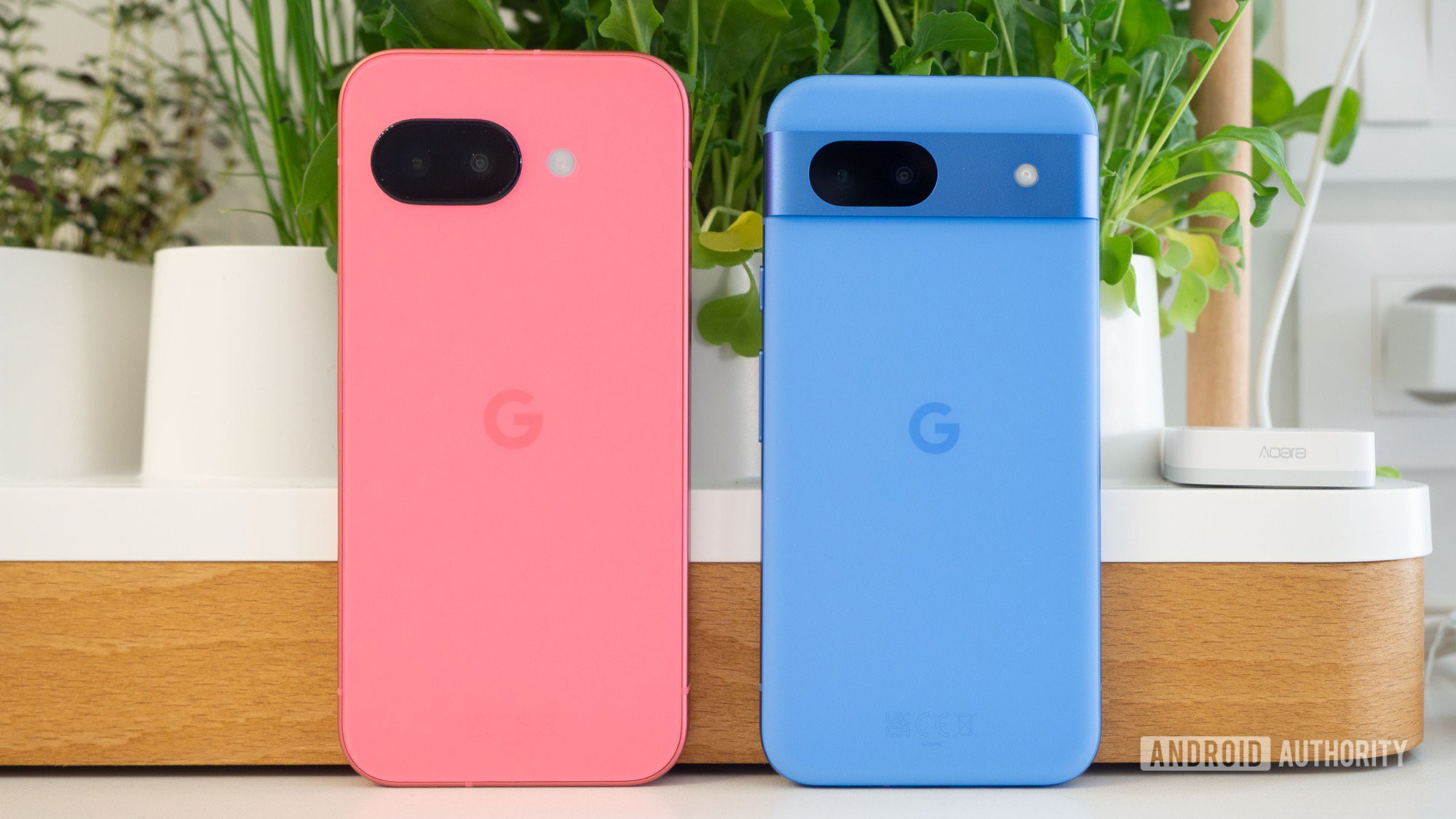
It’s a standard security update like we receive every month, and while there are no new features, there are important bug fixes. Most notably, Google highlights fixes for a battery-draining issue, misbehaving touchscreens, and an always-on display bug.
If you’re eager to get this update on your Pixel, there’s one thing you need to do first: ensure your Pixel model is eligible for the January 2026 update. Here’s what you need to know.
Pixel models getting the January 2026 update
Joe Maring /
As with most of Google’s monthly security updates, the majority of modern Pixel phones are supported. Here’s the full list of every Pixel model that’s getting the January 2026 update:
- Pixel 7a
- Pixel Tablet
- Pixel Fold
- Pixel 8
- Pixel 8 Pro
- Pixel 8a
- Pixel 9
- Pixel 9 Pro / 9 Pro XL
- Pixel 9 Pro Fold
- Pixel 9a
- Pixel 10
- Pixel 10 Pro / 10 Pro XL
- Pixel 10 Pro Fold
You’ll need to ensure your Pixel is running Android 16 to receive this update, which it likely already is. To manually check for the January 2026 update, open the Settings app, tap System, tap Software updates, tap System update, and tap the Check for updates button. You should see a “Preparing system update…” message, followed by a screen that says the update is installing.
Pixel models NOT getting the January 2026 update

Robert Triggs /
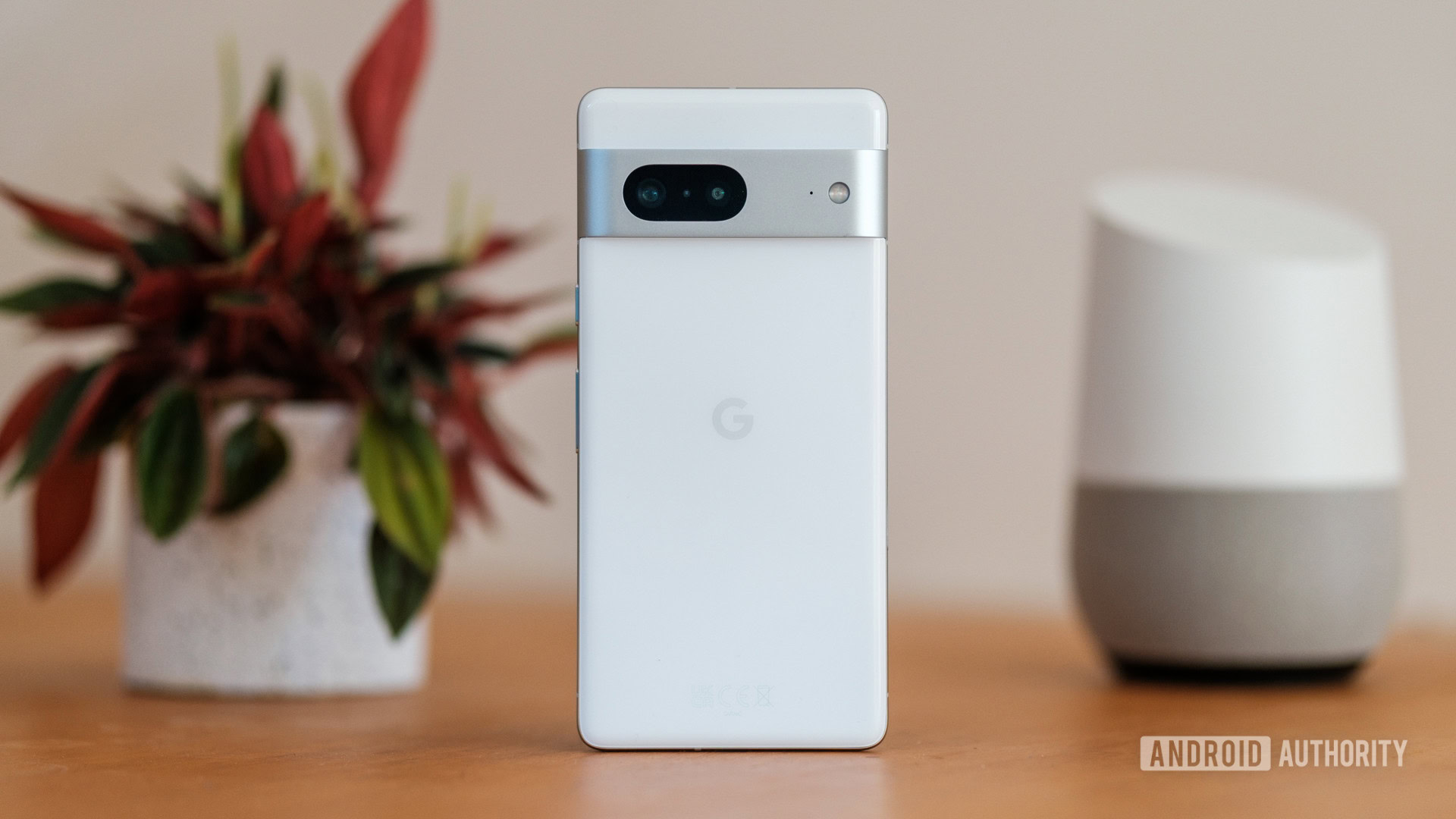
Although that’s a generous list of Pixels eligible for Google’s January 2026 update, a few notable Pixel models are not receiving it.
Specifically, this includes the Pixel 6, Pixel 6 Pro, Pixel 7, and Pixel 7 Pro. It’s a little confusing that these phones aren’t getting the update while the Pixel 7a is, but that’s what Google has decided.
While the Pixel 6 and Pixel 7 series are nearing the end of update support, they both still have some time left. The Pixel 6 and 6 Pro will continue to get updates until October 2026, while the Pixel 7 and 7 Pro will keep getting updated until October 2027.
Don’t want to miss the best from ?


Thank you for being part of our community. Read our Comment Policy before posting.