




Prakhar Khanna / Android Authority
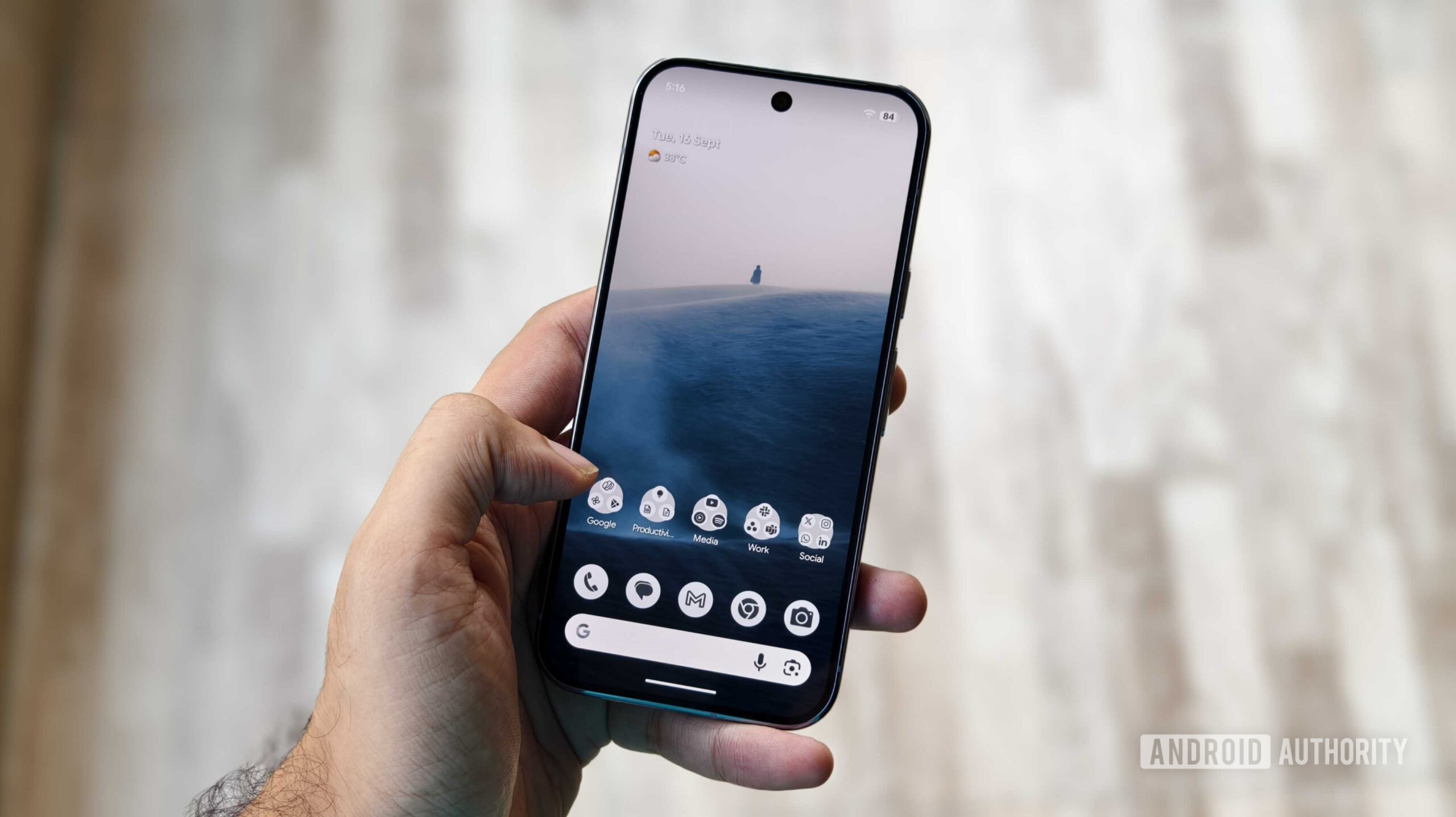
If you’re a Pixel user, you’re probably used to Google’s steady stream of software updates. In addition to major Android OS upgrades, the company releases monthly security patches. Typically, there’s just one security update per month, but December has suddenly given us two.
Following the main December update released at the beginning of the month, Google launched a second update on December 17. It’s a minor update, including reduced battery drain and a fix for a touch responsiveness bug specific to the Pixel 10, but an update is still an update — no matter how small.
If you’ve got a Pixel and are wondering if your phone is eligible for Google’s second surprise December update, here’s what you need to know.
Has your Pixel gotten this second December update?
42 votes
Every Pixel model confirmed for the second December update

Joe Maring / Android Authority
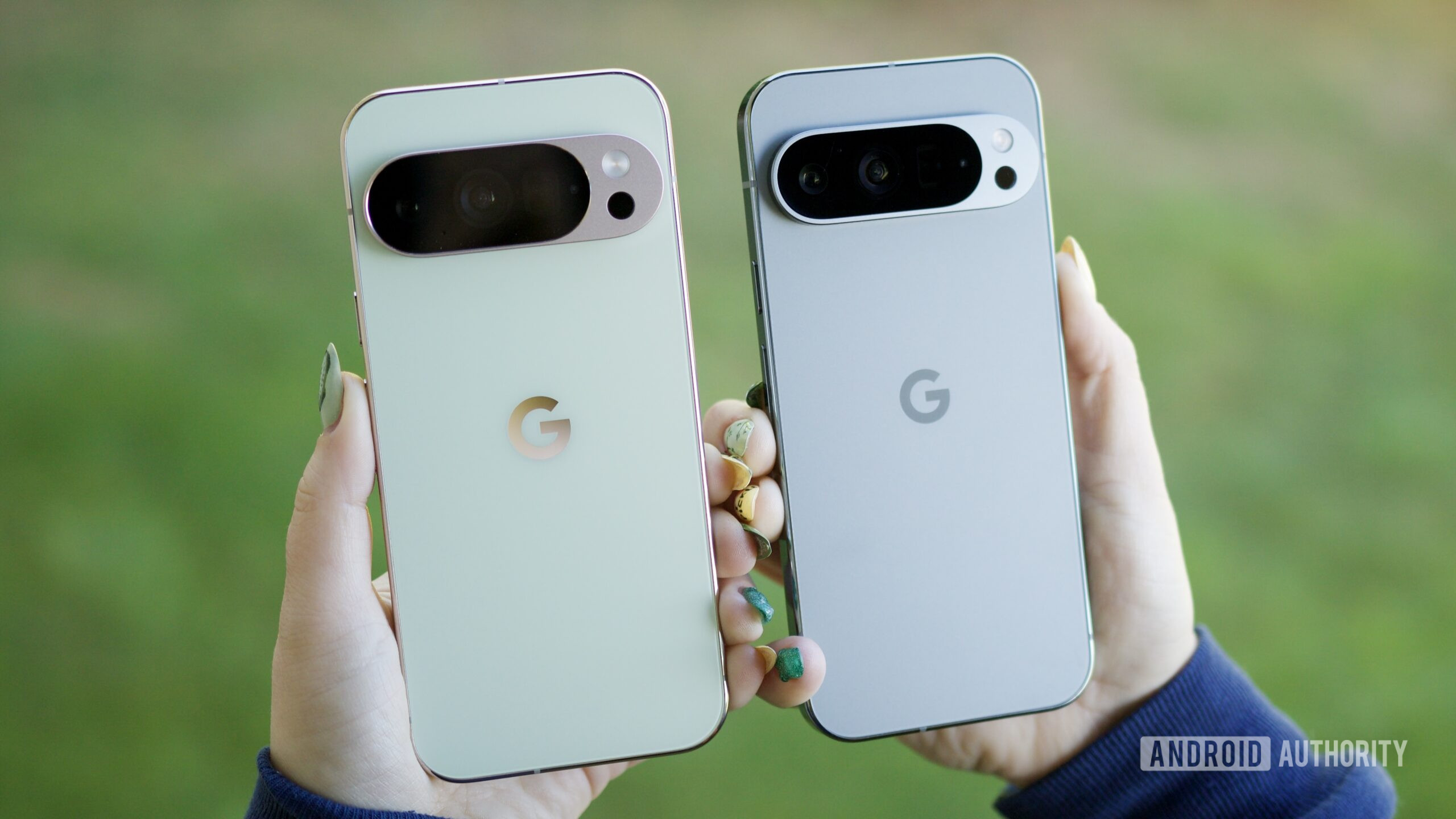
With most Pixel updates this year, Google typically releases them to Pixel models as old as the Pixel 6 series. However, this second December update appears to be more limited than usual. As it currently stands, here’s every Pixel model that’s been confirmed for this latest December update:
- Pixel 8
- Pixel 8 Pro
- Pixel 8a
- Pixel 9
- Pixel 9 Pro/9 Pro XL
- Pixel 9 Pro Fold
- Pixel 9a
- Pixel 10
- Pixel 10 Pro/10 Pro XL
- Pixel 10 Pro Fold
In short, only the Pixel 8, Pixel 9, and Pixel 10 series phones seem to be eligible. To be clear, this doesn’t mean Google is ending all update support for the Pixel 7 and Pixel 6 series. With these minor updates, it’s not unheard of for not every Pixel model to be included. We saw something similar with the second October update earlier this year; that update was released to all eligible Pixels except the Pixel 6 series and Pixel Tablet.
How to check your Pixel for the update
If you have one of the eligible Pixels and want to see if you’ve got the update waiting for you, checking for it takes just a second.
- Open the Settings app on your Pixel phone.
- Scroll down the page.
- Tap System.
- Tap Software updates.
- Tap System update.
If you have the update, you’ll first see a “Preparing system update” screen, followed by the update downloading to your phone. The file size is only 26.51 MB, so it shouldn’t take too long at all to download and install.
Don’t want to miss the best from Android Authority?


Thank you for being part of our community. Read our Comment Policy before posting.


