How Long Do OTA Software Updates Take?
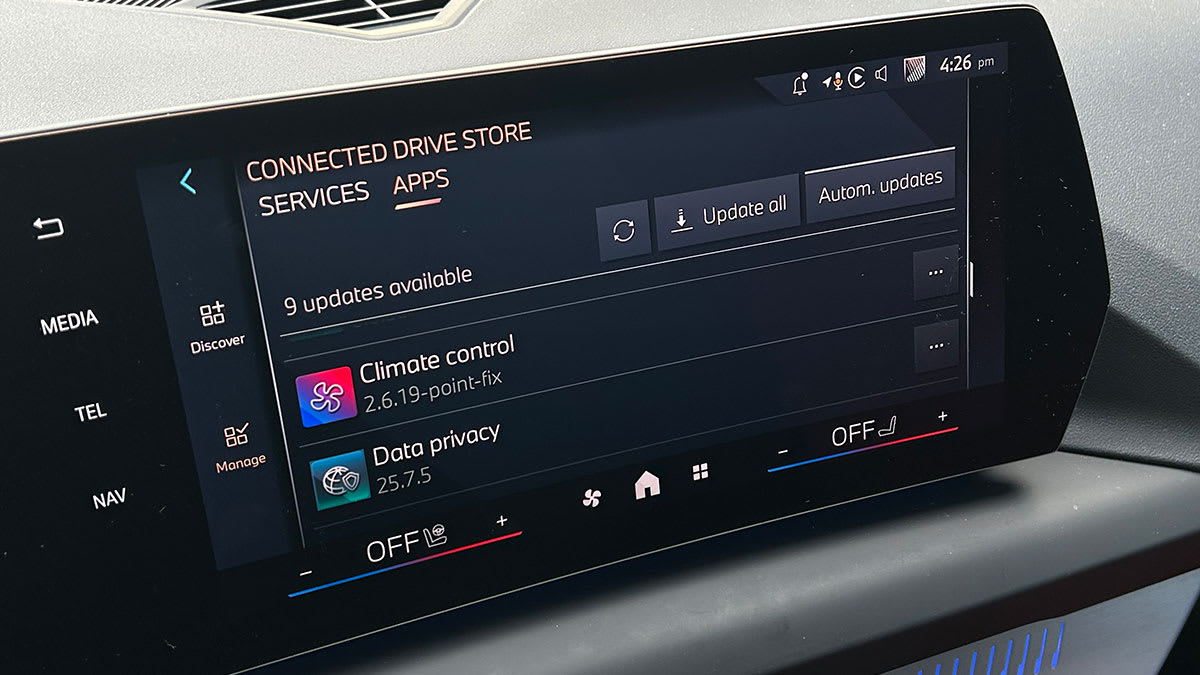
Before you install an OTA update, most cars will tell you what to expect, including how long it will take. Many updates will prevent you from driving, so don’t accept an update if you need to go somewhere soon.
“Some updates take just a few minutes, others can take 90 minutes. In many cases, the car needs to be locked and will not function while the update runs,” says Crossen. EVs often require a charged battery, and some gas-powered cars must be left running to ensure a steady voltage supply during the download and install process.
Just as with a phone or computer, don’t worry if the status bar on your dashboard stops moving for a few minutes. “Sometimes updates take longer than estimated and look stuck, but all will be well,” says Yael Grauer, program manager for cybersecurity research at Consumer Reports. “Just make sure not to open or close the doors or turn the ignition on or off, because it could disturb the update.”
But if an update fails or takes hours when it was supposed to take minutes, Crossen says your best bet is to move the car to get a stronger connection, as he had to do recently when the progress bar on Consumer Reports’ own Subaru test car stalled during an update. “I moved the car 15 feet, and the progress bar began to move.” Many vehicles have a signal strength indicator on their infotainment screens, similar to the one at the top of a phone’s screen. If that doesn’t help, you may need to take the car to the dealership.