




Kaitlyn Cimino / Android Authority
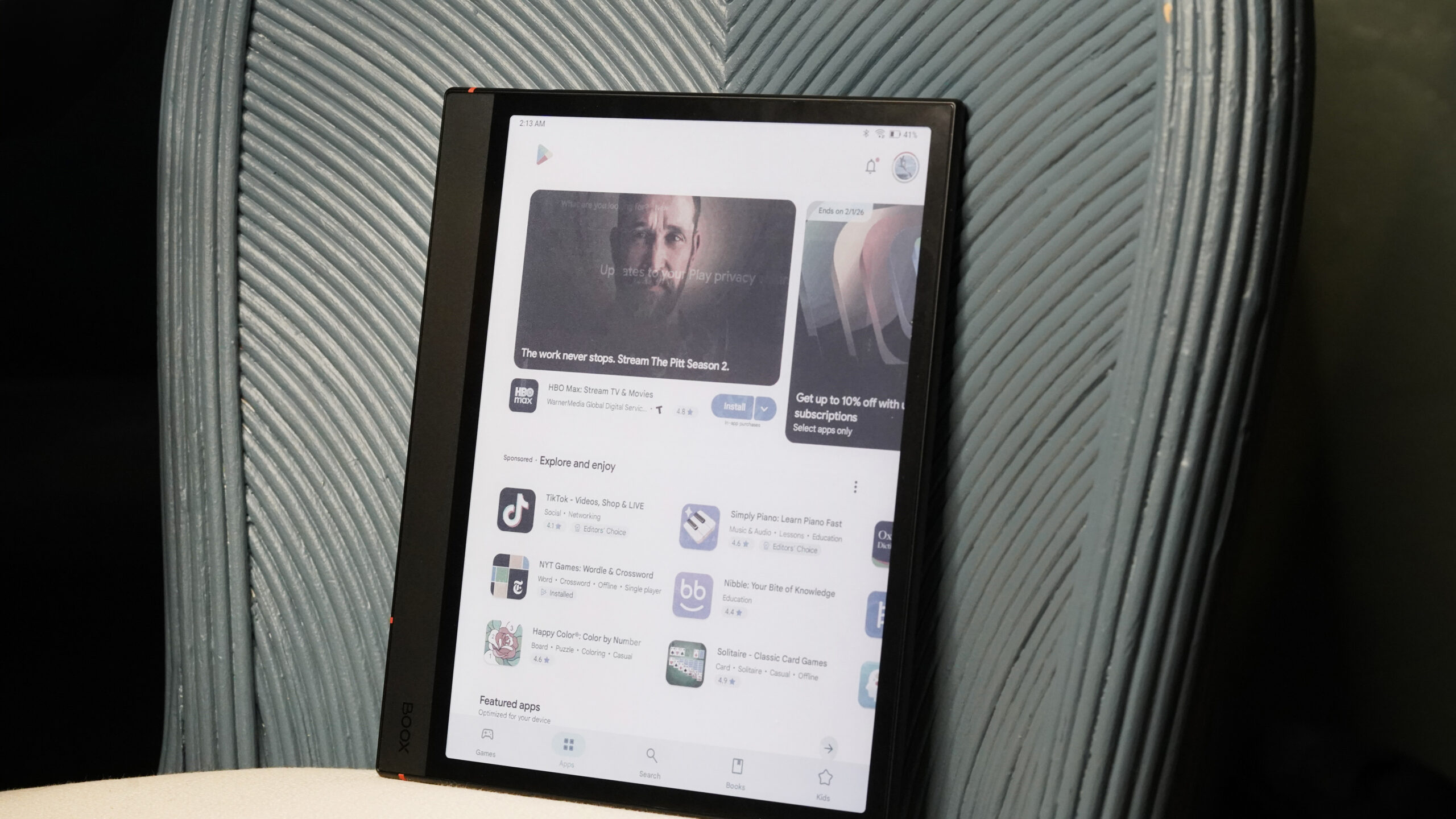
For a long time, I was using my Android-based E-Ink devices in the most basic ways possible. I read books, occasionally opened a PDF, and mostly just wondered why they didn’t feel all that different from a more locked-down e-reader. The truth is, I hadn’t really invested the time to get the most out of devices that are capable of a lot more. Ahead of the new year, I spent time testing some of the most commonly recommended apps for E-Ink devices to stop taking my Boox for granted and set it up for a better experience in 2026. These are the apps I liked the most and the ones I plan to keep using this year.
1. Kindle

Kaitlyn Cimino / Android Authority
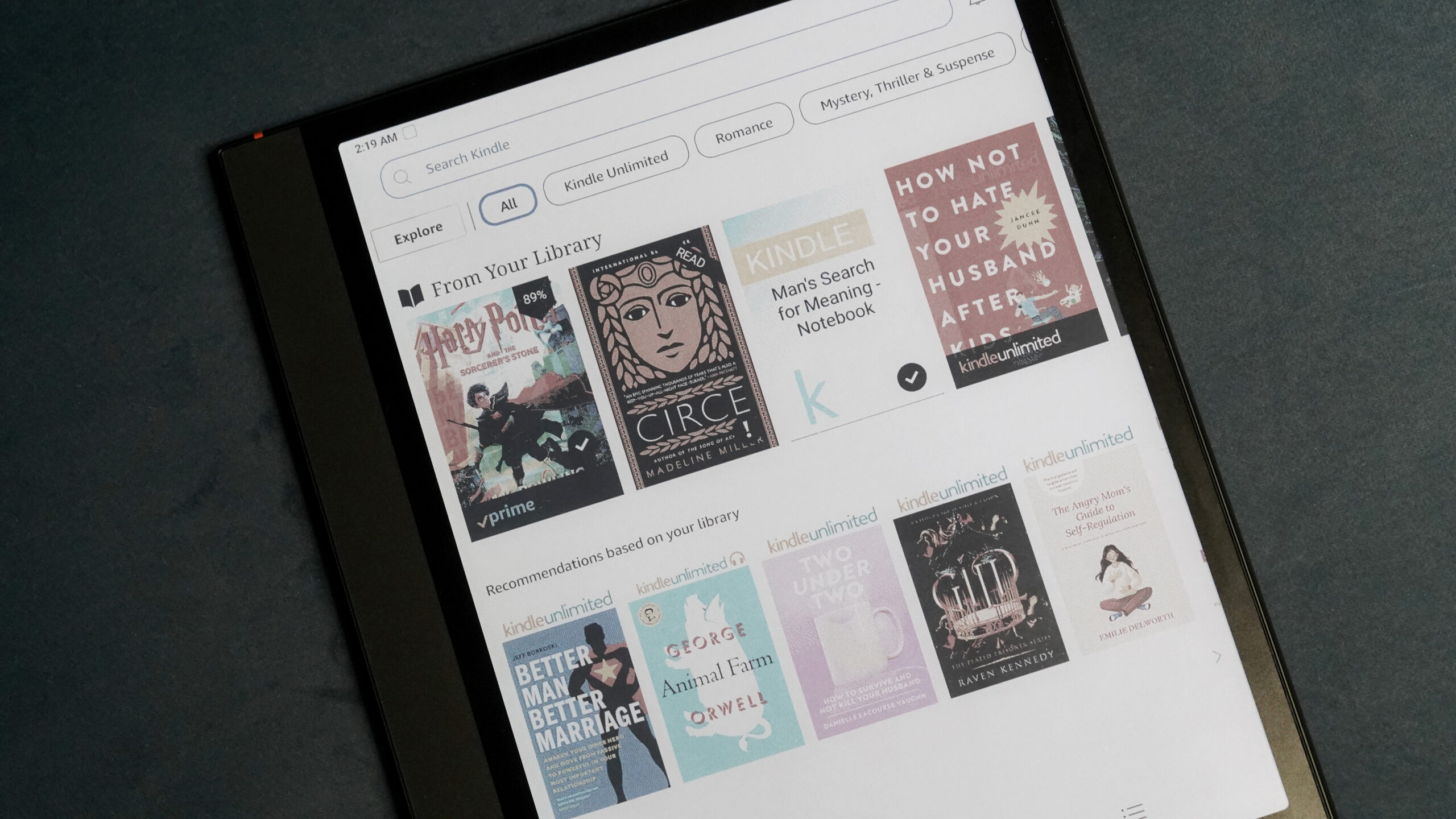
To get this out of the way early, even on an Android e-reader, the Kindle app earns its spot, though I admit that reluctantly. I’d love to leave Amazon’s closed ecosystem behind, but the reality is that I’ve invested too much in Kindle books to walk away entirely. My library follows me without any extra effort, and whispersync works to hold my place when I’m swapping between devices. I don’t love rewarding Amazon’s lock-in, but sometimes practicality wins over principle. I preferred using page turns in the Kindle app for a calmer, more e-reader-like experience, but if you do want to scroll, it’s worth tailoring the app’s refresh settings to speed mode to make it smoother.
2. Libby
Kaitlyn Cimino / Android Authority
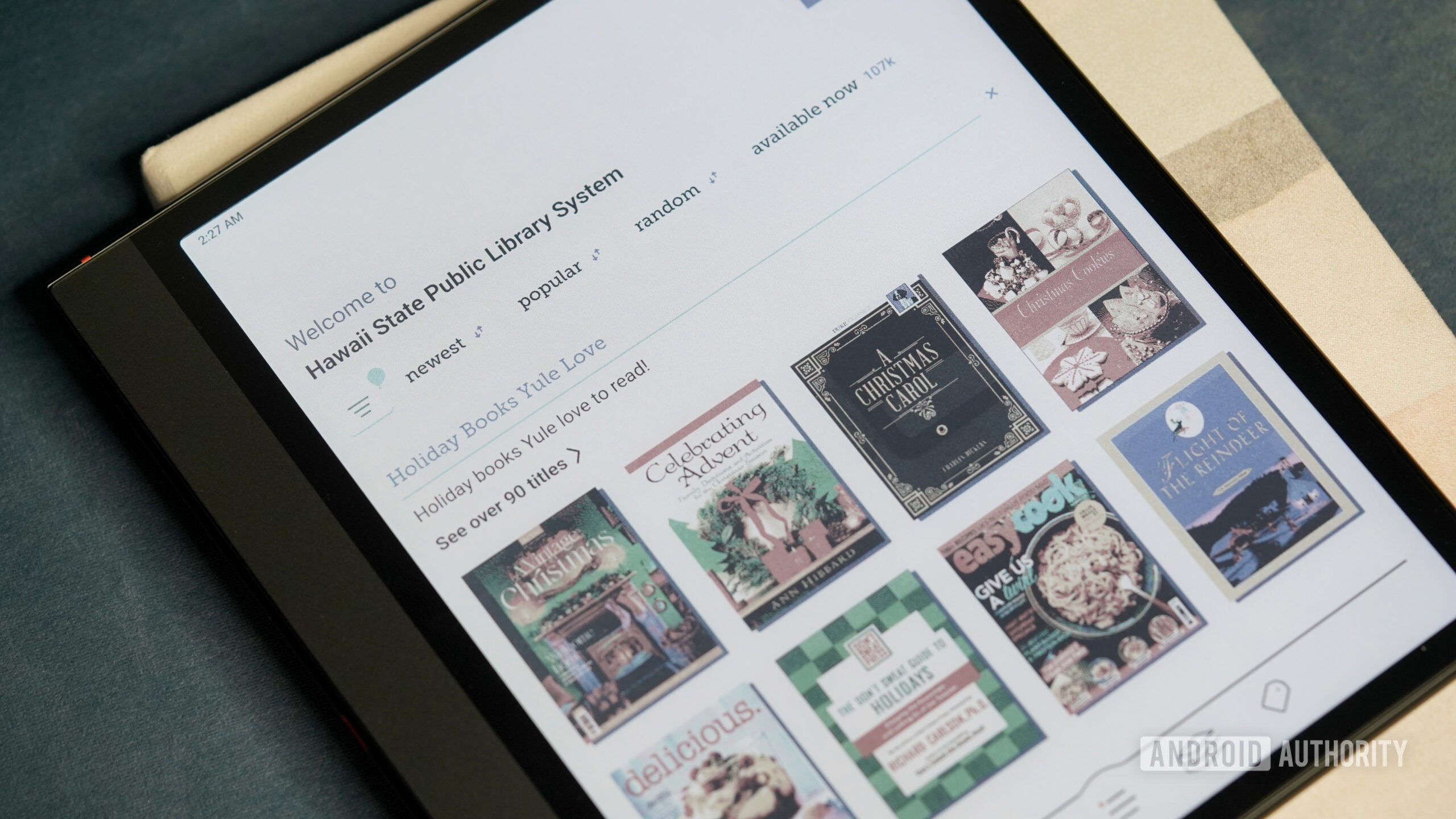
In the same spirit of trying to spend less on books, Libby is the app that keeps me out of the red. It lets me tap into my local library’s digital catalog and borrow titles for free, useful for anyone with an aggressive reading goal this year. On an Android E-Ink reader, Libby is straightforward, and the scrolling on my Boox is truly satisfying while scanning the digital shelves. I can check out books, download them, read, and return without ever leaving my house. I often encounter wait lists, but I make a point of putting books on hold well in advance, and I can always check out the “available now” section if necessary.
3. Moon+ Reader
Kaitlyn Cimino / Android Authority
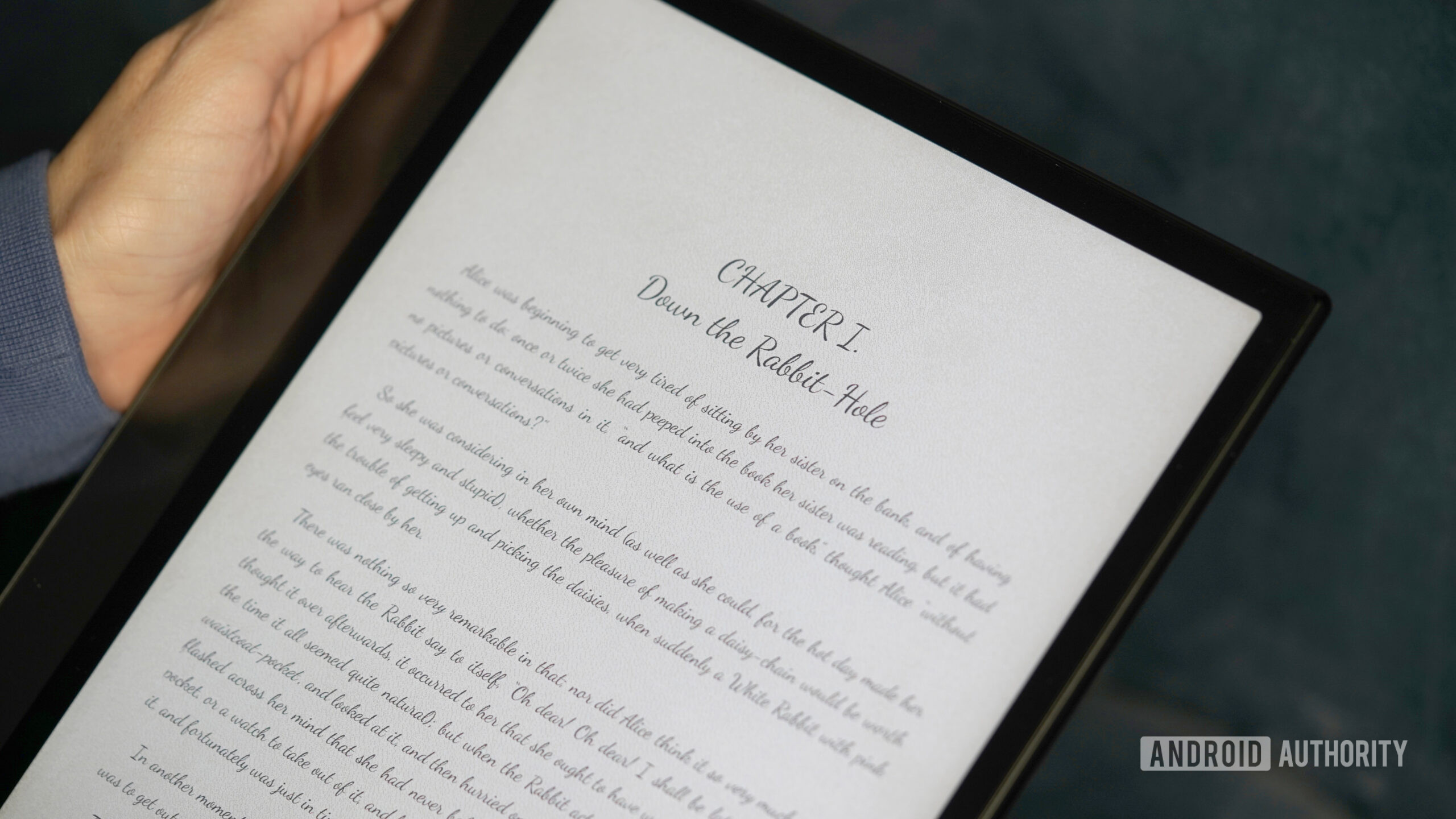
Moon+ Reader handles way more file types than stock readers, and it gives you a ridiculous amount of control over fonts (including cursive ones, which is fancy and fun), spacing, themes, and page turns. It also syncs with Project Gutenberg for access to free ebooks (yes, I’m realizing there is a theme developing), so I can download a few classics to dip into this year or reread The Count of Monte Cristo for the 11th time. The app also has an optional E-Ink mode that minimizes animations and simplifies the interface, which is exactly what I want for reading. You can use Moon+ for free, or fork over a small one-time fee to ditch the ads and unlock a few extra features if you end up sticking with it.
4. Audible
Kaitlyn Cimino / Android Authority
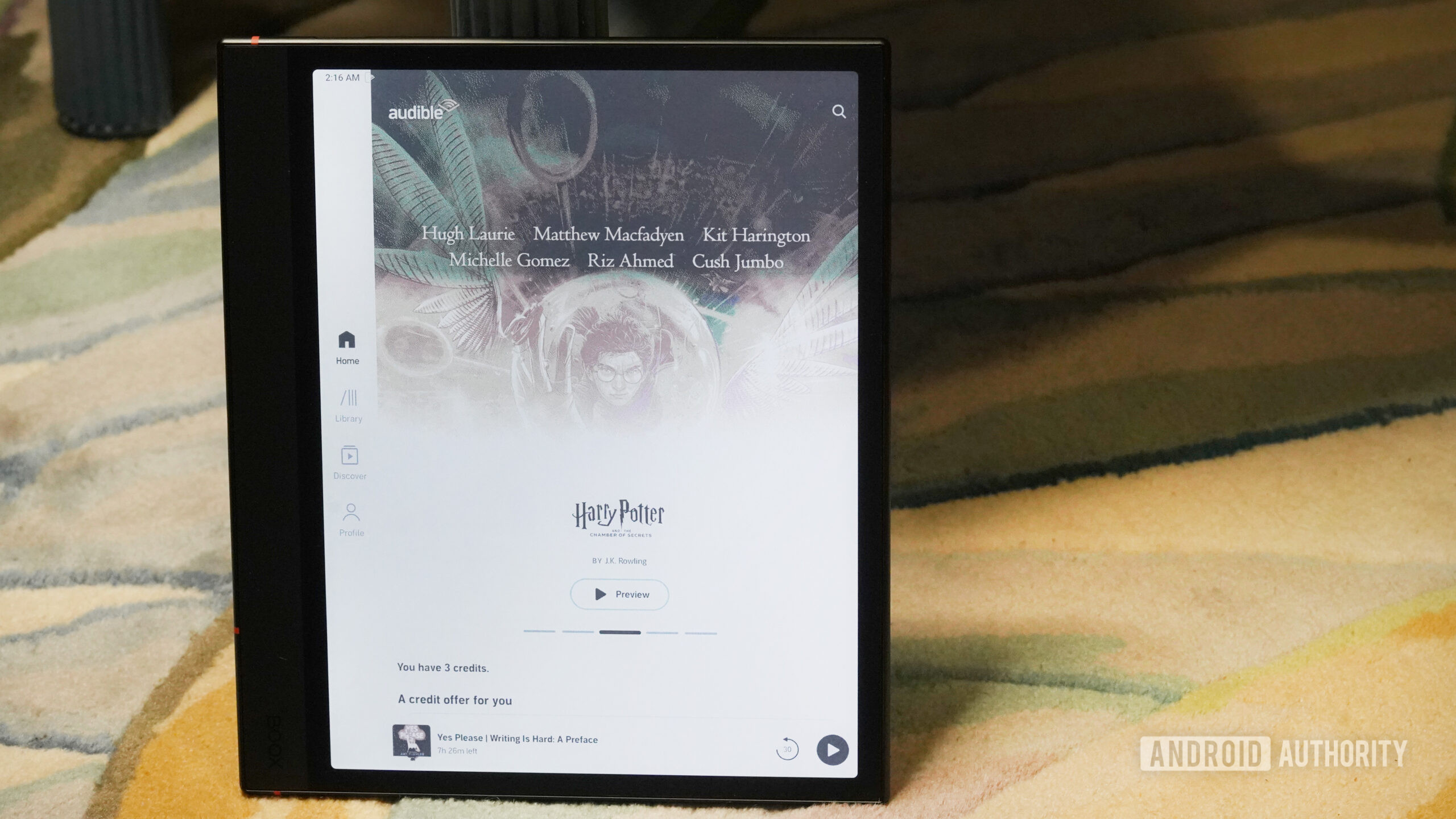
Audible isn’t something I use regularly on my E-Ink reader, and after spending time with it, that makes sense. Sometimes it works exactly as expected, and other times it takes a little encouragement to get going. After adjusting the background playback and sleep settings to keep Bluetooth active, it behaved more reliably, though my phone is still the easier option most days. That said, on long travel days or flights when I don’t want to drain my phone battery, having Audible on my Boox as a backup has come in handy. It’s not perfect, and it’s not my primary way to listen, but as a secondary option (and occasionally as a wind-down tool), it’s been genuinely useful.
5. Wikipedia
Kaitlyn Cimino / Android Authority
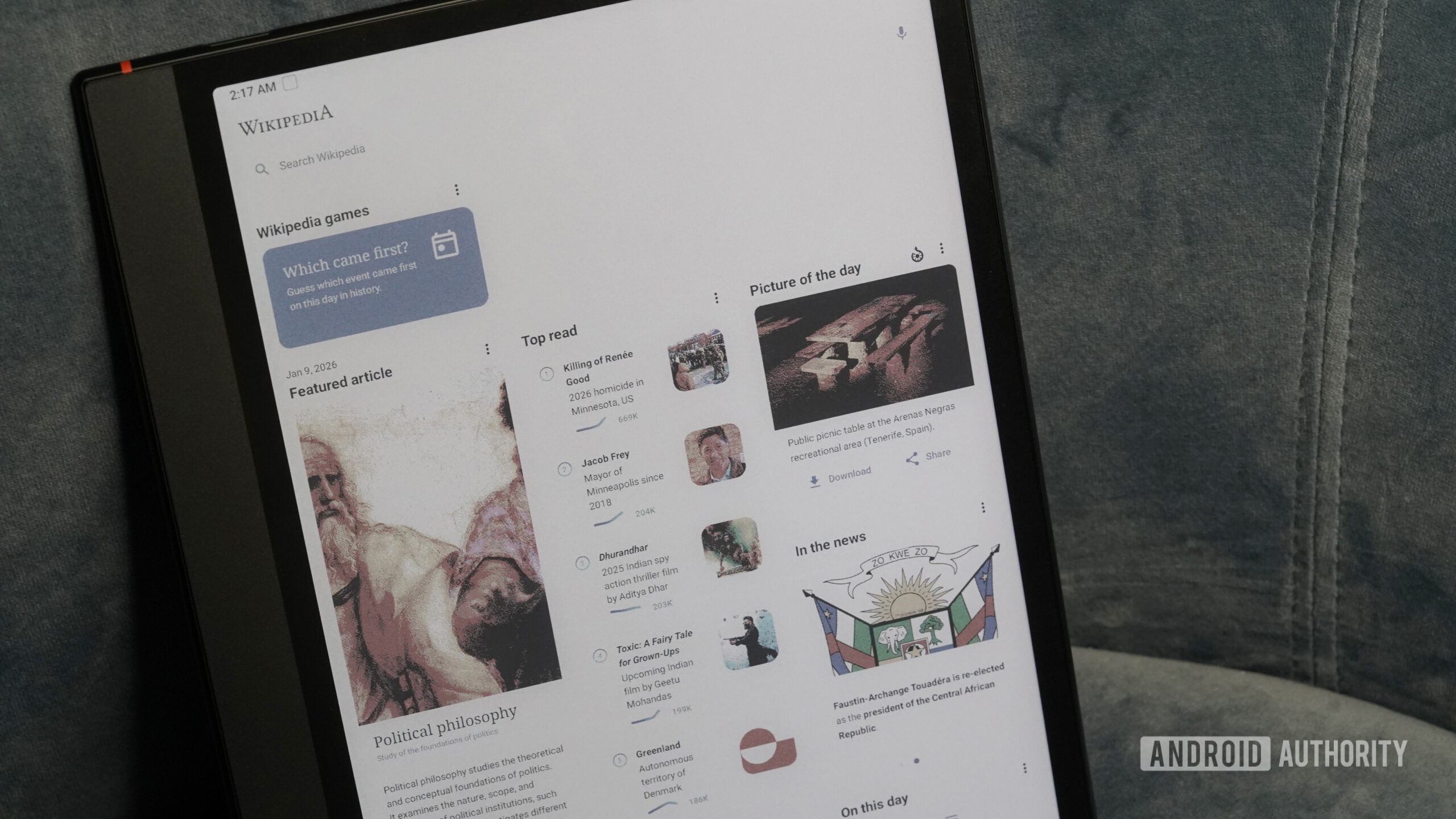
Wikipedia might still get side-eye in some circles, but as a reference tool, it’s hard to beat. I use it the way it’s meant to be used: to get oriented, fill in gaps, and quickly understand something before deciding whether to go deeper elsewhere. On a glare-free screen, long articles are pleasant to read, and the text-heavy layout is well-suited to E-Ink. Wikipedia games are also something I discovered during this self-imposed E-Ink app endeavour, and I’m addicted.
6. Gmail
Kaitlyn Cimino / Android Authority
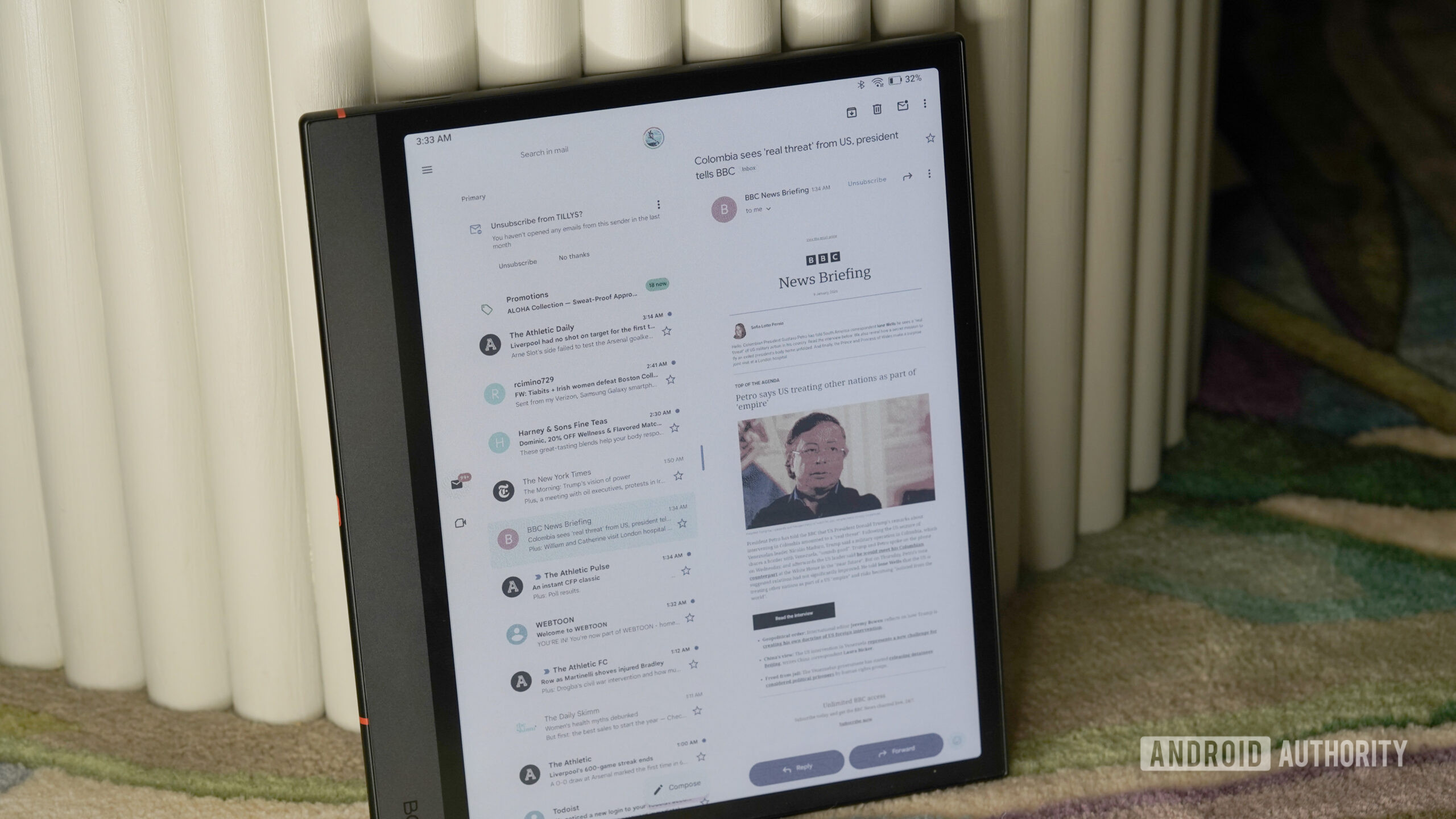
Gmail works on Android E-Ink tablets, but it’s better suited for checking your inbox than actually sending email. On a Boox device, the app installs and functions normally, which makes it useful for quick check-ins or skimming messages without switching devices. The scrolling-heavy interface isn’t designed with E-Ink in mind, so inbox management can feel clunky, and I had a couple of emails hang in the Outbox when the connection dipped, or the device went to sleep too quickly. In other words, it makes this list because it’s functional for flexible check-ins, or to read your great aunt’s insistent chain emails, but for emailing your boss back, it’s not really worth the effort when your phone is probably within reach.
7. Google Home
Kaitlyn Cimino / Android Authority
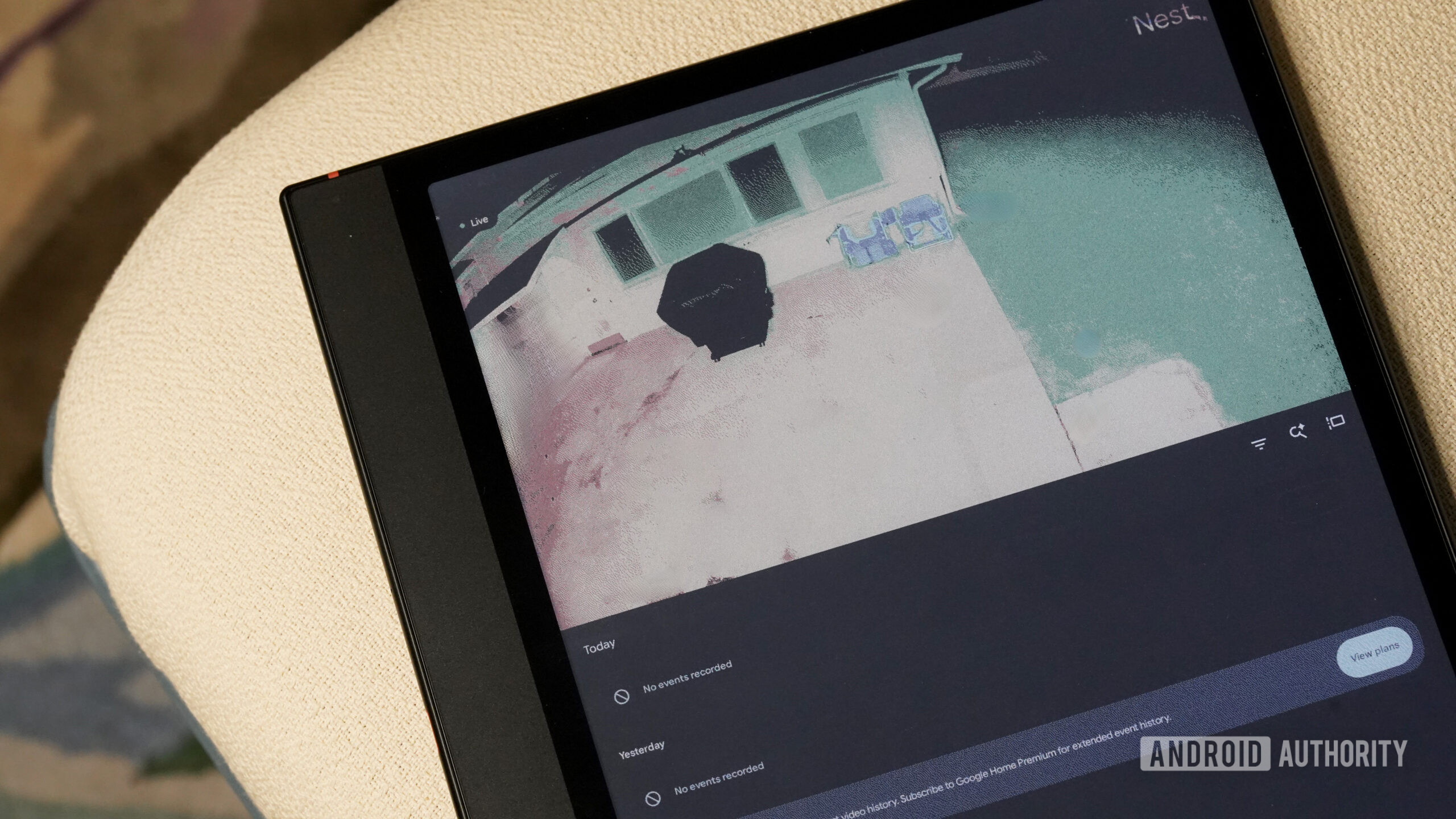
Google Home wasn’t originally on my radar for an E-Ink tablet, but a colleague recommended giving it a try, and I was intrigued. I mostly use it as a quick, glanceable control panel, checking a device’s status or flipping a switch. I can even check my cameras, though the image is quite grainy, so I only use it for things like making sure only a cat walked into my backyard and not a serial killer. My favorite use case so far is turning off the lights from bed when I decide, mid-reading session, that I will absolutely not be getting up to change into pajamas. It’s not essential, but having smart home controls on an E-Ink screen makes the device feel unexpectedly practical.
8. Google Drive
Kaitlyn Cimino / Android Authority
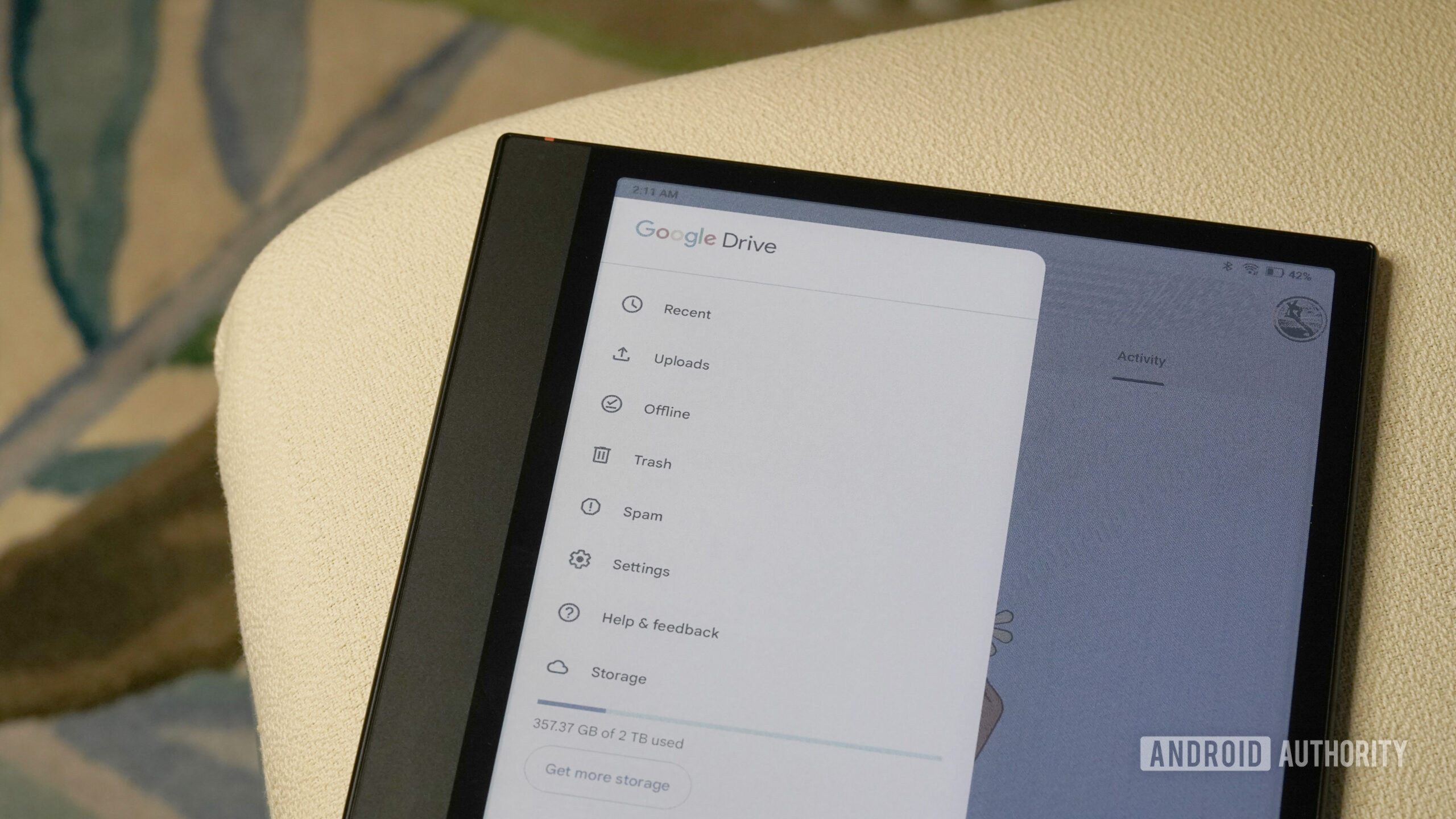
Why have access to the Google Play Store if you’re not going to download all the Google apps? Google Drive is easily one of my favorite adds to my E-Ink tablet. The ability to pull up documents, PDFs, and shared files on a glare-free screen makes the device feel like a natural extension of my existing workflow instead of a separate, reading-only gadget. I mostly use it to review files rather than actively work in them, but for that purpose, it’s perfect.
9. Chrome

Kaitlyn Cimino / Android Authority
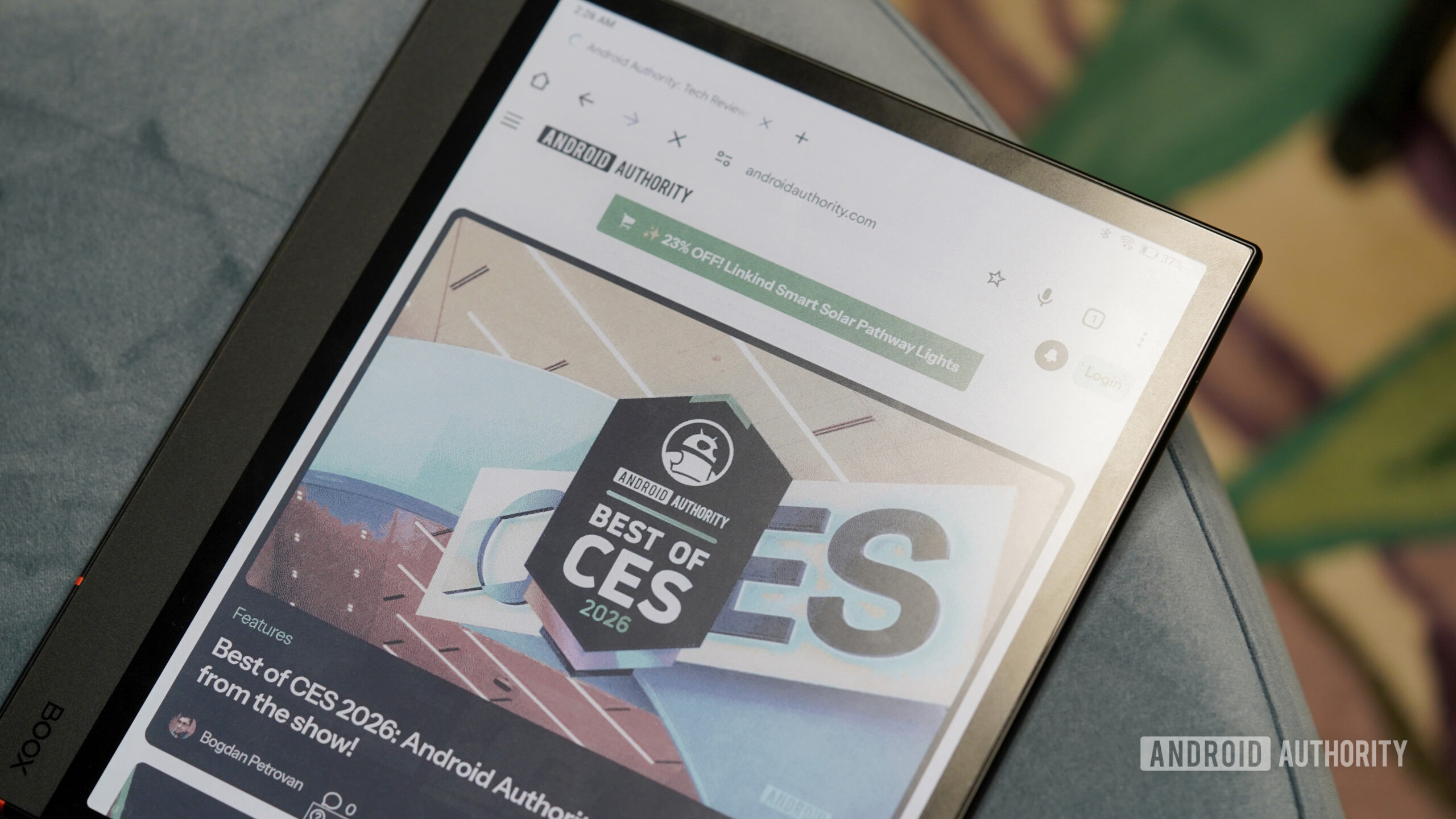
Chrome is here mostly for convenience. Having all my bookmarks, saved passwords, and browsing history sync instantly makes it the easiest way to pick something up where I left off. In everyday use, it’s been more usable on E-Ink than I expected, and I haven’t run into the horror-story quirks you sometimes hear about. I tested lighter alternatives like DuckDuckGo and EinkBro and found them decent as well. I just don’t see much reason to leave the familiarity of Chrome when it already works well on my tablet. I was even pleasantly surprised by how well videos worked; it’s not something I’d do often on an E-Ink screen, but it was perfectly fine for getting the gist of a highlight reel or a quick how-to when I needed it.
10. Todoist
Kaitlyn Cimino / Android Authority
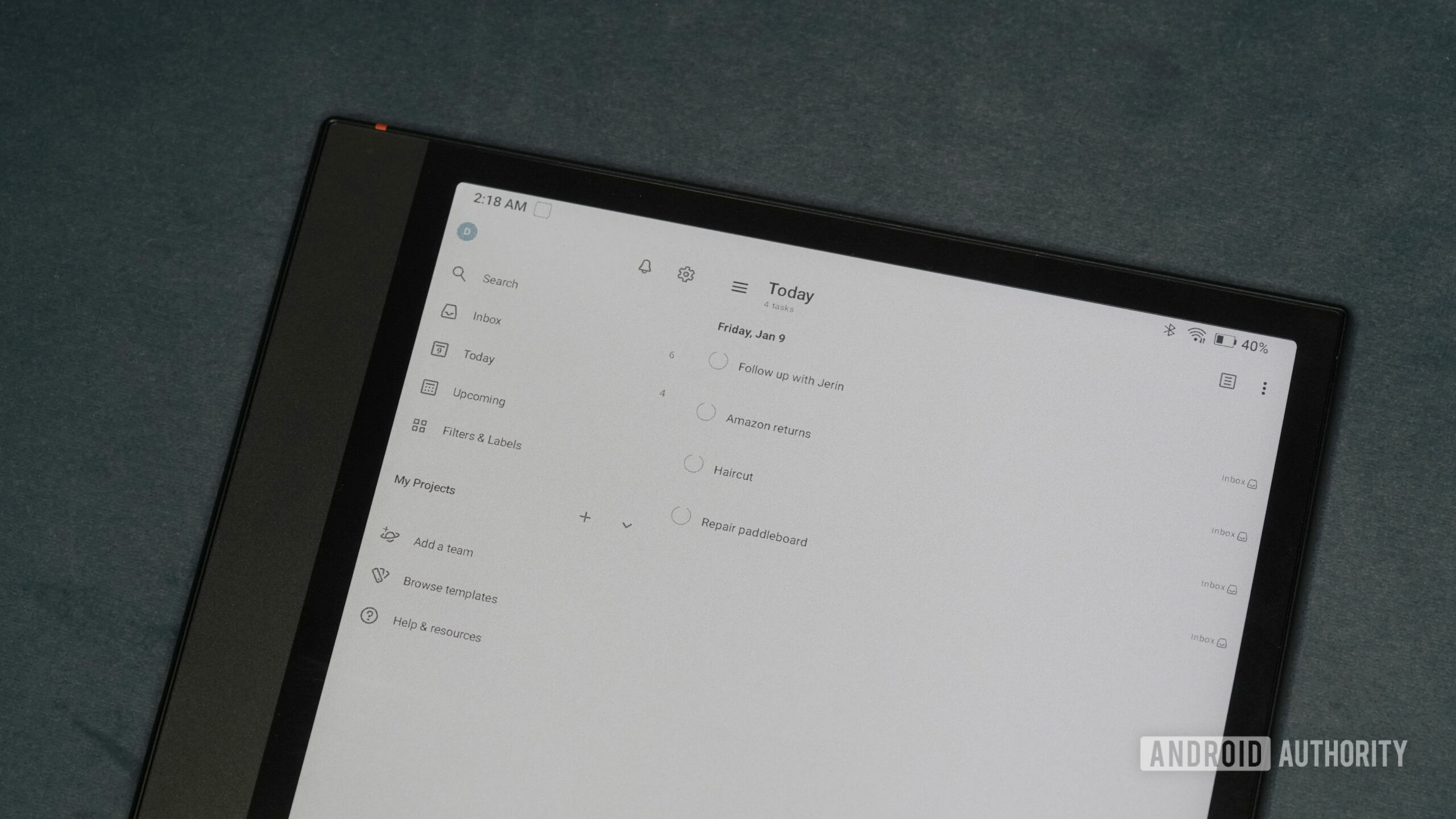
Todoist works well on E-Ink because it doesn’t ask much of the screen, just lists and checkboxes, which is my favorite genre of content. I mostly use it to review tasks and mark things off, not to overhaul projects or pretend this is where I finally get my life together. In the least masochistic way I can say this, it’s just satisfying to have my unfinished to-do lists follow me onto yet another device. In some ways, the slower, deliberate pace of E-Ink makes it easier to focus on what actually needs to get done, too.
11. JotterPad
Kaitlyn Cimino / Android Authority
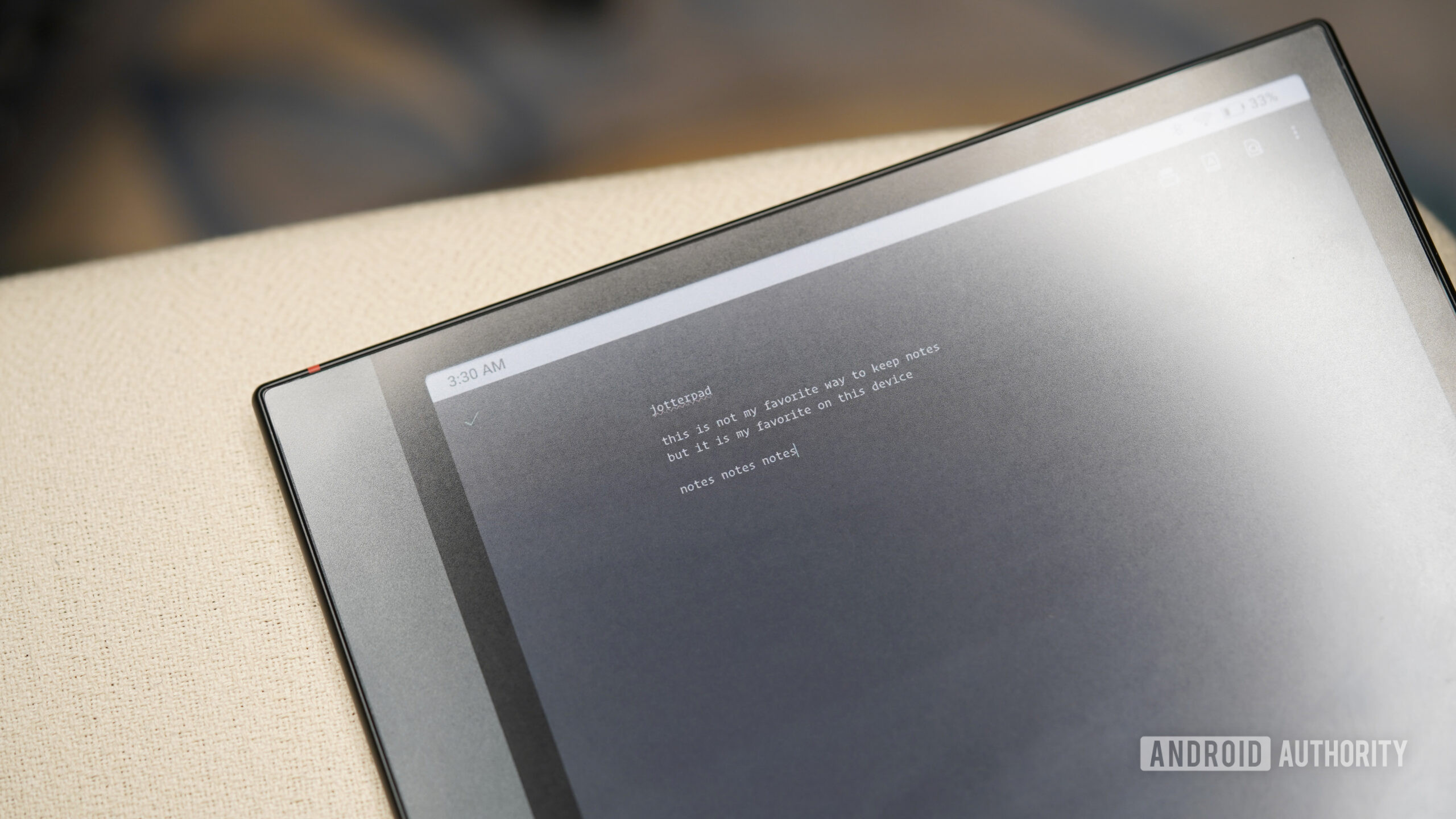
As part of setting up my Boox for a more productive writing year in 2026, JotterPad was a surprisingly good match for E-Ink. I’ve been using it for outlines, rough drafts, and ideas that would otherwise sit half-formed in my head, and it’s already earned a spot in my regular rotation. It’s not where polished writing happens, but for building momentum, it fits the medium well. The free version covers basic note-taking, while paid upgrades unlock things like cloud sync and export tools if you want them. It’s not a must-have for everyone, but for the right kind of user (read: me), it’s a genuinely nice tool to have on board.
12. Loop
Kaitlyn Cimino / Android Authority
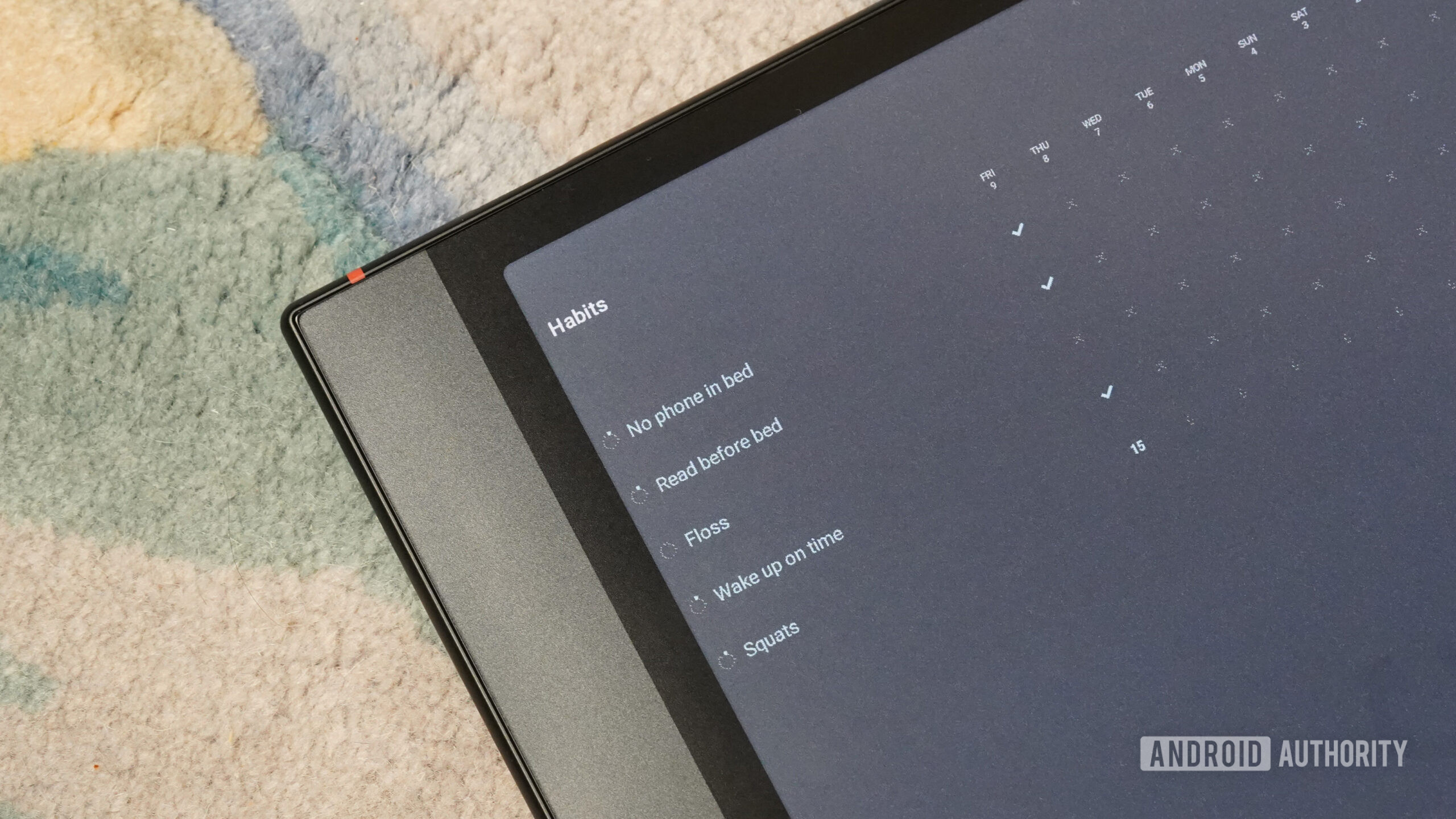
Loop is the least intimidating habit tracker I’ve ever used, which is probably why it works for me. There are no streak fireworks, no gamified pressure, just a simple grid where you check off whether you actually did the thing you said you would do. On an E-Ink screen, that stripped-down approach feels especially right. I tested it as part of trying to be marginally more put-together in 2026, and I like that it lets me track habits without pretending I’m about to become a radically different person. It’s basic by design and exactly the level of accountability I can tolerate.
Don’t want to miss the best from Android Authority?


13. Crossword Puzzle (Redstone)
Kaitlyn Cimino / Android Authority
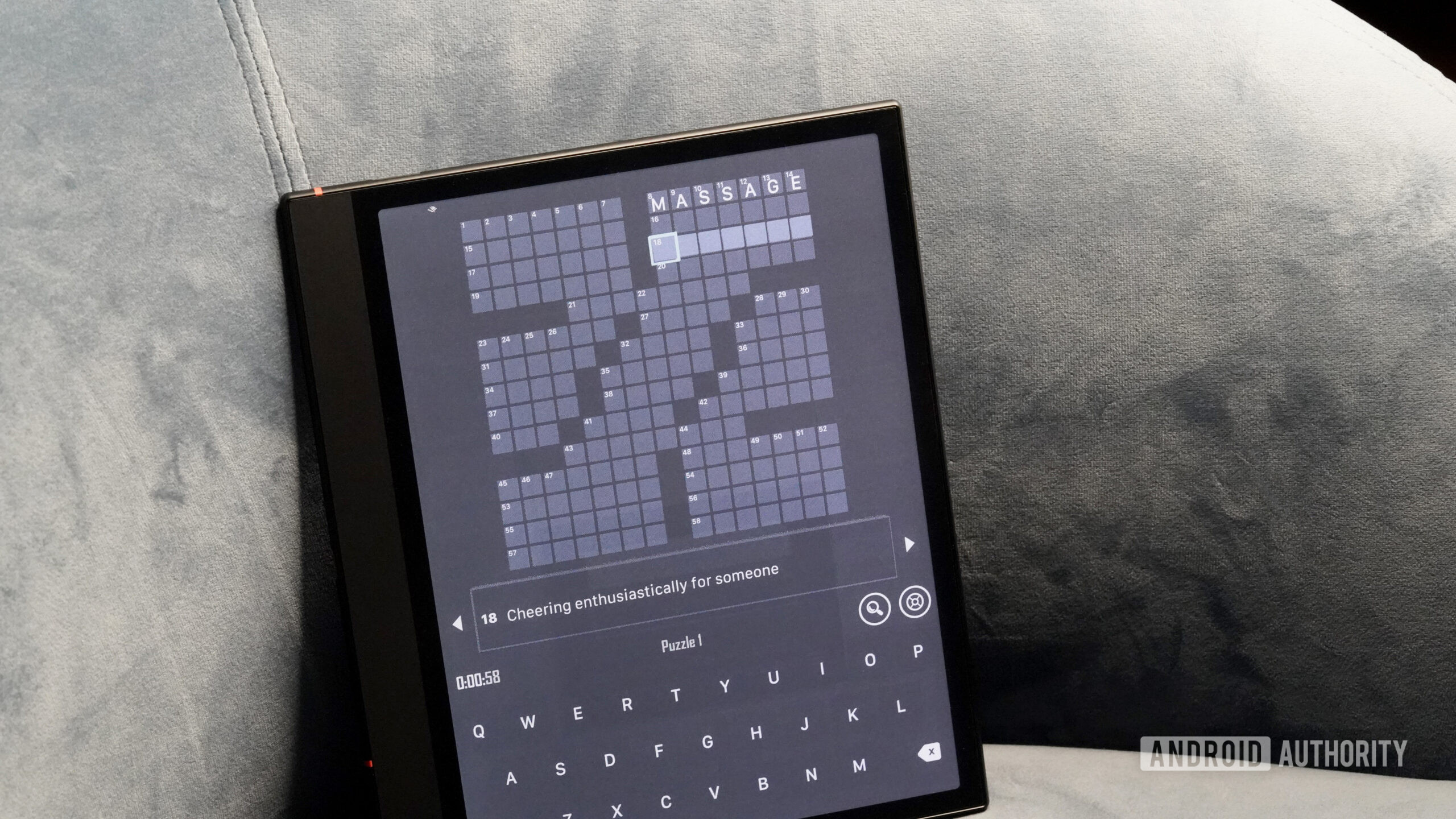
Crosswords are a perfect fit for an E-Ink device, and Crossword Puzzle (Redstone) is one of the better apps I’ve found. It keeps things simple with clean grids, daily puzzles, and difficulty levels that scale nicely, all of which translate easily to a slower screen. My only note of caution is that you turn the sound off if you decide to download. I made the mistake of opening the app with audio on and was genuinely startled the first time it chimed at me. Once muted, it’s exactly the kind of low-key puzzle I was hoping to add to my device.
14. NYT Games
Kaitlyn Cimino / Android Authority
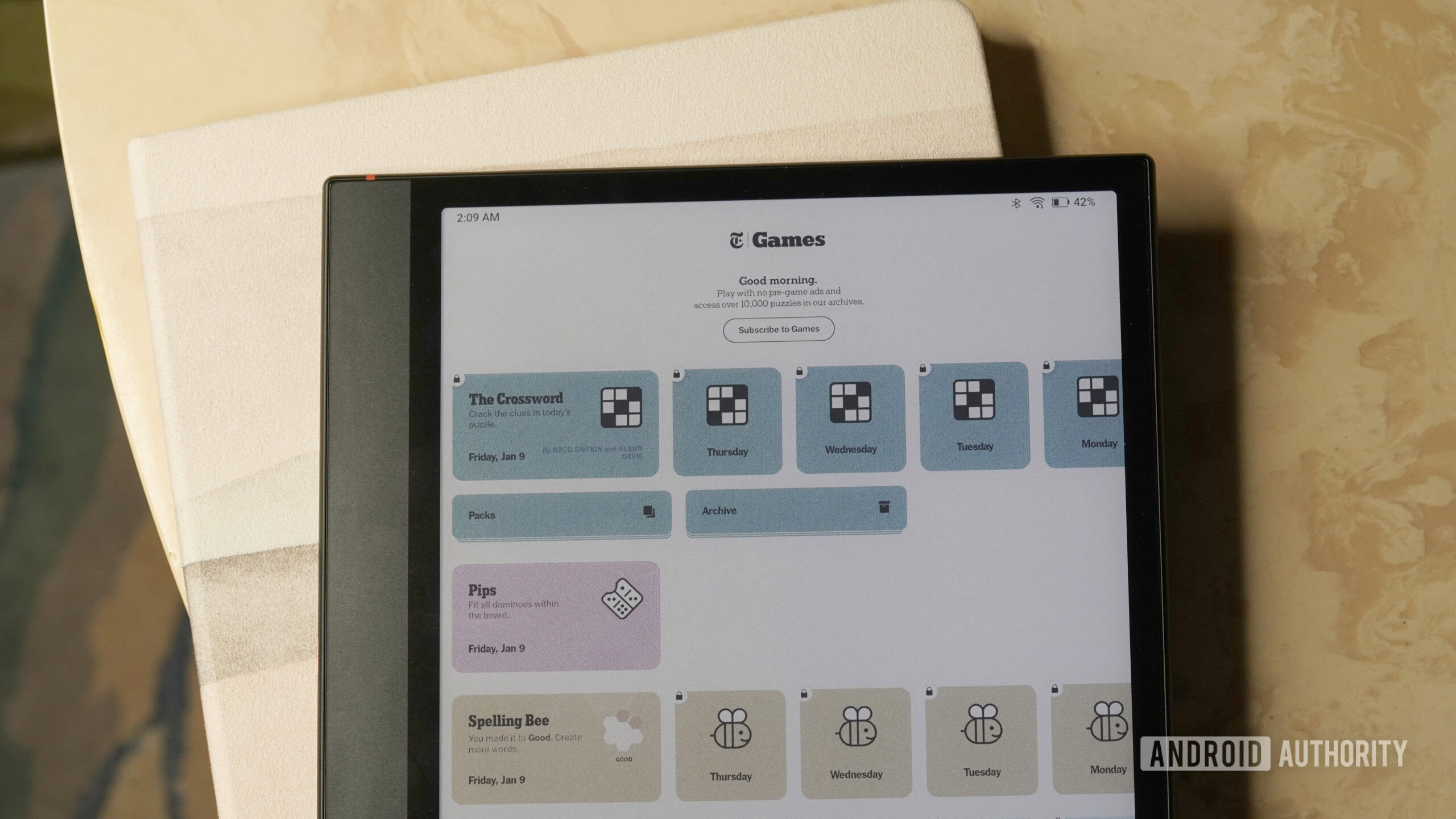
I’m already in the habit of doing New York Times games on my phone every day (Wordle, Connections, Spelling Bee, etc.), so moving them to my E-Ink tablet felt like a natural experiment. The app works well enough, and the option to shift the daily puzzles over is genuinely appealing. It helps me actually do the games and stop there, instead of falling into the familiar phone-shaped black hole of notifications, apps, and accidental scrolling. Even if it only works some of the time, that alone makes it worth keeping installed.
15. Chess.com
Kaitlyn Cimino / Android Authority
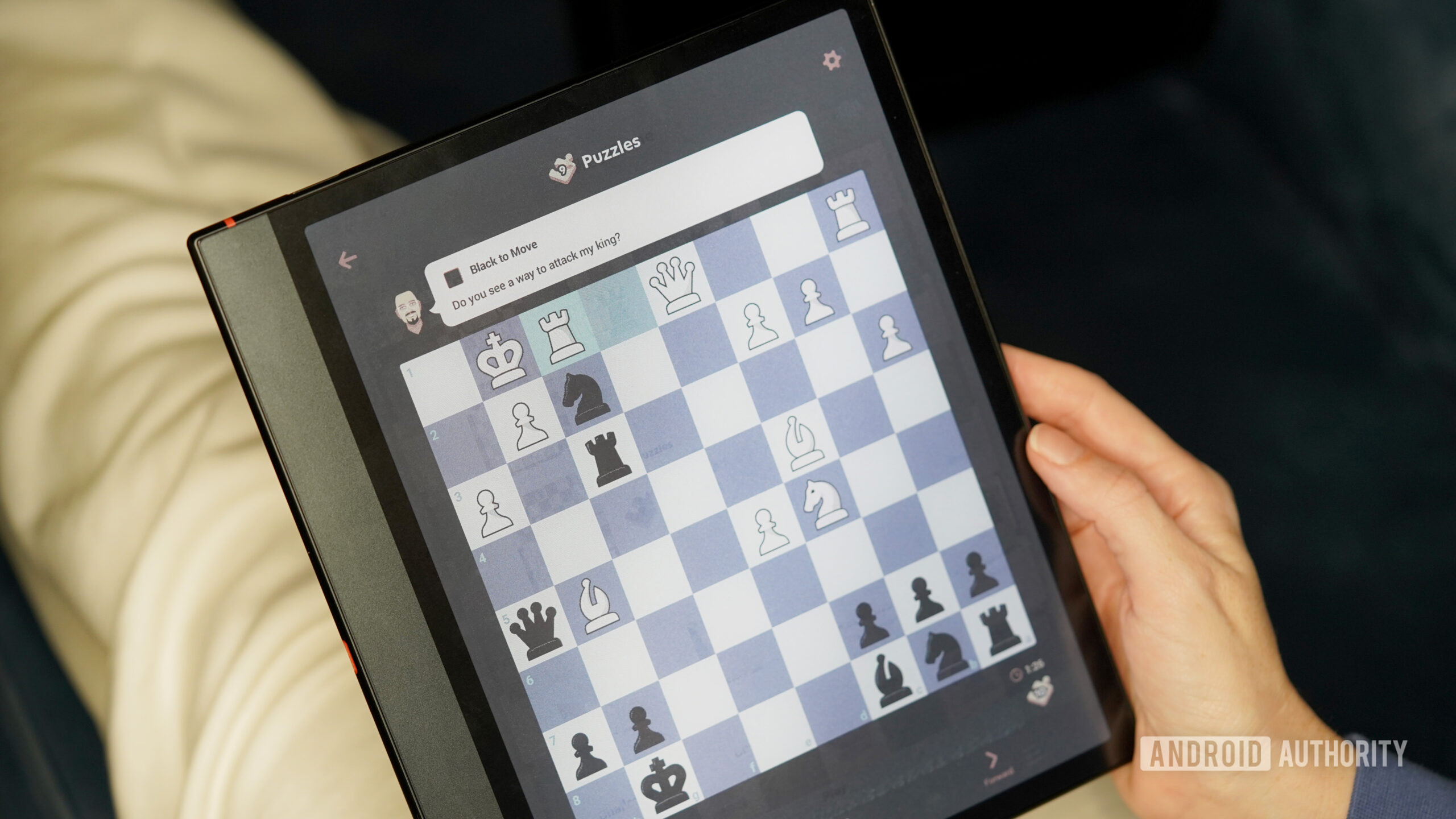
My partner spends an impressive(?) amount of time playing chess on his phone, and I’m constantly telling myself I’ll practice more so I can actually feel confident sitting down to play him. Chess.com is my attempt to make that promise more realistic. It’s easily the most popular chess app out there, and it works well on an E-Ink screen. The board is clean and readable, and the refresh pace keeps up (even during timed games) because nothing relies on flashy animation. My only note is that the indicator dots for possible moves don’t show up very well on the preset green squares, but you can choose a different board style in the settings menu. Has my partner stolen my e-reader a few times to get a game in? Yes. Have I personally also played more chess? Yes, as well.
Thank you for being part of our community. Read our Comment Policy before posting.


