




We may receive a commission on purchases made from links.
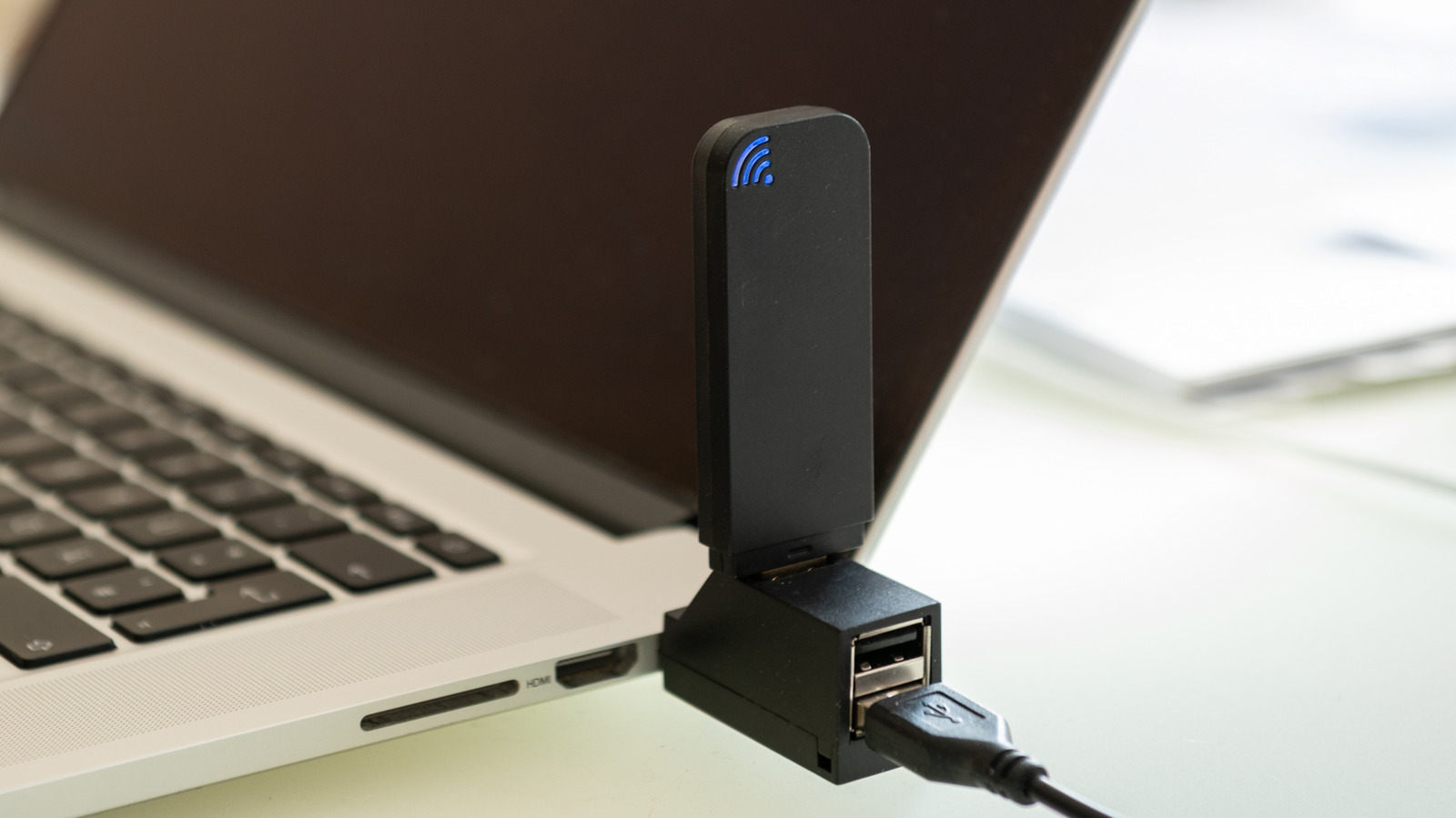
While a lot of people swear by Ethernet cables for a stable internet connection, the sad truth is that running a long cable from your router to your computer isn’t always an option. This is where Wi-Fi can help. But not all Wi-Fi networks are the same, and while Wi-Fi dongles might seem like a cheap and easy way to get an internet connection to your computer, Wi-Fi adapters are actually a terrible solution.
They might work initially; however, USB dongles are especially prone to a few key problems, such as overheating, which can lead to dropped connections, as well as slower speeds. The main reason for this is that these small Wi-Fi adapters just don’t have the physical space for the components they need, like a cooling fan or even strong antennas to latch onto a wireless signal. While they may only cost around $10 to $15, depending on which brand you buy, you’re better off spending a bit more and taking a different route.
If an antenna is all you need, then you could just buy one of those slightly more expensive USB dongles with the antenna connected to it, right? Not quite, as this still doesn’t negate the limitations of USB technology as a whole. Many computers can still utilize older USB ports, like USB 2.0, which is only rated for a max bandwidth of 480Mbps. Thankfully, you can check what type of USB ports your PC has to figure out if this will be an issue. So, what is the best solution? Well, there are two. You can either purchase a Wi-Fi adapter that goes directly into your motherboard, or you can even use your phone.
PCIe Wi-Fi adapters change the game entirely

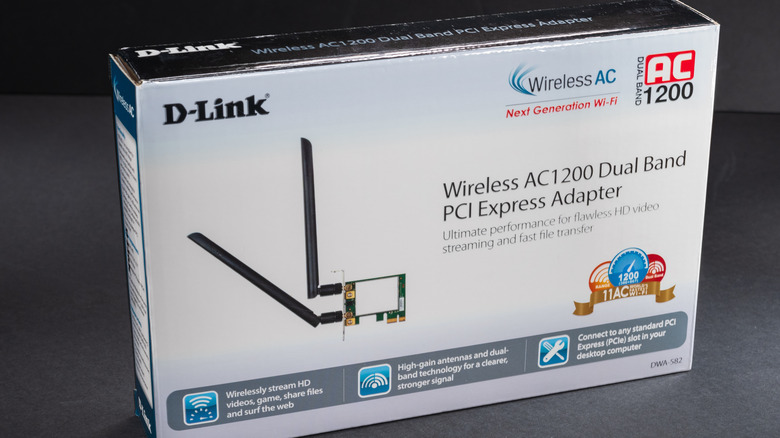
Now, if you’re trying to get Wi-Fi on an older laptop, a dongle might be the only option, as working on a laptop’s internals takes a lot more technical know-how than working on a desktop. You’re also limited on what you can fit into the shell of a laptop. On a desktop, however, where you have a bit more room to work, installing a PCIe Wi-Fi adapter can be the best solution, and you can often do it without breaking the bank. Not only will a PCIe adapter almost always be rated for better speeds than a dongle, but the fact that it connects directly to your motherboard means it won’t have to go through any annoying USB limitations.
This means it also won’t have to fight for connection bandwidth with other USB devices, and the makeup of the PCIe card can help with better heat dissipation, which will keep your internet connection running smoothly even under intense sessions of gaming, editing, or just daily browsing. The best thing about going with PCIe is that you can often find PCIe cards from known brands like TP-Link — like the TP-Link Archer TX55E – which supports Wi-Fi 6, and supports speeds of up to 2.4 Gbps for less than $30.
Just use your phone
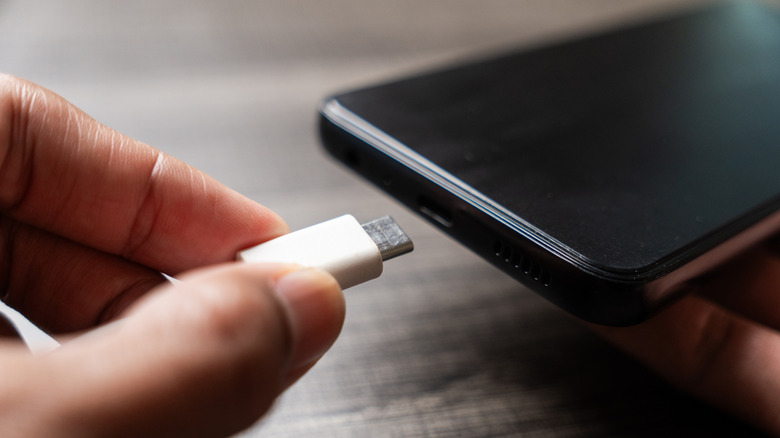
Now, there is another option, although the viability of this one might change depending on what type of phone you have. That’s because some phones may not support USB tethering. However, you can connect your smartphone to your Wi-Fi and then plug it into your computer. The downside here, of course, is that you’re still susceptible to the same limitations of USB ports that you would have to deal with if you were running a standard USB dongle. However, by using something you already have access to, you won’t have to spend any extra money.
We wouldn’t recommend using this method for intense gaming or streaming, as it can lead to higher heat levels in your device. But, if you need Wi-Fi in a jiffy and don’t want to spend any money on extra peripherals, this is a nice alternative that uses something you most likely already own. Just make sure you use the right USB ports. Additionally, if you already have Wi-Fi set up on your computer, but need it to be stronger, then you can also use your phone as a Wi-Fi repeater to improve your connection.


