




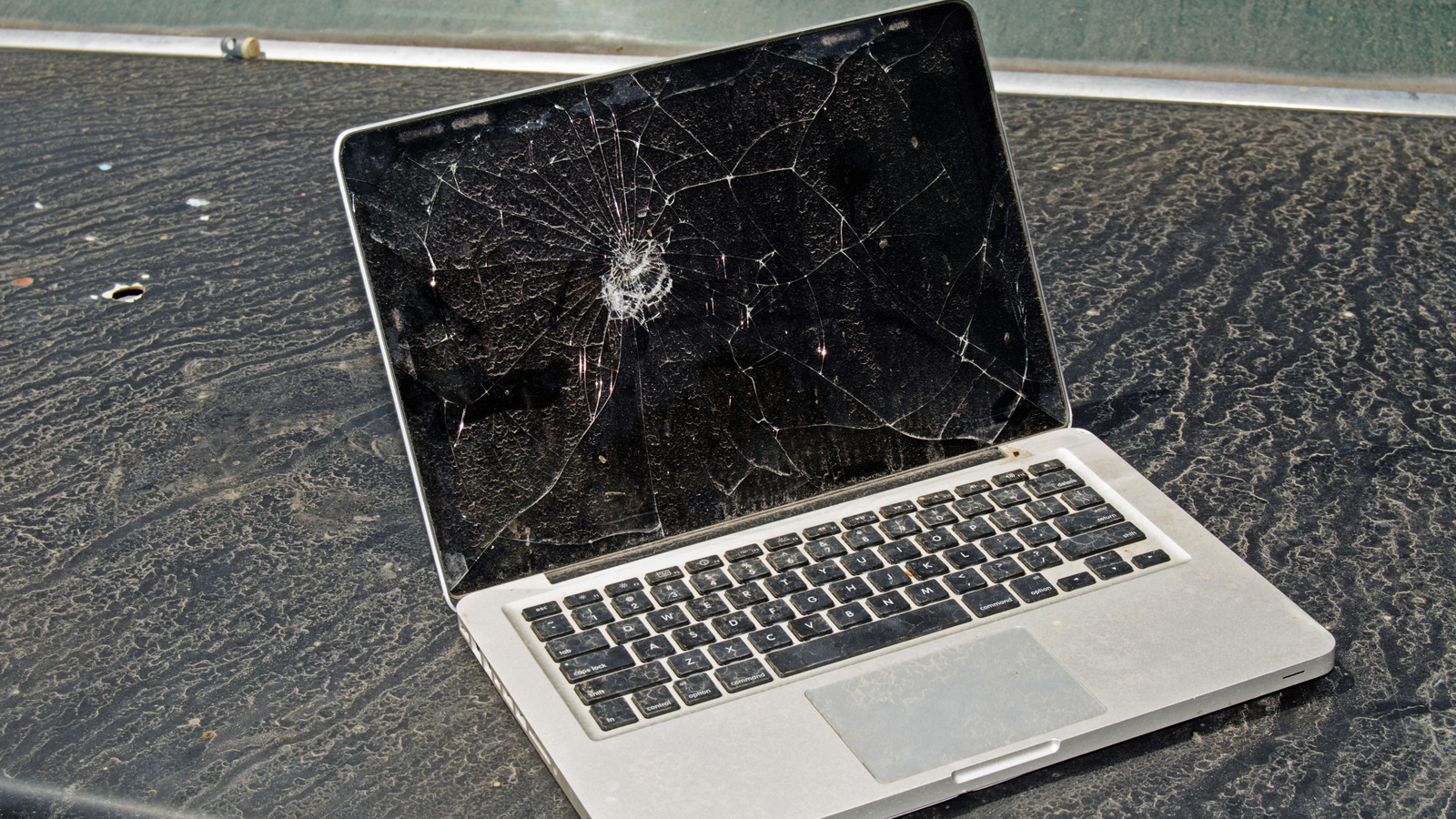
According to some reviewers and users, the average lifespan of a MacBook Pro is seven to ten years. After that, it will start to feel sluggish or incompatible with the latest software updates. For example, older Intel Macs are still usable, despite macOS 26 dropping support on some of them. Although some MacBooks can work well for over a decade, typically that’s not the norm. That said, you can help your MacBook Pro become one of these rare machines that will last you a long time. All it needs is some care and maintenance, and you can increase its lifespan.
The difference between a long-lasting and a short-lasting MacBook is in how they are treated day-to-day. Dusty vents, forgotten updates, or drained batteries can slowly but surely chip away at your device’s performance and lifespan. Fortunately, taking care of a MacBook’s hardware and software doesn’t involve spending lots of money or being a tech wizard. So, let’s take a closer look at what determines the lifespan of a MacBook Pro, and what to do to keep it around for as long as possible.
MacBooks can last long despite no software support


Apple doesn’t shout from the rooftop of its headquarters how long its MacBooks last. But if you do some digging, especially through their documentation about future software updates and support, you can draw some unofficial conclusions. On average, MacBooks and MacBook Pros will feel in need of an upgrade after three to five years, depending on your requirements and lifestyle. That doesn’t mean your device will physically stop working after this time frame. It simply means its official support will stop. Security updates will slowly stop and newer versions of macOS will no longer be supported by the device.
That said, used MacBooks are great deals even in 2025. In fact, we can see people still rocking their 2015 or even 2012 MacBook models. They are most likely running an old version of macOS, and they deal with what it means to have slower processing power, but these older models can still be used for browsing, writing, editing, or some light design work. That said, there are people whose work demands the newest technology possible (think video editing and animation), and they’ll start feeling the drag of their older MacBook Pro models even after the first three years.
Apple’s unofficial MacBook Pro lifetime is on the conservative side. But we see in everyday examples that the actual lifespan can be stretched far beyond what Apple claims. Don’t count your MacBook Pro out just because it has several birthdays to it. It might have plenty of juice under the hood to keep going for years to come.
Tips to make your MacBook Pro last longer
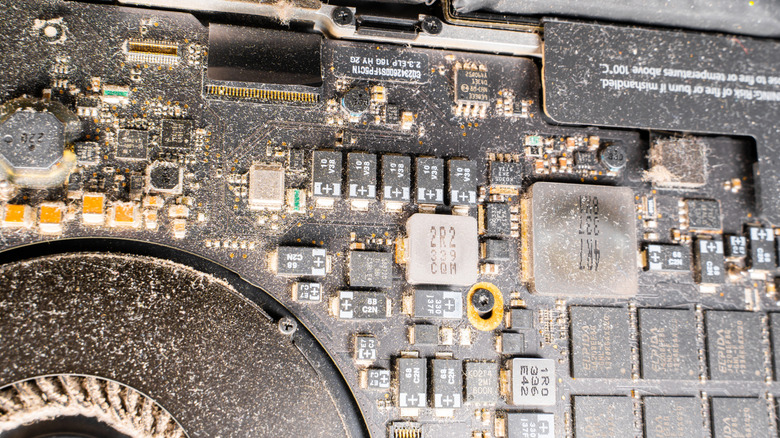
You don’t need high tech skills to keep your MacBook Pro running smoothly for years, and even to prolong its life. Here are some practical tips on how you can prolong your device’s lifespan and fix common MacBook problems.
1. Keep it clean inside and out. Dust builds up over time, and it’s important to clean it regularly. Not only on the outside of your MacBook where it’s visible, but also inside it. Dust buildup causes overheating, that can quickly wear out various hardware components.
2. Maintain the battery’s life. The most important thing is to never completely drain your MacBook’s battery. Instead, keep it between 20% and 80%. The less you need to charge the battery, the longer it will last. You can also turn off Wi-Fi and Bluetooth when you don’t need them to save some power. These little tricks will keep the battery healthy and long-lasting.
3. Don’t overload it. Running demanding software can stress your MacBook Pro by pushing the hardware and generating a lot of heat. So, close all the browser tabs you’re not using, and be sure to close the idle apps or programs that might run in the background. Consider occasionally restarting your device to refresh the system as well.
4. Don’t ignore software updates. Although updates bring new features to your MacBook, most of the time they also include security patches and bug fixes that’ll improve the performance of your device. Update your MacBook Pro regularly to run it better and safer.
Follow these tips and your MacBook Pro will live for a long time. Even if it will no longer be your main system, you can put it to use as a backup, a streaming system, or even a home server.


