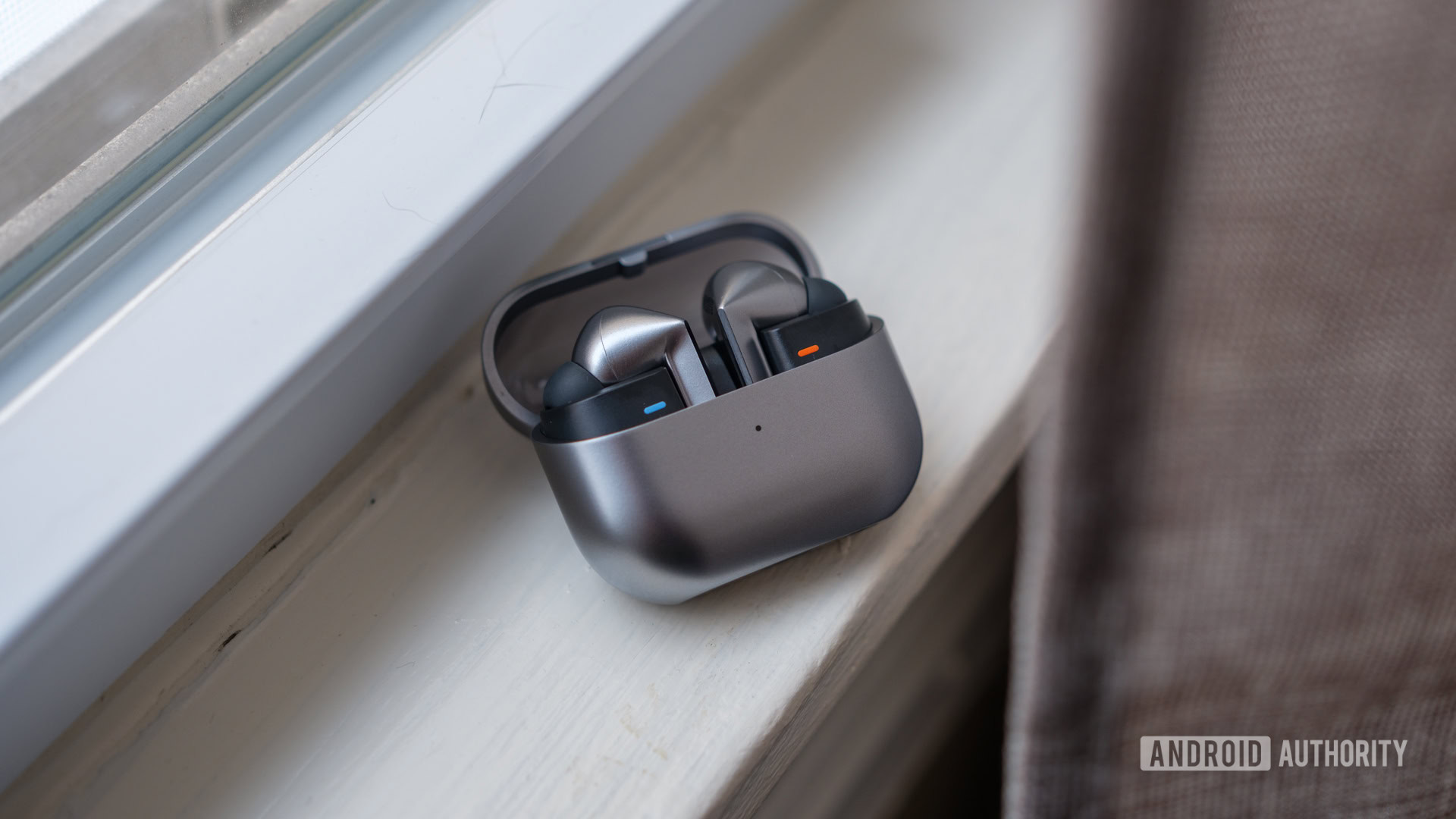
Ryan Haines / Android Authority
TL;DR
- Samsung currently offers a real-time Interpreter mode on Galaxy Buds models for translating speech.
- Once started, users can pinch the stems on their Buds 3 to pause or resume translation.
- With the Buds 4, Samsung appears to be upgrading Interpreter to let you initiate a translation session through that same pinch gesture.
With December now upon us, 2026 is right around the corner, and the new year is set to bring us all manner of new product launches. One of the first we’ll be looking forward to is Samsung’s Galaxy S26 series, but we’ve got more than just phones on our radar, as we’re also anticipating Samsung’s next generation of Galaxy Buds earbuds. We’ve already taken an early look at the Buds 4 and Buds 4 Pro design, as well as previewed some animations showing off new Buds 4 functionality. And now we’ve got some more of that to share with you.
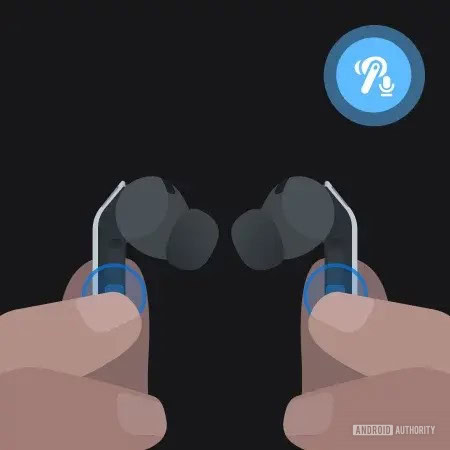
We don’t get an animation this time around, but instead find this new imagery in a One UI 8.5 leak that appears to demonstrate a new pinch-and-hold gesture for launching the live-translation Interpreter mode — Just like Apple supports on the AirPods Pro.

AssembleDebug / Android Authority
Now, if you’re about to mention that the Galaxy Buds 3 and Buds 3 Pro already offer “real-time Interpreter” mode, you’re not wrong — and it even supports stem-pinch controls for pausing and resuming. But what we’re seeing here looks like something with an important distinction.
Don’t want to miss the best from Android Authority?


Take a peek at these text strings we found in that One UI leak:
Code
<string name="control_interpreter">Control Interpreter</string>
<string name="control_interpreter_description">Pinch and hold both earbuds to control Interpreter.</string>
<string name="tips_start_interpreter">Start Interpreter with your Buds</string>
<string name="tips_start_interpreter_desc">Translate your conversation in real time when you're wearing your Buds. Pinch and hold both Buds to get started, without getting out your phone or tablet.</string>
That part that’s jumping out at us concerns how you initiate Interpreter. Right now, with Galaxy Buds 3 models you connect the earbuds to your phone, but then have to pull up the Interpreter app on your handset to begin translation. Only once it’s started through your phone like that can you use the pinch gestures to pause and resume.
But with these new strings, Samsung appears to be giving the Buds 4 more autonomous control over Interpreter. According to this, Samsung’s expanding that pinch gesture to now also initiate Interpreter, without the need to directly interact with your phone at all. You’re clearly still going to need your phone connected — don’t expect to leave it at home and still use your Buds 4 as magical translation devices — but that sounds like a major usability upgrade, especially for spontaneous conversations.
Sure, translations themselves will work largely the same as they have with the Buds 3 models, but tools like these are only helpful when we actually use them, so any change that makes them faster to get at when we need them most is going to be a worthwhile upgrade.
⚠️ An APK teardown helps predict features that may arrive on a service in the future based on work-in-progress code. However, it is possible that such predicted features may not make it to a public release.
Thank you for being part of our community. Read our Comment Policy before posting.