




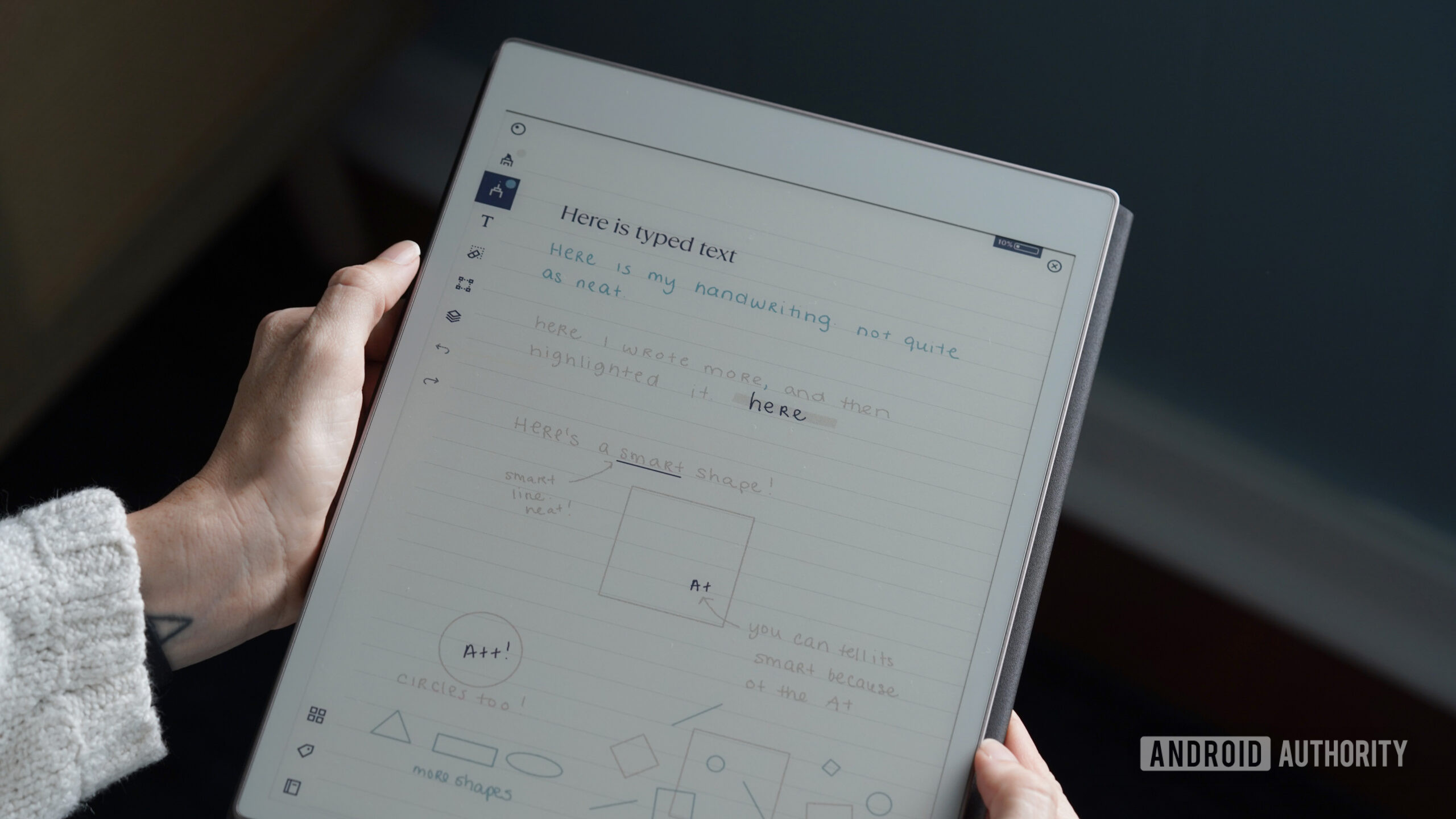
Kaitlyn Cimino / Android Authority
TL;DR
- reMarkable is introducing a new feature on its paper tablets called “Send to Miro.”
- The feature moves your notes and sketches to Miro and turns them into digital text and diagrams.
- Connect subscribers will gain access to this feature on March 18.
Your reMarkable paper tablet is about to get a handy productivity boost. The E-Ink tablet maker is preparing to roll out a new feature that aims to remove the friction between moving from pen and paper to a laptop.
Don’t want to miss the best from Android Authority?


Today, reMarkable announced a new partnership with the visual online whiteboard platform Miro. This partnership will bring a new feature called “Send to Miro” to reMarkable tablets. With this feature, you’ll be able to jot down notes or draw a sketch and transform them into digital text and diagrams.


For example, say that you were scribbling down some ideas during a meeting. By tapping on Send to Miro, those notes are automatically moved to a Miro board. You can then use the selection of shortcuts in the board to create mind maps, slides, flowcharts, and more out of your ideas. As mentioned earlier, the goal is to make it easier to go from tablet to computer.
“Inspiration can strike at any moment, but typing up handwritten notes can be a hassle,” said Phil Hess, CEO of reMarkable. “With Send to Miro, you get all the benefits of pen and paper as part of your digital workflow.”
Send to Miro won’t be for everyone, as the feature will only be available for Connect subscribers. If you’re a Connect subscriber, you can expect the feature to roll out with reMarkable OS 3.26. The release is scheduled to arrive on paper tablets starting today.
Thank you for being part of our community. Read our Comment Policy before posting.


