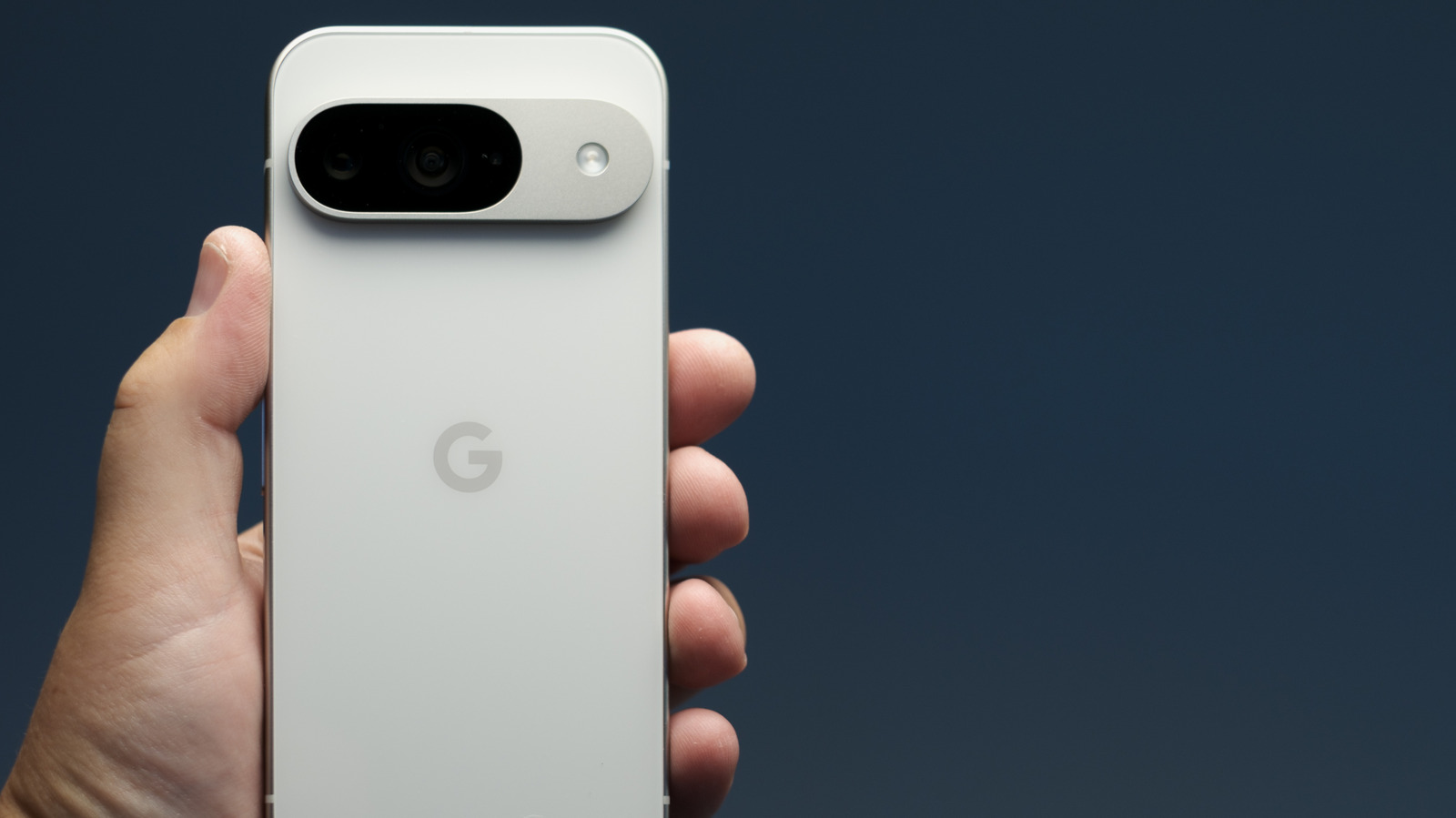
Every smartphone maker is vying for the top spot on our wish lists, and Google is no exception. Devices like the Pixel 10 Pro and Pro XL are lauded for fast performance, impressive cameras, and other great features, but one shouldn’t forget about the Pixel 9 that came before it. Whether you already own a Pixel 9 or you have the opportunity to score one at a low price, we think Google’s previous-generation phone is still a great device.
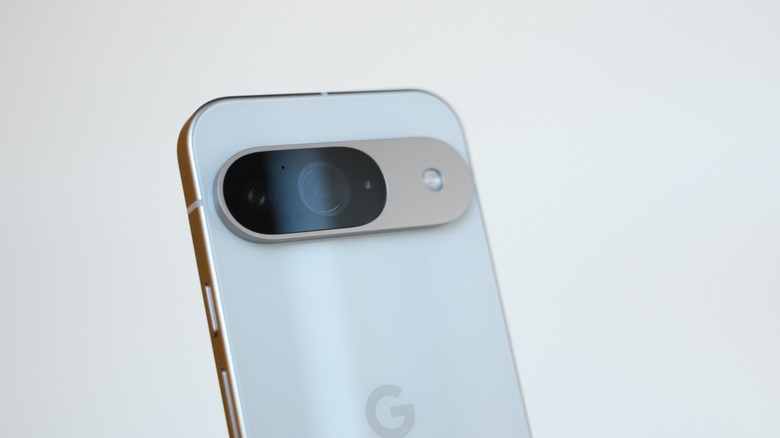
And if you have you ever noticed that tiny hole at the top of the Pixel 9, you’re not alone. That’s not a sensor or a recessed button — it’s actually one of three microphones on the phone. Excluding the Pixel 9A, all other Pixel 9 phones have a microphone on the bottom, a rear-facing microphone near the camera lenses, and this third, top-mounted microphone.
While Google has never officially made a statement about the top mic’s purpose, Reddits and Pixel 9 users alike speculate that the top mic is primarily used for noise reduction. Similar to how active noise canceling works for headphones and earbuds, the Pixel 9’s top mic captures ambient noises around you. It then compares what it’s hearing to what’s being picked up by the other two mics and uses noise-isolating technology to reduce the loudness of background noise for your phone and video calls.
The Google Pixel 9 uses a triple-mic array for capturing, optimizing, and expanding audio

Noise canceling isn’t the only purpose of the Pixel 9’s top-mounted mic, though. It’s also believed that the phone uses its top microphone to capture and upmix stereo audio, and it does so in unison with the other two mics to create what is called Spatial Audio, a wider, more immersive 360-degree sound experience that goes beyond surround sound. The Pixel 9’s trio of microphones are a key to this experience as they are able to analyze the directionality of environmental sounds, allowing your recordings (as well as various surround sound-encoded movies on apps like Netflix and YouTube) to have three-dimensional audio that sounds like it’s coming from multiple angles. Spatial Audio is best experienced with a pair of wireless headphones or earbuds.
Do keep in mind that not all entertainment platforms support Spatial Audio, and sometimes you need to check a couple of more boxes before the feature fully works. For instance, Netflix will only deliver Spatial Audio when using Pixel Buds Pro earbuds, and you’ll also need to enable Head Tracking on your Pixel 9. To do so, open the Settings app, then tap Connected Devices > Pixel Buds Pro > Settings > Spatial Audio, and toggle on Head tracking.