We may receive a commission on purchases made from links.
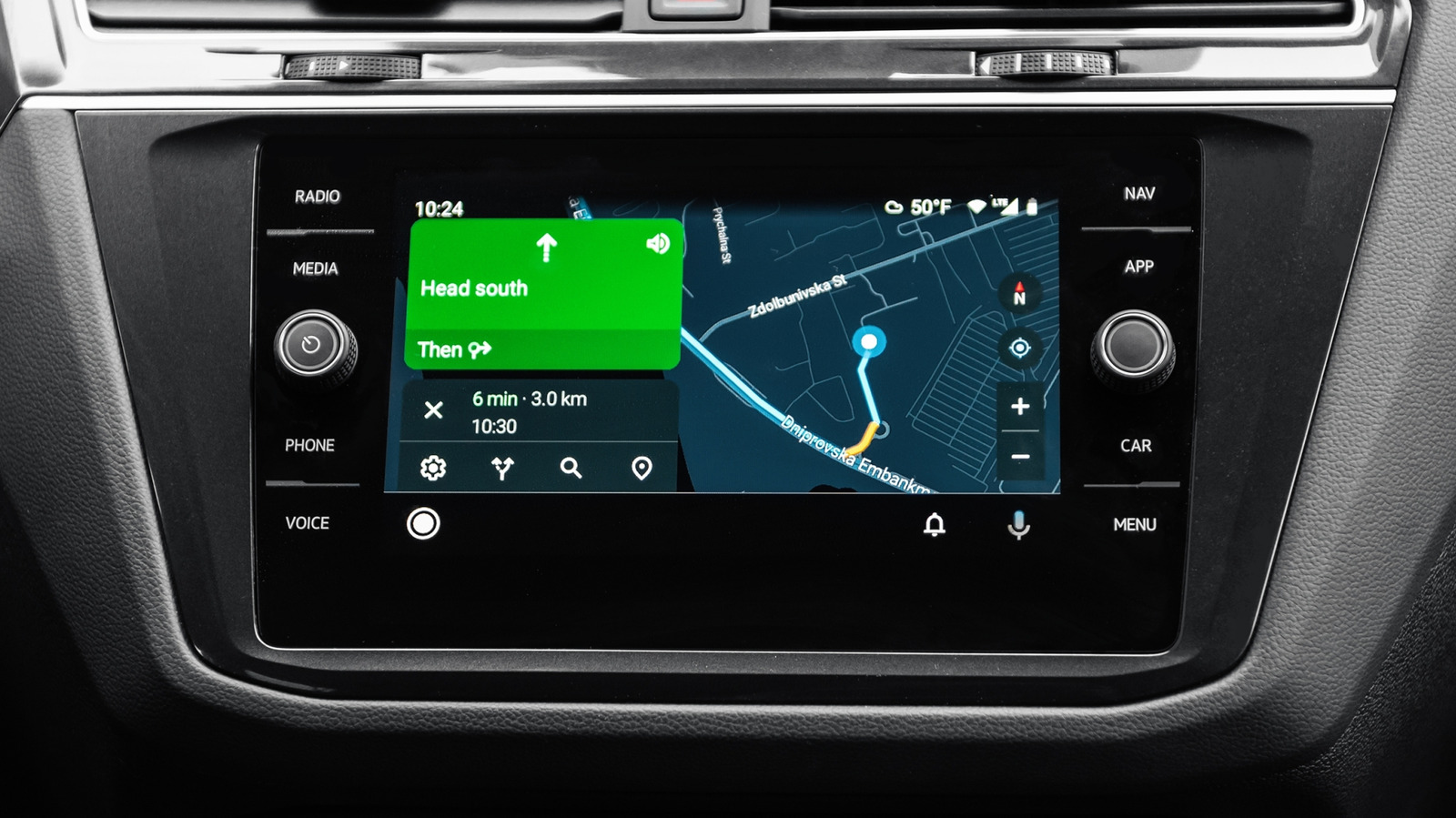
Many of us rely on Android Auto to get a projection of our phone’s apps and features, including the Gemini AI assistant, on our car’s infotainment screen. While it’s becoming more prevalent for car makers to include support for wireless Android Auto, most cars, particularly the more affordable models, still come with only wired Android Auto. That being said, you can pick up one of the wireless Android Auto adapters from Amazon, but there is still the potential for lag or incompatibility. Therefore, it’s often better to stick with wired Android Auto for a more consistent experience.
For the wired Android Auto to work seamlessly in your car, you need a high-quality USB cable. You can’t pick up just any USB cable and plug it into your car and phone, which is why you should question the safety of low-cost tech accessories from stores like Dollar Tree. So, if you are having a problem with your Android Auto connection, there is a good chance it’s because you’re using the wrong USB cable. Here’s why wrong USB cables can impact Android Auto and how you can pick the right cable.
Why is a high-quality USB cable important?

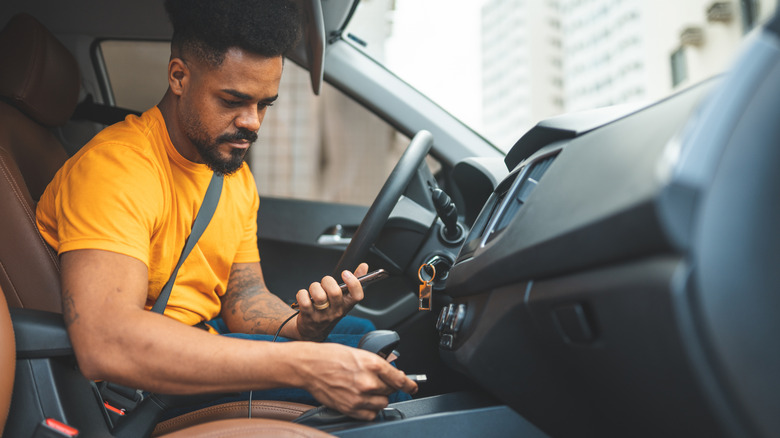
In a wired Android Auto setup, the USB cable is responsible for carrying all the data between your phone and the car’s infotainment system. As Android Auto is simply a projection of your phone, everything you see on your infotainment system when it’s running Android Auto is coming from your phone, including any music you play, any calls you make or answer, and any maps. At the same time, the cable also sends power to your phone from the car’s USB port for charging it to ensure Android Auto doesn’t completely drain your phone’s battery.
This means if the cable is unable to manage the data and power connection between your car and the phone seamlessly, quickly, and consistently, your Android Auto experience suffers. You may see disconnections, lag in responses, patchy audio, and other performance. This is why Google recommends going with a high-quality USB cable for a reliable experience.
How to choose the right USB cable for Android Auto
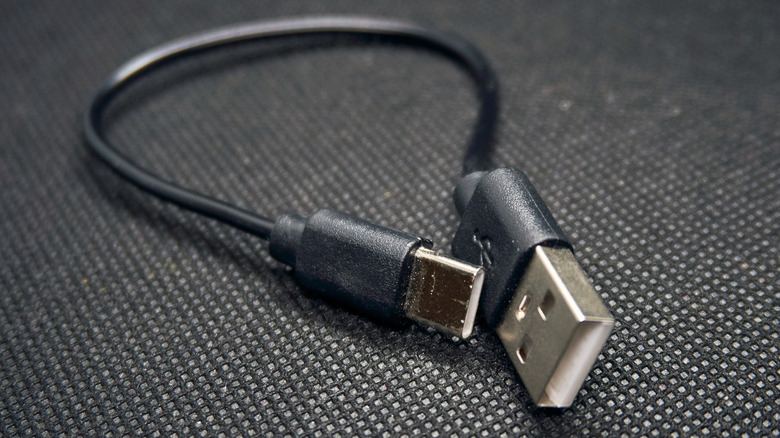
According to Google, the USB cable supplied by your phone manufacturer is typically your best bet for using Android Auto. However, it’s not always possible to use the cable that came bundled with your phone, such as the factory cable doesn’t match your car’s Android Auto port or you just don’t want to carry it around because you keep it at home for charging. In such cases, you can pick a USB cable from third-party manufacturers, but it’s important to keep some things in mind.
Google says it’s a good idea to stick with cables under 3 feet in length and don’t use USB hubs or cable extensions. More importantly, you can ensure you’re picking a high-quality cable by confirming it meets the standards of the USB Implementers Forum (USB-IF). USB-IF is the organization responsible for maintaining the USB protocol and its specifications. It has a nifty product search page on its website, which you can use to search for any specific cables and whether those are officially certified by it. For example, Cable Matter offers an excellent USB-A to USB-C cable (201041). A quick search for this model number on the USB-IF website reveals it was certified by the organization on May 27, 2025, indicating it meets their standards. Similarly, Anker’s A82G2 USB-A to USB-C cable is also listed as certified in USB-IF’s product database.
Finally, while a USB cable supporting the USB 2.0 generation can work with Android Auto, it’s often better to go with faster USB 3.2 Gen 1 or USB 3.2 Gen 2 cables to avoid any data transfer issues, as the newer USB cables support faster data transfers rates.