




The new version of Google’s mobile operating system is currently being deployed. Android 17 focuses on improving productivity and sets the stage for the arrival of Gemini Intelligence.
That’s it, Android 17 is officially available for download. But this major Android update should not, at least for now, reinvent the wheel.
If Google describes it as “bringing a suite of features designed to improve your productivity, your entertainment, your security and your safety”, it above all prepares the ground for the arrival of much more important new features: the deployment of Gemini Intelligence, whose deployment is planned for this summer.
Android 17 has been being deployed since June 16, starting with Pixel smartphones initially, which will quickly be joined by other eligible Android devices by the end of 2026.
Improved multitasking with application bubbles
If you have until now had difficulty managing several applications simultaneously by juggling between each window, Android 17 should take a thorn out of your side. The update indeed introduces a new application bubble system, similar to what exists with notification bubbles, to allow you to keep an open application on top of another.
Concretely, all you have to do is hold your finger down on an application icon to convert it into a floating bubble. You will then be able to resize the application window and switch from one to the other more quickly. These app bubbles will be particularly useful if you need to take notes or view content while doing something else, for example.

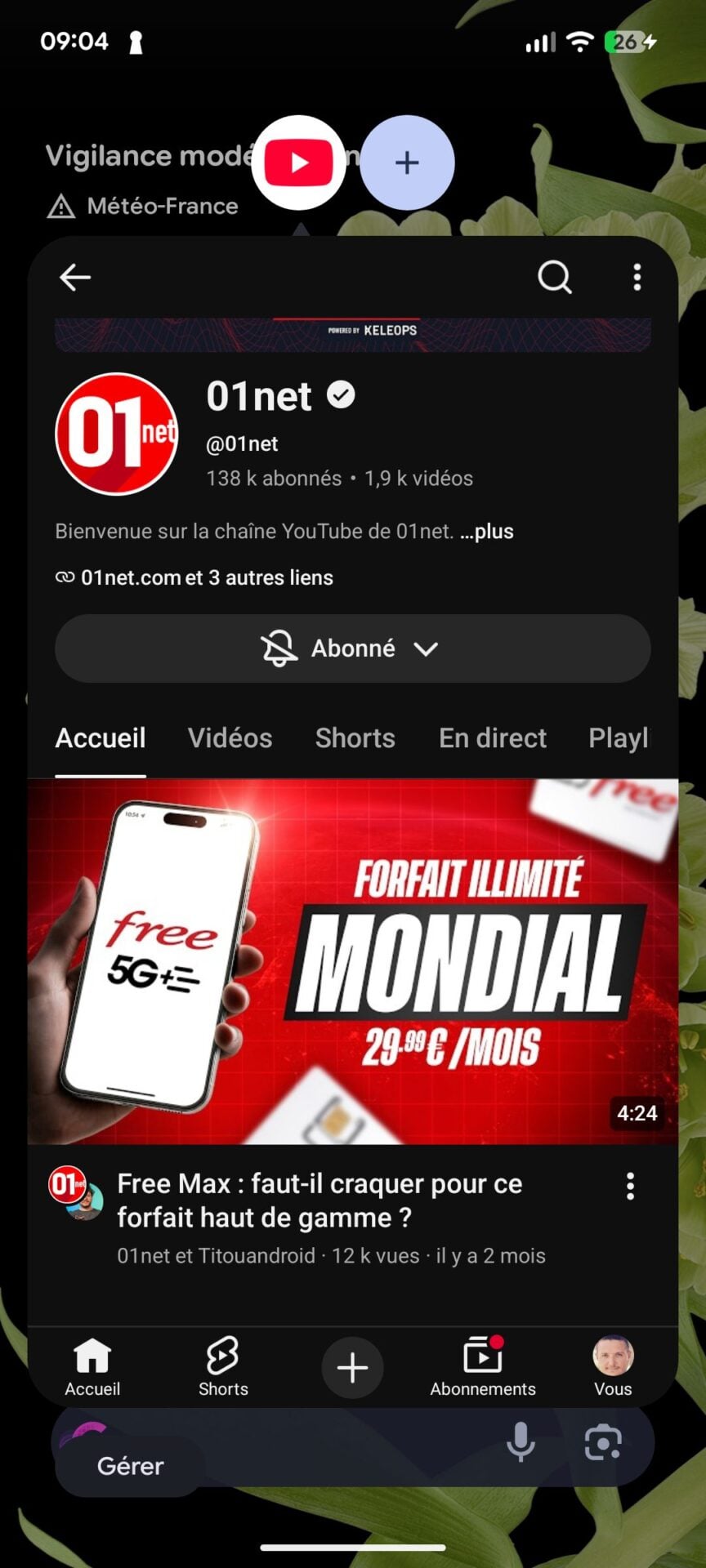
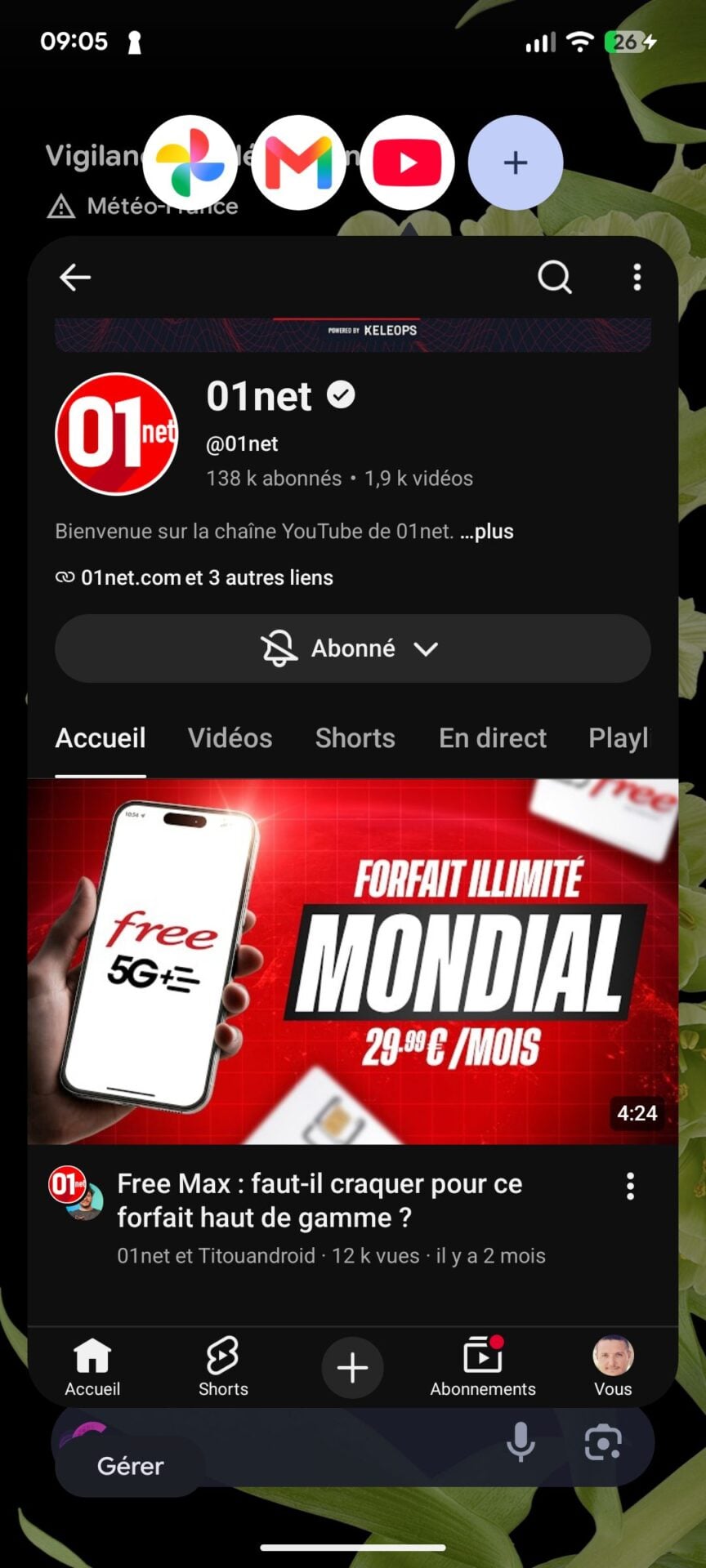
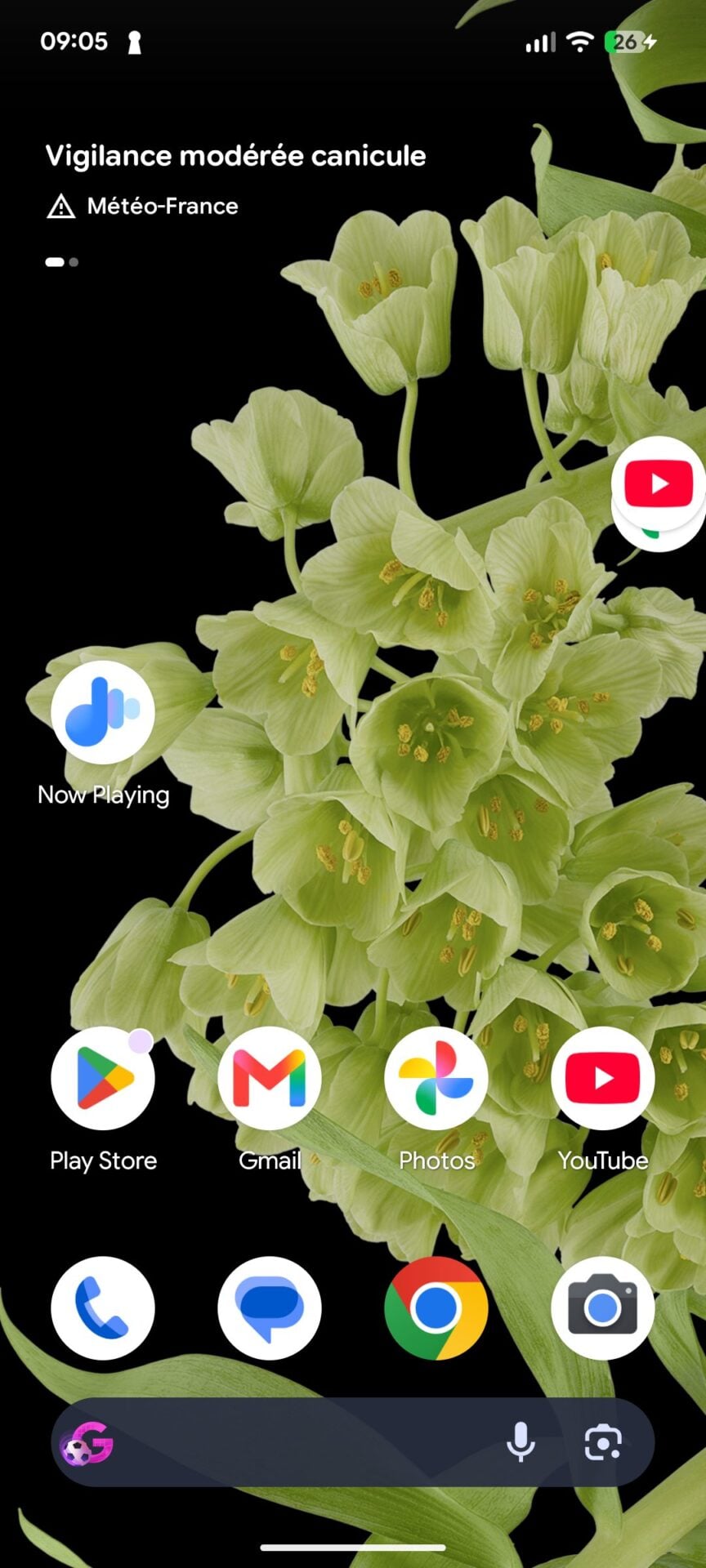
They can be used anywhere on the screen, from the home screen or over an application already open, and can be repositioned as desired. For devices with a large screen, application bubbles are automatically anchored in a bar provided for this purpose at the bottom of the screen.
Android 17 goes all out on entertainment
The arrival of Android 17 also ushers in several new features related to gaming. Owners of foldable smartphones will finally be able to take full advantage of the configuration of their smartphone during the game. Because Android 17 introduces an optimized layout with a perfectly shared display for displaying the game and the virtual controller. It is in fact possible to configure the device so that it displays the game screen on the upper half of the screen, and the virtual controller on the lower part.

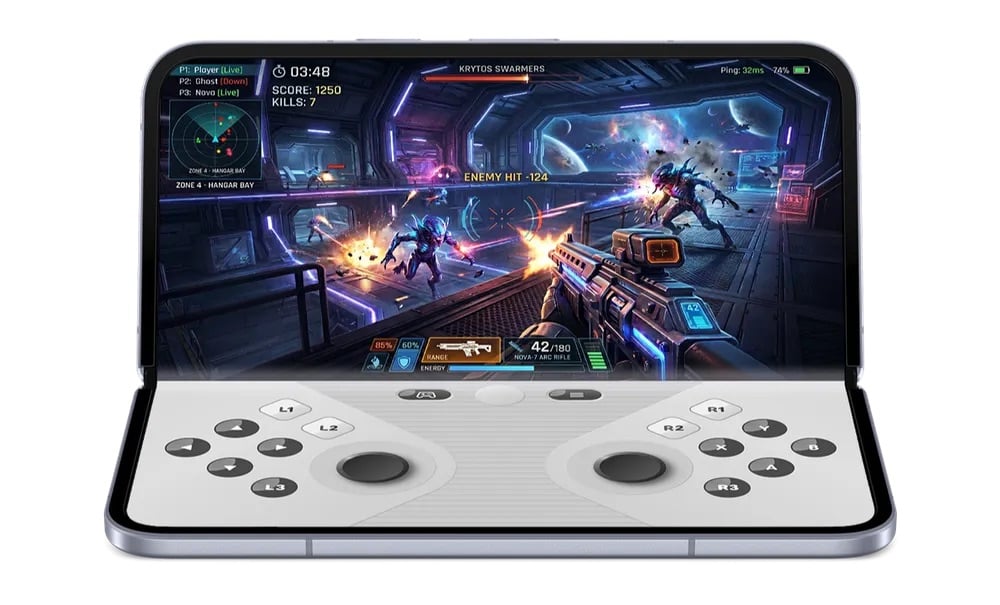
Another new feature that concerns gamers, Android 17 now includes a native tool to remap external controller buttons. You will no longer need to dig into the settings of each game to personalize the buttons of the controllers that you connect to your smartphone.
Finally, to improve fluidity in high definition games, RAM cleaning has been optimized.
An extra boost for security
On the security side, Google has pulled out all the stops. The Mountain View firm indicates that it has improved its “Mark as lost” function now allows you to lock the lost smartphone with your biometric data. With this system, even if a thief has your PIN code to unlock your smartphone, they cannot access your smartphone’s information or deactivate tracking.
Also note that Android 17 strengthens PIN code security. The number of attempts to enter the PIN code is now limited, with prolonged waiting times between two unsuccessful attempts, a way of discouraging miscreants.
Another new feature, in terms of location control, it is now possible to grant unique access to your precise location to an application. Additionally, the approximate location area automatically expands when you are in a sparsely populated area to protect your anonymity.
Finally, in terms of sharing your address book, Android 17 now allows you to share only certain specific contacts with an application, rather than all of them.
New customization options
It’s difficult to offer an Android update without adding some new customization features. Google has indeed taken the opportunity to make another improvement to the Android home screen. In its customization options, you can now choose to hide the name of the applications displayed under the icons for a cleaner interface, an option reminiscent of the one that Apple introduced with iOS 18.
Google has also made a welcome improvement to volume settings. You can now adjust the volume of the voice assistant independently of the rest. Another improvement, on the quick settings side, the buttons for Wi-Fi and mobile data are once again separated.
Finally, you can now choose whether or not to apply the automatic dark theme on a case-by-case basis for each application.

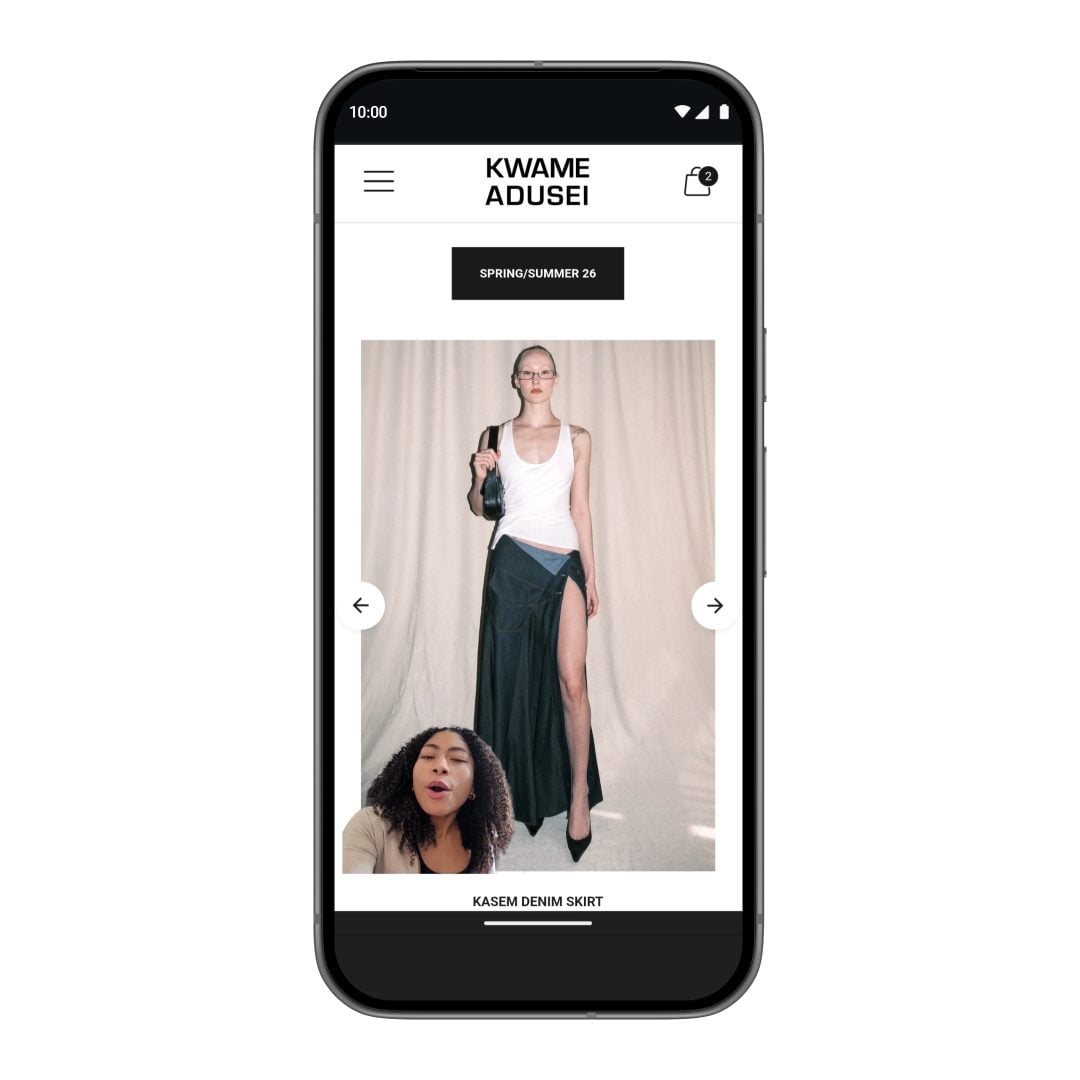
For the rest, Android 17 introduces a new Screen Reactions feature, which allows you to add a selfie video of your reaction while you record your smartphone screen. Google has also imposed memory limits on applications to prevent them from saturating RAM, which should significantly improve the overall performance and battery life of your smartphone.
👉🏻 Follow tech news in real time: add 01net to your sources on Google, and subscribe to our WhatsApp channel.


By: Opera
Source :


