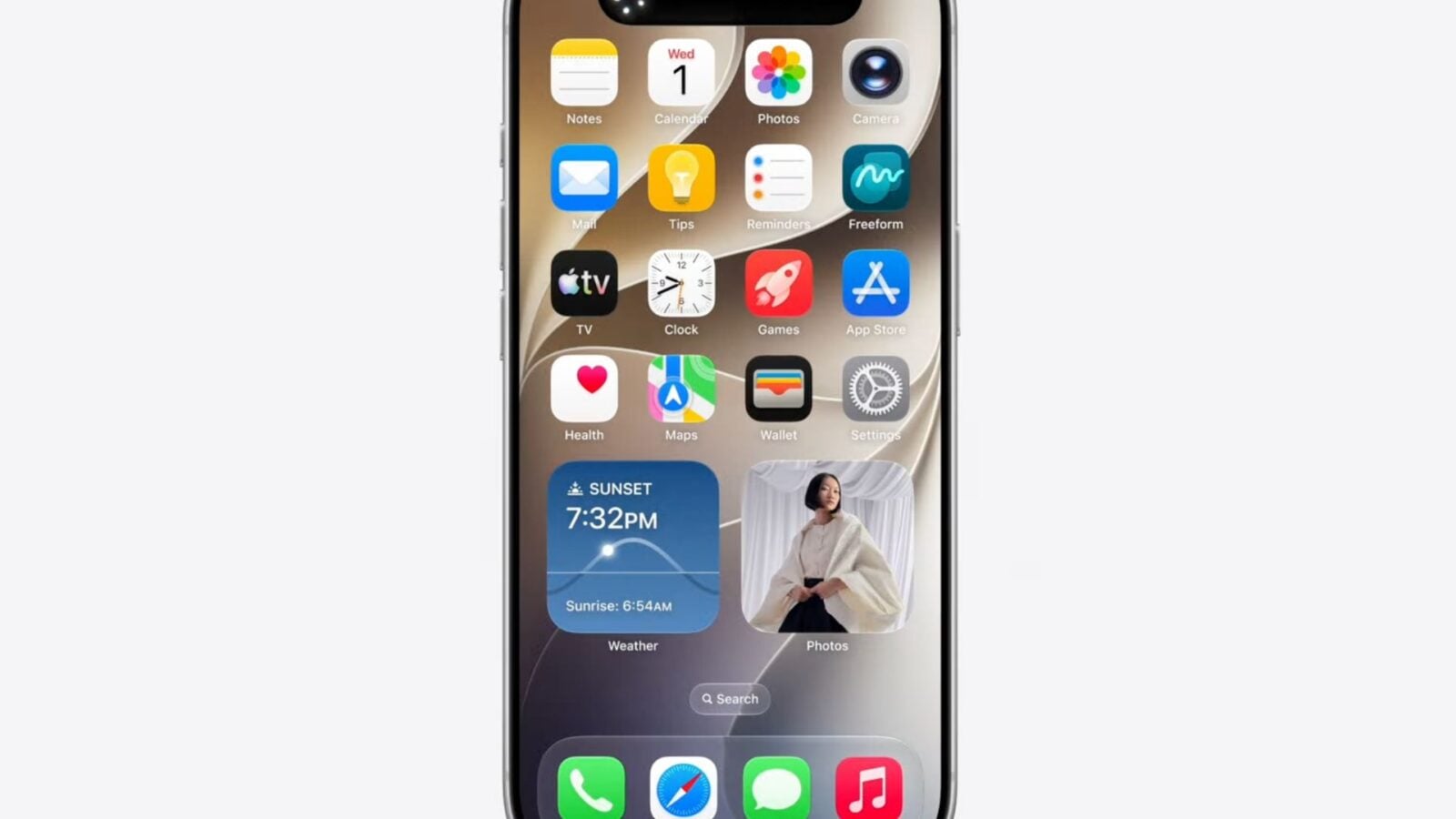
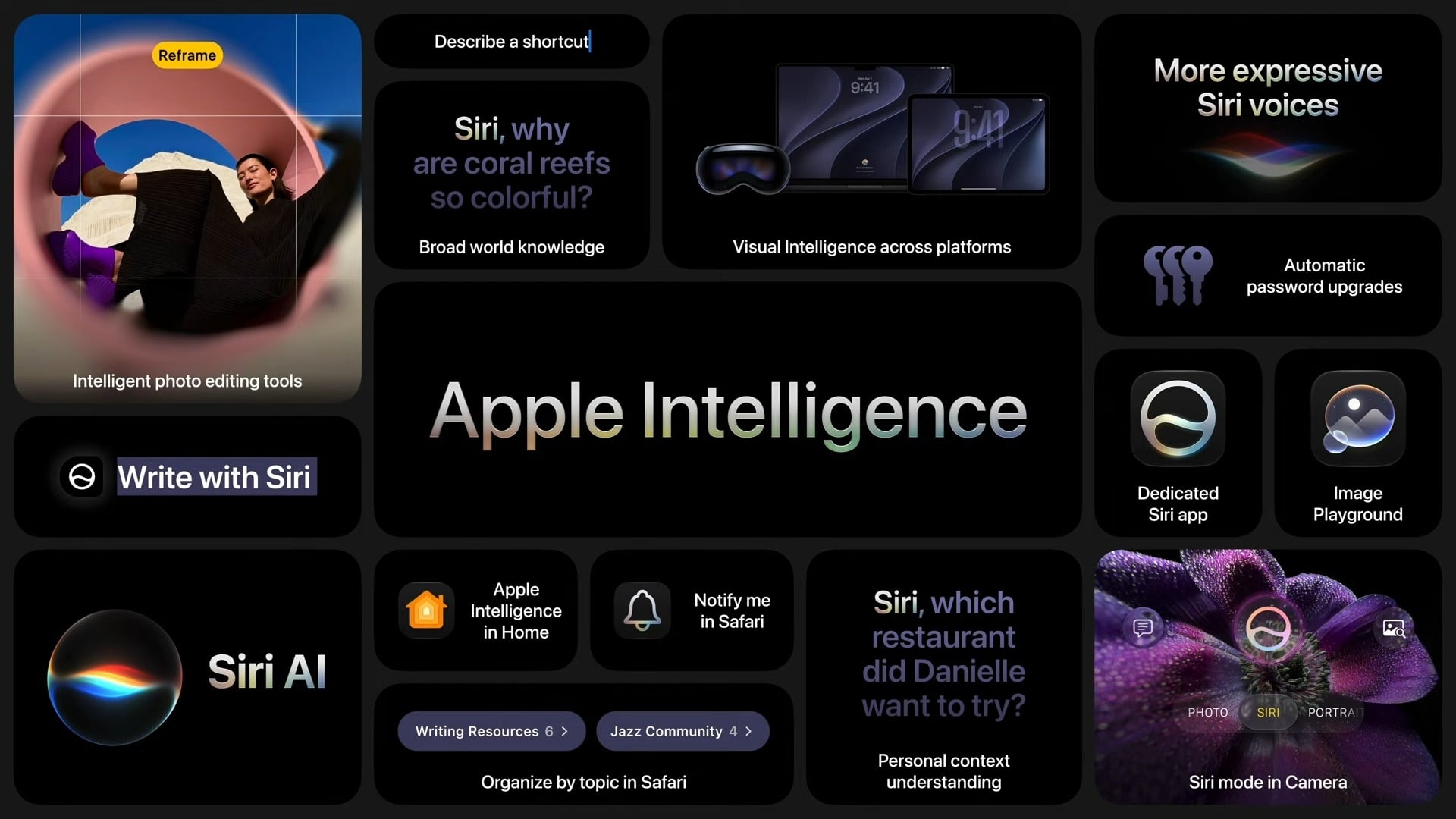
Apple took advantage of its WWDC 2026 to unveil a salvo of new features boosted by artificial intelligence for iOS 27. From the Photos app to Safari via Messages or the Phone app, Apple Intelligence is now infiltrating almost all native iOS apps. We take stock of the major new features of the update.
As expected, Apple has lifted the veil on iOS 27the new update to the iPhone operating system, as part of the WWDC 2026. The opening keynote was an opportunity for Tim Cook and his teams to detail all the changes that will shape the iPhone in the near future.
Also read: here is the list of iPhones that will be compatible with iOS 27
Apple corrige Liquid Glass
Introduced with iOS 26, the Liquid Glass effect had a strong divided usersand Apple draws the appropriate lessons from it. iOS 27 refines this design, without denying it, by improving the readability of the overprinted text. Apple is also adding a setting to reduce the intensity of the Liquid Glass effect throughout the operating system.
What is CPU Scheduler?
Beyond design, Apple has paid particular attention to performance. Launching applications is faster, animations are smoother, and a new function called “CPU Scheduler” dynamically adapts processor load depending on the current task. These changes should improve performance and autonomy.
Siri AI and the Siri app
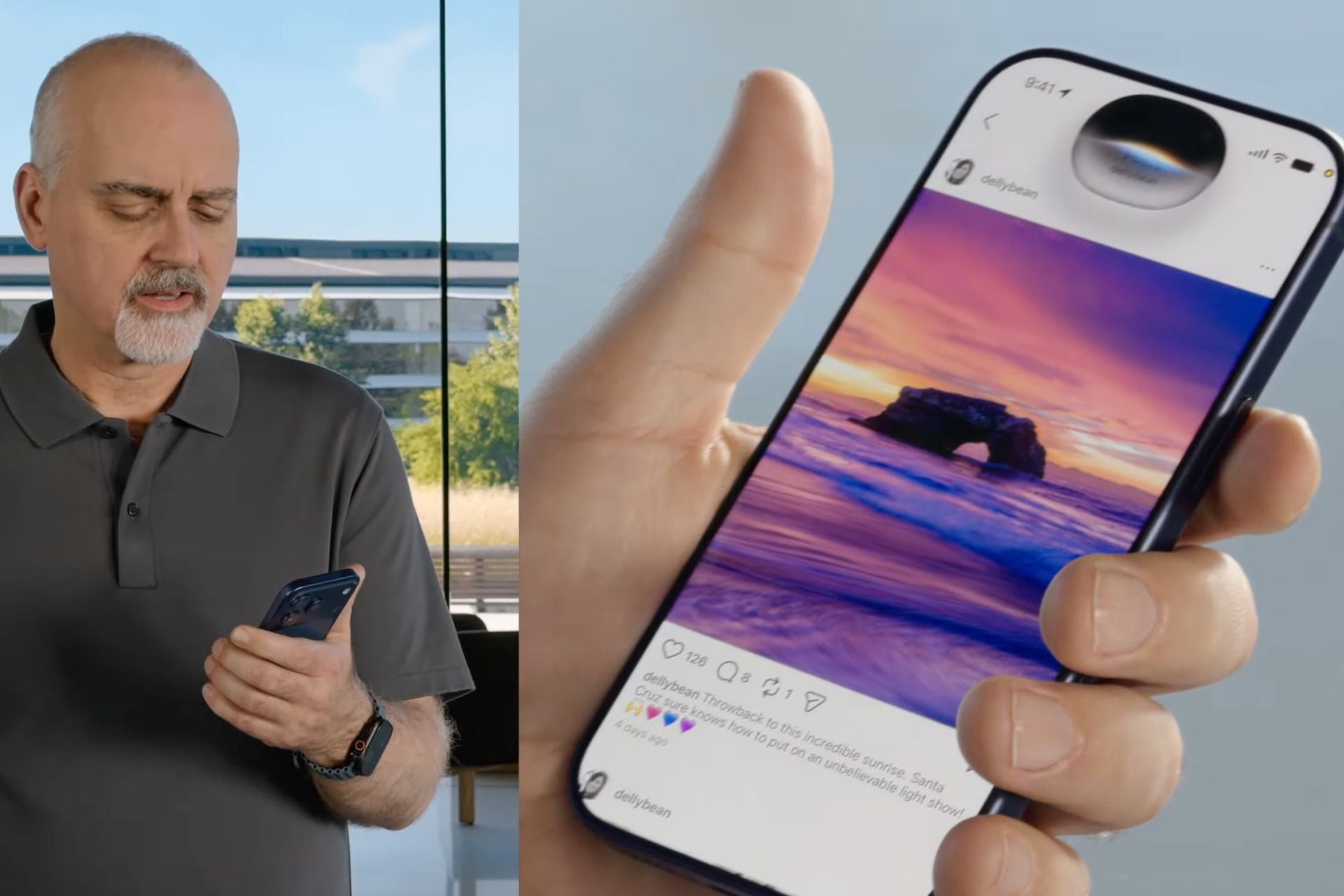
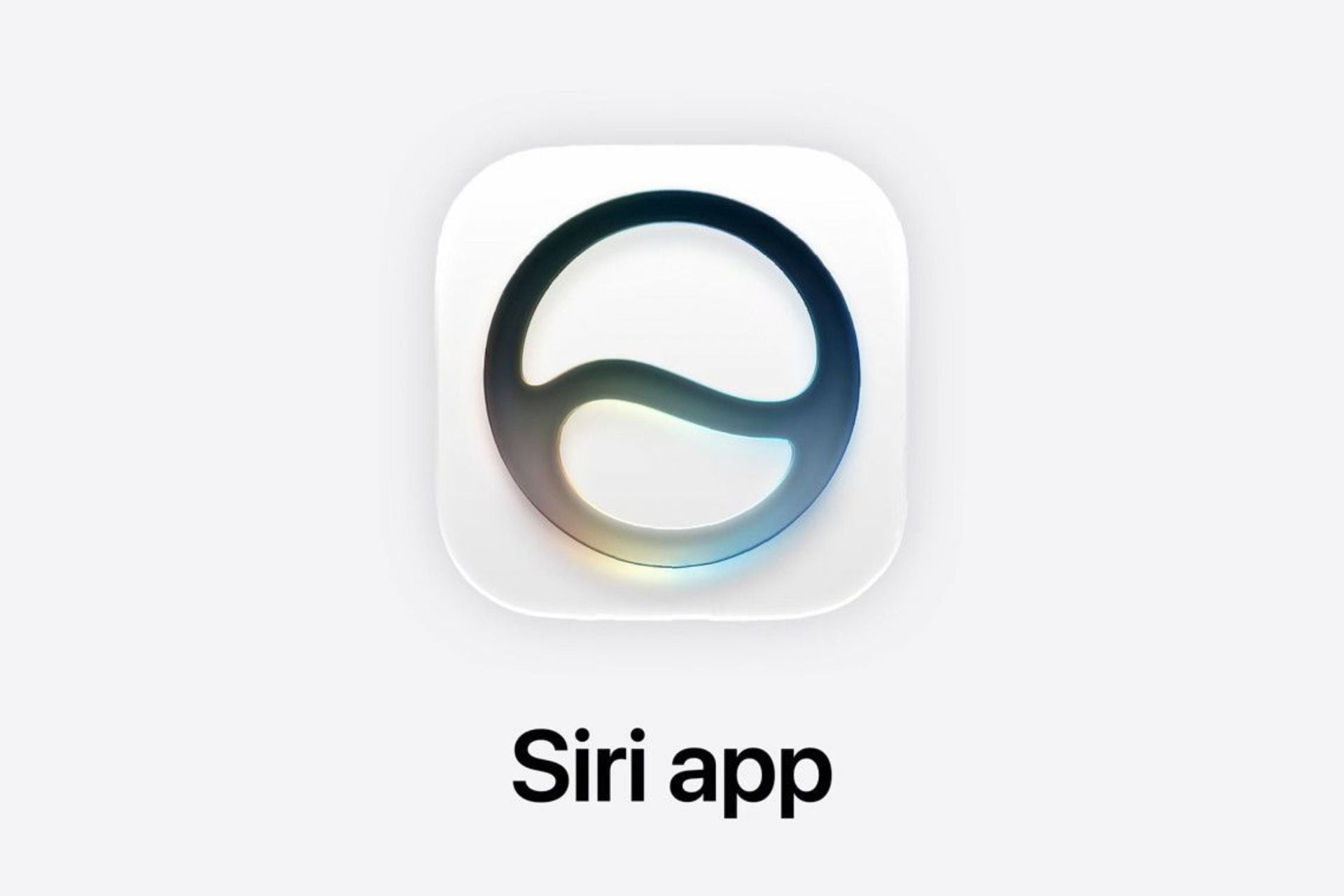
The big news in the update is none other than Siri AI, the version of Siri powered by generative AI. For the first time, Siri has a dedicated application, similar in appearance to what ChatGPT or Gemini offer. It allows you to add photos or documents to the conversation, switch between voice and text commands, and even switch to another AI model if necessary. For the occasion, Apple relegates the Siri interface in the Dynamic Island of the iPhone. System search also benefits from this augmented Siri, which will not be available in Europe for the moment.

Apple Intelligence improves with iOS 27
Without much surprise, Apple is taking advantage of the iOS 27 update to evolve Apple Intelligence. The tool can now understand the context of your queries, analyze what you’re looking at on screen in real time, perform web searches like a conversational AI engine, and trigger actions directly in installed applications. Deeply integrated into iPhone apps, Apple Intelligence is reaching a milestone, after a complicated launch.

The Photos app is reinventing itself
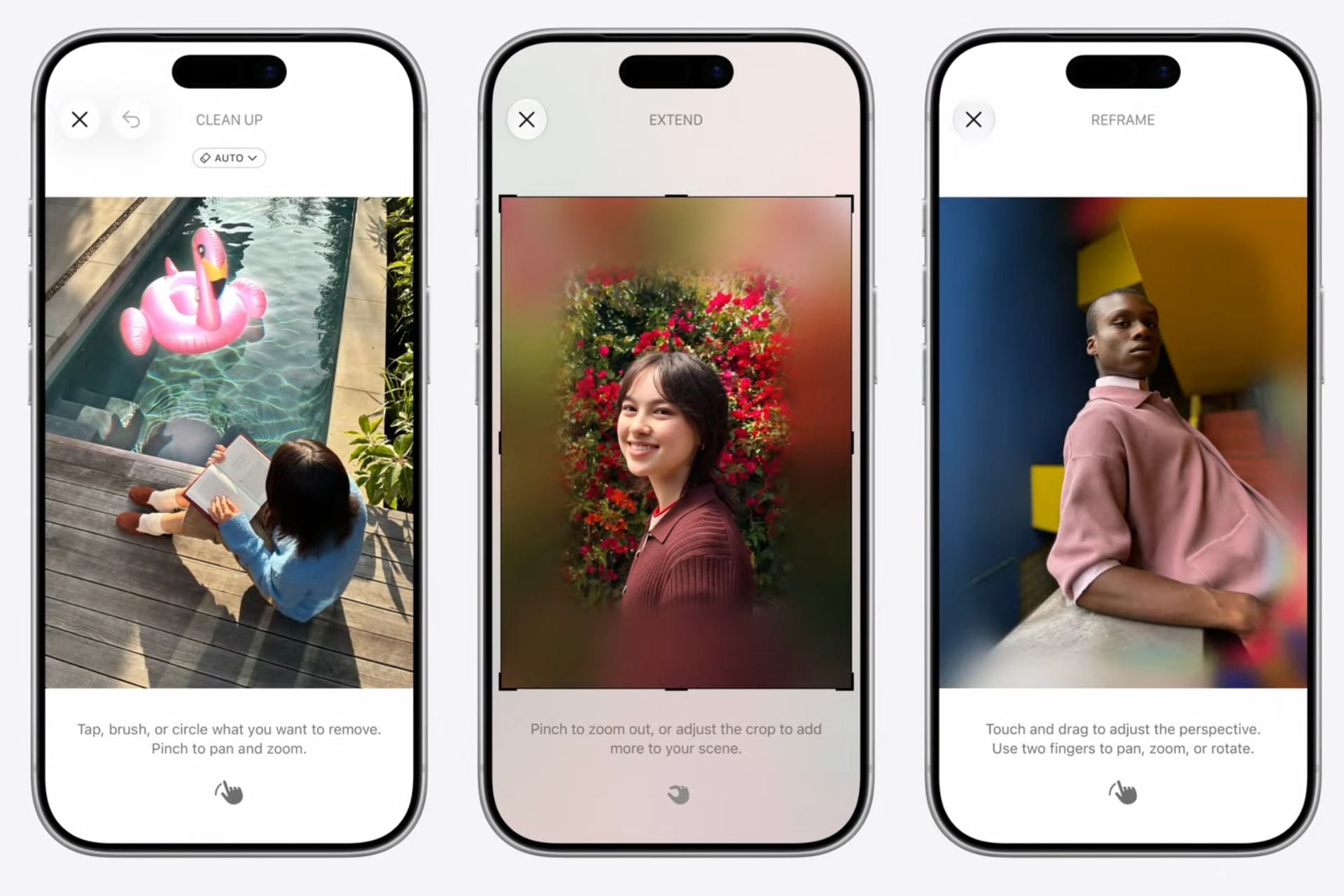
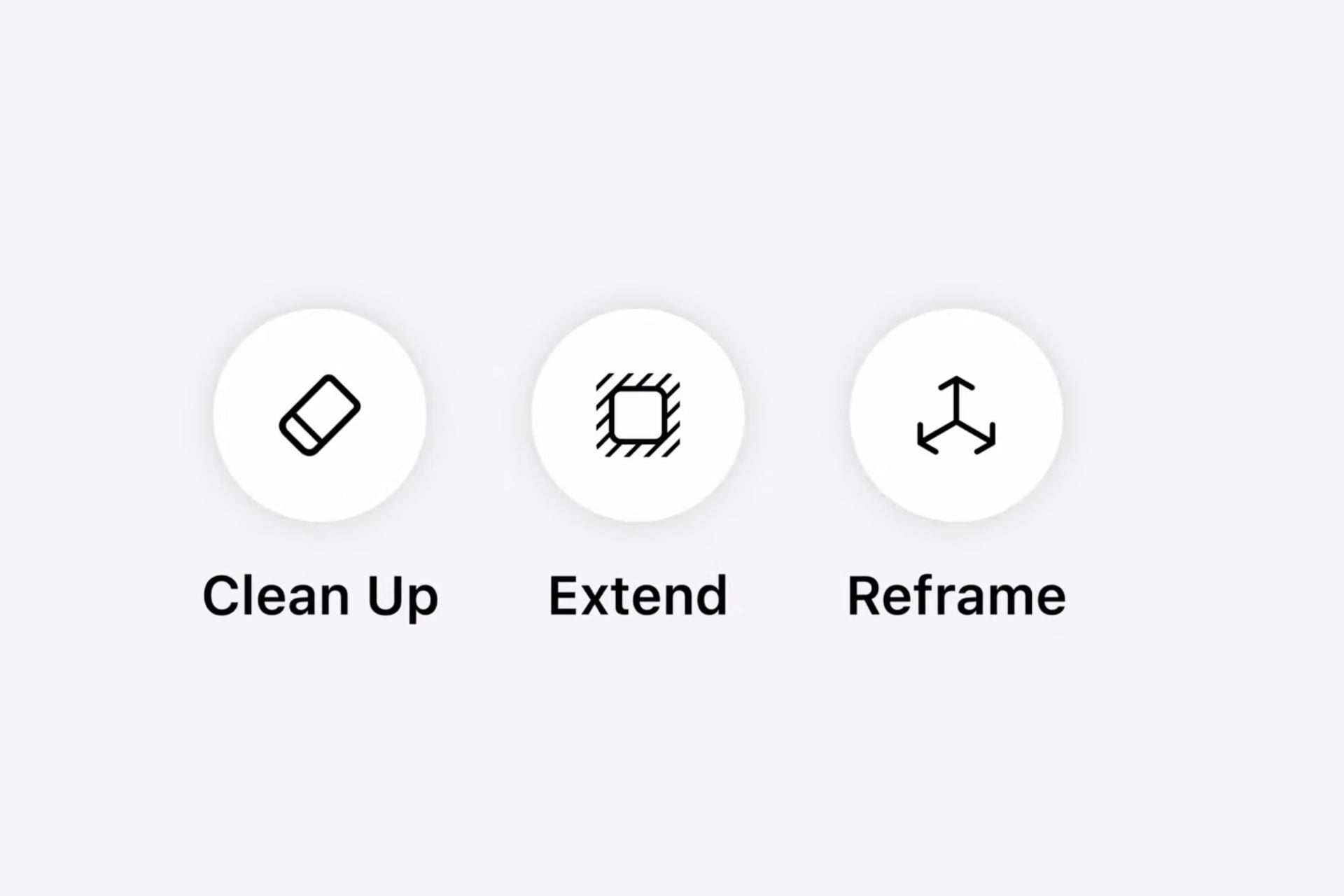
The editing tool in the Photos app gains two major features. First, he can now enlarge a photo by automatically generating missing edges, allowing you to change the ratio or straighten an image without cutting off the subject. Then, a new tool spatial reframing allows you to modify the perspective of a photo after taking the photo, as if you had repositioned the camera at the time of the click. The blurred areas that are created during the operation are filled in by the AI in a few seconds. Please note, AI image generation will be limited to one use per day, unless you take out an iCloud+ subscription.
Something new for the camera
On the camera side, a new Siri mode replaces the old Visual Intelligence experience. It allows you to analyze filmed objects in real time, read nutritional labels, scan business cards or even save show tickets directly in Wallet.
Safari goes AI
Safari also benefits from Apple Intelligence. The browser now automatically groups open tabs by theme, in real time, just like a browser like Comet would do. A “Notify Me” feature monitors web pages for you and alerts you when a change you describe occurs — handy for watching for a product release or price update. Finally, Safari can generate a custom extension on demand. All you have to do is describe what you want to modify on a page, and the browser creates the tool itself.
Calendar
Calendar has improved Apple Intelligence integration to automatically detect events mentioned in emails or messages and edit them faster.
Messages and Mail
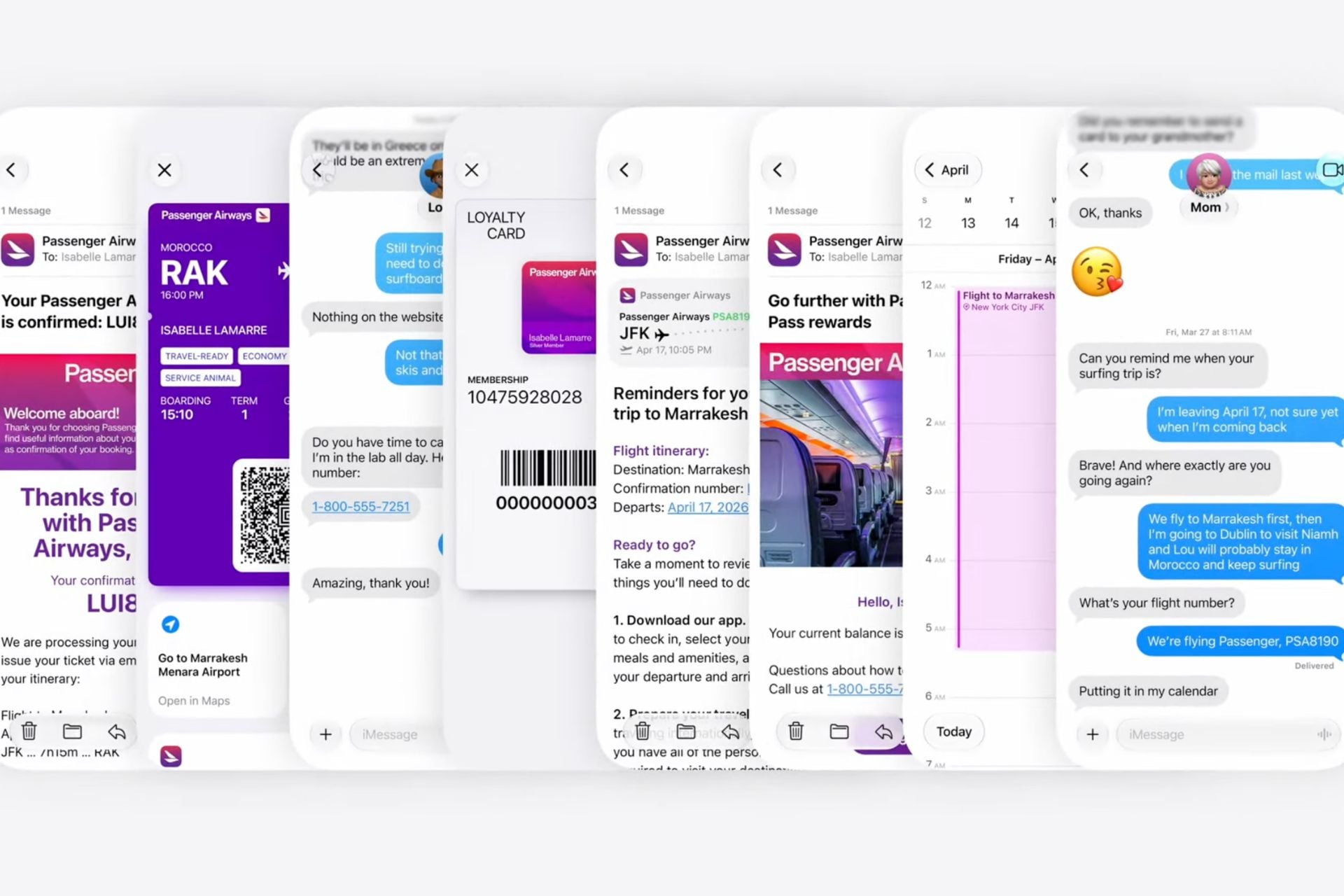
Apple Intelligence is deeply integrated into everyday apps. In Messages and Mail, AI analyzes the context of your conversations to suggest direct actionssuch as attaching the right photos, or even creating an appointment without leaving the chat.
Phone
As for the Telephone app, it anticipates your needs even before you pick up the phone, by retrieving useful information for the call from your other apps (flight number, order, etc.).
Home and notifications
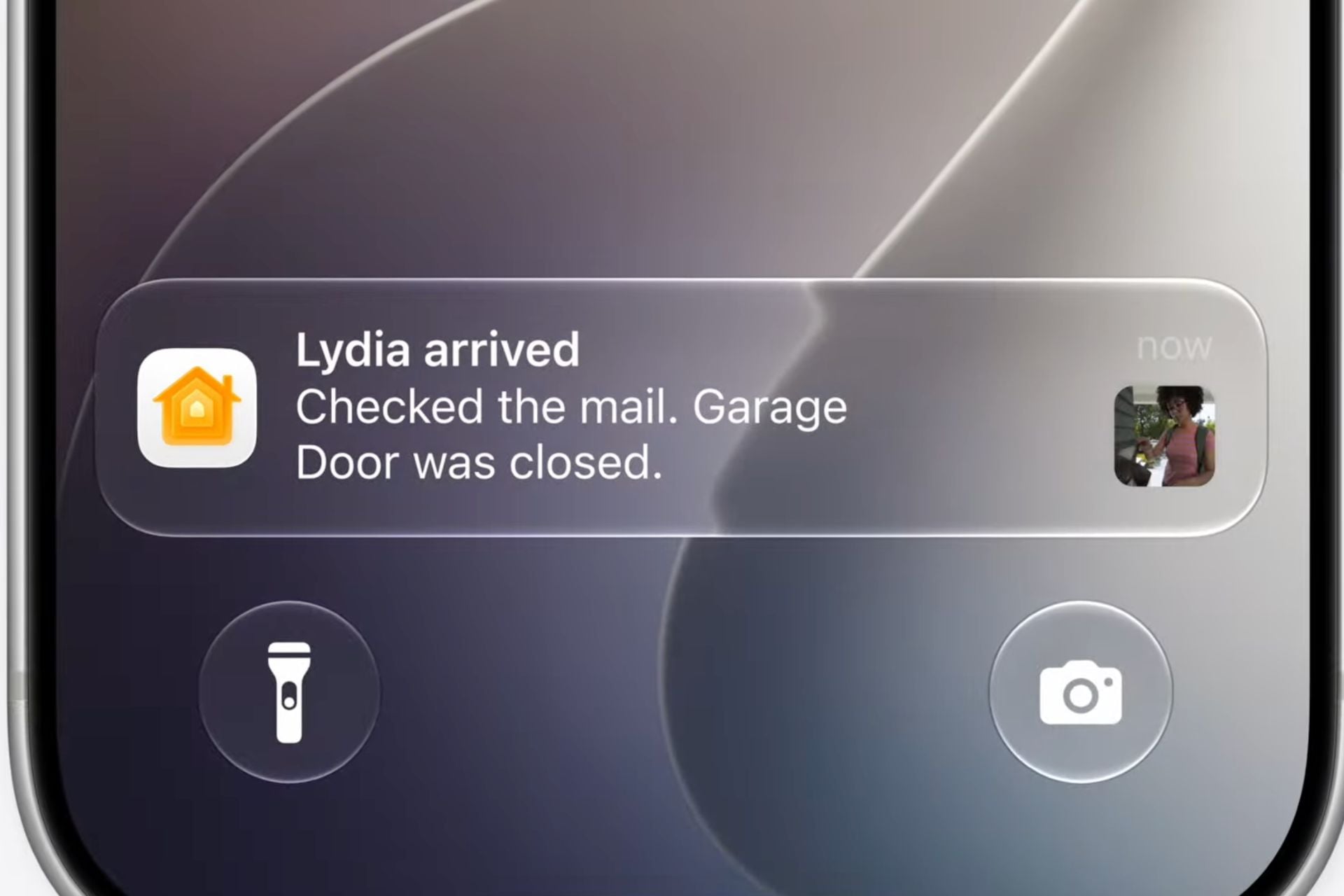
In the Home app, surveillance cameras no longer send an avalanche of notifications. A single alert continuously updates with an AI-generated text description. This is especially ideal for notifications sent by connected cameras.
Shortcuts
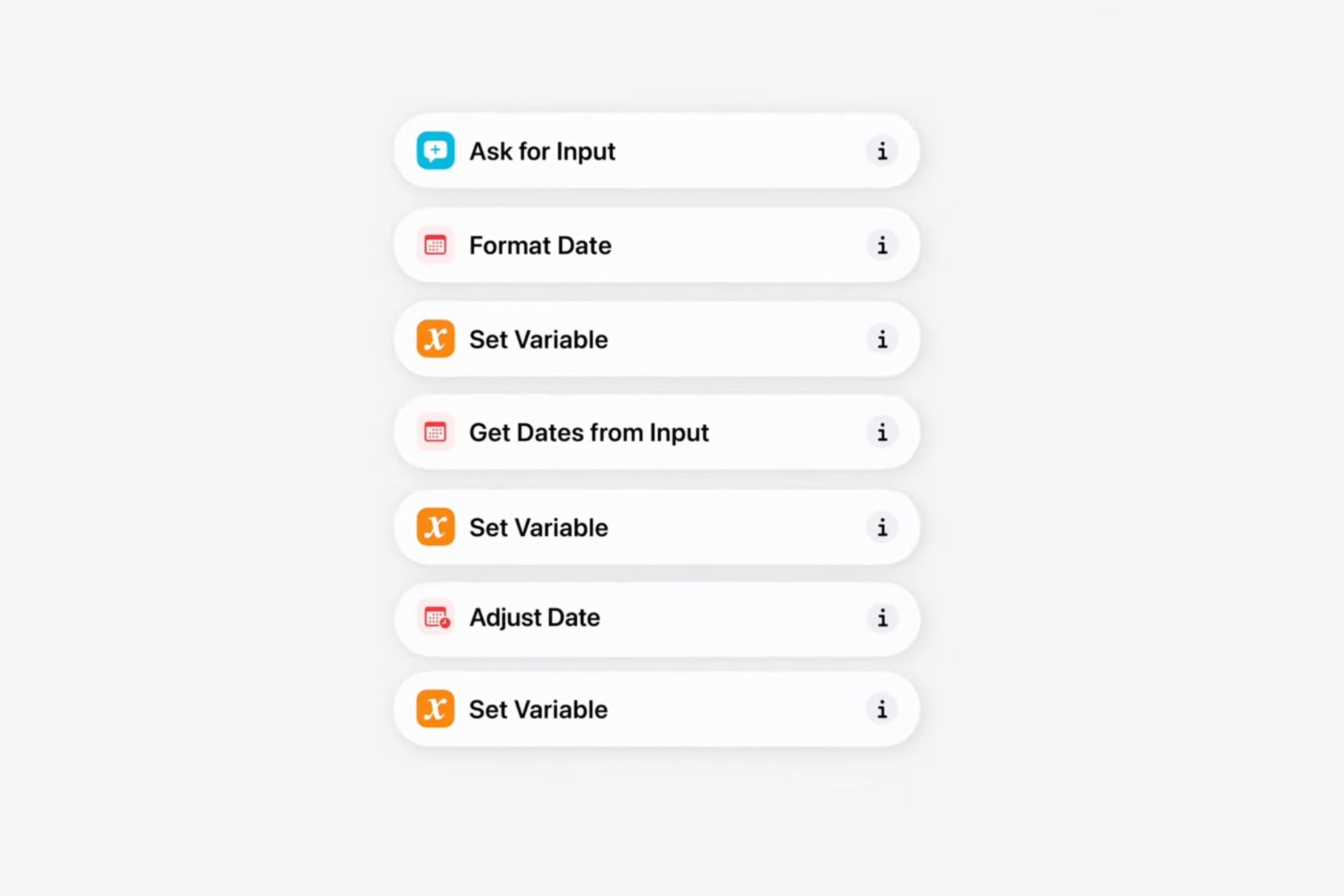
Finally, in Shortcuts, simply describe an automation in a few words and Apple Intelligence will create the shortcut for you, without any programming required. We can bet that this change attracts more users to the automation application.
Privacy and parental controls
Child accounts now allow more precise configuration of content, application and website restrictions. When a site is blocked, the child can directly send an unblocking request from their device to that of a parent. Screen time management is also revised, with more practical shortcuts and expert recommendations on recommended limits by age group.
👉🏻 Follow tech news in real time: add 01net to your sources on Google, and subscribe to our WhatsApp channel.


By: Opera