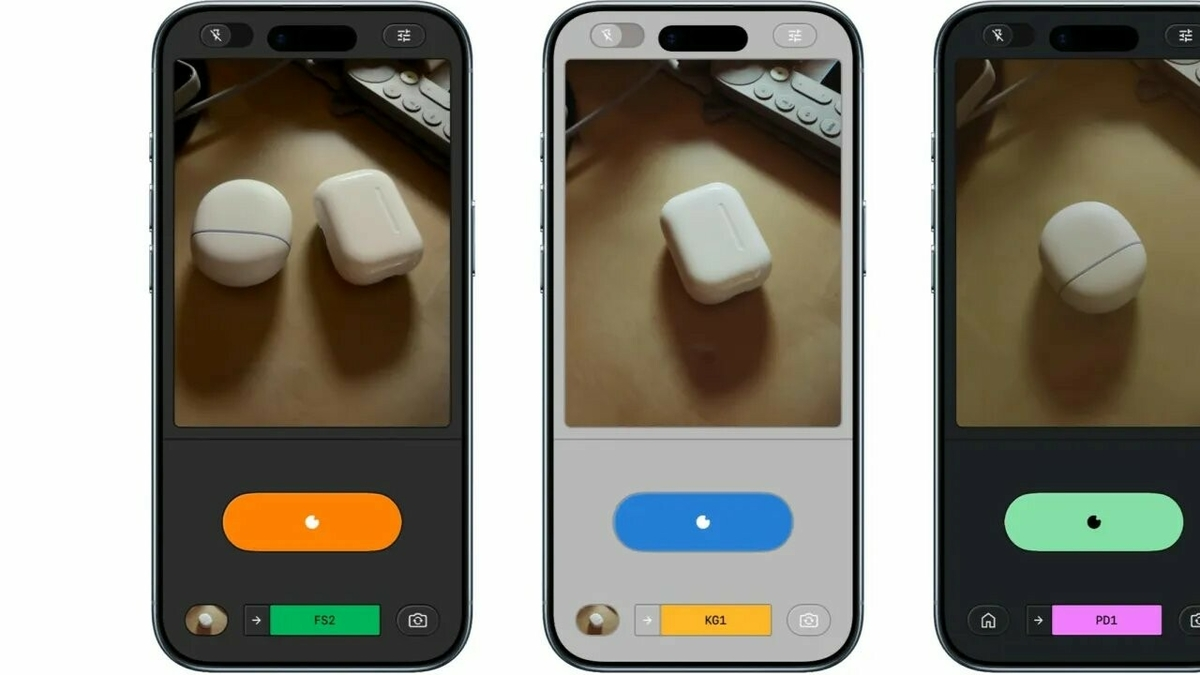
Google has quietly but surely redefined the role of Snapseed on Android. The application, known for its powerful editing tools, is enriched with key features that take it well beyond its initial function of simple retouching. Versions 4.1 and 4.1.1.x, deployed this month, bring geolocation to snapshots and the ability to save images bruteswithout alteration, before any retouching, as well as increased support for RAW editing.
Snapseed: What are these game-changing additions for mobile photography?
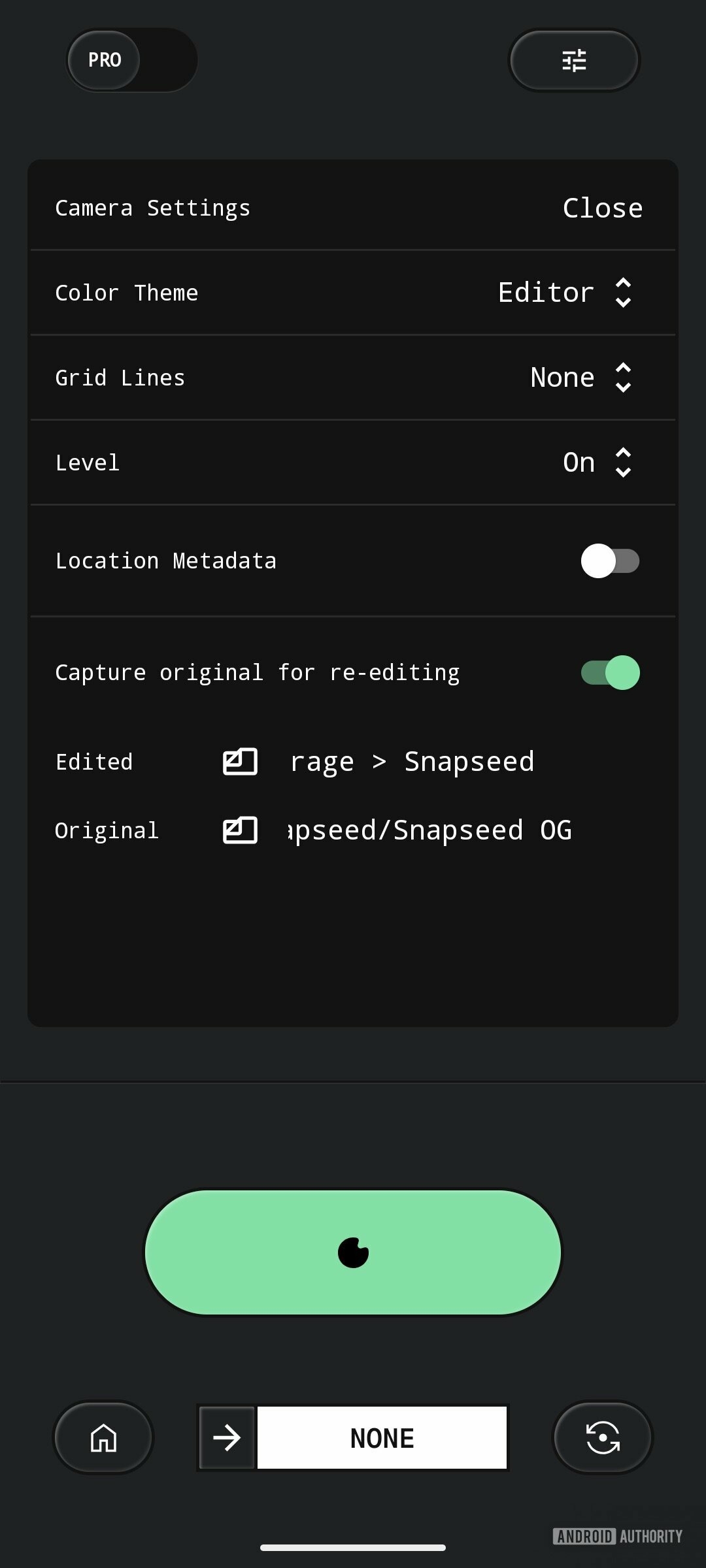
The “Snapseed Camera” welcomes two major innovations. First, the geolocation photos. Disabled by default, this option allows, after system authorization, to integrate location data directly into the metadata of each snapshot. For many, this is a convenience, but for organized photographers, it drastically simplifies sorting and viewing memories through apps like Google Photos, which group images by shooting location. It is a detail which, strangely absent until now, quickly becomes essential.
Next, the “Capture original for re-editing” option is now enabled by default. This means that when you use a “Film Style” or “Look” of Snapseedan intact copy of your photo is also saved. No more destructive editing dilemma! You can now experiment without fear, always with the certainty of being able to return to the original image. This flexibility comes with the ability to choose separate save locations for the edited and original versions, providing a unprecedented control on managing your files.
RAW editing on Android takes it to the next level with Snapseed
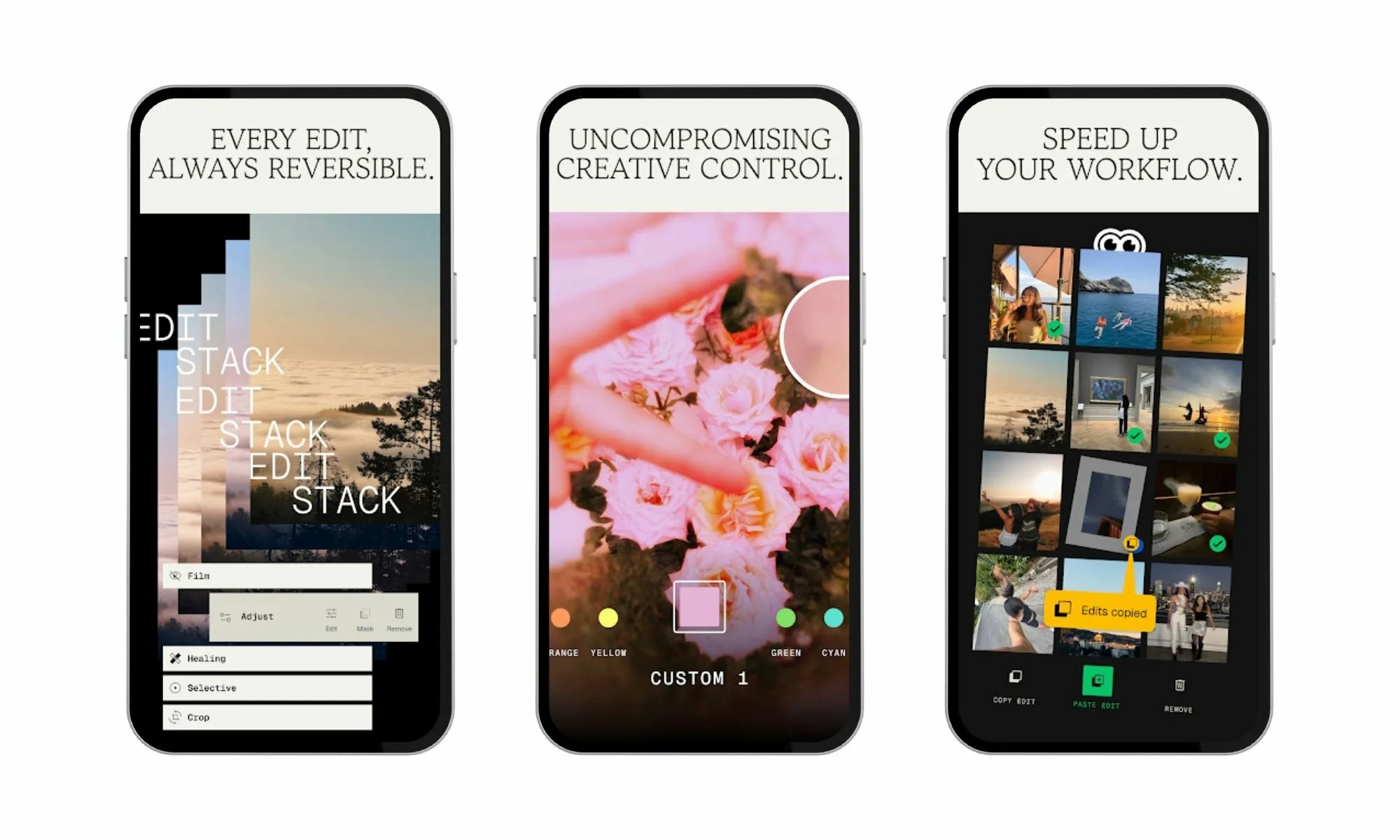
Snapseed Update 4.1 significantly expanded support for the Snapseed enhancementRAW edition. Now the app supports almost all major formats like DNG, ARW, NEF, CR3, RAF, ORF and PEF. For photography enthusiasts, this is a significant advancement, as it allows working directly on raw files, which contain all the data captured by the camera sensor, providing maximum editing latitude. Google has also refined image processing and improved undo/redo functionality directly within the editing tools, without leaving the main interface. Although some RAW formats are not yet fully supported, the company still chose to deploy this update, highlighting its commitment to making Snapseed a more robust tool, despite the inherent challenges processing these complex files.

Why is Google investing so much in Snapseed today?
After a period of stagnation, and a general feeling that Snapseed was somewhat neglected (especially after iOS users sometimes had the scoop on certain new features), Google clearly seems to be offering it a second souffle. Version 4.0, with its redesign of the interface, had already marked a turning point. Recent additions, like gridlines, levels, and now geotagging and RAW editing, are part of a larger strategy. The company is seeking to modernize an application which, despite its popularity (more than 100 million downloads), needed a facelift.

The stakes are high: in the era of photography ultra-software mobile, where the user experience after the trigger is as crucial as the quality of the sensor, Snapseed Camera could become a strong alternative to native photo applications. By offering more control and flexibility, Google positions Snapseed as an essential tool for users Android wanting more detailed management of their photos, without depending on third-party editors. It’s a bold bet which, if it continues at this pace, could transform the perception of Snapseed.
Frequently Asked Questions (FAQ)
When is this Snapseed update available?
The new features of Snapseed (versions 4.1 and 4.1.1.x) are being gradually deployed on Android. If they are not yet visible on your device, a little patience is required. It is advisable to check for updates on the Google Play Store or restart the application.
Is geotagging enabled by default in Snapseed Camera?
No, the option of geolocation images is disabled by default. To activate it, you will need to go to Snapseed’s camera settings and grant the location permissions requested by the operating system.
Can I still edit my photos without saving the original?
Yes, although the “Capture original for re-editing” option is enabled by default, you can choose to disable it in the camera settings if you prefer not to keep an unedited copy of every photo taken with the “Film Styles” or “Looks”.