




Hadlee Simons / Android Authority
TL;DR
- Winlator v11.0 introduces the Gladio OpenGL wrapper for Mali GPUs (MediaTek/Exynos) and updated Turnip drivers for Snapdragon 8 Elite devices.
- The update integrates Wine 10.10 and Box64 v0.4.0, resulting in more efficient instruction translation and improved stability for 64-bit applications.
- Users can now utilize a new HUD mode for performance monitoring, along with a refreshed Light/Dark theme engine and improved input controls.
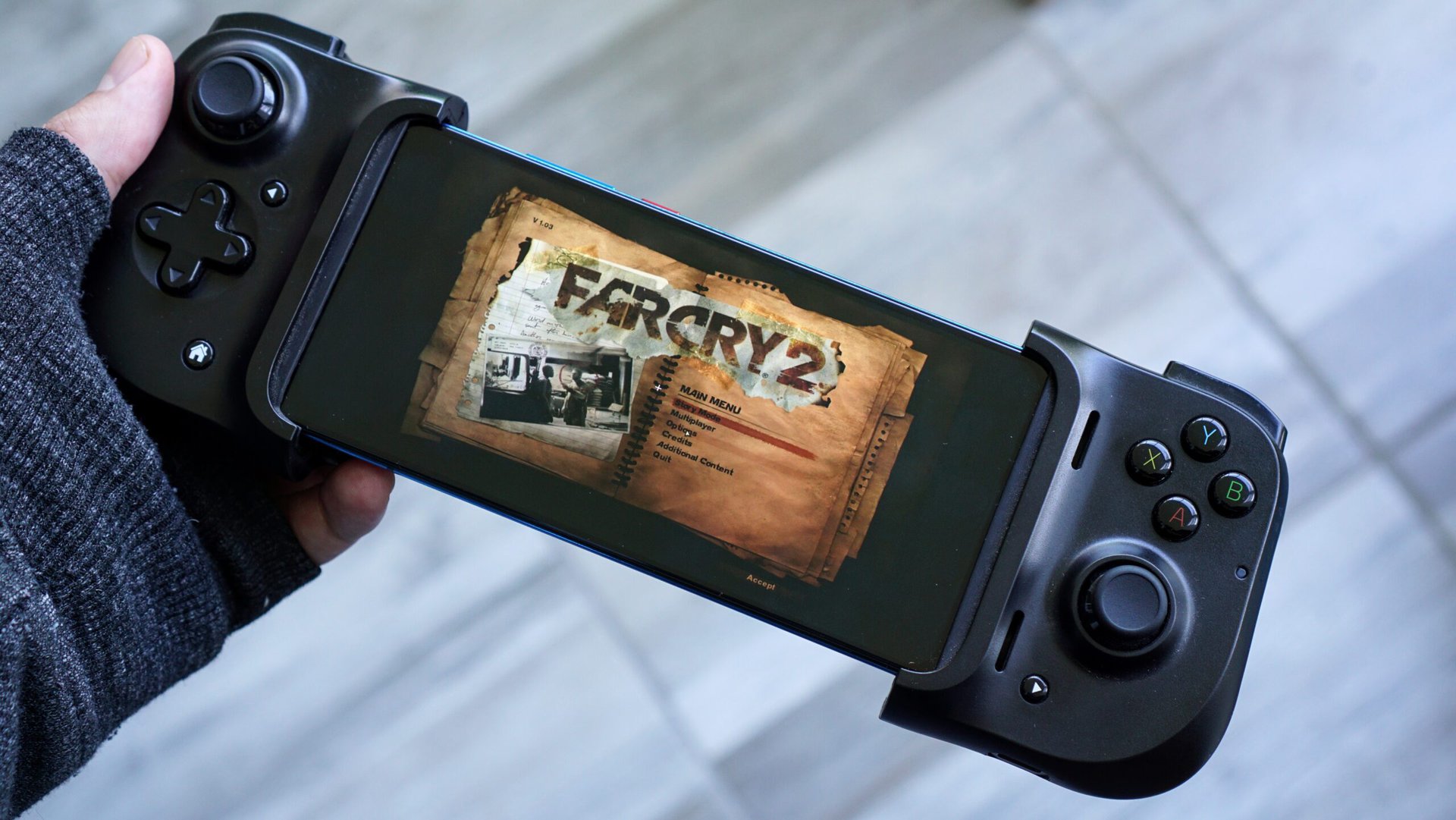
Winlator, GameHub, and GameNative are popular Windows-on-Android emulators that allow you to run PC games locally on your Android phone or tablet. If the idea sounds interesting to you, Winlator now has a new v11 stable release that substantially broadens hardware and software compatibility through expanded driver support, a modern Wine backend, and more
One of the biggest highlights of Winlator’s v11.0 stable release is the updated Mesa Turnip drivers v26.1.0 (with whitebelyash patches), which include specific patches for Adreno 8-series GPUs. This should theoretically mean better Vulkan performance and significantly improved compatibility for graphics-intensive titles that were previously prone to crashing on Snapdragon 8 Elite and newer SoCs.
Don’t want to miss the best from Android Authority?


V11.0 also includes an experimental OpenGL wrapper, Gladio, that operates through GLES. Gladio should help bridge the OpenGL compatibility gap for MediaTek and Exynos chips (with Mali GPUs), which potentially opens the door for more devices to run PC games smoothly.
One of the changes carried over from the v11.0 beta release to the v11.0 stable release is Wine 10.10, which brings the emulator much closer to a modern Windows environment than previous releases. Box64 v0.4.0’s inclusion means the instruction translation should be more efficient than ever. In practical terms, this should translate to faster load times and a more stable experience when running 64-bit Windows applications.
There are also new UI features, such as a HUD mode for monitoring system performance while in-game, as well as a new Light/Dark theme engine.
Here’s the full changelog for the v11.0 release:
- Winlator v11.0 (Final):
- Added experimental Gladio (OpenGL wrapper) through GLES
- Added HUD Mode
- Added option to install components (DXVK/WineD3D/VKD3D) from file
- Improved UI for selection of Graphics Driver and DX Wrapper
- Fixed some bugs on Vortek
- Added missing gstreamer plugins
- Updated Box64 (v0.4.0 release)
- Updated Mesa Turnip (v26.1.0 devel with whitebelyash patches for A8XX)
- Improved Input Controls
- Winlator v11.0 (Beta):
- Added Wine 10.10
- Added support for multiple controllers
- Added support for controller vibration
- Added Light/Dark app themes
- Improved UI (User Interface)
- Improved DirectInput/XInput compatibility
- Improved Steam compatibility
- Improved Vortek
- Added new desktop wallpapers
- Fixed display of Portuguese/Russian language shortcuts
- Fixed display of layered windows
- Improved keyboard for latin characters
You can download Winlator v11.0 straight from GitHub and install it on your Android phone or tablet. While Windows-on-Android emulators still require a bit of tinkering compared to console emulators, this Winlator release makes the process more accessible and worth the effort.
Word of caution, though: some Reddit users mention that the source code available on GitHub is for a significantly older release of Winlator. The developer appears not to have shared the source code for newer releases.
Thank you for being part of our community. Read our Comment Policy before posting.


