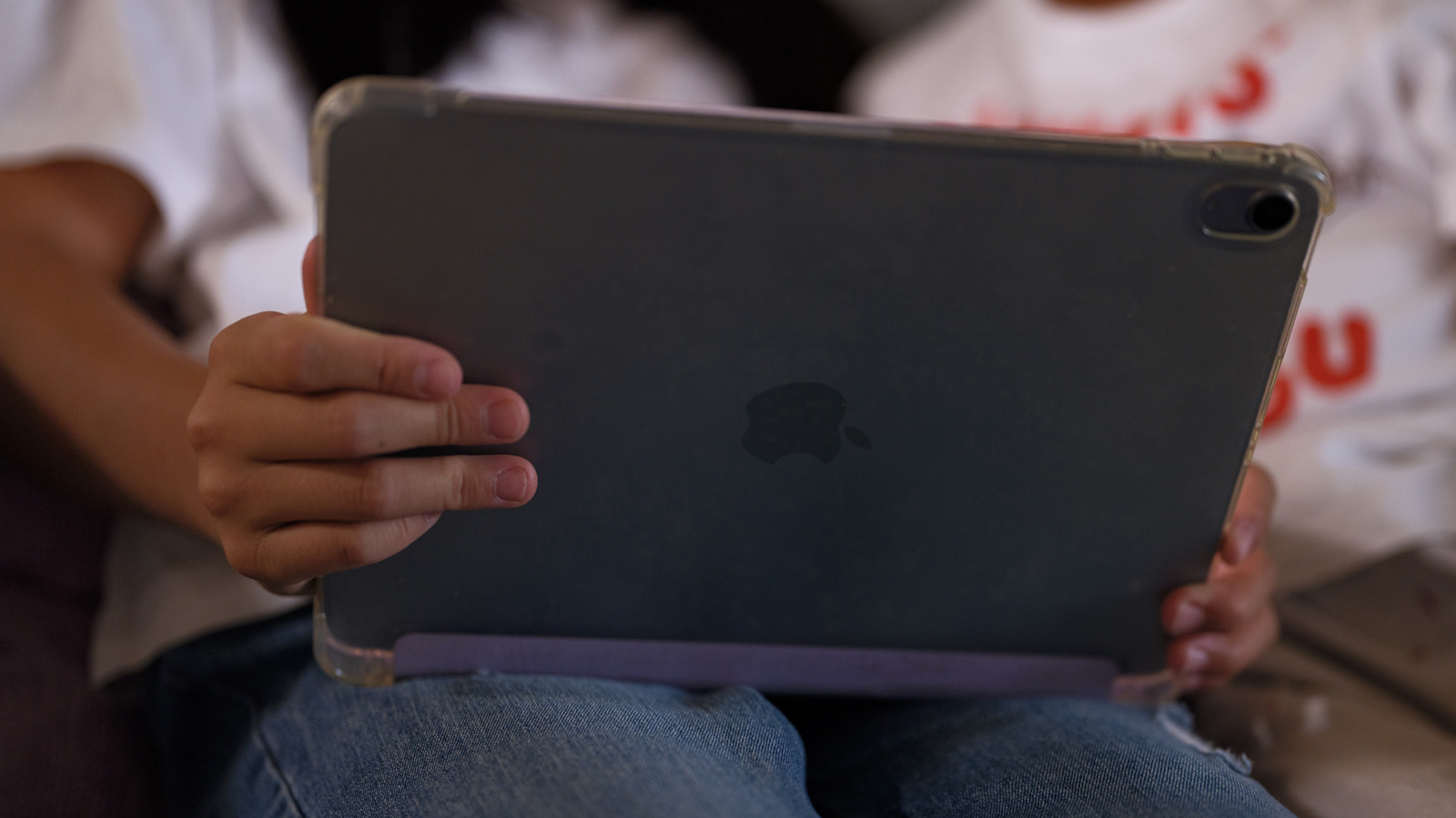
Buying secondhand products may not be the most enticing prospect, especially when it comes to tech gadgets; many people would rather their tech feel new and fresh from the moment they unbox it. Devices with mileage on them typically aren’t as snappy as their brand-new counterparts, and they may also come with other undesirable drawbacks. But that’s not always the case. Sure, some used products are compromised right out of the gate, but refurbished products that have been checked and restored by reliable retailers don’t fall under the same category.
If you’re in the market for an iPad, there’s nothing wrong with going down the refurbished route. Savings aside, you’re also positively impacting the environment by minimizing e-waste. However, going into a refurb purchase blindly — or buying the first decently priced “refurbished” iPad that catches your eye — isn’t a particularly cautious move. Provided you do some quick research and learn what you need to know before buying a refurbished iPad, you’ll end up making an informed, environmentally conscious purchase that your wallet is also sure to appreciate.
You can shop for refurbished iPads right on Apple’s own website
Although there are many independent sellers in the the refurbished tablet marketplace, those looking to buy an iPad may be glad to know that Apple itself has a section of its online store dedicated to refurbished products that have been polished per its own quality standards. The company replaces the battery and outer shell of all refurbished iOS devices, including iPads, to restore both their appearance and performance. Apple also provides the original accessories and cables with all refurbished products, so you’ll get whatever items — such as charging cables and adapters — that normally come with the iPad model you’ve chosen.
All refurbished iPads you buy from Apple also come with a one-year warranty and three months of complimentary technical support. If you want to safeguard your device even further, though, then you can tack AppleCare onto your purchase — it’s available for all refurbished Apple products. If you want to buy a refurbished iPad from the most trusted seller you possibly can, then there’s no better candidate than the company responsible for making the tablets.
Third-party sellers aren’t always trustworthy
Although Apple’s refurbished product offerings are attractive, especially given the added services and quality guarantees, you may be unable to find the exact model of iPad you want on the company’s Certified Refurbished store. In such cases, you’ll want to check out other reputable third-party sellers. Several retailers sell refurbished iPads, including large companies like Amazon, Best Buy, Walmart, Gazelle, and Back Market. However, from independent shops to retail giants to online-only marketplaces, different sellers have varying processes for refurbishing items, and some of them may not meet your own standards.
To make your choice easier, opt for retailers that really clarify how they refurbish gadgets like iPads. For example, Amazon Renewed guarantees that all its refurbished products are checked by a third party to ensure cleanliness and functionality alike. Some refurbished iPads at Best Buy are Geek Squad Certified, meaning they’re inspected and tested by Best Buy employees themselves. Warranties do vary for Best Buy refurbished products, however, so be sure to check the terms for the specific product you’re buying before you finalize your purchase. In the Walmart Restored program, Walmart states that its refurbished products are cleaned, tested, and approved by experts. Given their reputations and the details they provide on their own refurbishment processes, it’s less risky to take the plunge on a refurbished iPad with one of these sellers, should the Apple store ever fail you.
Models with anything older than an A12 chip should be skipped
With Apple developing its own M-series chips back in 2020 to replace the Intel hardware they’d been using for years, the company set a new industry standard for processors. Now, current Apple computers and tablets run on M-series chips, and they demonstrate impressive performance levels across the board. While you’d think that your iPad would have an M1 chip at the very least, that’s not necessarily the case. At the time of writing, the latest operating system for iPads is iPadOS 26, but not every iPad is compatible with it. Devices older than an 8th-gen iPad, a 3rd-gen iPad Air, or a 5th-gen iPad mini can’t run iPadOS 26; the common thread between those three devices is that they all sport the A12 chip, which is the bare minimum A-series chip you should consider when buying a refurbished iPad. Doing so will help ensure that your iPad will last you longer, since newer models are likely to remain supported for longer.
If you opt for an older iPad, there will be a few caveats. For one, you won’t be able to enjoy Apple’s sleek and dynamic Liquid Glass visual theme, which was a significant design update across all Apple operating systems. Additionally, if you’re a working professional who uses your iPad to handle office tasks, then you’d also miss out on many multitasking and quality-of-life features that make your iPad seem like it could replace your laptop. You wouldn’t have to worry much in the way of security updates, since Apple still currently updates software dating back all the way to iPadOS 12, but why limit yourself to older hardware?
The return window of your product
Whether you’re buying a refurbished iPad from Apple itself or through a third-party retailer, you’ll need to verify your return window to make sure you’ll have the time you need to test your device and ensure it’s working as you’d expect it to. The Apple store will accept returns or exchanges for any Certified Refurbished product — no matter the reason — provided you get it done within two weeks of receiving your item. Best Buy also offers a 14-day return window on “activatable” devices, including smartphones and tablets. If you feel you’ll need more than two weeks to make up your mind, though, you can opt for alternative, third-party retailers like Gazelle and Back Market, which both give you 30 days to return your refurbished iPad.
Amazon is more flexible with its refurbished return policy. It provides customers with a generous three-month window to evaluate most products; if your iPad isn’t up to your standards, you can return it. For Amazon’s Premium-grade products, you have a full year instead of 90 days. Walmart Restored also offers a 90-day return window on its stock of refurbished products, making both Amazon and Walmart ideal for those who want as much time as possible to test every aspect of their refurbished iPad.
The refurbished iPad’s battery health
In most cases, this is something you’d check on an iPad post-purchase — unless, of course, you were buying a refurbished iPad in person. If you were to buy directly from an Apple store, then the device would come with a brand new battery, per Apple — but even so, you shouldn’t skip a battery health check. Before you bite the bullet on your in-person purchase, navigate to the iPad’s settings and select Battery. From there, tapping the Battery Health option will give you a clear picture of your battery’s maximum capacity (“NominalChargeCapacity”) and total number of charging cycles (“CycleCount”), with the latter indicating how many times your battery has charged from 0% to 100% since you started using it. Excess charging cycles ultimately degrade the battery and reduce its maximum capacity.
This particular check can only be done on regular iPad models with an A16 chip or better, iPad mini models with an A17 Pro chip or better, iPad Air models with an M2 chip or better, and both the M4 and M5 versions of the iPad Pro. If you have an older iPad, then checking your battery health is slightly more involved. You would have to tap your way to the Analytics & Improvements section in the Privacy & Security tab in Settings, open the latest log report, copy all the text, paste it into a text editor of your choice, and search for the terms “MaximumCapacityPercent” and “CycleCount” to inspect the associated values. However, you may find this method slightly inconvenient. Another option is to download the Battery Stats shortcut, then open the latest diagnostics log in Analytics & Improvements. Tap on the Share icon and choose Battery Health from the dropdown menu. You’ll get clear and concise details on your device’s current charging capacity, total number of completed charging cycles, and a percentage depicting overall battery health.
Checking the display screen, speakers, camera, and ports for any damage is critical
It may be tempting to simply trust the guarantees of the retailers selling you refurbished tech, but even the most trusted sellers on the market could erroneously send you a refurbished iPad that doesn’t meet basic quality standards — this is something that users have experienced firsthand. It’s highly recommended that you check each and every inch of the product you’ve purchased as quickly as possible and avoid getting stuck with a faulty tablet that you can’t return.
First of all, see that the screen itself is in proper condition. Make sure to check it for scratches, especially ones that may be hard to see head on, as well as dead pixels or discoloration. Once that’s done, move on to the speakers to ensure the audio quality isn’t compromised. You can record your own video to test the device’s microphone and speakers simultaneously. The camera, of course, should also be in good working order. Inspect the lens (or lenses) to verify there are no scratches, then snap some photos and videos to check their quality. Don’t forget to test the device’s charging ports, either. Plug a USB-C or Lightning cable into your iPad’s charging port, ideally both for charging and to connect external devices, to see if you can notice any charging or connectivity issues. Finally, if you’ve purchased an iPad that supports a cellular SIM, then you should also inspect the SIM tray for signs of damage and, ideally, test a SIM card.
Activation Lock should be disabled by default
For the most part, most reliable sellers restore refurbished iPads to factory settings before selling them to new customers. If that process isn’t followed properly, you may find yourself owning what is tantamount to a fancy, shiny, unusable rectangle, since your device would likely still be linked to a previous owner’s iCloud account. The Activation Lock is a useful way to safeguard an iPad from theft, preventing people from using the device until they input your Apple Account password. However, that convenience won’t exactly impress you if you pay for what should feel like a brand-new experience, only for the Activation Lock to impede you before you can even start personalizing your refurbished iPad.
Getting in touch with the original owner can be a big undertaking, especially if you’ve gone through a third-party seller for your purchase. If the Activation Lock hasn’t been removed, then the only course of action you can reasonably follow is to return the iPad. At that point, you could either ask for the issue to be fixed or get a replacement device. This will prevent you from sharing the same fate as other unfortunate buyers who got refurbished iPads that weren’t properly restored to factory settings before being resold.
AppleCare coverage is only available for refurbished iPads purchased from Apple
We’ve already mentioned how you can choose AppleCare coverage for any refurbished iPads you buy from the Apple store. This is highly recommended, since AppleCare will provide you with priority repair and replacement services if you accidentally damage your device, even after dropping it or spilling something on it. This coverage also accounts for theft and loss. In such cases, you would have to pay a service fee to get a new device, but that’s a far better option than simply losing your device outright and having to pay full price again.
If you buy a refurbished iPad from a third-party seller, then it’s understandable that you’d want AppleCare on the device. However, AppleCare can only be applied to refurbished products purchased directly from Apple. If you choose any other retailer, you won’t be eligible for the service. Unless you’re getting a deal that’s way too good to pass up on — and you’re willing to take a bit of a risk — we recommend sticking with Apple’s Certified Refurbished store so you can enjoy the best possible warranty coverage via AppleCare.
Grading systems that indicate the condition of a refurbished iPad
When it comes to quality assurance, third-party sellers don’t typically operate like Apple does. Unlike Apple Certified Refurbished products that maintain consistent standards, other retailers may be more lenient with used product quality control. If you’re worried that you might get saddled with a poor excuse of a refurbished iPad if you buy through a third party, then you’ll be somewhat relieved to know that many sellers do use codified systems to define the condition of used products, including iPads, so you can determine whether or not you’re getting a like-new product.
When shopping for refurbished devices, you may notice they have grades. If you see a refurbished item designated as “Grade A,” then it should feel like a brand-new product. Items with light scratches or lesser signs of wear, including cosmetic blemishes, often get a B grade. Oftentimes, a C-grade refurbished device will show considerable signs of use or even obvious damage; in such cases, the money you save doesn’t necessarily justify the pain of using a device that falls short on functionality, feels bad to use, or both.
Meanwhile, Amazon categorizes refurbished device condition as follows: Premium, Excellent, Good, or Acceptable. A Premium refurbished iPad, for example, should have no scratches or dents, as well as a battery working at 90% capacity or greater. Items in Excellent condition are the same, except their batteries are between 80% and 90% of their maximum capacity. “Good” refurbished products have light cosmetic damage, but feature the same battery capacity as Excellent-grade devices do. Finally, while Acceptable refurbished electronics are still fully functional, they’re liable to have scratched screens or dented bodies. If you want to enjoy a refurbished iPad from Amazon that really feels new, go for listings with ratings of Excellent or higher.
The accessories that should come with your purchase
Ideally, your refurbished iPad should come with the accessories that came in its original packaging. As mentioned before, Apple guarantees this for its refurbished products, meaning you don’t have to go out of your way to get a charging cable or an adapter if you buy a refurb iPad through them — well, provided you’re not buying a model that never came with accessories in the first place. Things can get murkier with third-party retailers, though; they may or may not meet the same standards for providing device accessories.
Make sure to check fine print on product listings or store policies to see whether sellers are giving you everything that would have been included with the original purchase. In some cases, even if a retailer guarantees being able to give you accessories for your refurbished iPad, they might substitute Apple’s original charging cable and adapter with cheaper, third-party variants. Unless the price reflects this caveat and the retailer is fully transparent about accessory details, it’s better to steer clear of refurbished iPads that don’t come with their original cables and adapters. If you get home with your iPad to find that a retailer hasn’t been transparent about the accessory details, return the device. And if you do end up purchasing a refurb iPad without any accessories at all, you can always buy separate iPad accessories, including ones that can address common iPad problems.