It’s safe to say that smartphones have become one of the most widespread pieces of tech in the world. The original iPhone kickstarted this trend, with mobile manufacturers making it a point to develop both state-of-the-art smartphones and budget variants to cater to a wide market. It wouldn’t be a stretch to say that smartphones have become lifestyle accessories at this point, moving past the basic functions of calling and messaging to become an all-in-one device that can generally make life easier. From digital payments to map navigation, your smartphone is an extension of you in more ways than one.
With that in mind, it’s easy to see why no one wants their smartphone to act up. The shifting nature of technology means that even the most high-end devices right now can become obsolete within a decade. Some people upgrade and replace their existing phones once they start causing issues, while others do everything in their power to squeeze as many years as they possibly can from what is undeniably a pricey investment. If you fall in the latter category, implementing these habits will increase the odds of your smartphone running like it’s brand new.
Make battery management a priority
One of the biggest issues that plagues any smartphone within a few years of use is lowered battery capacity. All of a sudden, a phone that used to last for almost two days with a full charge starts conking out in under 24 hours. Instead of inevitably needing to buy a power bank a few years after you purchase a smartphone, start taking good care of your battery. Discharging your phone is obviously far from an ideal situation, but charging your phone to 100% can also hurt the battery.
Your battery can only handle a limited number of charging cycles before it starts holding less charge. Normally, manufacturers don’t let batteries drain completely, switching off the device before it actually hits 0%. This is because recharging an empty battery leads to electrolyte breakdown, which can severely hamper a battery over time, if not destroy it outright.
Meanwhile, keeping the battery at 100% can lead to chemical aging, since the battery is constantly at a high voltage. This negatively impacts your battery capacity, which is why anywhere between 20% and 80% is the ideal range for your battery’s charge. Numerous battery-conservation features like the Google Pixel’s adaptive charging, iPhone’s charge limit, and Samsung’s protect battery settings either limit your device’s charge or slow the charging rate to a trickle after reaching a certain point, extending your battery life as much as possible.
Keep your phone away from extreme temperatures
It’s no secret that hot temperatures are bad for your phone. Leaving your phone in the sun for too long or playing a graphics-intensive game can cause your device to overheat, which is bad news. The device can start glitching out, your display may flicker, and even your phone signal may suffer. If this overheating persists or reaches critical levels, your battery and other internal components can also suffer permanent damage. Keep your smartphone in a cool environment and give it a rest if you can feel it heating up in your hands. In some cases, a restart may be required if the device is heating up even when you’re not using it, as a faulty background process might be causing the issue.
Using your phone in extreme cold can also lead to issues. The biggest problem is the dreaded issue of lithium plating, a form of damage that may occur if your device is very cold when you start charging. Wait for your device to warm up before plugging it in, or just avoid using your phone when it’s unbearably cold. It’s usually recommended to operate and charge your device between 32 degrees Fahrenheit and 95 degrees Fahrenheit to prevent extreme temperatures from having a permanent effect on your smartphone.
Avoid cheap fast chargers
Many consumers love the appeal of fast charging. While it’s convenient to charge your phone as quickly as possible, it may not be optimal if you want to prolong your smartphone’s battery life. Fast charging increases heat and stress on your battery, which can cause issues in this component far earlier than you’d expect. In some cases, these chargers can also lead to lithium plating. Instead of a high-voltage variant, you’re better off with a regular charger that reduces the load on your battery and keeps it in good health for as long as possible.
That being said, modern fast chargers are pretty advanced. SuperVOOC and UFCS protocols perform voltage conversion, reducing the stress on your phone and its battery. However, these perks don’t necessarily apply to cheap fast chargers. These devices may use cost-cutting workarounds to provide faster charging without the necessary safety measures, which can damage your smartphone’s battery if used for extended periods of time. Instead of trying to save a few bucks, think long-term and purchase a verified, first-party fast charger that keeps your smartphone charged and ready to go without any issues.
Use a good phone case that prioritizes protection
No matter how careful you may be with your smartphone, accidental drops can always happen. Modern phones may be pretty hardy, but a rough or high fall onto an uneven or solid surface is all it takes for your phone’s screen to crack. A cover can help prevent or mitigate damage from a rough fall, but it’s important to choose a case that actually protects your device rather than just being a pretty accessory. Some covers have great aesthetics but do little to safeguard your device, which is not the wisest investment.
You should seek out a cover with raised edges to prevent screen damage if the device falls face-first. Good build quality that can absorb the impact of a fall, along with an ergonomic design that strengthens your grip, are also important qualities to keep in mind. For the most part, you can’t go wrong with covers from the likes of Spigen, OtterBox, CASETiFY, Mous, and ESR. Some of these cases may be more expensive than you’d expect, but the protection they provide is priceless. In fact, go the extra mile and purchase a screen protector — if you haven’t already — to protect your device’s display from getting scratched.
Update your software regularly
Software updates are the norm for almost every IoT-enabled device. Not a lot can be done about a device’s hardware once it’s shipped and delivered, which is why these updates are integral to optimizing your smartphone’s performance. From adding new features to fixing bugs, your phone will most often operate smoothly with the latest device updates. However, there’s a far more important reason for updating your device’s firmware regularly.
Most software updates for your phones also come bundled with enhanced security updates that are meant to protect your device from cyberattacks and malware. Missing an update or two is largely fine, but being too lackadaisical and ignoring multiple updates may make your device vulnerable to hackers. Usually, OS and device manufacturers inform their consumers when an iOS or Android software update is critical to your device’s security, so heed this warning and keep your phone up to date if it isn’t already.
Avoid downloading shady apps from unknown sources
There are several reasons why you might download an app from an unknown source. Maybe a game you’ve had your eye on was delisted, or you just want a good open-source app with features that are right up your alley. Still, there’s a reason why Android disables installing apps from unknown sources by default. Since no company can vouch for the safety of these programs, you should shy away from downloading shady apps that can potentially install malware on your device. Sometimes, these viruses are so stubborn that even a factory reset isn’t enough to get rid of them.
Unless you are absolutely sure that the app in question won’t hamper your device’s security, stay as far away from suspicious Android Package Kits (APK) or iOS App Store Packages (IPA) as possible. People may criticize Apple for being rigid about sideloading apps, but there’s a reason for this approach. At this point, only users in the EU and Japan are allowed to install apps via alternative app distribution services. If you live in these regions and want to start sideloading apps, do your research and don’t just download any IPA that catches your eye.
Free up device storage from time to time
You may have noticed that your smartphone’s total storage is just shy of the specified value. This is because the device’s OS and other critical files require dedicated storage space. However, don’t take this as a free pass to fill up the rest of your storage without cleaning things up from time to time. Not only does this prevent you from downloading any new apps and updating existing ones, but it also has a far more severe effect on device performance.
Anyone who’s faced SSD issues on their PC knows that reading and writing data on these storage devices becomes less efficient when they’re full. Just like a solid-state drive, your phone’s internal memory uses NAND flash memory to read and write data. This enables fast speeds, but things get trickier if these drives are too full. Your phone is forced to use nearly all of its available space, which, in the long term, can slow down your device. Make it a point to clean up your phone’s storage regularly. With iCloud and Google backups, you can easily delete any photos or other files that are backed up in the cloud. Deleting old apps and unnecessary caches is also highly recommended.
Regularly restart your device
Background processes can take a toll on your smartphone, reducing its speed while eating into the battery. As simple as it may seem, regularly restarting your smartphone may be enough to take care of these issues. Not only does it stop battery-draining background processes, but it also refreshes the smartphone’s memory in one fell swoop.
You’ll notice a difference once you start restarting your device at frequent intervals. Sure, a software update also restarts your device, but this isn’t frequent enough to clear the cobwebs that are slowing down your smartphone. You don’t need to restart your phone every day. Just once or twice a week is enough to improve your device’s performance. It barely takes a few minutes for your smartphone to boot up, so there’s no reason why you shouldn’t start implementing this habit. Everything needs a break from the datasphere from time to time, and that includes your smartphone.
Opt in to insurance plans
When it comes to your high-end smartphone, never scoff at insurance plans. You’ll be thankful for paying this premium, especially once you find out the repair costs for a broken out-of-warranty smartphone. Without this safeguard in place, most people choose to replace their device outright instead of shelling out a pretty penny for repairs. Meanwhile, a person with AppleCare, Pixel Care+, or Samsung Care+ can just contact their manufacturer if their device has any issues that need to be addressed.
Not only will you get your phone fixed from a certified professional, but you may even get a brand-new smartphone as a replacement if the issue is severe and covered by your insurance. Without this coverage, you may have to settle for cheap, third-party repairs without a quality guarantee. If you’re unlucky, these could potentially lead to your device performing worse than before, even after you shell out for the repairs.
Clean your phone regularly
A smartphone that’s covered in grime and dust doesn’t make for a pretty picture. Use a microfiber cloth to prevent any scratches on your screen while wiping it down, along with a 50% isopropyl alcohol and water mixture to disinfect the screen and get rid of any stubborn smudges. While cleaning the screen is satisfying and makes it easier to use the device, there are two key components of your phone you should clean to prevent charging issues and fix poor speaker quality.
It’s very easy for dirt to get stuck in your phone’s speakers or charging port. Sometimes, this blockage is so severe that audio quality suffers, and your phone charges inefficiently, as a layer of dust prevents your USB-C charger from forming a proper connection. To remove these blockages, use a wooden toothpick to lightly pick out any accumulated dirt from the speakers and charging port. Do not use a thin metal instrument, since it can scratch up these components and cause permanent damage.
If your phone is too slow, opt for a factory reset
Sometimes, your phone can reach a point where nothing can alleviate its slowdown. If you’ve exhausted all your options, then the best course of action to take is to factory reset your device. This is a major step, but you can mitigate data loss and preserve the look and feel of your device by backing it up beforehand. It may take a while, but restoring your backup is fairly easy and can preserve everything from your favorite photos to how you’ve arranged your phone’s home screen.
In fact, some device backups are so all-encompassing that you can even turn factory resetting your phone into an annual habit. It clears up your device cache, may remove any corrupt files, and fixes any problematic settings. Restoring your backups takes little to no time, preserving everything from your contacts to the way you’ve arranged your home screen. While factory resets are also perfect to take care of any annoying malware, some viruses are stubborn and remain on your phone even after the reset, in which case it is time to turn to a professional for help.
Mitigate screen burn-in on your OLED smartphone
Most modern smartphones come with OLED screens that make the display appear vibrant and sharp. The pure blacks and self-illuminating LEDs of this screen look great and make the visuals on your device stand out even more. However, as is the case with any OLED screen, this display is susceptible to screen burn-in. Since every pixel on an OLED is an individual LED, these diodes can degrade with time and lose their brightness if lit up for too long.
This is why it’s important to give your phone’s display a rest from time to time. The screen timeout setting is especially useful here, automatically turning off your device’s display without your input. Keeping the phone’s brightness low is also recommended, as the adaptive brightness setting takes care of this for you.
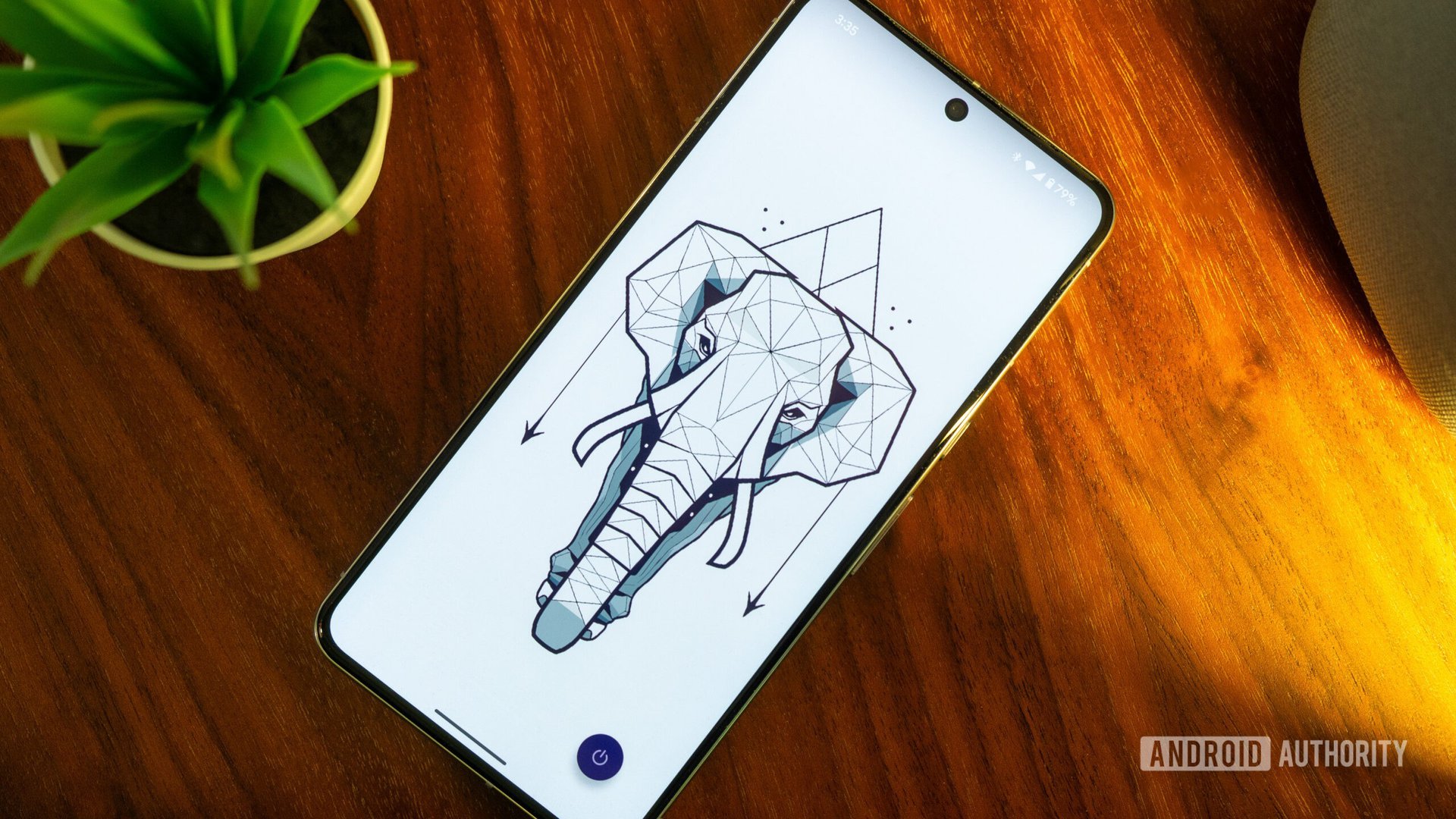
Wallpapers specifically designed to preserve OLED screen quality can also be utilized, with the added benefit of making your phone look sleek by highlighting its pure black display. Enabling dark mode is also very useful as it reduces the risk of a bright interface taxing the screen’s diodes. Finally, you should enable gesture navigation, since static touchscreen buttons remain on the screen for a while, which can increase the risk of burn-in.
Make the most of Device Care if you have a Samsung smartphone
Samsung’s flagship phones have a great reputation. From its all-encompassing Samsung Care+ insurance program to its device ecosystem, a Samsung smartphone is a solid choice if you’re in the market for a new mobile device. A great perk of buying a phone from this manufacturer is that you can use its built-in Device Care feature to optimize your phone on a regular basis.
It’s an excellent settings option that does a quick diagnostics check to see how optimally your smartphone is functioning, giving it a score out of 100. If this is too low, all you need to do is go to Settings>Device Care> Optimize Now>Done to streamline your battery usage, clean up your storage, maximize the smartphone’s memory, and ensure that your device’s protection is up to par. You can also check out its advanced options and enable the auto-optimization feature so your Samsung smartphone carries out this process once a day without your input.