
OLED TVs became mainstream between the late 2010s and early 2020s, but if you bought an OLED during this phase, you might start to see some signs that it’s on its last legs now. The lifespan of an OLED TV tends to end after five years; expert testing shows that a significant fraction of models will experience a problem within that timeframe. If you want to make sure you’ve extracted the full value from your current TV before you spring for a new one, it’s worthwhile to know which problems are actually surefire signals that the TV is down for the count.
The most critical problems for an OLED TV are the ones pertaining to pixel degradation and component failure. These are the types of issues that are likely to severely affect your viewing experience, and they’re practically unfixable. If you start to notice burn-in or any problems with color or brightness, it’s probably time to start searching for sales on new OLED TVs.
Burn-in
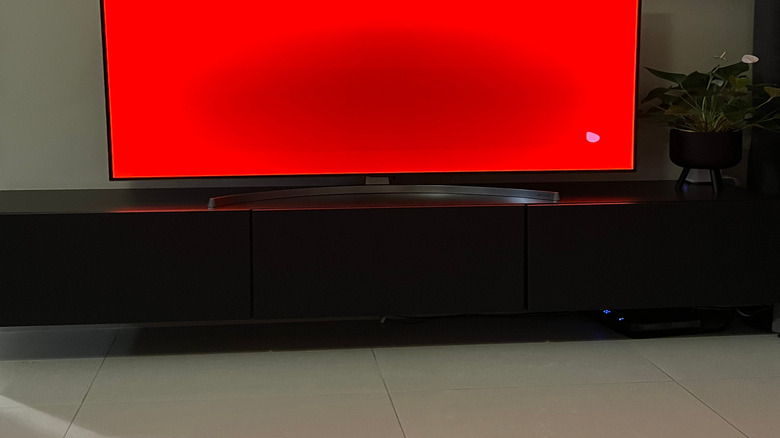
Burn-in refers to the permanent retention of an image on your TV screen. The idea is that your TV’s pixels will degrade faster when they are constantly displaying a single bright light without changing. This is more common if you play video games with static on-screen elements, or if you watch news programs where a single person or background will remain on-screen for hours at a time. The pixels will degrade, and the silhouette of the static image will “burn in” as those particular pixels wear out.
The organic compounds in OLED pixels are susceptible to wearing out faster, so it is very possible that your OLED TV is experiencing some degree of burn-in if you bought it several years ago. However, newer models of OLED TVs have implemented countermeasures. Pixel-shifting technology, such as LG’s “Screen Shift” feature, will occasionally move the on-screen image in such a subtle way that the viewer will never notice, but it’s enough to prevent the burn-in effect. If you decide to replace your old OLED with a new one, you likely won’t have to worry about burn-in for a very long time.
Color tinting
Some OLED TV owners have reported unsightly green or pink screen tinting over the years. Expert testing from the team at RTINGS has corroborated many of these reports. Findings show that the issue is more likely to affect WOLED (white-light OLED) panels, but less likely to affect QD-OLEDs using quantum dot technology. Testing also shows that color-tinting issues are mostly random and have more to do with variability in manufacturing than with wear and tear over time. Even so, it’s certainly normal to feel as though a tinted TV is outliving its usefulness.
It’s worth keeping in mind that color tinting is often related to viewing angles. For example, the reported issues with WOLED displays often crop up when the user is viewing the screen head-on, from just a few feet away. If you want to make sure to avoid this problem in the future, a smarter TV purchase might be a Mini-LED TV with superior viewing angles instead of another OLED.
Sporadic screen dimming
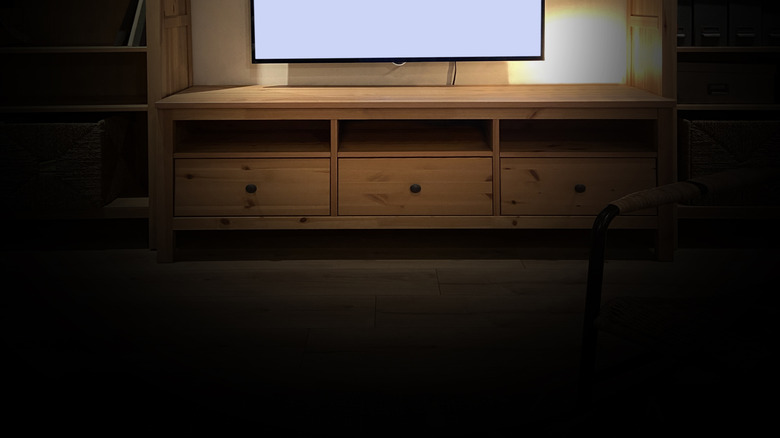
If you’ve ever noticed your screen dimming or the brightness pulsing up and down, it could be either an issue in the system’s brightness settings or a sign of problems with the device’s power supply. Start by looking for Auto Brightness Limiter (ABL) in your TV’s settings. If this setting is toggled on, it may cause your screen to automatically dim when displaying a bright image, such as a snowy field or a pure white screen. Some TVs also have an “ambient light sensor” setting that will attempt to adjust brightness based on the light levels in the room.
If these settings aren’t causing the problem, then your TV might be sporadically dimming because of a power delivery issue. Worn-out capacitors on the power board can lead to voltage fluctuations and inconsistent performance in the panel. This is a definite sign that your OLED TV is on its last legs, and in rare cases, continued use may cause dangerous electrical surges.