

By using this site, you agree to the Privacy Policy and Terms of Use.
Accept
World of SoftwareWorld of SoftwareWorld of Software
  • News
  • Software
  • Mobile
  • Computing
  • Gaming
  • Videos
  • More
    • Gadget
    • Web Stories
    • Trending
    • Press Release
Search
  • Privacy
  • Terms
  • Advertise
  • Contact
Copyright © All Rights Reserved. World of Software.
Reading: 3 Things You Should Never Put On Your Smartphone – BGR
Share
Sign In
Notification Show More
Font ResizerAa
World of SoftwareWorld of Software
Font ResizerAa
  • Software
  • Mobile
  • Computing
  • Gadget
  • Gaming
  • Videos
Search
  • News
  • Software
  • Mobile
  • Computing
  • Gaming
  • Videos
  • More
    • Gadget
    • Web Stories
    • Trending
    • Press Release
Have an existing account? Sign In
Follow US
  • Privacy
  • Terms
  • Advertise
  • Contact
Copyright © All Rights Reserved. World of Software.
World of Software > News > 3 Things You Should Never Put On Your Smartphone – BGR
News

3 Things You Should Never Put On Your Smartphone – BGR

News Room
Last updated: 2026/01/30 at 10:05 PM
News Room Published 30 January 2026
Share
3 Things You Should Never Put On Your Smartphone – BGR
SHARE


CalypsoArt/Shutterstock

These days, our phones are very personal to us, and when we get one, we are always eager to personalize or protect it. Phones store nearly everything about you today, from banking information and payment details, to emails and your social media accounts. Because so much valuable information lives on these devices, what you put on them, both physically and digitally, matters more than most people realize. Some popular accessories and apps do more harm than good to your phone.

While protective cases and screen guards prevent damage from drops and scratches, other add-ons can compromise your phone’s privacy or degrade its performance. Before you stick, install, or attach anything, think twice. From adhesive nightmares to the security risks, there are certain things that should never touch your device. If you want to get the most out of your phone without ruining it, check out some amazing iPhone tricks to add to your routine.

Stickers directly on your phone’s back
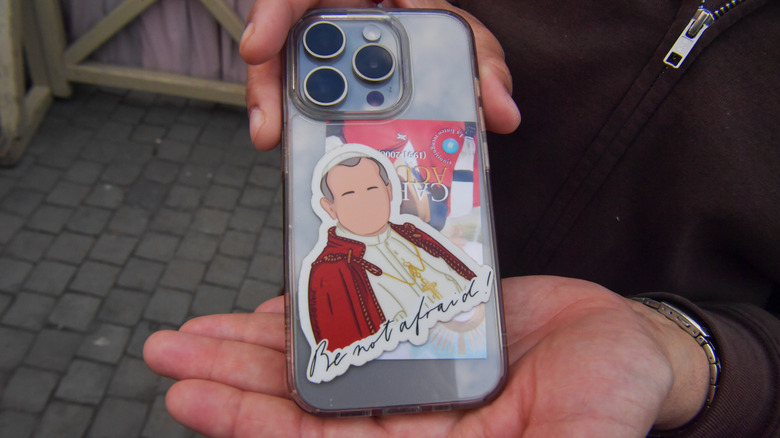

Pope sticker on an iPhone
Laura Lezza/Getty Images

Stickers are cute and they’re great for personalizing your devices, but depending on the material and coverage, they might do your phone more harm than good. Covering the entire back of your phone with anything made of a thick material can affect the heat dissipation and cause overheating. You could also accidentally cover important components like the flash and part of the camera lens. Stickers are also known to leave a sticky residue when you remove them, especially if they’ve been on the phone for a long time. There are ways to remove a sticker without leaving residue, but if you don’t do it well, it can affect the resale value of your phone if you want to trade it in. 

If you want stickers, it’s best to put them on a phone case instead of directly on your device. With a case, you can easily switch out stickers and make as many customizations as you want without affecting the phone itself. 

Plastic screen protectors
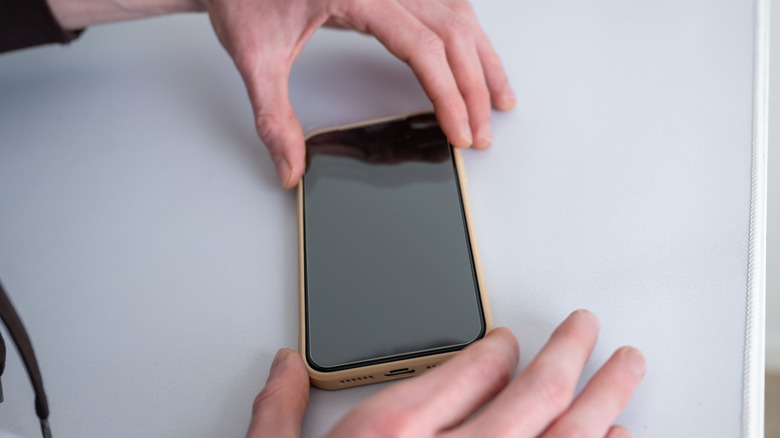

Hands placing screen protector on a phone
Anastasiia Akh/Shutterstock

Your phone needs a screen protector to prevent scratches and reduce the impact of falls and bumps. But not all screen protectors provide equal protection. Plastic screen protectors are cheaper, but they have poor impact protection. Plastic is a thin material and does not absorb the impact from anything but a very light fall. The force of the impact will be passed to your screen and you are likely to get a crack. 

These protectors guard against minor scratches but won’t do much if there is a significant drop. Plastic screen protectors can also reduce touch sensitivity and feel less smooth than glass.  

A better alternative to plastic screen protectors is tempered glass. They guard better against scratches and cracks and are much clearer than their plastic counterparts. Tempered glass protectors are thin, offer better protection, and feel just like your phone screen. The only drawback is that they are more expensive than the plastic protectors. But in the end, you will get a better value for your money.

RAM cleaner and battery saver apps
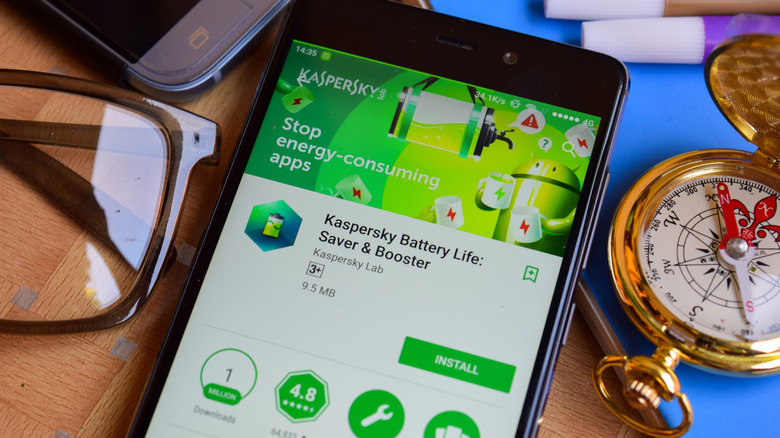

Kapersky battery saver app in app store
bangoland/Shutterstock

Apps promising to clean your phone, speed it up, or save your battery don’t actually do anything to help the performance of your device. They are usually how various types of malware and adware can get onto your device. These adware apps have been downloaded millions of times, when there is already a built-in Files app in your phone capable of handling the same activities these RAM cleaners offer, only with less fancy animations (and a much lower risk of information theft).

In fact, closing apps in the background doesn’t do much for your phone. Instead it can make your device use more battery power when you re-open the apps. Smartphones now manage memory and battery automatically without you needing to do much. You are better off understanding background processes and optimizing your display to make your phone run more smoothly and last longer.


Sign Up For Daily Newsletter

Be keep up! Get the latest breaking news delivered straight to your inbox.
By signing up, you agree to our Terms of Use and acknowledge the data practices in our Privacy Policy. You may unsubscribe at any time.
Share This Article
Facebook Twitter Email Print
Share
What do you think?
Love0
Sad0
Happy0
Sleepy0
Angry0
Dead0
Wink0
Previous Article Explainability built into data resilience is essential for regulatory compliance Explainability built into data resilience is essential for regulatory compliance
Next Article These Lego Winnie the Pooh sets are essential! These Lego Winnie the Pooh sets are essential!
Leave a comment

Leave a Reply Cancel reply

Your email address will not be published. Required fields are marked *

Stay Connected

248.1k Like
69.1k Follow
134k Pin
54.3k Follow

Latest News

Today's NYT Connections Hints, Answers for Jan. 31 #965
News
Ex-directors of firm linked to Satoshi Nakamoto imposter sue over whistleblowing retaliation claims | Computer Weekly
News
SpaceX Eyes 1 Million Satellites For Orbital Data Center Push
News
Amazon asks FCC for 2-year extension in Leo satellite deployment deadline, citing a rocket shortage
Computing

You Might also Like

Today's NYT Connections Hints, Answers for Jan. 31 #965
News

Today's NYT Connections Hints, Answers for Jan. 31 #965

3 Min Read
Ex-directors of firm linked to Satoshi Nakamoto imposter sue over whistleblowing retaliation claims | Computer Weekly
News

Ex-directors of firm linked to Satoshi Nakamoto imposter sue over whistleblowing retaliation claims | Computer Weekly

7 Min Read
SpaceX Eyes 1 Million Satellites For Orbital Data Center Push
News

SpaceX Eyes 1 Million Satellites For Orbital Data Center Push

7 Min Read
65-inch TV deal: Save over 0 on the LG QNED85A Mini LED 4K TV
News

65-inch TV deal: Save over $400 on the LG QNED85A Mini LED 4K TV

3 Min Read
//

World of Software is your one-stop website for the latest tech news and updates, follow us now to get the news that matters to you.

Quick Link

  • Privacy Policy
  • Terms of use
  • Advertise
  • Contact

Topics

  • Computing
  • Software
  • Press Release
  • Trending

Sign Up for Our Newsletter

Subscribe to our newsletter to get our newest articles instantly!

World of SoftwareWorld of Software
Follow US
Copyright © All Rights Reserved. World of Software.
Welcome Back!

Sign in to your account

Lost your password?