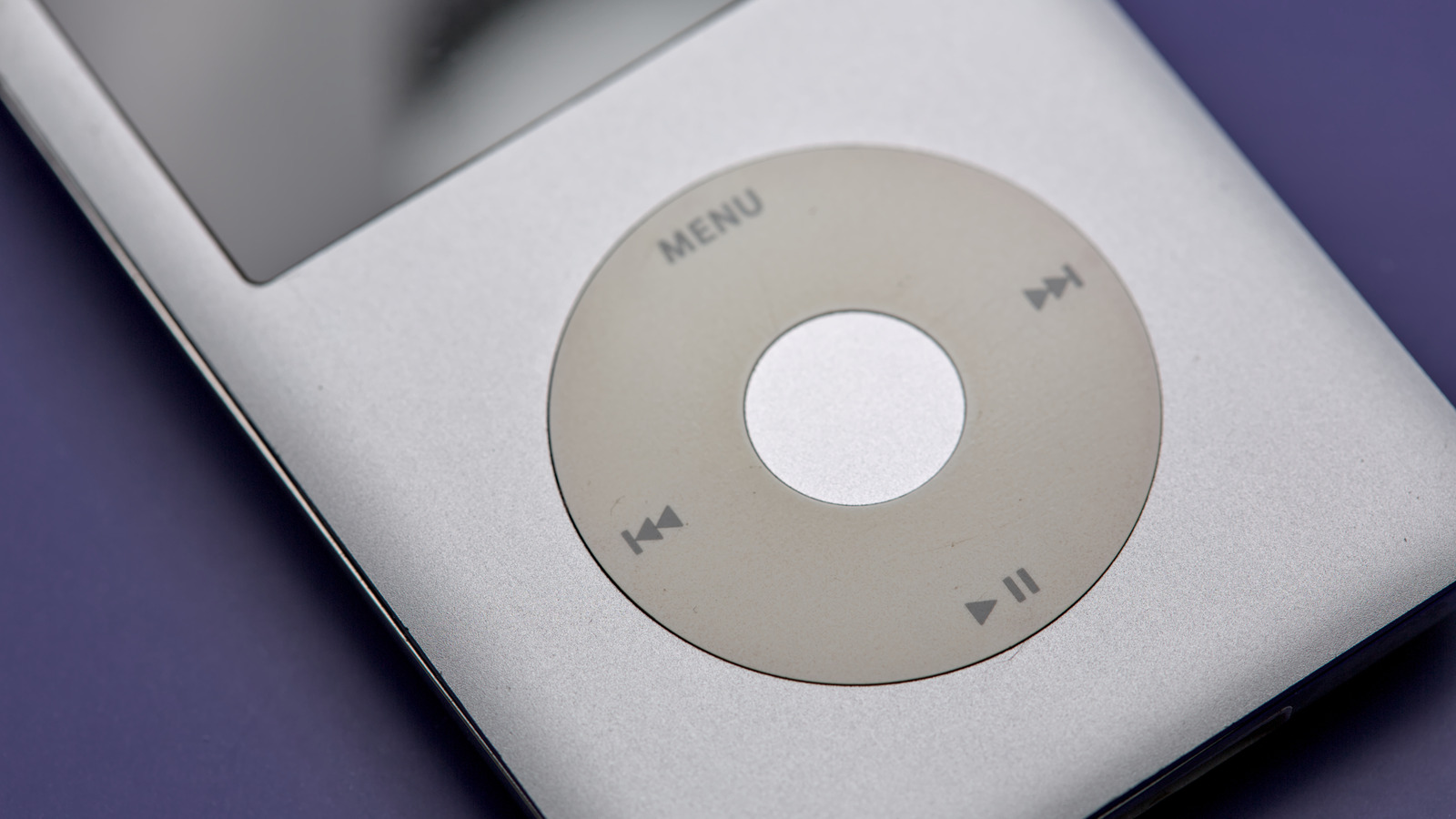
Apple’s iPod devices marked a generation. The early 2000s music player was responsible for a digital revolution, and it shaped how we listen to music in the 21st century. Throughout the early 2000s, people would rip their CDs, buy songs and albums from iTunes, or just download them from Limewire or some other illegal third-party software. As Apple released the iPhone, music streaming services became more popular, and the Apple Watch and AirPod combo turned into the easiest solution for those who just want to listen to their favorite tunes without having their smartphone around all the time, rendering the iPod obsolete.
While it might seem like the modern day has no room for the iPod, this isn’t a long forgotten device from the distant past. Apple didn’t discontinue the iPod touch until 2022, and it runs iOS 15.8. However, if you happen to have one of these classic MP3 players, there are still plenty of things you can do with it, whether it’s the classic model or the last iPod touch.
Make it your everyday music listening device
Nothing stops you from using your iPod as your main music device. If you’re not sold on a music streaming subscription, or you just have decades of CDs at home and bought iTunes albums, you can always sync your old iPod with your Mac and have access to your favorite tunes, whether they’re from years ago or more recently. There’s something charming about using your old iPod with wired headphones, and if you have a somewhat new iPod touch, you can also rock it with a wireless pair, which means you can have more of a distraction-free listening experience.
If you have a fifth-generation iPod classic, you can upgrade its internals with a brand-new battery, switch to a hard disk drive for an SSD, and depending on your skills (or the person that you hire), even switch the 30-pin connector in favor of a USB-C port. Companies like Player Mods not only have the expertise to modify old iPod classics with a new battery and a ton of internal storage, but it can also add a USB-C port, an AirTag-like tracker, and a Taptic Engine. Besides that, you can plug in and make it a dedicated car stereo system, whether it’s the classic iPod or newer iPod Touch, which could remove the temptation to glance at text messages and emails every time you’re waiting for the traffic lights to turn green.
Portable hard drive
If you think the iPod has outlived its usefulness as a dedicated music device, it still might have a decent amount of storage to become a portable hard drive for you. According to Apple, if you have an iPod classic, nano, or shuffle with space available, you can use the device to copy a file from one computer and send it to another. And this works for both Mac and PC users.
With that in mind, you can keep your job presentation, your college paperwork, your favorite photos and videos from a trip, or anything you’d like on your old iPod. While it’s important to note that sharing files from one PC to another might not be as fast as you’d recall back in the day, it’s an interesting way to use the MP3 player and beats opening your wallet for a new portable hard drive.
If you also take the advice above and upgrade the hard disk drive with something faster or with more storage, you have even more options to use your old iPod. To set it up, connect your iPod to your computer, open up iTunes, click the Device button followed by Summary, then Enable Disk Use. Now you can drag and drop files to your device.
Enjoy iPod touch’s final capabilities
The seventh-generation iPod touch was the last iPod released by Apple. This device is stuck with iOS 15.8, and even though most apps and features require at least iOS 16, there are still features you can enjoy with your old iPod touch. For example, you can still enjoy your Apple Music subscription or locally store MP3/AAc files with wired or Bluetooth headphones. Besides that, you can still use your iPod touch for FaceTime calls and send and receive messages through iMessage, as these features rely on active internet connection.
Depending on the developer, you can find compatible app versions to your iPod touch, even though most apps these days require iOS 16 or newer. For example, Apple still supports Apple TV on the latest iPod touch, but users need to use Safari to take advantage of Netflix, Amazon Prime Video, and YouTube, as they require at least iOS 16. Users can also read books and PDFs using Apple Books, and browse on Safari. Even though the device won’t be as fast as you’d hope, there’s still hope for the last-generation iPod touch, and there are several features you can still enjoy, whether for yourself or for a family member.
Recycle or donate
If you think your old iPod device has no purpose for you, you should know that Apple can recycle your older device for free. While a trade-in program also exists, it’s unlikely that Apple will give you credit for a classic iPod. Apple says that not only can customers help protect the earth’s precious resources, but they can also reduce waste by sending their old Apple device back to the company. You can also try to find third-party organizations or resellers, even though Apple might be your safest bet to recycle your older iPod.
On the other hand, if you think the device is still usable, you can always donate it to an institution or a family member. After all, there are still several things you can do with an iPod. With an ever-growing market for vintage products and people trying to avoid staying connected all the time, owning a classic iPod might not be a bad idea at all, especially if it still works, as it can be used to play your favorite tunes, store your files, and more without all the distractions that come with using your smartphone.