We may receive a commission on purchases made from links.
Choosing the right 3D printer is the most important choice when setting up a 3D printing station, but without having a stable surface to store it on, tools to maintain and clean it, and filament, it would be a rough ride. 3D printers are noisy and need to be operated in well-ventilated areas, so having a dedicated space for a 3D printing project is essential.
Costco has some great products that are essential in setting up a full 3D printing station, which comes from one retailer, and means less time sourcing the right gear and more time 3D printing. The centerpiece is a multi-color 3D printer supported by heavy-duty shelving, vibration control, quality filament, and practical tools for cleanup, finishing, and maintenance. Putting these products together makes for a solid and scalable 3D printing workstation with plenty of space for more printers and storage.
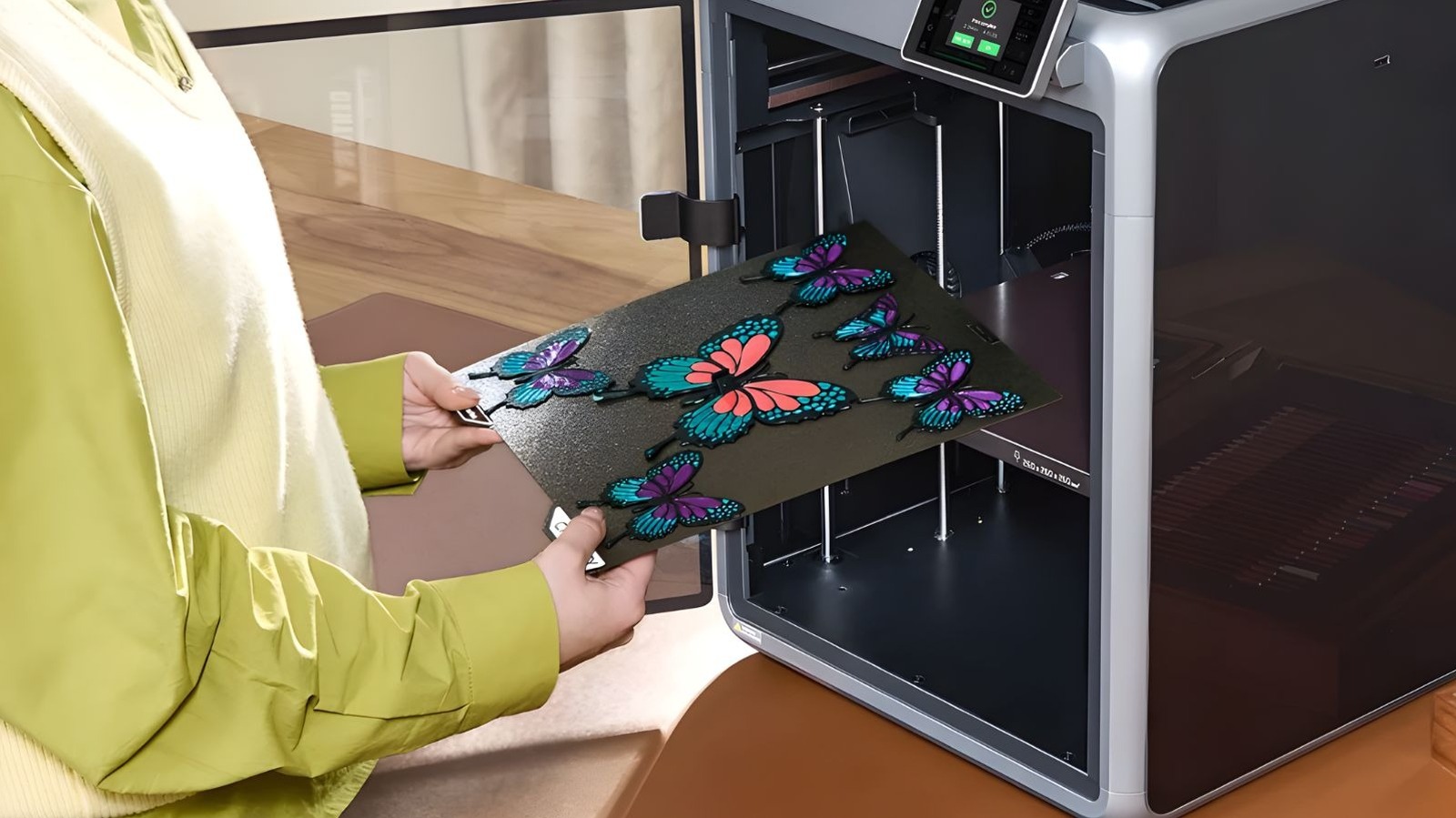
This includes buying the 3D printer from Costco, which can be cheaper than Amazon, depending on the kind of 3D printer you’re looking for. The Creality K2 Combo is user-friendly and not too big, making it a good entry point for those new to the hobby. It’s a great setup for experienced 3D printing enthusiasts too, making sure no space is wasted and is fit for purpose.
Costco 3D printer options
Every home 3D printing setup starts with a 3D printer. Apologies for the sudden shock. Costco typically stocks models designed for ease of use, which also bring some cool features like enclosures, automatic print bed levelling, and error detection. At the time of writing, all of the Costco 3D printers on sale have enclosures, which help regulate temperatures and allow the 3D printer to control the properties of the filament being used. This also helps print consistency, reduces noise, and gives better control when working with tougher filament materials.
Some 3D printers also come with multi-filament systems that allow multiple spools of filament to be loaded at the same time, reducing the need for manual hot swapping during longer projects. Built-in cameras are becoming quite common in 3D printers now, as it allows users to leave their printer to do its job while keeping an eye on the project remotely. It can also double as a print failure detection device. This pauses projects when a print failure occurs, so a user can resolve the issue and carry on with the project.
It’s a win-win for everyone. Beginners benefit from a simple, guided setup, pre-tuned profiles, and safety-focused features out of the box to ease their way into the essential rules of 3D printing. Experienced users benefit from tough metal frames, faster XY axis and nozzle, and support for filaments that require higher temperatures to use. That means more fun projects to experiment with.
Shelves
A 3D printer’s performance is strongly influenced by the surface it rests on, and Costco sells a three-tier modular wire shelving unit for about $65. By placing the printer on the top shelf for easy access, the other two shelves will be great for storing filament and finished projects. Each shelf is rated for 150 pounds and is 23 x 13 inches, with each rack standing at 30 inches. Shelves can be seated every inch on the frame, so there’s plenty of flexibility for storing bigger projects and adding more 3D printers, filament connectors, and filament dryers down the line.
It’s going to be a good idea to fix the racking against a solid wall to keep it from shaking whilst printing. A few off-wall saddle brackets from Amazon or your local hardware store will do the trick. To have more access to the back of the 3D printing station without moving it, mount the saddle brackets on a desired width of wood, with the wood screwed into the wall.
Polymaker filaments are great for high-speed printing
Filament quality plays a significant role in print reliability and surface finish, and PLA is the easiest type of filament to work with. Costco is appealing to most by selling some basic colors of Polymaker PLA Pro for $59.99 and fun color filament rolls for $69.99. They’re designed for everyday printing, work well with any FDM 3D printer, and are the most commonly used material for projects.
Users have the choice of basic colors of black, white, blue, and red with the core colors pack or celestial purple, starlight Neptune, silk gold, and marble white with the fun colors pack. Of course, users can buy both packs and experiment with different color options, which is half the fun of so many 3D printing projects.
When preparing your STL file and looking at slicer settings (the software used to prepare a 3D file to then send to the printer), there will be a world of options. You can get the most out of PLA filament rolls by making sure your 3D model is standing up or on its most stable point, enable “ironing” for a smoother finish, and enabling auto-supports to make sure nothing is being printed on thin air. Also, opting for a slower print time means better accuracy and tensile strength, too.
Essential 3D print cleanup and finishing tools
3D printing can get very messy quickly, especially when you’re printing with multiple colors. 3D printers will need to purge the remaining color inside the nozzle before moving over to a new filament, resulting in dreaded filament poop. Most 3D printers have a tray for this, but that can fill up quickly, which is where the Fanttik X200 Mix cordless vacuum comes in handy.
It’s compact enough to store on a 3D print station and has enough power to clean up filament snips and poop from fans, vents, and electronics without taking the printer apart. Then, instead of keeping different tools stored on the 3D printing station, you can get a multitool to help save some space. Plus, it’s handy to have on hand in a pocket.
Costco sells CAT’s two-piece deluxe multitool set for $41.99, and it has everything needed for a 3D printing station. You can trim filament for loading, remove supports, and smooth rough edges during post-processing of your printed project. It combines cutting, gripping, and filing tools into a single kit to make life easier. Why take up more room on a shiny new 3D printer station with more tools when a printed Star Wars Stormtrooper helmet can take their place instead?