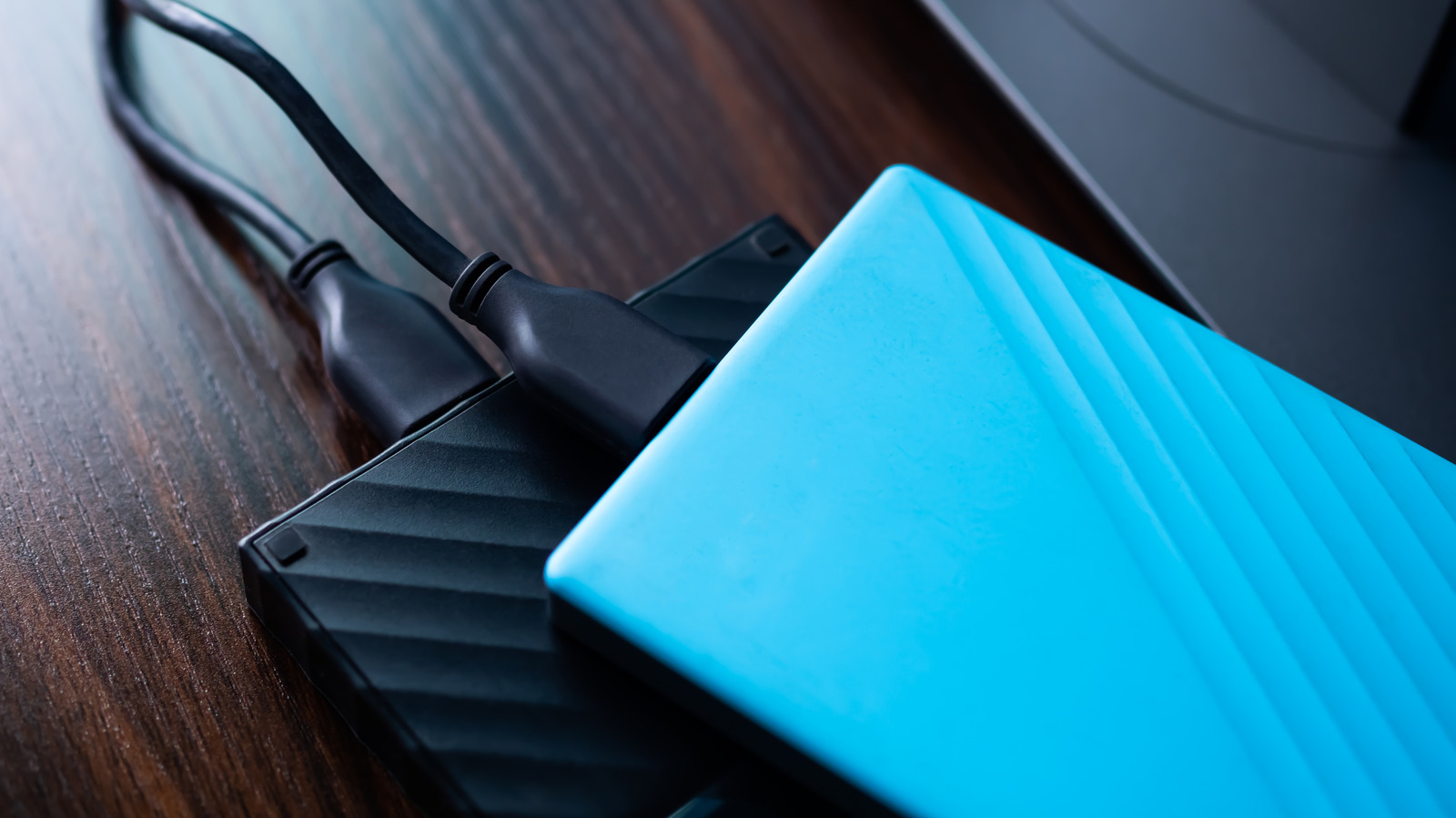
Many of us rely on external hard drives for our storage needs, often as a cheaper data storage medium. We use them with our laptops and desktops to back up data or transfer files between devices. However, our computers aren’t the only types of devices that support an external hard drive. There are a number of other modern gadgets that can read or write data on these hard drives without trouble or use them to expand their overall data capacity.
So, if you are looking to get more out of your external hard drive, here are some of the most common gadgets — several are probably already in your household — that support an external hard drive. Keep in mind that before using an external hard drive with a device that doesn’t have a full desktop UI, it’s generally best to format it in the exFAT file system to maximize compatibility across devices and simplify setup. Moreover, in some cases, you may need to use a powered USB hub to ensure a sufficient power supply to an external hard drive that doesn’t come with a power adapter.
Smart TVs
It’s pretty common for modern smart TVs to include one or more USB ports. These ports are designed to support data storage drives so that you can play any locally stored media or view photos on the large screen, making them a perfect place to plug in an external hard drive. You can store music, photos, and videos on your hard drive and seamlessly play them on your TV.
Your TV’s operating system will typically recognize the drive as soon as you plug it in and allow you to play the compatible files via the built-in media players and photo viewers. Keep in mind that you won’t be able to access the content on the external hard drive via any of the connected streaming devices — it will only be available via the TV’s native operating system.
Besides smart TVs, some streaming media players like the Nvidia Shield TV and Roku Ultra also come with built-in USB ports that can accept an external hard drive and offer playback for any media files present. So, if you want to access your hard drive’s content via a streaming media player, it’s best to plug it directly into the media streamer.
Wi-Fi routers
Another notable gadget that you can plug an external hard drive into is your Wi-Fi router. Many Wi-Fi routers come with a built-in USB port that can be used to attach a USB flash drive or an external hard drive to function as network storage. This allows the content of the storage media to be accessed on other devices connected to the same network, which can come in handy for sharing files with different people in your household. This setup essentially works as a cheap NAS, which is why it’s one of the most clever ways to use the USB port on your router.
Besides just plugging the hard drive in, you will also likely need to access your Wi-Fi router’s settings menu to enable file sharing and adjust other options for the hard drive on the network. This is usually done through your router’s associated app or by browsing to a specific URL (typically 192.168.1.1 or 192.168.0.1) from a connected device, but check your router’s documentation for specifics. Keep in mind that the overall connection speeds and data transfer rates will depend on your Wi-Fi network and the router’s capabilities.
Gaming consoles
One of the issues many people face with their gaming consoles is the relatively limited built-in storage provided by the manufacturers, particularly when modern gaming titles take up hundreds of gigabytes of storage. Keep in mind, however, that you can seamlessly upgrade your PlayStation 5’s storage by attaching a specific type of SSD to a port just underneath the outer shell, and on your Xbox Series X, you can simply plug in a storage expansion card. But if those options aren’t ideal for you, you can also attach an external hard drive to your gaming console to add even more storage.
It’s important to note that you may not be able to play certain games that are stored on the external hard drive. For one, games that carry the “Optimized for Xbox Series X” or “Optimized for Xbox Series S” labels can’t be played if they are stored on an external hard drive. Meanwhile, Sony has similar restrictions for PlayStation 5 games stored externally. However, you can install and play older titles on all three consoles via an external hard drive and move already-downloaded newer titles to the drive for long-term storage. Just note that it’s best to use an external hard drive with USB 3.2 Gen 1 or faster speeds to ensure reliable performance.
Smartphones and tablets
Much like your laptop, you can connect an external hard drive to your smartphone or tablet, provided your mobile device has USB OTG (On-The-Go) support. Without OTG support, your phone or tablet can’t function in host mode to read the drive’s contents or supply power to it. As most phones and tablets these days feature USB-C ports, you might need a USB Type-A to USB-C adapter to plug the drive into your phone. More importantly, you might also have to rely on a powered USB hub if the phone can’t supply enough power to spin up the mechanical hard drive and your drive doesn’t have its own power source.
The data read and write rates between the drive and your phone will depend on the slowest component in the connection, whether that’s the drive, the adapter, the cable, the hub, or your phone’s USB port. These considerations aside, an external storage drive can be a great option for creating an offline backup of your phone or tablet’s data, including any photos or videos.