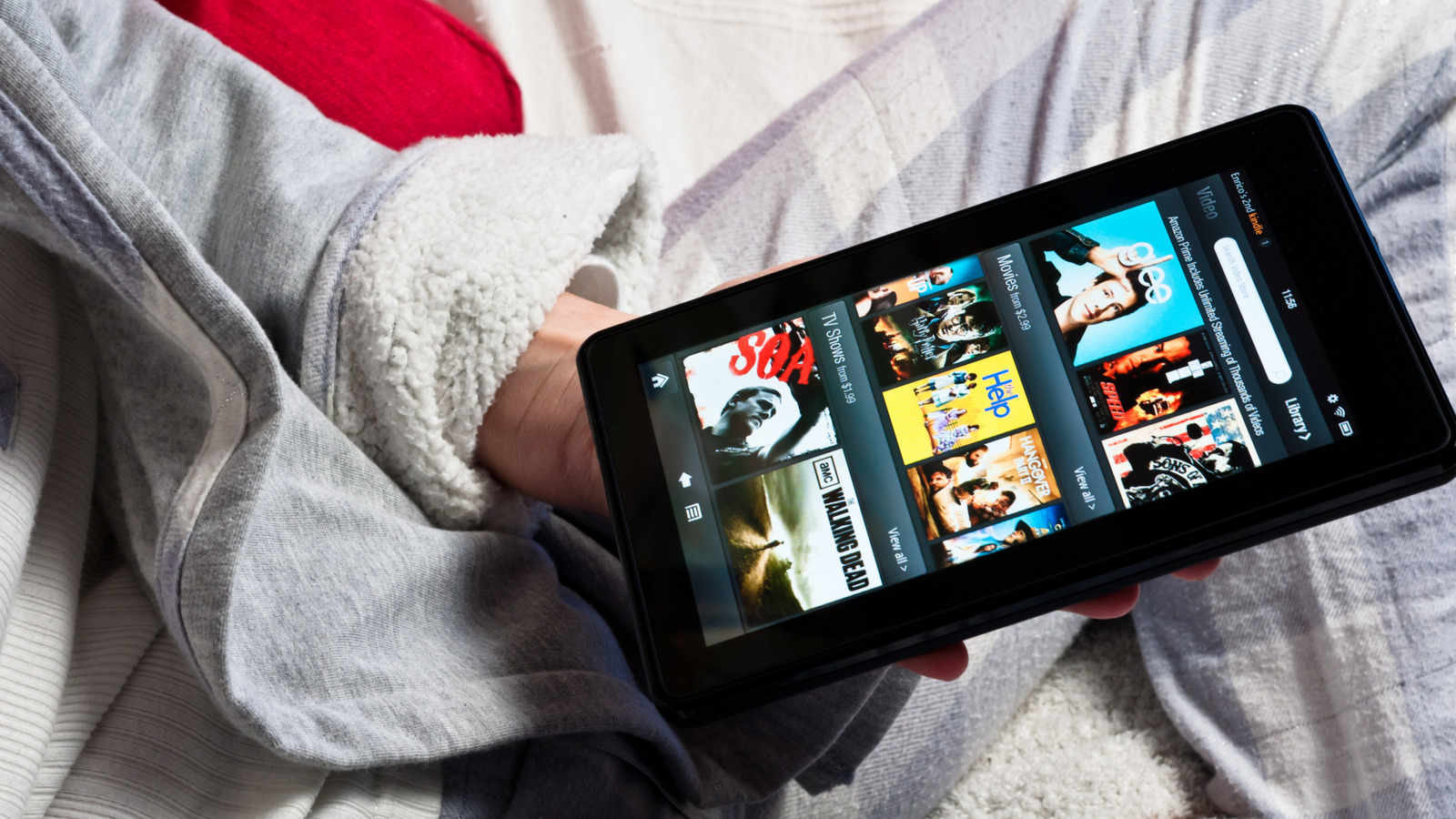
Amazon Fire tablets are generally affordable options in the tablet space. The Amazon Fire Kids tablets are great for young ones, providing a curated and safe experience. There are also more premium options in the lineup, but once your Fire tablet becomes outdated, your child grows out of it, or your needs grow, you’ll want to do something with that old device. You might look to hand it down to a friend or family, maybe even sell it. If you want to get creative, however, there are lots of things you can do with the old Amazon Fire tablet to maximize your investment.
From turning it into a smart home control hub with a digital photo frame, to using it as a baby monitor or security camera feed, even making it an occasional eReader, the options are endless. None of these ideas require a lot of processing power. All you need is a mount or a stand, power, and a simple setting switch or app download to leverage them.
Make it into a smart home hub

The most popular way to repurpose any tablet, not just Amazon Fire tablets, is to turn them into always-on smart home hubs. Back in the day, smart homes used to include a tablet-like controller interface (some premium ones still do) placed on a stand or mounted on the wall to control the TV, lights, temperature, security system, whole-home music playback, and more.
Using the Device Dashboard mode, set up all your Alexa-controllable devices in the Alexa app on the tablet (if they aren’t already set up) and use the tablet as the central control device that everyone in the home can access. Position it on a side table in the living room, even mounted on the wall at the front door for quick and easy access. All you’ll see is a dashboard interface on screen where you can control connected devices via the touchscreen or voice. It works with tablets made in 2018 and later. Keep in mind the tablet will need to be plugged in or recharged whenever it runs out of juice. So, if you mount it on the wall and don’t want to run wires, consider using a grip stand where it’s easily removed for charging.
Turn it into a smart display
If you don’t want a touchscreen panel and prefer being able to use voice only, it’s easy to fashion this set-up using an old Amazon Fire tablet. That’s especially so if you have plenty of Alexa-enabled devices in the home. This is through Show Mode, which was introduced as an update for 8- and 10-inch Fire tablets back in 2018. It basically makes a Fire tablet mimic an Amazon Echo Show smart display. In this mode, you can use it as a smart speaker, accepting voice commands and limited touch commands.
It works with Fire tablets introduced in 2017 and later, turning the tablet into a passive smart speaker that happens to have a screen. This means you could also use it as a speaker to play music, though it won’t sound as good as a dedicated smart speaker. A great idea is to select an album from your Amazon Photos account and play a slideshow of images in the background so it functions as a digital photo frame as well.
Use it as an eReader
Amazon Fire tablets already offer access to the Kindle store for exploring a wide selection of eBooks but there are perks to using an old Fire tablet as a dedicated eReader. Switch to Dark Mode/Color Inversion — the mode typically used with the Kindle app — and you’ll get an experience that’s easier on the eyes than a traditional tablet, though still not as ideal as with a dedicated eReader. But for light and occasional reading, it’s better than the small phone screen.
The benefit is that you conserve your primary tablet or other mobile device’s battery while still affording a lightweight, compact, and long-lasting device to bring with you on trips or for quiet reading at home. The battery won’t last as long as an eReader, but by deleting apps, turning off Wi-Fi and Bluetooth, and even selecting a low-power mode, an old Fire tablet might just last long enough to get you through the latest novel. It’s a good way to test the waters if you’re considering picking up reading. If you slowly become a more frequent reader, look into investing in a dedicated Amazon Kindle at that time.
Swap out your digital clock
Using Nightstand or Blue Shade Mode, you can display the built-in Clock app on the tablet and dim the screen. Adjust the screen timeout settings so it doesn’t go into sleep/lock mode after a specific duration of time, and keep the tablet plugged in. Voila! It becomes your new digital clock. The benefit is that as long as you still have it connected to Wi-Fi, you can continue to use Alexa voice controls so it functions as an alarm clock, too. Play a standard alarm tone or queue up a favorite playlist to wake you up in the mornings.
You can also use third-party clock apps for something more feature-rich, like Clockify. You may need to install an app like Fully Kiosk Browser, technically designed for digital signage, to lock the display onto a specific clock app. The tablet becomes a passive digital clock to replace an ancient one, with added features like the ability to ask it for the weather, traffic, and calendar appointments while you get ready.
Create a live security camera feed
Using the Fully Kiosk Browser, you can log into your security camera app, pull up the feed, and keep it loaded on the screen. For this, prop the tablet up or mount it in a spot like your basement home office or kitchen so you have an always-on live feed of your front door. You may need to adjust settings in the camera or video doorbell app or tap to refresh the view if it times out. For Ring cameras, for example, the setting is called Continuous Live View and requires a subscription to access. It’s a quick and easy way to keep tabs on visitors, package deliveries, or even potential intruders without needing a dedicated smart display or calling up the app on your phone.
You might even use it as a baby monitor, connected to the app for a camera set up in your little one’s nursery. Tap the screen or keep it always on so you have a view of your baby during their nap or a toddler during quiet playtime in their crib or play area. There really are countless ways to make use of an old Amazon Fire tablet when it no longer meets your initial primary needs.