We may receive a commission on purchases made from links.
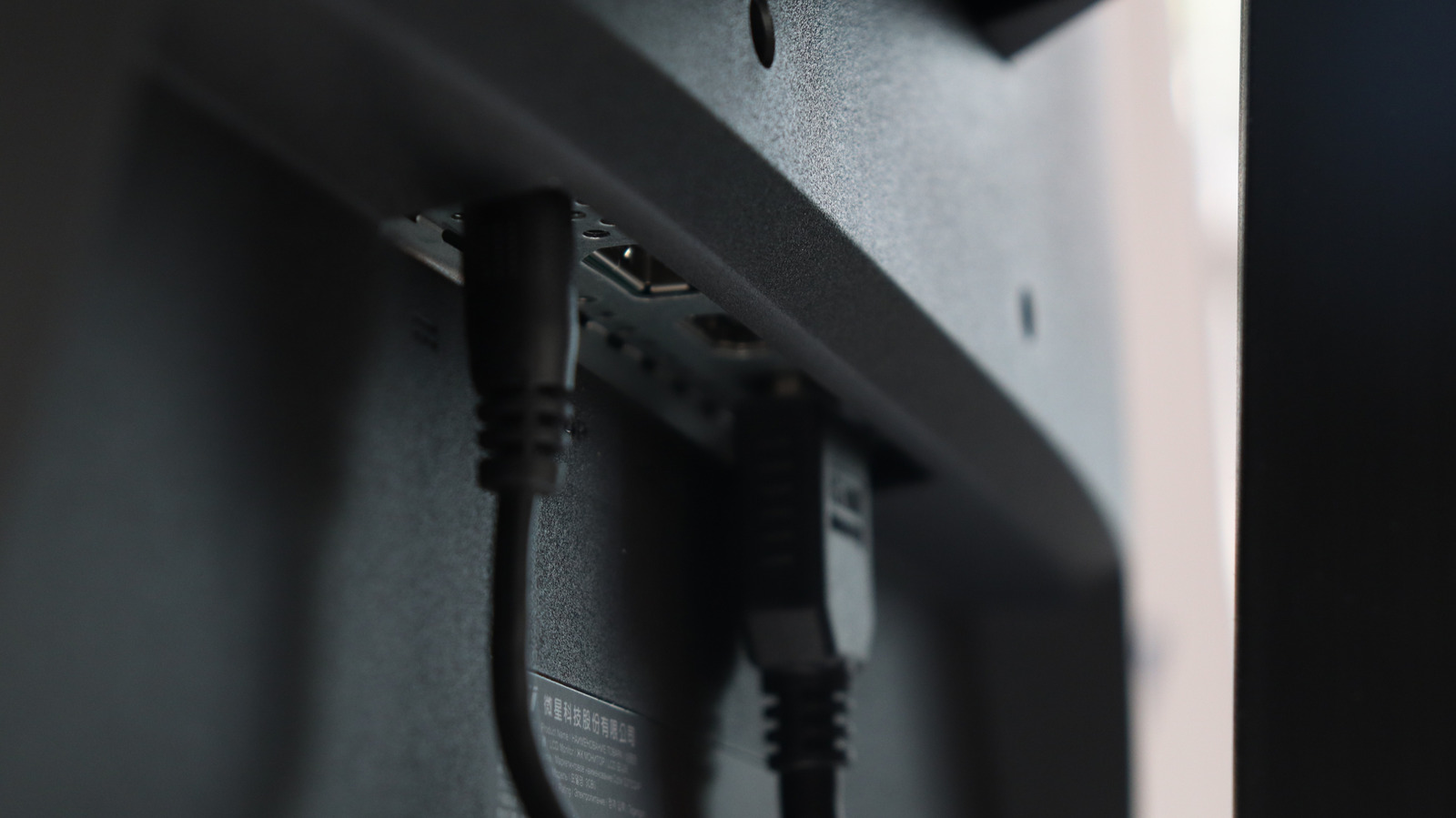
Beyond the usual flash drives, external hard disks, USB hubs, light bars, and microphones, there are plenty of other clever uses for your monitor’s USB ports. This is especially relevant if your monitor already has a full-fledged USB hub built in. Many newer monitors do, and plugging devices into them works just like plugging directly into your PC. Just make sure the monitor is connected to your computer via its USB upstream port, often a USB-B connection.
While you don’t need this for charging mobile phones or powering devices like an RGB light strip, you do need it if you want devices plugged into the monitor — such as keyboards, mice, or storage drives — to send data to your PC. However, you don’t need to worry about this if your monitor has a USB-C port, which is reversible and can carry power, data, and video through a single cable.
To help you boost productivity, improve your setup’s functionality, style quotient, and everyday convenience, we’ve done the hard work and picked five cool gadgets that are compatible with your monitor’s USB ports. These include USB speakers, secondary displays, USB desk fans, webcams, and even desktop vacuum cleaners. Best of all, by connecting directly to your monitor’s USB ports, they save you the hassle of adding extra cables or installing additional power sockets just to run more devices at your desk.
Creative Pebble Desktop Speakers
USB-powered speakers connect directly to your monitor, provided it has a built-in USB hub, which most modern monitors do. This means they don’t need a dedicated power socket, nor do they occupy a USB slot on your PC. If you’re looking for one, consider the Creative Pebble 2.0. With an impressive 4.5-star rating on Amazon after over 67,000 reviews, they’re one of the most popular pairs of USB speakers thanks to their affordable pricing of just $25!
Users like their design and aesthetics — they literally look like pebbles — with one even saying that they selected them solely for how sleek, minimal, and eye-catching they look. Plus, they’re available in both black and white, so you can choose a color that goes well with your setup. Even though you will have to put up with three additional cables on your desk (a USB power cable to the monitor, a 3.5mm audio cable, and the connecting wire between the two speakers), the Pebble 2.0 makes up for that by saving you desk space, as each speaker is just 4.4 inches wide.
A standout feature is the 45-degree angled drivers. They face upwards toward your ears and are purposefully designed to direct sound straight at you. Speaking of audio quality, both everyday users and industry experts have praised the audio quality of the Pebble 2.0. Testers at PCMag, for instance, pointed out that the bass is strong and the loudness is exactly what you’d expect from an add-on pair of speakers. Similarly, Amazon reviews often mention “clear, rich audio,” and users say they work well for all purposes, including music, movies, meetings, and even gaming.
ASUS ProArt Professional Monitor
Having multiple monitors in your setup can massively improve your productivity. However, if your PC has a single HDMI port that’s already being used by your first monitor, you can still add a second monitor by daisy-chaining the two. Daisy-chaining simply means that your second monitor connects directly to your primary monitor rather than your PC. Just make sure both your primary and secondary screens have ports that support daisy-chaining.
To make it simpler for you, we found a compatible option that supports daisy-chaining: the ASUS ProArt Display. It’s priced at $395 and offers a vibrant 4K IPS display with HDR support, making it perfect not only for watching video content or gaming but also for visual work tasks such as photo or video editing. It’s also better than 1080p screens for regular document-based work thanks to the higher resolution. You get more flexibility with fonts and zoom levels without compromising clarity or sharpness. You can also pivot it and turn it into a vertical monitor that has its own uses.
If you’d like a daisy-chain-compatible vertical display, plus you feel you don’t need a 4K monitor for work, consider the BenQ GW2486TC, which has a strong 4.6 rating on Amazon after 20,000 reviews. For just $170, you get a crisp Full HD display with accurate colors and little to no distortions, according to users. Just like the ASUS, it supports a ±90-degree pivot, which is ideal for coding, reading, and writing documents, managing communication apps such as Slack or Discord, or other vertical workflows.
Gaiatop USB Desk Fan
A USB fan draws power directly from your monitor’s USB port and offers cooling not just for you but also for your PC components, keeping everything cool. Our top choice is the Gaiatop USB Desk Fan. Over 5,000 of these have been bought in just the past month at the time of writing, and it enjoys a strong 4.6 rating on Amazon after 27,000 reviews.
According to users, this fan provides excellent bang for your buck. Despite costing only $8, it provides plenty of airflow and can be manually adjusted up to 30 degrees on either side, allowing you to position it at the most ideal angle for your setup. Additionally, users have praised how easy it is to set up and use. Just unpack it, attach the fan to its base, plug in the USB cable, and enjoy cool air. Even though it includes three speed settings, several reviews suggest that the lowest setting is enough. It also comes with a simple one-button control — all you have to do to change the speed is press the power button repeatedly.
Moreover, the base comes fitted with two rubber pads, so the fan won’t slide even if you keep it slightly tilted. It also won’t scratch your table, and the stable base helps reduce vibration so it doesn’t disturb you. The only downside users mention is the noise level. At around 50 decibels, it isn’t disturbingly loud, but it’s not so quiet that you won’t notice it running either. Still, that’s a small trade-off for the strong cooling performance you get. Moreover, since the fan runs on just 5 volts, it’s even compatible with your car’s USB port.
Logitech C920 Webcams
Connecting your webcam to your monitor’s built-in USB hub is the perfect solution. It not only allows you to save an extra USB port on your PC, but also lets you neatly tuck away the webcam cable behind the monitor, improving your setup’s cable management. Although there are a lot of webcams to choose from, the Logitech C920 (which launched back in 2012) is still one of the most sought-after webcams. It combines versatility and performance into an affordable $70 package. On Amazon, the product has over 32,000 reviews and an average rating of 4.6, and is labeled “Amazon’s Choice” for webcams.
Users particularly love its ease of setup and compatibility. You don’t need to install or update any drivers, as the webcam is ready to use as soon as you plug it into a USB port. It also supports a wide variety of operating systems, including Windows 7 or later, ChromeOS, and macOS 10.0 or later. According to CNN, which tested multiple webcams in this price segment, the C920 delivered the best image quality overall and performed better in low-light conditions than its closest rivals. Users have also found its 1080p resolution more than enough for a wide variety of purposes, whether that’s office meetings, catching up with friends, or even streaming on YouTube or Twitch.
You can download the free Logitech Capture software to adjust settings such as brightness, saturation, and contrast, along with additional features such as autofocus, zoom, and auto white balance. Experts at TechRadar, for instance, concluded that its autofocus isn’t overly sensitive and helps maintain a professional-looking video without constantly shifting focus when you move slightly.
Pwrowithlin Desktop USB Vacuum Cleaner
Your monitor’s USB port can also be used to charge small gadgets such as desk vacuum cleaners, reducing your reliance on an extra power socket and keeping your workspace accessories in one place. The Pwrowithlin Desktop USB Vacuum Cleaner runs from its internal battery, which you can charge via your monitor in about two hours, according to the manufacturer. A single charge can power the device for up to four hours, and you can use it to clean fine dust, small debris, crumbs, and even hair. It works not just on keyboards and desks but also on car seats and other surfaces with narrow gaps that tend to accumulate dust, such as piano keys and the insides of your PC.
It’s a tried-and-tested product, with over 5,000 reviews and a solid 4.2 rating on Amazon. Reviewers were pleasantly surprised by the vacuum cleaner’s power. Despite costing just $12.99 and weighing just 5.3 oz, users say it’s “powerful enough to do the job it was designed for.” Some users also pointed out that in addition to dust and hair, the cleaner can pick up stray pieces of plastic and wire.
If you like cool desk gadgets, you’ll probably enjoy its unique design. With the nozzle attached, it almost looks like a small elephant with a tiny trunk — a fun change from the typical gun-style handheld vacuum cleaners. However, a small gripe users have is that it charges via a micro-USB cable, which has largely gone out of fashion. Many users feel it would be better if it supported USB-C.
How we selected these products
For this guide, we wanted to focus on gadgets and accessories that aren’t as commonly known to use your monitor’s USB ports, unlike flash drives, lighting strips, or charging cables. After finalizing the categories of devices we wanted to cover, we searched for specific models by looking at Amazon reviews, customer ratings, and expert testing results to ensure you only get products that work as advertised and offer good value for money.
For each product we picked, we ensured it’s compatible with a monitor’s USB hub and can be used directly with it. We also focused on a variety of use cases. Our selection of products in this guide will not only improve your productivity, but will also make your setup look more aesthetic.