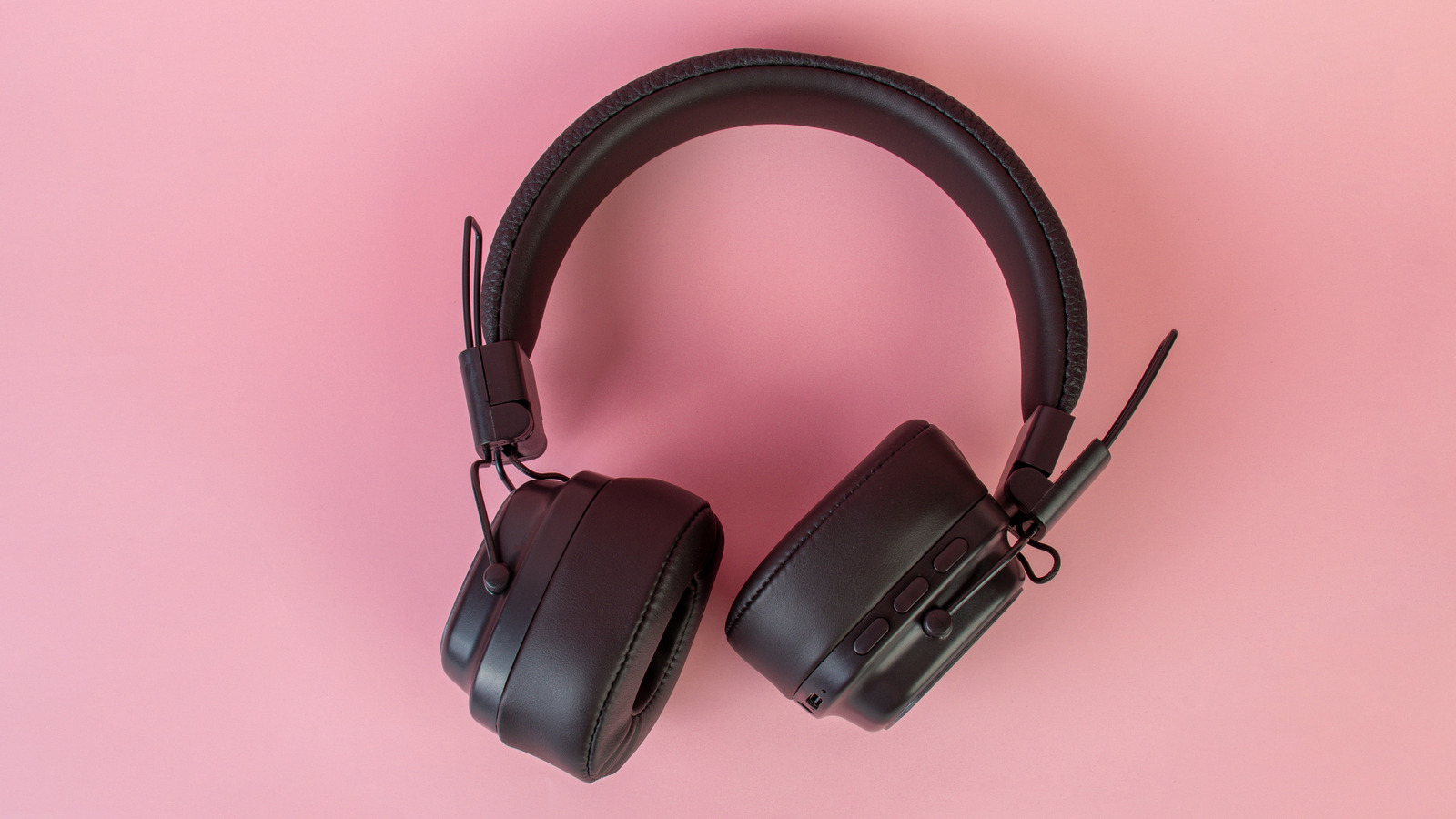
Most of us throw away old headphones after upgrading to a newer, better pair of headphones. But if your old pair still works, it’s often smarter to creatively repurpose them; even if the sound isn’t as sharp as it used to be, or the headset is starting to show its age. In fact, you can even find uses for a set that’s completely broken or no longer functional. That’s because headphones are advanced pieces of tech, even the ones manufactured years ago, housing different components that can be reused in surprisingly creative ways.
Finding a second use for an old set of headphones doesn’t just reduce e-waste. It helps you save money and protect your primary set. And if your older headset uses wired technology, that’s even better, since it opens up a lot of opportunities. Whether you have got a knack for DIY projects or are looking for simple, beginner-friendly ideas, we have got you covered.
Use them as mini speakers
The easiest way to reuse your old headphones is to repurpose them as mini speakers, as long as they still play audio, because you won’t be building anything from scratch. Instead, you will simply be boosting the audio output, making it loud enough for a quiet setting like your workstation, kitchen, or nightstand. These won’t be as loud or bass-heavy as conventional speakers, but they are fun for casual listening. Plus, it’s a neat setup and wouldn’t take more than half an hour of your time.
All you need are two paper cups, a cylindrical water bottle, or a mug, basically anything hollow that can help boost the sound. If you are using a water bottle, make sure to cut it into two equal halves, so that the output stays consistent and the setup looks clean. Now, place each headphone speaker on one side of the object you are using, and secure them in place. Avoid strong adhesives since they can damage the headphones. Tape is a safer option.
The next step is to reposition the speakers so that they face in the same direction, not towards each other. You can even remove the headband if needed and use just the wired drivers. Once that’s done, you can start playing sound with your DIY mini speakers. Experiment with different volume levels until you get the best output.
Convert your headphones into a recording device
Another way you can repurpose your headphones, even if they don’t play sound anymore, is to transform them into a simple recording mic, as long as the headset sports a built-in microphone. Most modern wired models do. While that mic is primarily meant for calls, it works surprisingly well for voice recording, especially if you create social media content and don’t want to invest in an expensive mic yet. Since the mic is closer to your mouth, your voice sounds clearer and louder, with less background noise.
First, connect your headset to a phone or PC and record a short clip to confirm the microphone still works. If it does, the next step is to remove the microphone module. It’s usually housed in a plastic box between the wires. Carefully open it using a thin tool, retrieve the mic along with the board (chip) it’s attached to, and trim the wires above it, leaving just a centimeter for stability. Next, cut a mic-sized hole in a small piece of foam, then insert the mic capsule into it. This will act as a basic pop filter.
All that’s left is to cover the other end by wrapping it with a piece of paper and taping it tightly. This gives you both a simple handle to hold the DIY microphone and protects it from bending. Once done, plug it into your phone and start recording right away.
Attach them to your helmet
An old set of working headphones can also be repurposed into a basic helmet audio setup. This is helpful if you wear a helmet for cycling, skating, or commuting. You just need to mount the speaker drivers inside the helmet padding close to your ears, so the audio is clear, but not so loud that it blocks outside sounds. This setup works best for music and navigation.
First, pick a working, lightweight wired headset, and remove the headband so you are left with just the drivers and wires. Now, remove the inner padding from your helmet, place the drivers near the cheekpads, and secure them with tape or Velcro strips. Avoid using strong glue. Now, bring the cable out from the back and clip it to your shirt so that it stays in place. Finally, plug it into your phone, check the sound level, and adjust the placement of the speakers until you get the best sound.
Turn your wired headphones into a wireless pair
If your old pair of headphones still work fine, you don’t have to replace them simply because everything has gone wireless. Instead, you can use a compact Bluetooth receiver and connect them wirelessly to your phone or PC. The best part about this is that you don’t have to rework the wires or open up the casing. All you need to do is plug the wired headset into an adapter, and then connect the latter to any device that supports Bluetooth, which most modern devices do. And with the right adapter, the audio quality stays good too.
First, get a Bluetooth receiver that has a 3.5mm jack and preferably a clip so that it stays attached to your shirt. Charge it, then put the receiver into pairing mode and connect to it from your phone or PC, just like you would to any other set of wireless headphones. After pairing the adapter, plug in your old headphones, and they should now play sound wirelessly. For an even cleaner setup, you can secure the receiver over the headphone’s headband using Velcro or tape. It’s a simple upgrade that will make your outdated headphones modern and usable again.
Use them as a travel companion
An old set of headphones can be a perfect travel companion, especially if your primary pair is costly, and you don’t want to risk damaging or losing it. Traveling can be a little tough on gadgets, especially the more fragile ones like headphones. So, as long as your old headphones still work and have a clear audio output, they will prove pretty useful on flights and long bus rides.
If you have a wired set of headphones, that’s even better for two reasons. First, you don’t need to carry a charger, since they are simply plug-and-play. Second, you won’t have to worry about Bluetooth pairing issues. Just check your old headphones for damage, clean the ear pads, remove any dust buildup, and neatly wrap the cables. You can then toss them directly into your bag, though if you have a small pouch or case, it’s better to use that.
These are just a few options you can try at home without needing too much effort, expertise, or power tools. If you want to get even more creative, you could attach warm lights to the headphones for a fun desktop setup, or make a headphone hat, similar to the helmet.