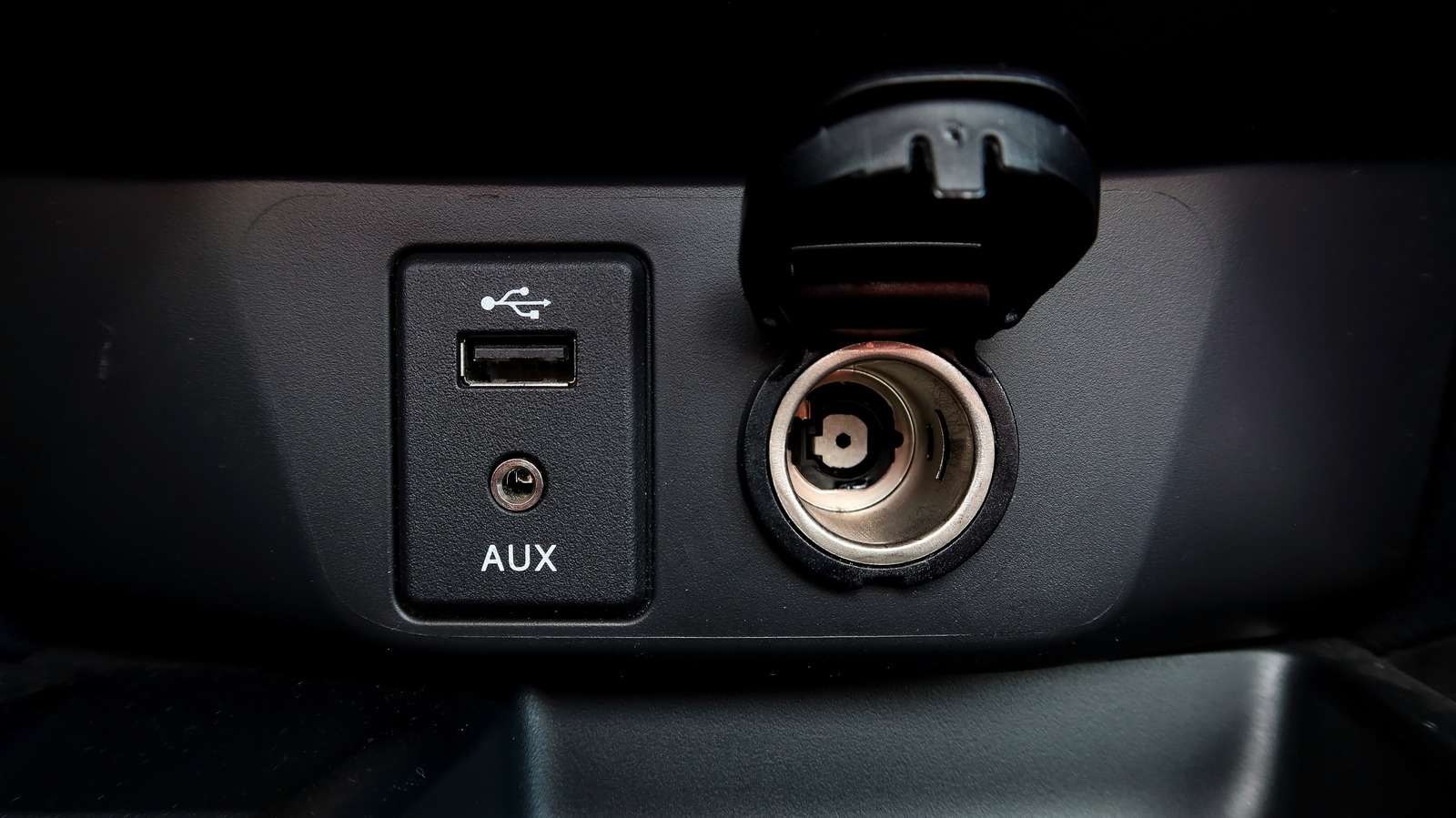
Have you ever plugged a cable into the USB port in your car and discovered that it isn’t working? It can be frustrating, especially if it’s the main port you use to recharge your phone or connect it to the vehicle for CarPlay or Android Auto. The first thing you should do is swap the cable for another one to ensure that isn’t the problem. Make sure to use a high-quality cable from a reputable brand, preferably the one that came with the phone.
If it’s still not working, plug that cable into another USB port to double-check that it’s indeed working. Once you have ruled out the cable as the issue and confirmed that it’s the port that isn’t working, it’s time to troubleshoot and look for some of the most common reasons, some of which have easy fixes.
You may find that you require a replacement USB port altogether, but it could also be related to a blown fuse, incorrect device settings or cable, a necessary firmware or software update, or even simply dirt and debris that has gotten into the port. Before heading to the store to buy a new port or dealership for a new USB port install, it’s important to go through some potential easy fixes first.
A blown fuse
Just like a fuse can blow in your home, the same can happen in a car. It’s possible that the USB port isn’t working because the fuse has blown. When this happens, the circuit that provides power to the USB port won’t work at all, and you’ll get no connection or charge for a device. If this is the main USB port, it is likely powered from the same source as the radio, which means the vehicle’s radio won’t be working either. This is a good indication that it’s the fuse that’s the problem.
If you discover that this is the issue, you’ll need to replace the fuse. You can find it in the fuse box, usually found somewhere on the driver’s side, — like under the steering wheel — but it can also be under the hood of the car, or within a panel located in the trunk. Find the correct fuse by referencing the diagram or using the owner’s manual. Once you pull it out and can see that it’s blown, replace it with one of the same size and same amperage.
Incorrect device settings or cable
Sometimes, the issue isn’t the port itself but rather the settings on the device you’re trying to connect. For a new device, like a new phone, you might need to tweak the settings to configure it for use in the car. If you’ve been the port just for charging, then it will need to be configured to transfer data. You might need to configure it to connect to an infotainment system like Android Auto or Apple CarPlay if you aren’t connecting to CarPlay wirelessly, or the vehicle’s own built-in system.
Along with a potentially faulty cable, it could also be that you’re using the wrong cable altogether. Some cables do not support data transfer, so if you’re looking to connect for this purpose and it’s not working, it may be that you’re using the wrong cable. Either look up the specs for the cable you use, find one you know supports data transfer, or pick up a new one that lists this spec and try it.
Firmware and/or software update needed
Many tech devices require both software and firmware updates, usually sent over-the-air for you to download to the device. This includes mobile devices like smartphones you’ll be plugging into the USB port, as well as the car’s software itself. If you haven’t updated your phone, portable navigation unit, or other cool device you can plug into your car’s USB port with the latest firmware, this could be the cause of the issue.
It could result in the USB port failing to recognize the device altogether, and thus not charging or initiating a connection. There have been reports over the years of phone software updates also causing issues with connecting to a vehicle and Android Auto or Apple CarPlay. It’s worth doing some digging to see if this is a known issue. If so, it will likely be rectified with a second bug fix update to come, as companies are usually quick to address such issues as they arise.
Dirt or debris interfering with the connection
One of the simplest and most overlooked considerations is simply dirt and debris that has made its way into the port. Remember when that morning muffin spilled out of the bag a few mornings ago and crumbs went everywhere? Or when you left the beach with sand all over your hands? Maybe you have a toddler who likes to stuff small items into holes. Whatever the case, dirt and debris inside the port can obstruct the connection.
Try carefully cleaning the inside of the port with a toothpick or Q-tip using gentle strokes and little pressure. You can also use that same can of compressed air you already use to remove dust from your home electronics to blow out any crumbs or small bits of dirt, or use an approved parts cleaner. Try the compressed air first, followed by a toothpick or Q-tip, then check the port again to see if it works. If you have exhausted all these options and ruled them all out, you might simply have a faulty port.
A faulty port
It’s entirely possible that the USB port simply doesn’t work anymore, especially on older vehicles where it has been used over and over and suffers from usual wear and tear. Unfortunately, if this is the case, you will need to have it replaced altogether, which sadly requires a trip to the dealership or a shop that offers that procedure. Be prepared, however, as it can be quite expensive, depending on your vehicle and the complexity of the setup for replacing the port.
That said, if you’re handy and it’s something you feel confident doing yourself, all that’s required is a new port, screwdriver, and electrical tape. It’s important to first disconnect the car’s battery. Remove the negative then the positive terminal, unscrew the damaged port, disconnect the wires (take a photo so you remember where each one goes), and connect the new port using electrical tape to ensure safety.
Then, connect the car’s battery, turn the car on, plug the cable and device in, and see if it works. Only resort to this step, however, once you have tried all the others, and never try to replace the port yourself unless you’re comfortable doing so because it may lead to a more costly fix if you don’t know what you’re doing..