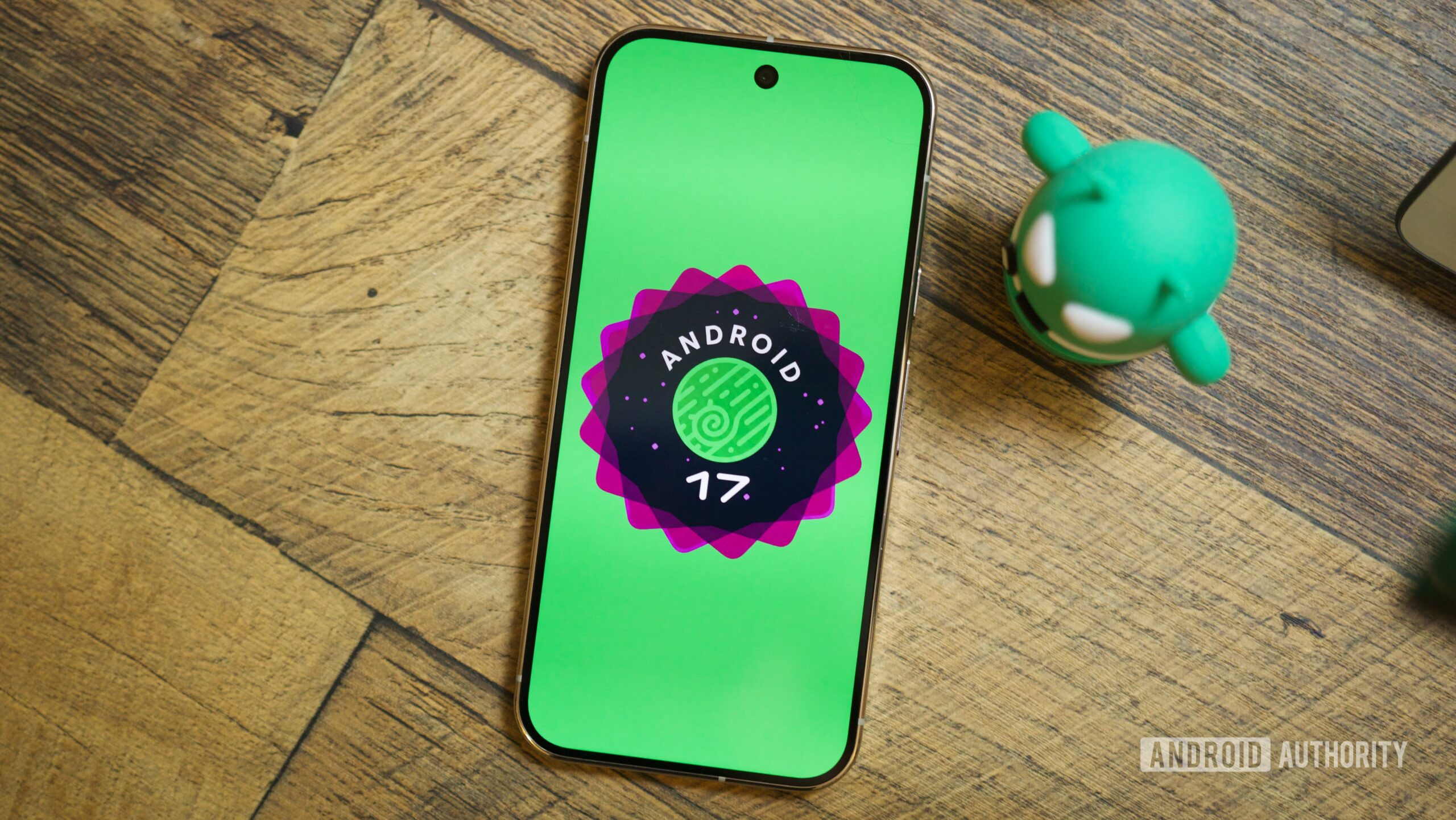
The first Android 17 beta has been out for a few days now, but you’d be hard-pressed to find any significant changes over the previous Android 16 QPR3 beta or even the stable release of Android 16 QPR2. This wasn’t a surprise, though. If last year was anything to go by, Android 17’s first release was always supposed to be a developer-focused API and SDK release to help prepare and adapt apps for some new capabilities, while Android 17 QPR1 (coming around August or September 2026, along with the Pixel 11) would bring the major user-facing features and enhancements.
So, if you think that Android 17 will be a lackluster update, strap in because we’re in for a ride that’ll go in crescendo over the whole year, just like Android 16 did. And in case you’re still dubious, here is a list of some of my favorite still-under-development Android 17 features that we expect to land at some point this year.
Are you excited for Android 17?
718 votes
App lock
Many Android skins have offered the option to lock individual apps behind a biometric or PIN-based login for years now, but Android 17 should add the option straight into the operating system, which means that every Android brand and skin will have it. That’s excellent news for Pixel users who haven’t had the option to add an extra security layer on top of some apps. It should also help unify all of the different skins’ approaches to app locking.
With this option, I could enable App Lock on Amazon if I didn’t want someone with access to my phone to buy things with my credit card, on Google Home if I’m extra cautious about who controls my smart home, or on Keep, Drive, Photos to protect my notes, documents, and personal media. There’s no limit. Any app that doesn’t have a biometric lock screen can have one. So if you often hand your phone over to a child or to some friends, or if you’d like to keep apps tightly protected in case your phone is stolen, App Lock should help with that. It should also keep notifications from locked apps private.
Some Android skins have offered app locking, but adding it to Android unifies the feature and brings it to Pixel and other ‘vanilla’ phones.
My only question about App Lock is whether it’s a one-time thing or a permanent setting. So far, none of the strings or demos we’ve seen tell the full story, so it’s possible that once you unlock an app, it’s unlocked forever and you have to re-lock it when you’re done with it. But I hope not. I hope the setting sticks with a timeout period; i.e., if I don’t use the app for a certain number of minutes, it re-locks automatically.
More powerful screen recorder

Mishaal Rahman / Android Authority
Upcoming screen recorder toolbar UI in Android.
Android’s current screen recorder is functional, but it doesn’t do the job for those of us with more demanding use cases. It recently added the option to only record one app, but it still doesn’t allow for partial screen recording or capturing the selfie camera in a presentation-like style. As Android makes its way to PCs this year, though, the screen recorder should be getting all of these upgrades.
The new screen recorder will show up as a floating toolbar with options to record the selfie camera for tutorials or “play with me” videos; it’ll also add options to record external displays in case you have a second monitor plugged in, as well as limit the captured area by selecting exactly which part of the screen gets recorded. On top of this, the captured recording will open up in a new screen that lets you immediately edit the video or retake it.
Separate Wi-Fi and data toggles
Look, I’ve made my peace with Android’s combined “Internet” Quick Settings toggle that was supposed to simplify all connectivity under one umbrella. But my parents and my friends haven’t. I still get, to this day, random questions about why a phone isn’t connecting or why Wi-Fi isn’t working, only to realize that one or the other was inadvertently turned off.

We’ve known for a while now that Google is working on reversing this change by providing two separate Wi-Fi and data toggles. So if my mom doesn’t want to consume a lot of her data plan, she can turn it off, and if my dad notices his phone isn’t connecting to the home network, he can see that Wi-Fi is off. Simpler and clearer, with one less tap to reach these settings; this change can’t come soon enough.
Limited contacts access with a new Contact picker
Nothing has irked me on Android more than apps that request plenty of permissions for no reason whatsoever. I’m happy to see Google crack down on this by allowing imprecise location sharing, selective photos access, and, soon, supposedly, limited contact access. Just like I can now let Slack only access certain photos, I’ll be able to let Telegram or WhatsApp only access a few contacts, and that’ll be excellent.
This is a crucial privacy feature, especially in light of some apps (I’m looking at you, TrueCaller) asking for unfettered access to contacts in order to function. Some apps even pretend to need it in the name of sharing, even though that’s not an essential bit for the app to function. And Telegram boils my blood because it starts a blank chat with any new contact who joins the platform if I give it access to my contacts. No, I don’t want to say hi to my insurance rep or my plumber.
Selective contacts access per app should’ve been an Android 6.0 feature, not an Android 17 feature.
I’m baffled that higher contact privacy has taken this long to come to Android, though. Other app permissions are almost all related to my privacy — my location, my microphone, my camera, and my files — and are under my control. But access to contacts is about other people’s privacy, and I dislike the thought that someone else with my phone number could be giving it away willy-nilly to any app that asks for it. This should’ve been an Android 6.0 feature, not an Android 17 feature.
Universal clipboard and other hand-off features

Mishaal Rahman / Android Authority
Like Apple’s Handoff, it will allow you to seamlessly move between Android devices — probably an Android phone and an Android PC, but it could also be available for tablets or across phones — and carry your apps, files, clipboard, and even the Do Not Disturb status. For the clipboard, the new Universal Clipboard should monitor your devices for anything you copy, be it text, links, or images, and immediately make it available to paste on other devices. It should be a fantastic gap-bridging feature for those who frequently move between two or more Android devices, like me.
The one I don’t want: Separate notifications and Quick Settings
Android has, since time immemorial, offered a unified drop-down panel for both Quick Settings toggles and notifications. You lower the shade once and see everything together, then you can expand to reveal more toggles or swipe to show more notifications. It’s worked for a decade, and it still works. I don’t want to see it changed, and 72% of you agree with me according to our poll.
Having to relearn muscle memory gestures or re-explain to my parents how their phones work in the name of Apple copying is not cool.
However, Samsung, Xiaomi, HONOR, and realme have already adopted or are adopting a split notification shade to copy Apple’s standalone notifications and Control Center. It’s stupid, it’s silly, and it’s pointless. And yes, I’m very angry about this, but I’m angrier to see that Google is actually considering it too for Android 17. Even if the option to combine the two panels will be there, I’d rather not entertain this hubris from the start, especially since Google is supposedly calling the combined view “Classic” while the new one will be the default. I’m going to have to re-teach my parents how to use their phone or explain to them how to revert that setting.
If this happens, I’d like Google to keep the combined panel as the default; let Apple copycats have their split shade if they want. And never, ever, remove this “Classic” option. May it live long and prosper, just like the three-button navigation method has survived all these years.
A lot more to get excited about in Android 17

Joe Maring / Android Authority
For those of you with devices other than Pixels, there are plenty of Android 16 QPR1, 2, and 3 features that haven’t made their way to you, but that will come with Android 17, since most manufacturers update their base Android version once a year and not with every quarterly release. For example, you should get the new Desktop Mode, customizable keyboard shortcuts, an expanded dark theme, the option to put a wallpaper on your ambient display, lock screen widgets, 90:10 multitasking, and more.
And for Pixel owners, new features will surface with the upcoming Android 17 QPR1 betas and beyond. Some of these, like the Universal Clipboard, Handoff, and improved screen recorder, will likely be tied to Google’s Android PC venture. Others might show up at different times of Android’s development cycle. And there are many more that I didn’t talk about, like a double-tap gesture to turn off the display, a curious Gemini-powered “Magic Actions” in notifications, a motion sickness-preventing feature called Motion Assist, and a new Standby for Hub Mode option that bridges lock screen widgets with the phone’s screensaver.
If all of these features make it to Android 17, it will rival Android 16 as one of the biggest Android updates in years, but it’s more likely that a few will be left in development only. I’m crossing my fingers for that to be the split notification shade’s destiny.
Don’t want to miss the best from Android Authority?


Thank you for being part of our community. Read our Comment Policy before posting.