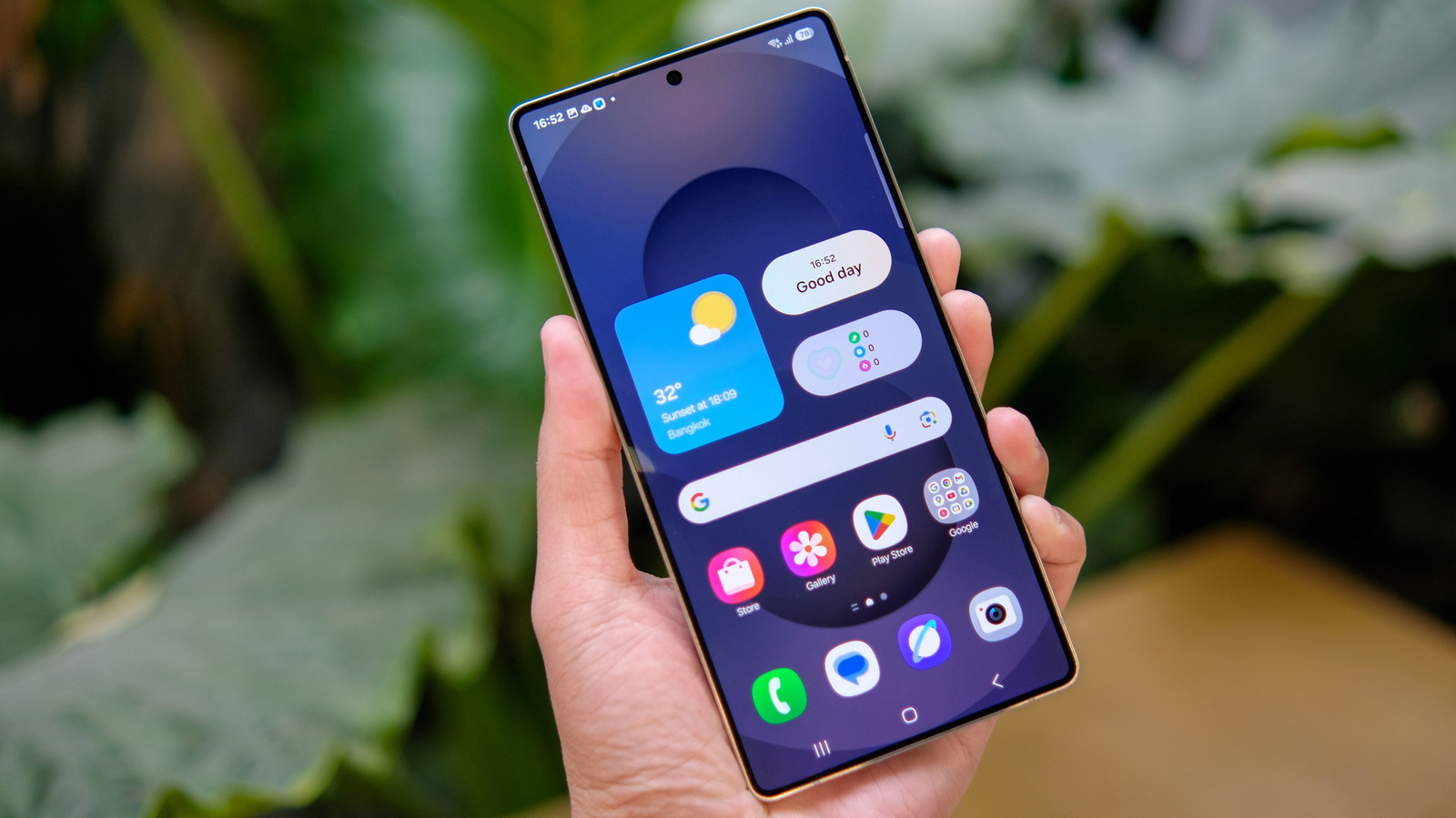
Samsung Galaxy phones are full of features you might not find anywhere else in the industry, and includes a wide range of products, from a few hundred to several thousand dollars. Google Pixel devices, on the other hand, are more straightforward with a budget option, two flagships, and a premium foldable model.
Like Apple iPhones, Google controls the hardware and software of Pixel smartphones, but that doesn’t mean it’s the best option for every customer. Comparing these two brands, you can see that in hardware and software, Galaxy devices have several features missing from Pixels, including Samsung DeX, a proper stylus, and functionalities like Dual Messenger.
Google Pixel devices certainly have their own perks, like getting a version of AirDrop on the Pixel 10 first and boasting a deeper hardware and software integration. But that does not always translate into the best user experience. If you’re between the two smartphone makers, you might be considering some of the exclusive Samsung features you can’t get on a Pixel device. Here’s what you could be enjoying (or missing out on) when choosing Samsung versus Google phones.
Samsung DeX
If you want to truly turn your smartphone into a computer, Samsung flagship devices can do something a Google Pixel cannot. Since 2017, the company has offered DeX, short for “Desktop eXperience.” What was first only available through a dedicated DeX Station with the Galaxy S8, eventually became a simple USB-C-to-HDMI cable connection to PCs. This platform extends Samsung Galaxy phones from a tiny display into a productivity environment, as users can run multiple apps in parallel, drag and drop content, use keyboard shortcuts, and access files as if they were on a traditional desktop.
As of 2026, Samsung continues to support DeX. However, it’s important to note that while the company works to improve capabilities with multiple workspaces and better window management, it has also discontinued certain aspects. For example, DeX support on Windows has been dropped in favor of Microsoft’s Link to Windows, which has the appearance of Samsung going towards cross-device integration instead of full desktop replacement.
Privacy Display
A cool new Samsung feature is the Galaxy S26 Ultra’s Privacy Display. While this might start to appear in other Android flagships down the road, the Korean company started an interesting trend, as a separate privacy screen is no longer required. What makes Samsung’s technology unique is that it can block side-angle visibility from notifications, apps, and part of the display. To achieve this, the pixels on the Samsung Galaxy S26 Ultra screen move dynamically.
It enables the display to be viewable when looking directly at it, but too dim to see when looked at from the side. The level of privacy is customizable, making it useful when you’re at work, commuting, or dealing with sensitive data you’d prefer to keep private. This technology is also a great way to prevent criminals seeing your password from a distance, making it the kind of Samsung Galaxy feature you might really miss from a Pixel device.
S Pen stylus
One signature feature of Samsung Galaxy S Ultra devices is the S Pen stylus. First introduced with the Galaxy Note, Samsung eventually brought the S Pen to its S22 Ultra smartphone. While the latest Galaxy S Ultra devices arguably have an inferior stylus compared to that of the S24 Ultra, as it lost Bluetooth connectivity, this is still one of the most interesting Samsung Galaxy features missing from a Google Pixel device. The S Pen, an active stylus, is designed for people who want to write, draw, and navigate their phone with a physical object.
It uses Wacom EMR technology, which allows pressure sensitivity, low latency, and operating without having to charge a battery. The stylus neatly integrates with Samsung’s software ecosystem, as it can be used with features like Samsung Notes with Smart Select for clipping, translation, and hover-based previews. In 2026, the S Pen remains one of the top reasons to upgrade to a Galaxy S26 Ultra device. While Samsung continues to improve on latency, precision, and other software, the discontinuation of Bluetooth did leave it without important features like Air Actions and app-specific shortcuts.
Dual Messenger
Software-wise, one of the top features Samsung has is Dual Messenger, which lets users run two separate accounts of the same messaging app on one device. This is possible thanks to Samsung’s One UI software and is available on many Galaxy smartphones. First introduced in 2017, this was Samsung’s way to attract customers who used WhatsApp, Facebook Messenger, Telegram, and other messaging services with more than one account.
This becomes important when you want to use a personal and business messaging account on the same device. Basically, Dual Messenger creates two accounts, where each one has its own data storage and login credentials. Samsung offers a visual indicator of which one is which and allows users to share contacts between the two profiles, or keep them isolated. As of 2026, it doesn’t seem like Dual Messenger is going anywhere, so it is yet another good feature that might have you considering a Galaxy device over a Google Pixel.
Edge Panel
Samsung first introduced Edge Panel, on its Galaxy Note devices. It is a persistent, swipe-in sidebar for quick access to apps, shortcuts, contacts, and tools like the clipboard and calculator. You can trigger the Edge Panel by swiping from a thin handle on the side of the display, and it works across the system, regardless of what app you’re in. Currently, Samsung’s Edge Panels are available in a wide range of Galaxy devices, but Google Pixel doesn’t have anything similar to it.
This feature started as a nice trick using the company’s curved displays, but it’s now focused on a creating a more intuitive workflow for everyday use. Pixel devices use Android’s standard app switcher, app drawer, and recent app menus, but nothing like this persistent overlay UI for shortcuts. While third-party apps are available, they’re not as naturally integrated as Samsung’s version. Though this isn’t a flagship feature like the Privacy Display or S Pen, it could be a game-changing tool depending on how you use your smartphone.