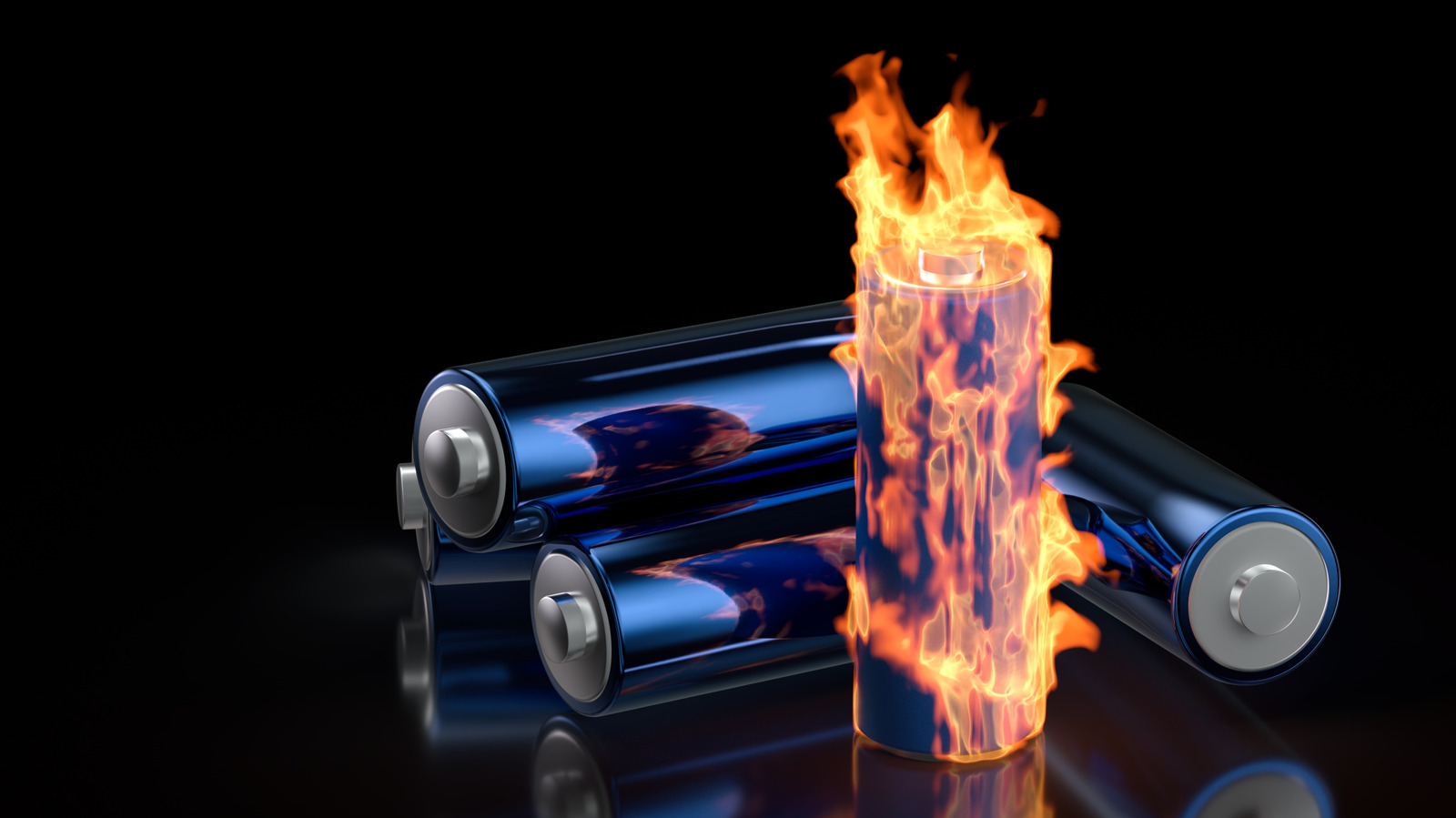
Lithium-ion batteries find use in way more applications than standard alkaline batteries. The best part is that you don’t need to throw out lithium-ion batteries when they’re depleted, you can simply recharge them. However, you should always be on the lookout to make sure these batteries don’t catch fire.
To be fair, the odds of a lithium-ion battery erupting in flames are low, but never zero. Accidental puncture or an external fire can set them off, just like any other kind of battery, but so can age. Every lithium-ion battery is manufactured with a set number of “cycles” that determine how many times you can recharge the battery before it starts losing its capacity. If you exceed these limits and, say, recharge a battery 800 times that is only rated for 500 cycles, age could make using the battery less safe.
Even exposing the battery to unusual conditions like on airplanes and in underwater drones can become a fire hazard. As the lithium-ion batteries in modern EVs and smartphones are designed to be non-removable, you might assume that you can only discover a battery is ready to burst if it combusts in your hands. However, there are some warning signs you can look for. If you keep an eye, ear, and nose out for the following indicators, you can avoid a potentially costly electrical fire.
The device is hotter than normal
Many electrical devices heat up while in use. This is just a standard part of their operation, as electrical currents produce heat while passing through conductors. Batteries also generate heat while charging or in use for the same reason. However, there is a limit to how hot gadgets should get before you need to start worrying. If a device is so hot you feel like it might burn your fingers and keeps getting hotter, then the odds are the battery is defective. The process is known as thermal runaway and occurs when a battery cell produces an exothermic reaction where heat leaks into nearby cells, causing them to overheat and cause exothermic reactions of their own. Thermal runaways are self-sustaining and generally result in an exponential increase in temperature as more battery cells join in the chain reaction. The more cells heat up, the more they release gases that are both toxic and combustible.
You can prevent thermal runaways by not using batteries in hot environments. Moreover, if your device comes with a battery management system (BMS), it can usually prevent the issue. Plus, some batteries are built with barriers that separate the cells for just such an occasion, but if those don’t work, there’s very little you can do. Get the battery and device as far from flammable materials as possible, run away as fast as you can, and dial 911.
The device is swelling or bulging
While we all know that batteries can provide electricity, many don’t ask how they provide electricity. The answer is through chemical reactions, and as lithium-ion batteries discharge and recharge, these reactions generate minute amounts of gas when the battery is overcharged. The more these batteries are used, the more the gases build up and push against the edges, causing batteries to swell and bulge. Particularly old rechargeable batteries might have significant amounts of swelling that can even deform the cases of the gadgets they power. This is especially noticeable in thin devices like smartphones. If the back of your phone is bulging, you won’t need an app to determine its battery health. In fact, even though silicon-carbon batteries could potentially replace lithium-ion packs in the future, phone manufacturers don’t want to use the battery tech because they can exacerbate these exact battery swelling problems.
If your device has a noticeable bulge where the battery is, consider yourself lucky. You should never use a swelling battery, as it will exhibit a shortened lifespan. Plus, continued use will only increase the gas pressure, which in turn increases the odds of a catastrophic failure or explosion — and increases the surface area, which makes puncture more likely. The lucky part is that you can still get the battery replaced and save the device. However, you must seek professional help, especially if the battery is starting to resemble a balloon. Plus, you should take the battery to your local designated e-waste facility. While you can often recycle these batteries at stores such as Best Buy, always research your state’s specific e-waste laws beforehand.
The device is making weird noises
As with cars and other electric devices, odd noises can clue you into specific problems. If a battery is making a hissing, cracking, or popping sound, that’s usually an indicator that the component is failing — and that too rather quickly. If you hear a cracking noise, you are most likely witnessing a sudden and rapid expansion. Hissing or popping noises, meanwhile, probably indicate that the battery’s temperature is rapidly increasing, and you are about to experience a thermal runaway scenario.
While these sounds can warn you that a rechargeable battery is about to fail –- potentially explosively –- they aren’t definite indicators. Turn off the device and try to physically inspect the battery. Does it feel warmer than it should be after hissing or popping? Do you see signs of rapid expansion after the battery made cracking noises? Then replace your battery immediately and dispose of it properly. But if you see the battery expanding before your eyes or witness it getting hotter after these sounds, it might be too late. Try to get the device and battery to a safe location (if possible), run away, and call the fire department.
The device smells funny
You don’t have to touch a battery or gadget to tell it is failing; sometimes you can sniff out the issue. If you smell a strong, unpleasant chemical odor that refuses to go away and is coming from an electrical device, your lithium-ion battery is probably leaking. At first it might resemble a fruity smell, like someone spilled a bottle of nail polish remover. That is the distinct scent of solvent and acts as a prelude to the other stenches to follow. Subsequent odors are produced from toxic gases leaking out of the battery. At best, they are a sign that the rechargeable battery is damaged and needs to be replaced; at worst, they indicate the battery is ready to burst into flame.
If you detect even a whiff of a sweet or chemical scent coming from a device with a rechargeable battery, you must act fast. Remove the battery if possible (preferably with gloves, as the batteries might leak harmful chemicals), get it away from any flammable materials, and dispose of it at a nearby e-waste disposal or recycling center. But most important of all, properly ventilate the location until the smell dissipates. As previously stated, the fumes that produce these smells are toxic, so even if your house doesn’t burn down, you could still damage your lungs from the gases if you don’t open some windows.
The device is smoking
As the idiom goes, “where there’s smoke, there’s fire.” And that couldn’t be more true for a lithium-ion battery. If your device is smoking, then it’s already too late. The odds are a fire has already started. Even if you aren’t present to witness the conflagration, a smoke alarm connected to a smart home can tell you that something is on fire, so it’s always handy to have one.
Since smoke means a fire has likely already started internally, don’t bother trying to remove the battery. Don’t even touch the device it’s attached to or try to clear away any potentially flammable items. Immediately vacate the area and call 911. Best case scenario, the battery and device will burst into flame; worst case scenario, they’ll explode. You don’t want to be around when either happens. As mentioned earlier, not only are the fire and explosions hazardous on their own, they can release toxic gases that you don’t want to breathe. If your device is smoking, consider it a lost cause. You will have to purchase a replacement out of pocket or hope your insurance will cover the cost.