Video Boost has been a staple of the Pixel’s camera experience for two years now, helping us shoot clearer, more stable, better zoomed videos in challenging situations. For me, though, the feature hasn’t always been part of my go-to tricks. I used it a lot when it first launched on the Pixel 8 Pro, then sort of forgot about it, then started using it again last summer.
I fell in love with Video Boost again when I used it to catch a few videos during concerts. But for all that I’ve enjoyed about it, I’m just as annoyed by all of its limitations and slowness. I’d love to use Video Boost more on my Pixel 10 Pro XL, but it’s clear that Google is gatekeeping the feature and stopping it from reaching its full potential.
What do you think about the Pixel’s Video Boost feature?
0 votes
I have to remember to manually enable Video Boost each time
Rita El Khoury / Android Authority
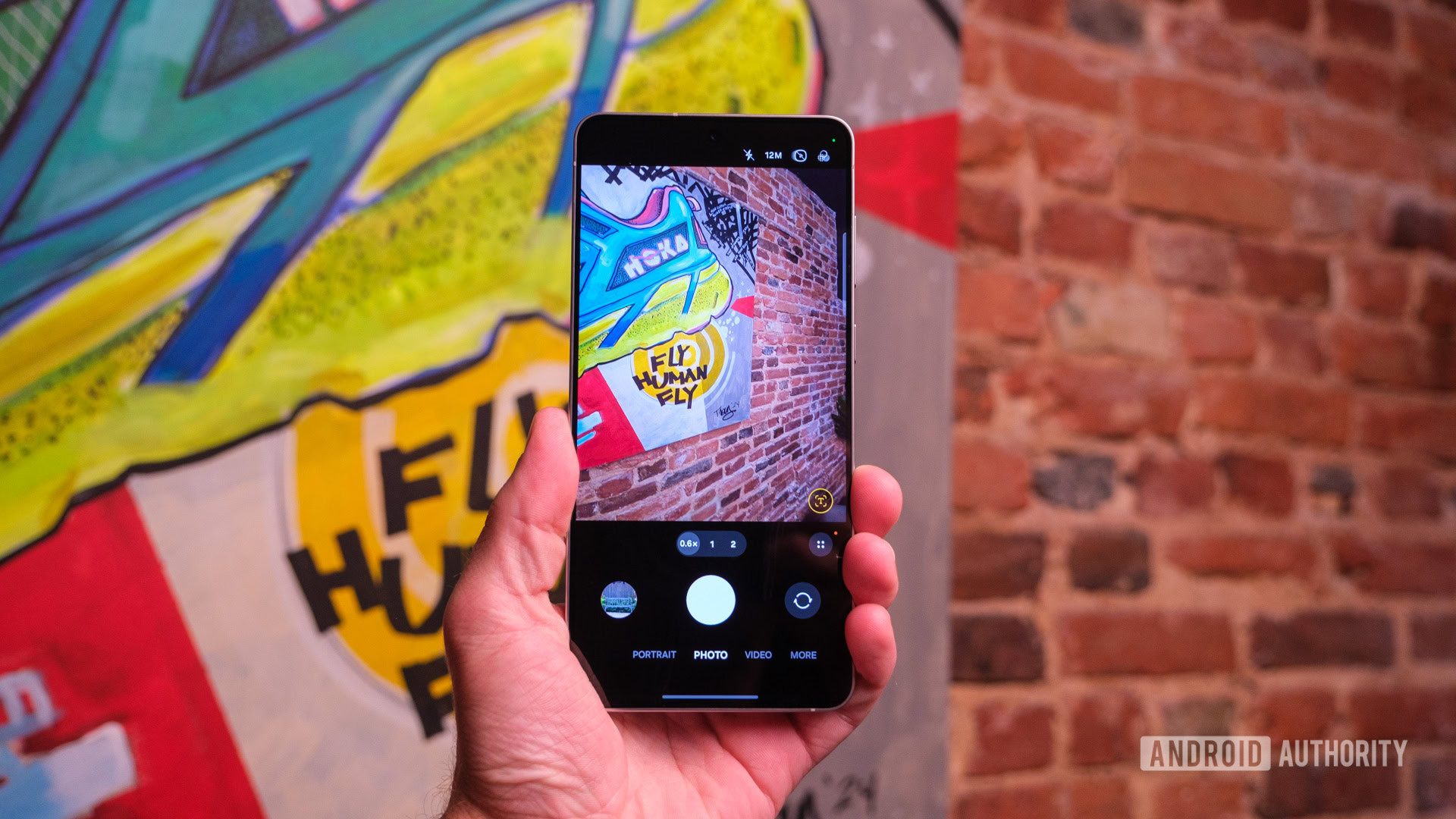
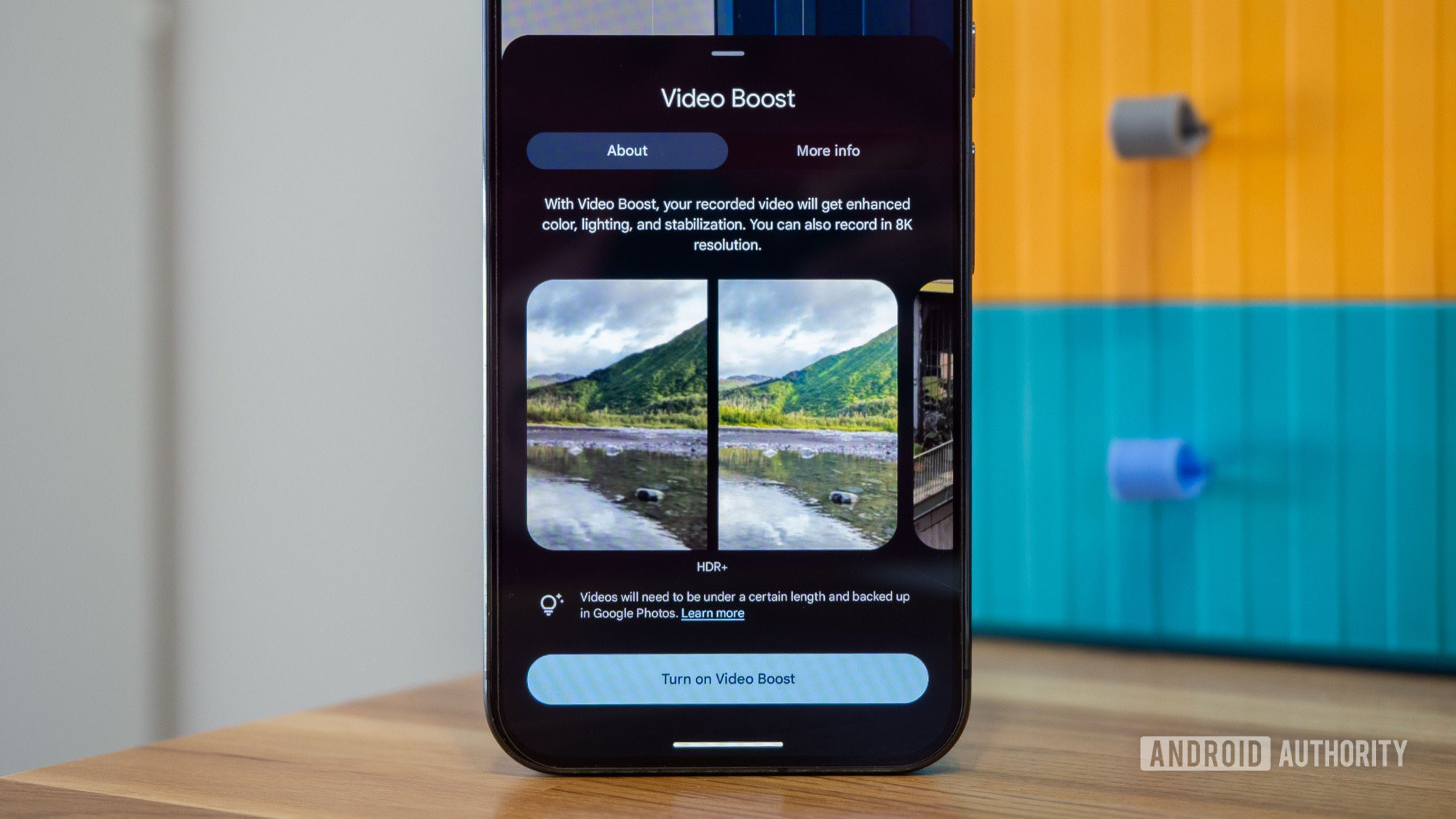
When Video Boost first launched, everyone complained about the fact that we had to remember to manually turn it on in the Pixel Camera app each time we opened it. Unlike other settings, like flash, shooting resolution, FPS, and HDR, Video Boost’s choice didn’t “stick” or survive app closing and re-launching. There were a few brief weeks in early 2025 when the setting stayed on after you quit Pixel Camera, and we applauded it as a leap forward, but that privilege went away a few weeks later and never returned. Now, we’re back to having to manually turn on Video Boost each time we launch the Camera.
As someone who shoots a lot, I find this very frustrating. I know what Video Boost is, and I understand the implications of using it, so why can’t I just keep it on? Having to manually enable it each time means I forget it about 50% of the time and miss out on capturing a better video. This alone makes Video Boost such an unreliable feature. It’s more of a bonus than an addition to my camera’s capabilities — good if I remember it, useless if I don’t.
I can’t force Video Boost on an existing video

Rita El Khoury / Android Authority
This manual trigger is compounded by Video Boost’s second problem: I can’t send an existing video to boost. So any video I fail to capture with the feature, say, if I forget to turn it on, for example, is forever bound to be unboosted.
When Google launched the feature on the Pixel 8 Pro, it explained that enabling Video Boost forces the phone to capture more data than in a regular video in a higher bitrate, which requires a lot of local processing from the Tensor processor before the video is sent to Google’s cloud to boost. Essentially, a pre-boosted video is different from a regular video, and that explains why we can’t force-boost any regular ol’ video. But that was in 2023. We’re in 2025 now; AI has taken major leaps forward, local phone processing has done that too, and it just doesn’t make sense to see this feature limited to a subset of videos captured in a very specific way.
It doesn’t make sense to limit this feature to a subset of videos captured in a very specific way.
I still remember when Google brought Portrait mode in Google Photos to any pic you’ve ever shot, even very old ones, and I wish that the same would happen with Video Boost. Just take whatever video I’ve ever shot, boost it, and get an upgraded version. This would at least help me forget about all those videos I took on my Pixel 8 Pro, 9 Pro, and 10 Pro, where I forgot to enable Video Boost.
Video Boost takes time and is inconvenient for quick captures

Rita El Khoury / Android Authority
Two years after launch, Video Boost still isn’t processed locally on our phones. It needs to be sent to Google’s servers, where it’s edited, and sent back to our phones. This is terrible for privacy, requires a lot of patience, and is inconvenient if you want to snap a quick video.
Any time I want to grab a quick video to share with my friends or family, I have to skip Video Boost, or else I’d be waiting for several hours until I get back the final video. Sure, the original pre-boosted video file is immediately available, but it’s completely unprocessed, which means it’s often grainy, appears low-quality, and has terrible color grading.
The unboosted original video should be immediately usable, otherwise we have to wait for hours before getting a shareable version.
For Video Boost to become more usable and more convenient for most Pixel owners, it has to remain local and provide a usable first draft of the video. I know that’s not an easy feat, but today’s smartphones should be good enough to handle this.
Video Boost is terrible in the dark

Rita El Khoury / Android Authority
My experience trying to shoot seals on the beach in Oostende taught me something important about the main limitation of Video Boost: It’s almost impossible to focus in the dark to get a decent video. Try as I might, I couldn’t get my Pixel 9 Pro XL to zoom and focus on anything, including the seals, which made most of my videos that night useless. There’s a vague shore, some water reflections, but everything is so blurry because my camera was just seeing darkness with nothing to focus on. Meanwhile, the same Pixel phone was able to snap much better Night Sight photos one minute earlier, under the same lighting conditions.
Check it out below. There’s literally one minute of difference between the time these two were shot, yet it looks like the photo was snapped with a lot of remaining ambient light, whereas the video appears to be taken in absolute darkness.

Rita El Khoury / Android Authority
Night Sight photo taken of the seals on the beach.
I was hoping Video Boost would have a similar Night Sight effect on the video once edited, but it didn’t. I partly blame this on the impossible focus, but also on the limits of current smartphone cameras. Sadly, this example just proved to me that Video Boost is pointless in the one situation where I thought it would make a difference.
Google has made Video Boost fragile and unreliable
Over my time testing Video Boost on my Pixels, I’ve noticed two major hiccups with the feature that made me not want to use it as much as I thought.
For one, if I mistakenly delete and then restore a video before it’s boosted, or if I trim a lengthy video before it’s boosted, it loses its boost status. It won’t be sent to Google’s servers, and I’m stuck with the bad-quality, unprocessed pre-boost video. So, each time you use the feature, you have to be careful not to do anything to alter the state of the original video until you receive the boosted version.
Second, if I’ve set up Google Photos to back up as “storage saver” (i.e., videos are limited to 1080p), this also applies to both Video Boost files — the original and the processed. My Pixel Camera shoots 4K video normally, but the moment I switch Video Boost on, it saves the original video as 1080p and the boosted one as 1080p, too. In a convoluted way, I understand why this is the way it is, since videos have to be backed up to be processed, but a normal user won’t know why Video Boost gets him downgraded to 1080p quality from his 4K camera.
Google has to conquer video with the Pixel 11

Rita El Khoury / Android Authority
It’s been years now of Google mostly mastering the camera equation on its Pixel phones, but ignoring video and treating it as a second-class citizen. Even Video Boost isn’t a solution; it was introduced as a band-aid to avoid addressing the issue of lower-quality video capture from the get-go.
I don’t think Google can afford to ignore this problem much longer. Couples, parents, pet owners; everyone needs video. And, as much as I hate to admit it, people now live on Instagram, TikTok, and YouTube, so great — not just good, but great — video capture is essential in their lives, and therefore their phone choice. Google should take a look at everything Apple has done with video on its iPhone and copy it, but not only that. Video Boost can be the cherry on top of the cake, but it needs to be faster, local, and more reliable. For the love of tech, it should also stick so we don’t have to remember it every time we open the camera.
Don’t want to miss the best from Android Authority?


Thank you for being part of our community. Read our Comment Policy before posting.