

By using this site, you agree to the Privacy Policy and Terms of Use.
Accept
World of SoftwareWorld of SoftwareWorld of Software
  • News
  • Software
  • Mobile
  • Computing
  • Gaming
  • Videos
  • More
    • Gadget
    • Web Stories
    • Trending
    • Press Release
Search
  • Privacy
  • Terms
  • Advertise
  • Contact
Copyright © All Rights Reserved. World of Software.
Reading: 6 big changes coming to your Pixel in next month’s Android 16 QPR3 update
Share
Sign In
Notification Show More
Font ResizerAa
World of SoftwareWorld of Software
Font ResizerAa
  • Software
  • Mobile
  • Computing
  • Gadget
  • Gaming
  • Videos
Search
  • News
  • Software
  • Mobile
  • Computing
  • Gaming
  • Videos
  • More
    • Gadget
    • Web Stories
    • Trending
    • Press Release
Have an existing account? Sign In
Follow US
  • Privacy
  • Terms
  • Advertise
  • Contact
Copyright © All Rights Reserved. World of Software.
World of Software > Gadget > 6 big changes coming to your Pixel in next month’s Android 16 QPR3 update
Gadget

6 big changes coming to your Pixel in next month’s Android 16 QPR3 update

News Room
Last updated: 2026/02/06 at 7:27 AM
News Room Published 6 February 2026
Share
6 big changes coming to your Pixel in next month’s Android 16 QPR3 update
SHARE

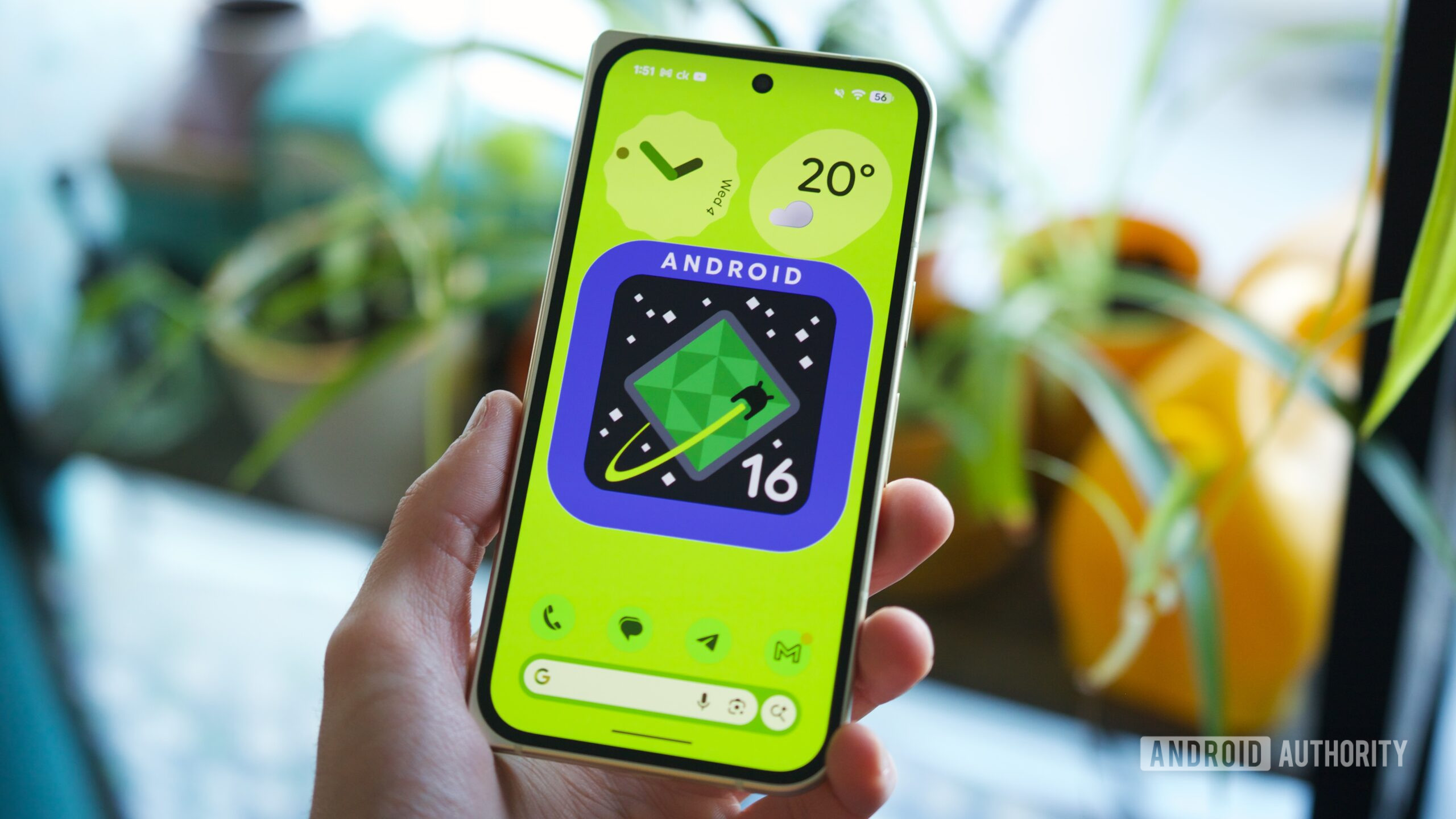
Android 16 QPR3 — Google’s next big Pixel update — is right around the corner. QPR (Quarterly Platform Release) updates have become significant milestones for Pixel phones, as they typically include many user-facing changes, particularly compared to smaller monthly security updates.

Google is expected to release its QPR3 update in March, meaning we’re just a month away from your Pixel getting a big revamp. But what exactly is new? What are the biggest features and changes you should be on the lookout for? I’ve been using the latest Android 16 QPR3 beta to find out.

Here are six of the most notable new features coming to your Pixel next month with Android 16 QPR3.

What Android 16 QPR3 feature are you most excited about?

1667 votes

Remove the At a Glance home screen widget

At a Glance is helpful, but it’s also rather annoying — especially if you have a lot of app icons and widgets on that home screen. As such, having the option to finally get rid of At a Glance is fantastic. You can do this by pressing and holding the widget, tapping Settings, then selecting the new toggle labeled “Show on home screen.”

You’ll still see At a Glance on the lock screen, but that space at the top of your home screen will now be available for use however you wish. Thank you, Google.

Adjustable flashlight brightness

There’s not much I prefer about iOS over Android, but one thing Apple got right with iOS 18 was adjustable flashlight levels. Being able to adjust the brightness of your phone’s flashlight is super useful, and with Android 16 QPR3, your Pixel phone is gaining that same flexibility.

The feature works just as you’d expect. After turning on your flashlight from the Quick Settings panel, press and hold the flashlight icon to open the new Flashlight Strength menu. Here, you can slide the brightness up and down to tweak its intensity. There’s not much else to it, but it’s a great quality of life feature that I’m more than happy to see in the QPR3 update.

Samsung-style navigation buttons

I went all-in on gesture navigation years ago, but some people still prefer navigation buttons. Android’s traditional navigation button setup, and the one on Pixel phones, includes Back, Home, and Recents buttons in the order from left to right. In Android 16 QPR3, you’re getting a second option.

Largely popularized by Samsung phones, QPR3 adds a second navigation button layout that swaps the Back and Recents buttons, putting the former on the right and the latter on the left. Personally, I would never use this, but it is a notable addition — especially for former Samsung users new to Pixel.

Enabling this new navigation layout is simple. From the Navigation Mode page in the Settings app, select 3-button navigation, tap the settings icon next to it, and then switch to the new button layout.

Adaptive Connectivity revamp

Adaptive Connectivity was added to Pixel phones in December 2020, and throughout that time, it’s remained a nebulous feature — existing as a single toggle that claims to extend your battery life and improve performance by managing when your phone switches between Wi-Fi and mobile data.

Each of these new modes can be independently toggled on/off, and you can find them on the Adaptive Connectivity page from the Network & Internet section of the Settings app.

Redesigned system settings page

Speaking of the Settings app, the System page is redesigned in Android 16 QPR3. As it stands today in Android 16 QPR2, the System page isn’t organized at all. But in QPR3, the page is now grouped into categories — such as Update Device, Languages & Input, and Interaction.

I especially like how QPR3 moves the Software Updates section to the top of the screen, making it much easier to find and check for an update. It’s a small tweak, but one I think Pixel users (myself included) will greatly appreciate.

Much better app location access info

This isn’t the flashiest feature in Android 16 QPR3, but it is an important one, and a great privacy safeguard.

Don’t want to miss the best from ?

google preferred source badge light@2xgoogle preferred source badge dark@2x

Thank you for being part of our community. Read our Comment Policy before posting.

Sign Up For Daily Newsletter

Be keep up! Get the latest breaking news delivered straight to your inbox.
By signing up, you agree to our Terms of Use and acknowledge the data practices in our Privacy Policy. You may unsubscribe at any time.
Share This Article
Facebook Twitter Email Print
Share
What do you think?
Love0
Sad0
Happy0
Sleepy0
Angry0
Dead0
Wink0
Previous Article From “Manual Defense” to “Intelligent Defense” – Logistics Robot Technology Activates New Quality Productive Forces in Ports From “Manual Defense” to “Intelligent Defense” – Logistics Robot Technology Activates New Quality Productive Forces in Ports
Next Article Do You Need a Blender, Food Processor and Stand Mixer? Do You Need a Blender, Food Processor and Stand Mixer?
Leave a comment

Leave a Reply Cancel reply

Your email address will not be published. Required fields are marked *

Stay Connected

248.1k Like
69.1k Follow
134k Pin
54.3k Follow

Latest News

iPhone 18 Pro Max Rumored to Deliver Next-Level Battery Life
News
CISA Orders Removal of Unsupported Edge Devices to Reduce Federal Network Risk
Computing
No Humans Allowed: AIs Get Their Own Religion, Social Media, and Hired Help
News
How the men in the Epstein files defeated #MeToo
News

You Might also Like

The Moto Watch Looks and Feels Like a Polar Fitness Tracker—but More Fun
Gadget

The Moto Watch Looks and Feels Like a Polar Fitness Tracker—but More Fun

3 Min Read
The Stuff Gadget Awards 2025: our TVs and streaming service of the year
Gadget

The Stuff Gadget Awards 2025: our TVs and streaming service of the year

12 Min Read
The 11 Best Mattresses You Can Buy Online, Picked After Testing 100+
Gadget

The 11 Best Mattresses You Can Buy Online, Picked After Testing 100+

24 Min Read
Remember when Apple showed off plans for an iPhone home button that popped out into a joystick?
Gadget

Remember when Apple showed off plans for an iPhone home button that popped out into a joystick?

2 Min Read
//

World of Software is your one-stop website for the latest tech news and updates, follow us now to get the news that matters to you.

Quick Link

  • Privacy Policy
  • Terms of use
  • Advertise
  • Contact

Topics

  • Computing
  • Software
  • Press Release
  • Trending

Sign Up for Our Newsletter

Subscribe to our newsletter to get our newest articles instantly!

World of SoftwareWorld of Software
Follow US
Copyright © All Rights Reserved. World of Software.
Welcome Back!

Sign in to your account

Lost your password?