By using this site, you agree to the Privacy Policy and Terms of Use.
Accept
World of SoftwareWorld of SoftwareWorld of Software
  • News
  • Software
  • Mobile
  • Computing
  • Gaming
  • Videos
  • More
    • Gadget
    • Web Stories
    • Trending
    • Press Release
Search
  • Privacy
  • Terms
  • Advertise
  • Contact
Copyright © All Rights Reserved. World of Software.
Reading: Samsung’s Galaxy Tab S11 has a hidden Chrome trick that not even Pixels have
Share
Sign In
Notification Show More
Font ResizerAa
World of SoftwareWorld of Software
Font ResizerAa
  • Software
  • Mobile
  • Computing
  • Gadget
  • Gaming
  • Videos
Search
  • News
  • Software
  • Mobile
  • Computing
  • Gaming
  • Videos
  • More
    • Gadget
    • Web Stories
    • Trending
    • Press Release
Have an existing account? Sign In
Follow US
  • Privacy
  • Terms
  • Advertise
  • Contact
Copyright © All Rights Reserved. World of Software.
World of Software > News > Samsung’s Galaxy Tab S11 has a hidden Chrome trick that not even Pixels have
News

Samsung’s Galaxy Tab S11 has a hidden Chrome trick that not even Pixels have

News Room
Last updated: 2025/10/15 at 3:18 AM
News Room Published 15 October 2025
Share
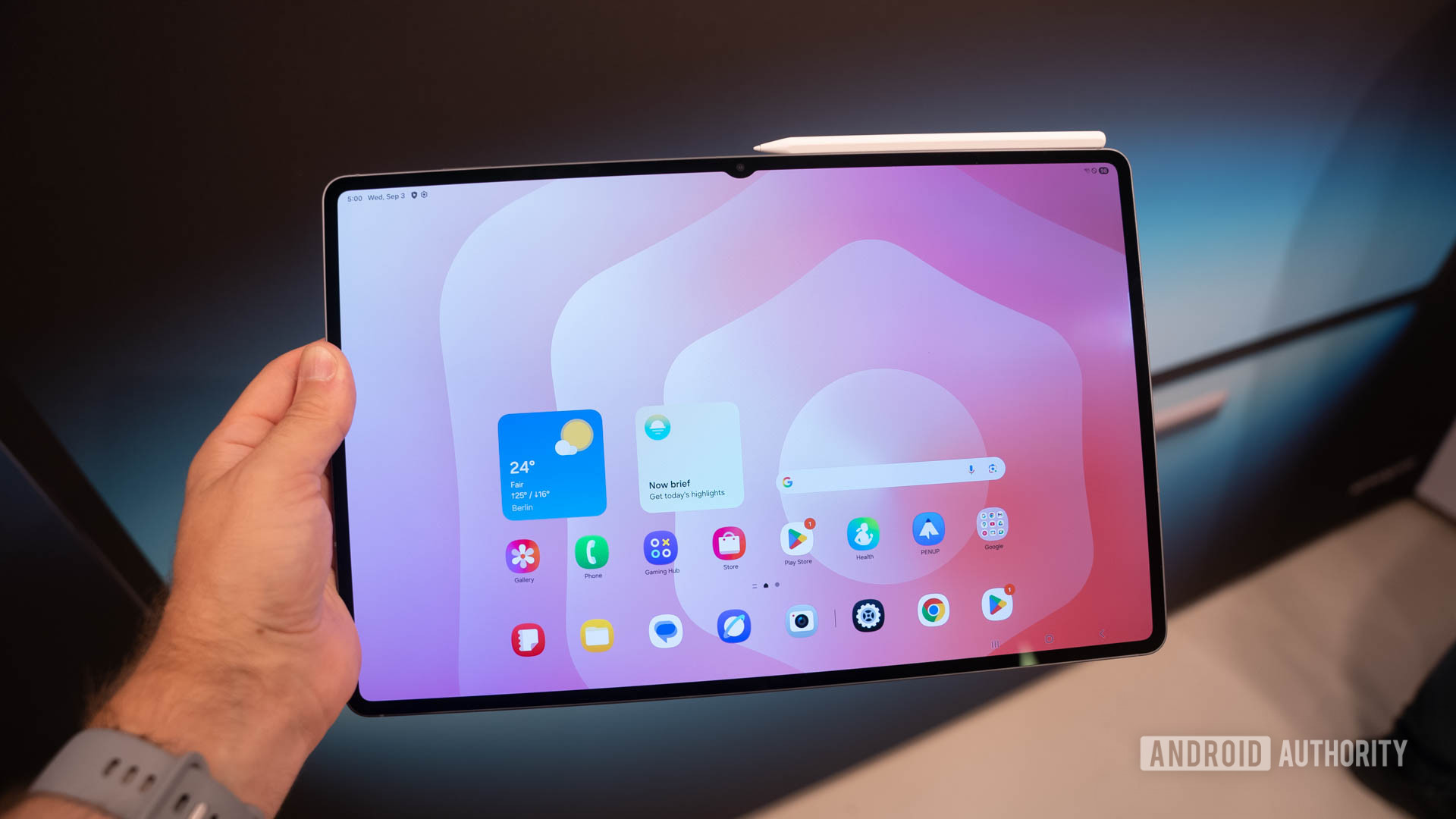
Samsung’s Galaxy Tab S11 has a hidden Chrome trick that not even Pixels have
SHARE

C. Scott Brown / Android Authority

TL;DR

  • A Google Chrome feature exclusive to high-end Samsung tablets allows open tabs to appear in the launcher’s search results.
  • Once enabled in settings, the feature shares the titles and URLs of your open tabs from the last week with the operating system.
  • This integration creates parity with Samsung’s own browser and is notably absent on Google’s Pixel devices, including the Pixel Tablet.

Pixel devices are known for their tight integration with Google’s apps and services. However, Google sometimes gives other device makers exclusive features to help promote their products. One such feature, currently found only on select Samsung tablets, is the ability to browse open Chrome tabs directly from the app list.

Don’t want to miss the best from Android Authority?

google preferred source badge light@2xgoogle preferred source badge dark@2x

Unlike Pixels, Samsung’s Galaxy devices ship with two preinstalled web browsers: Google Chrome and Samsung Internet. The latter is a Chrome-based browser packed with customization options and power-user features. It’s also tightly integrated with Samsung’s One UI, making it a great choice for those invested in the Galaxy ecosystem.

For example, Samsung Internet integrates with Samsung Finder, the built-in search service in One UI Home. This allows Finder to search your browser history, so when you search for something in the launcher, you’ll see results from websites you’ve visited. This makes Samsung Finder feel like a more universal search tool and Samsung Internet a more integral part of the One UI experience.

In contrast, Google Chrome doesn’t integrate with the search bar in either the Pixel Launcher or One UI Home. While this isn’t a major issue for Pixel users, as no other web browser integrates with their launcher, it’s a notable difference for Samsung users. On Galaxy devices, Samsung Internet is simply better integrated with the system. To bridge this gap, Google built a Chrome feature specifically for Galaxy users that enables tab sharing between the browser and One UI Home.

On select Samsung tablets, Google Chrome has a feature that lets you “Share titles and the URLs of open tabs from this device with the operating system.” You can find it on the “Tabs and tab groups” page under the “Advanced” section of Chrome’s settings.

Share titles and the URLs of open tabs from this device with the operating system setting in Chrome

Zac Kew-Denniss / Android Authority

Once enabled, this feature shares your open tabs from the last seven days with One UI, allowing them to appear in the search results within the One UI Home launcher.

Google Chrome tab appearing in Samsung Finder

Zac Kew-Denniss / Android Authority

According to a support page, this feature is officially available only on the Galaxy Tab S10 series, but we’ve confirmed it also works on the newly launched Galaxy Tab S11 series. To understand why, we examined Chrome’s source code and found two requirements: the device must be a tablet, and it must tell Chrome that it supports “Auxiliary Search,” the feature’s code-name.

We aren’t sure why Google and Samsung limited this feature to the high-end Galaxy Tab S lineup, nor are we sure why Google hasn’t implemented it on its own Pixel Tablet. It’s possible, as I mentioned earlier, that Google developed this for Samsung to create some feature parity between Chrome and Samsung Internet’s launcher integration. Regardless, this means the Galaxy Tab S10 and S11 have a Chrome feature that even Google’s own Pixel devices lack.

Thanks to Jeff Springer from SammyGuru for verifying the feature’s available on the Tab S11!

Thank you for being part of our community. Read our Comment Policy before posting.

Sign Up For Daily Newsletter

Be keep up! Get the latest breaking news delivered straight to your inbox.
By signing up, you agree to our Terms of Use and acknowledge the data practices in our Privacy Policy. You may unsubscribe at any time.
Share This Article
Facebook Twitter Email Print
Share
What do you think?
Love0
Sad0
Happy0
Sleepy0
Angry0
Dead0
Wink0
Previous Article NVIDIA secures approval to resume H20 AI chip sales in China, announces new GPU RTX PRO · TechNode NVIDIA secures approval to resume H20 AI chip sales in China, announces new GPU RTX PRO · TechNode
Next Article Intel takes another crack at the AI chip market with its new Crescent Island GPUs –  News Intel takes another crack at the AI chip market with its new Crescent Island GPUs – News
Leave a comment

Leave a Reply Cancel reply

Your email address will not be published. Required fields are marked *

Stay Connected

248.1k Like
69.1k Follow
134k Pin
54.3k Follow

Latest News

The HackerNoon Newsletter: The Ultimate Developers Guide to Jira Success (1/13/2026) | HackerNoon
Computing
Are You Dead? app that lets you check if loved ones are alive hits iPhone charts
News
Ikea is selling an adorable  speaker that will pair with 99 of its mates
Ikea is selling an adorable $10 speaker that will pair with 99 of its mates
Gadget
Apple launches a ‘Creator Studio’ package that bundles video and audio tools
Software

You Might also Like

Are You Dead? app that lets you check if loved ones are alive hits iPhone charts
News

Are You Dead? app that lets you check if loved ones are alive hits iPhone charts

3 Min Read
Nissan is one of the first carmakers to offer magnetic phone chargers in the US
News

Nissan is one of the first carmakers to offer magnetic phone chargers in the US

1 Min Read
Monzo goes down for thousands of users leaving them unable to use app properly
News

Monzo goes down for thousands of users leaving them unable to use app properly

3 Min Read

UK regulator opens probe into X over sexualised AI imagery

4 Min Read
//

World of Software is your one-stop website for the latest tech news and updates, follow us now to get the news that matters to you.

Quick Link

  • Privacy Policy
  • Terms of use
  • Advertise
  • Contact

Topics

  • Computing
  • Software
  • Press Release
  • Trending

Sign Up for Our Newsletter

Subscribe to our newsletter to get our newest articles instantly!

World of SoftwareWorld of Software
Follow US
Copyright © All Rights Reserved. World of Software.
Welcome Back!

Sign in to your account

Lost your password?