By using this site, you agree to the Privacy Policy and Terms of Use.
Accept
World of SoftwareWorld of SoftwareWorld of Software
  • News
  • Software
  • Mobile
  • Computing
  • Gaming
  • Videos
  • More
    • Gadget
    • Web Stories
    • Trending
    • Press Release
Search
  • Privacy
  • Terms
  • Advertise
  • Contact
Copyright © All Rights Reserved. World of Software.
Reading: Not just iPhones: Google’s Quick Share works with AirDrop on Macs and iPads, too
Share
Sign In
Notification Show More
Font ResizerAa
World of SoftwareWorld of Software
Font ResizerAa
  • Software
  • Mobile
  • Computing
  • Gadget
  • Gaming
  • Videos
Search
  • News
  • Software
  • Mobile
  • Computing
  • Gaming
  • Videos
  • More
    • Gadget
    • Web Stories
    • Trending
    • Press Release
Have an existing account? Sign In
Follow US
  • Privacy
  • Terms
  • Advertise
  • Contact
Copyright © All Rights Reserved. World of Software.
World of Software > News > Not just iPhones: Google’s Quick Share works with AirDrop on Macs and iPads, too
News

Not just iPhones: Google’s Quick Share works with AirDrop on Macs and iPads, too

News Room
Last updated: 2025/11/23 at 9:00 PM
News Room Published 23 November 2025
Share
Not just iPhones: Google’s Quick Share works with AirDrop on Macs and iPads, too
SHARE

TL;DR

  • Google recently announced that Quick Share now works with AirDrop.
  • The feature supports iPad and macOS devices, in addition to the iPhone.
  • The new functionality is currently only available for the Pixel 10 series.

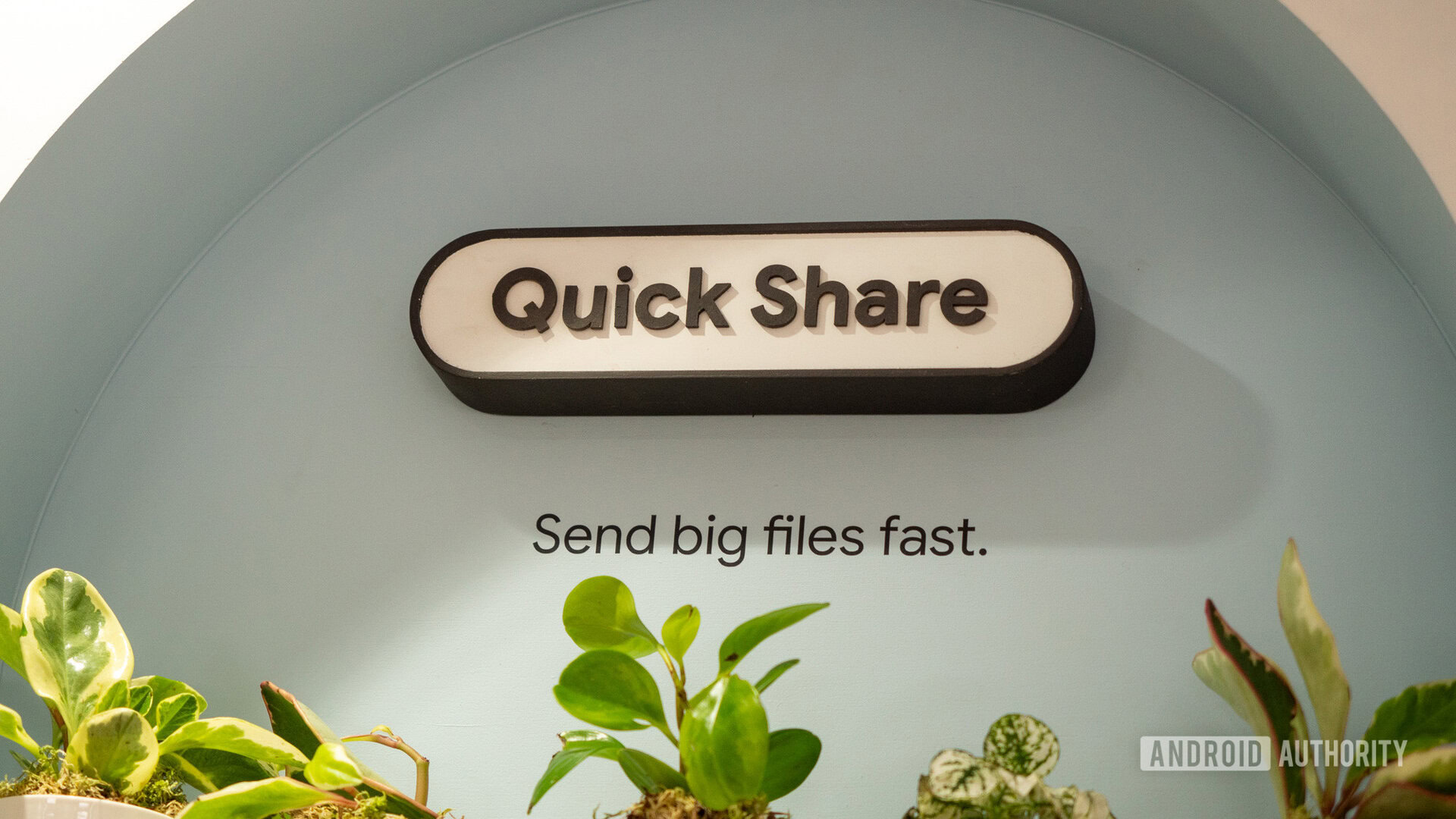
Google dropped a big surprise on us today with the announcement that Pixel phones and iPhones can finally share files seamlessly, with Quick Share now working with AirDrop. Google has since confirmed to Android Authority that this development was entirely through its own implementation, with no assistance from Apple. While the announcement mentions Android and iPhone users, the functionality expands to Apple’s other devices as well.

Don’t want to miss the best from Android Authority?

google preferred source badge dark@2x

On the Quick Share support page, there’s a section labeled “Send content on your Android phone.” This section has been updated with the addition of a new tab. Here, it confirms that Quick Share works with not just the iPhone, but also iPads and macOS devices. It’s worth noting that there’s now a “Receive content on an iPhone, iPad, or macOS device” section as well.

Do you think Apple will try to block AirDrop on the Pixel 10?

2673 votes

If you have a Pixel phone, this new functionality currently only works with Pixel 10 series, and you want to send a file to an iOS or macOS device, you’ll need to follow these steps:

  1. Ask the iPhone, iPad, or macOS user to open their AirDrop settings and select “Everyone for 10 minutes.”
  2. On your Pixel, open the content you want to share and tap Share > Quick Share.
  3. Select the iPhone, iPad, or macOS device from the list of nearby devices.
  4. Wait for the recipient to tap or click Accept on the Airdrop notification on their iPhone, iPad, or macOS device.

For those with an iOS device or macOS device, you’ll be able to receive files by doing the following:

  1. On your iPhone, iPad, or macOS device, change your AirDrop visibility to “Everyone for 10 Minutes.”
  2. Tap or click Accept on the AirDrop notification.

The new interoperability allows for two-way file sharing, so Apple device owners will also be able to send you content. Pixel 10 owners will have to adjust their Quick Share visibility settings to “Everyone for 10 minutes” or be in “Receive” mode. When your friend sends you a file, you’ll see a notification that tells you who’s trying to share with you.

Thank you for being part of our community. Read our Comment Policy before posting.

Sign Up For Daily Newsletter

Be keep up! Get the latest breaking news delivered straight to your inbox.
By signing up, you agree to our Terms of Use and acknowledge the data practices in our Privacy Policy. You may unsubscribe at any time.
Share This Article
Facebook Twitter Email Print
Share
What do you think?
Love0
Sad0
Happy0
Sleepy0
Angry0
Dead0
Wink0
Previous Article HOW TO SPOT A GOOD FAMILY LAWYER? HOW TO SPOT A GOOD FAMILY LAWYER?
Next Article DOGE is no more, and in its wake, only chaos DOGE is no more, and in its wake, only chaos
Leave a comment

Leave a Reply Cancel reply

Your email address will not be published. Required fields are marked *

Stay Connected

248.1k Like
69.1k Follow
134k Pin
54.3k Follow

Latest News

Animal Crossing’s ​new ​update ​has revive​d ​my ​pandemic ​sanctuary
News
Unitree Robotics begins IPO prep, valued at .6 billion after Series C funding · TechNode
Unitree Robotics begins IPO prep, valued at $1.6 billion after Series C funding · TechNode
Computing
AI Was Everywhere at CES, but the Real Innovation Is Human
News
Chipper Cash posts first quarter without cash burn 
Computing

You Might also Like

Animal Crossing’s ​new ​update ​has revive​d ​my ​pandemic ​sanctuary
News

Animal Crossing’s ​new ​update ​has revive​d ​my ​pandemic ​sanctuary

12 Min Read
AI Was Everywhere at CES, but the Real Innovation Is Human
News

AI Was Everywhere at CES, but the Real Innovation Is Human

7 Min Read
OpenAI CFO Comments Signal End of AI Hype Cycle
News

OpenAI CFO Comments Signal End of AI Hype Cycle

0 Min Read
Should you trust AI chatbots with your medical data? – UKTN
News

Should you trust AI chatbots with your medical data? – UKTN

1 Min Read
//

World of Software is your one-stop website for the latest tech news and updates, follow us now to get the news that matters to you.

Quick Link

  • Privacy Policy
  • Terms of use
  • Advertise
  • Contact

Topics

  • Computing
  • Software
  • Press Release
  • Trending

Sign Up for Our Newsletter

Subscribe to our newsletter to get our newest articles instantly!

World of SoftwareWorld of Software
Follow US
Copyright © All Rights Reserved. World of Software.
Welcome Back!

Sign in to your account

Lost your password?