We may receive a commission on purchases made from links.
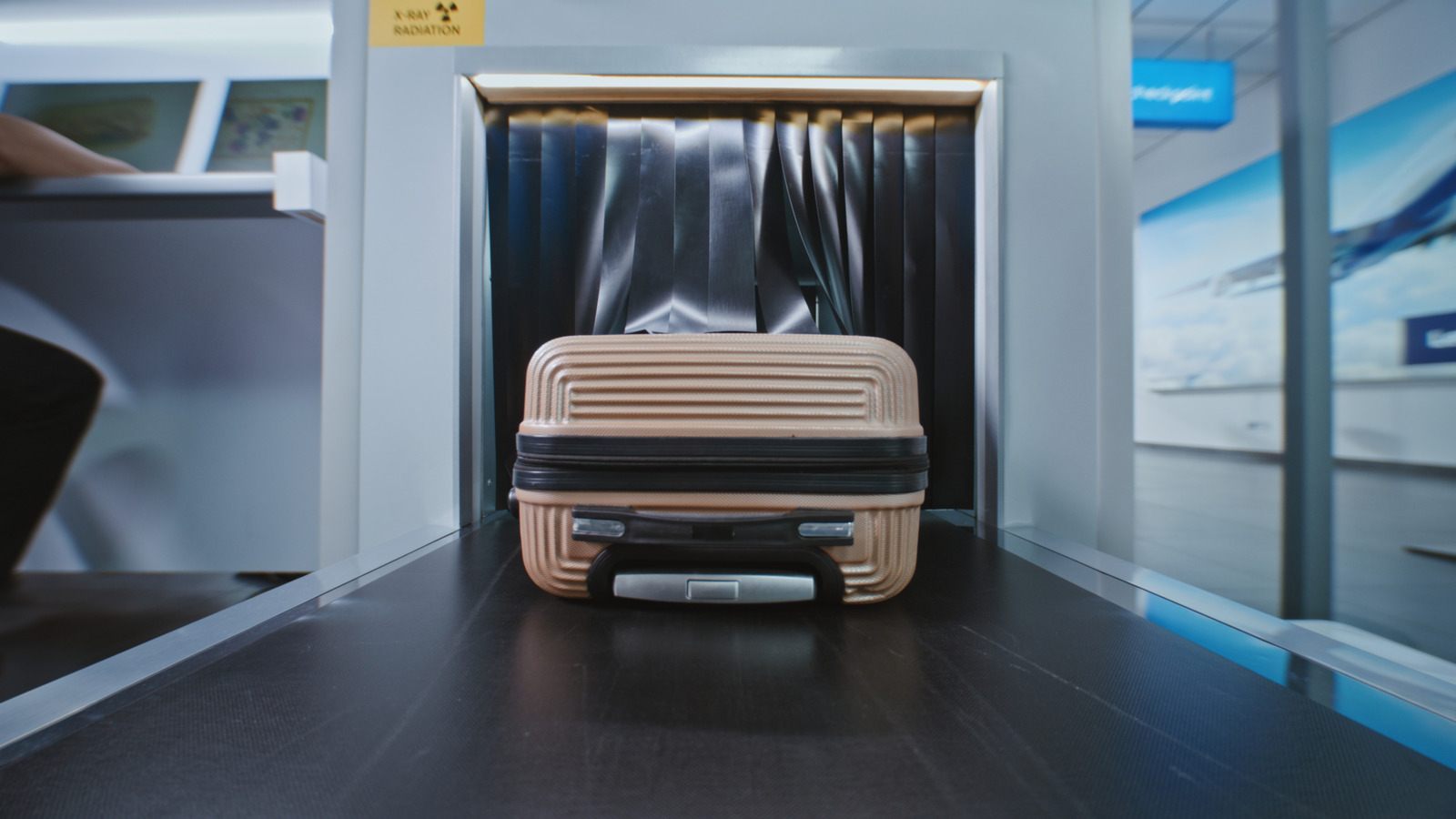
It’s nearly impossible to remember the myriad items that the TSA approves for your carry-on bag. Some are obviously banned, like blades and other weapons, while others are allowed even if they resemble such items. For example, you can bring a lightsaber on board, but not other types of toy weapons, like foam swords or Nerf guns. Multi-tools are okay as well, so long as they’re bladeless. Scissors, which are essentially a pair of blades, are allowed, so long as they’re shorter than 4 inches from the pivot point.
There are many electronic devices that TSA allows, but some come with special rules that you should know before packing them in your carry-on bag. It can be difficult to get a bead on what is TSA-approved, which is why it’s good to check the complete list of allowed and prohibited items.
Here are items you can carry on flights with you. They are all especially useful during the flight and right after you land.
Anker Prime Power Bank
Some people may get confused about whether you can bring power banks in your carry-on bag, since they are banned on checked luggage. But yes, you can take them with you on board. In fact, there are some great TSA-approved power banks on Amazon. According to the agency, passengers can bring lithium batteries with 100Wh or less on board. That means you can bring your giant power bank in your bag if it’s below the 100Wh threshold, an energy level that only laptop portable chargers typically go past.
If you’re looking for a battery bank that is TSA-approved, the Anker Prime Power Bank is a 26,250mAh charger that won’t let you down. This battery bank can deliver up to 300W across its three ports and has a single 140W fast-charging port. It also has a handy display that shows you the remaining battery percentage. If you want more detailed information about the power bank, you can use its app, which also lets you adjust charging modes and set power input and output limits on all three ports. While it’s certainly a beefy portable battery that weighs over a pound, it’s powerful enough to charge all of your devices at once, and you won’t have an issue getting it past security.
Steam Deck
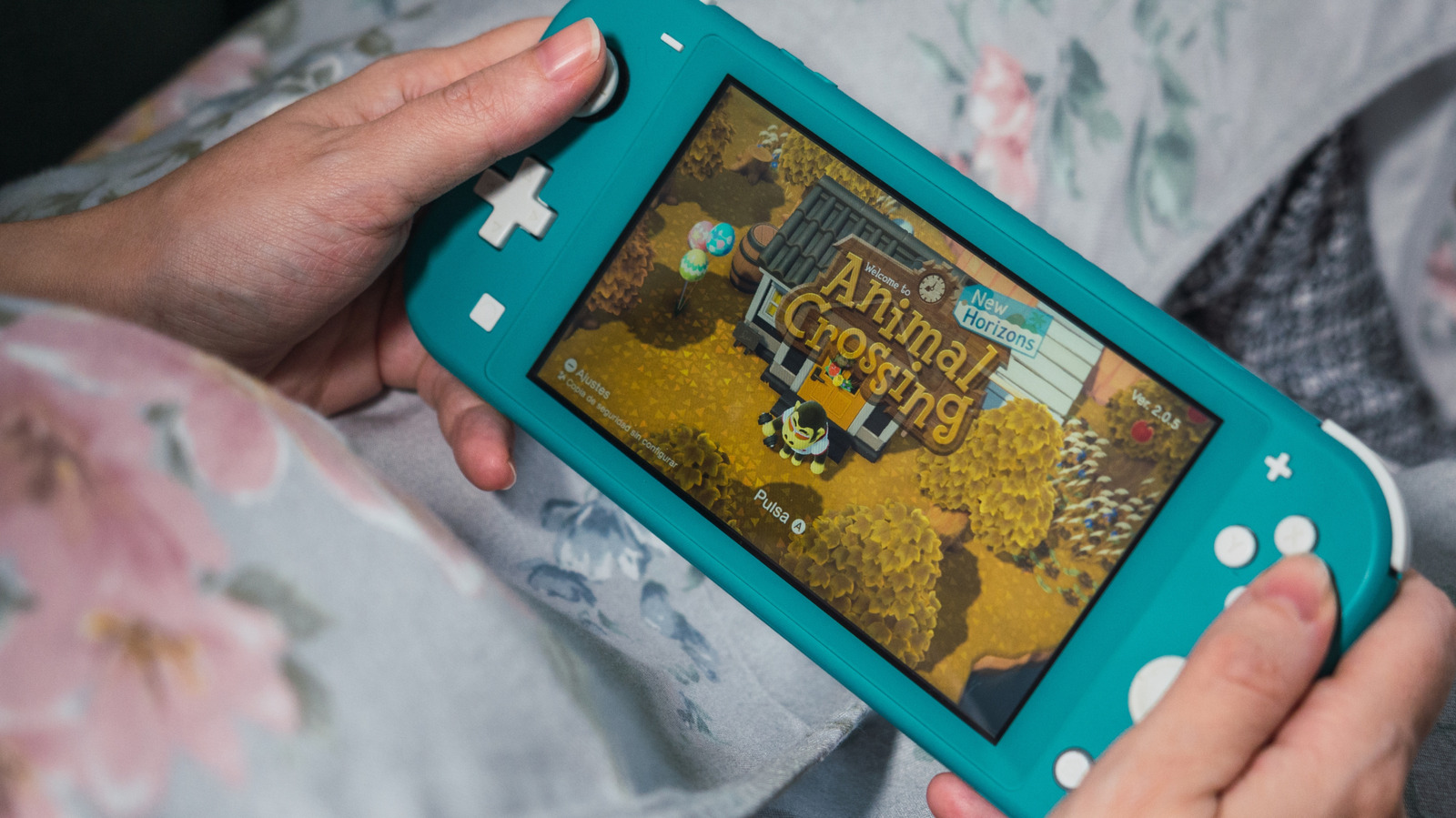
All you gaming enthusiasts out there — you can bring your video game console on the plane. While the TSA website doesn’t mention PC handhelds outright, the wording is general enough to include any video game console, regardless of whether it’s hooked up to the television or not. The Steam Deck, though big enough to possibly require its own bin in the security line, is the ideal travel companion. The handheld gaming console is ergonomic, powerful enough to run a variety of modern games, and it can be power-efficient if you lower the graphics and framerate.
The one flaw the Steam Deck has is that it can’t stand on its own like the Nintendo Switch 2, but you can fix that by investing in a case like JSAUX’s ModCase, which has a kickstand. It’s also one of the few Steam Deck accessories you can get for less than $50. That way, you can set the console down on the tray table and play with a wireless controller. On longer plane rides, this will help with arm and shoulder fatigue since the console is on the heavier side.
AirFly Pro 2
You know what’s annoying? Having to bring wired headphones or earbuds on the airplane to listen to the in-flight entertainment screen. What’s worse is using a cable with your expensive wireless headphones, which ruins the point of having them. If you don’t want to pack wired headphones, then invest in an AirFly Pro 2 Bluetooth adapter.
This tiny dongle hooks up directly to the in-flight entertainment screen and allows you to pair up to two wireless headphones via Bluetooth, which is perfect if you’re traveling with another person. In addition to working on the airplane, it also connects to any device with an audio out port, such as tablets, video game consoles, laptops, or even treadmills at hotels. The dongle leverages Qualcomm’s aptX wireless audio codec, which reduces latency and delivers better sound over the air. The AirFly Pro 2 is also affordable, with a retail price of $60.
Loop Switch 2 Earplugs
Whether it’s lining up for security, waiting at the gate, or being on the plane, everything about flying is noisy. If you’re a frequent flyer, the noise can damage your hearing if you don’t have protection. Constant noise can also affect your mood, which is the last thing you need when you have hours of travel time left before you can reach your destination and rest. One remedy for the constant noise you experience at the airport or in the air is earplugs.
We’re not talking about traditional foam earplugs, which just dampen noise and are uncomfortable to wear. We’re talking about Loop Earplugs, more specifically, the Loop Switch 2 model. These particular earplugs have an adjustable dial on each earplug that controls the amount of sound that is let in.
Quiet mode blocks the most noise, which is great when you’re in the air and want to drown out the sound of the plane’s engines. Experience mode is great when you’re walking around the airport and need to listen to announcements, while Engage mode is best when you want to have a conversation without removing the earplugs. Alternatively, if you don’t mind the price, you can also wear AirPods Pro 2 to deal with the noise.
How we chose the best items to carry on with you
For this list of TSA-approved travel gadgets, we scoured the TSA’s list of allowed and prohibited items, picking the ones we found most compelling and useful for your trip, especially those that seem like they would be restricted due to their size or wireless communications. We made sure to highlight any special circumstances when bringing those items in your carry-on bag.
While this is not an extensive list of every item allowed in your carry-on bag, it covers a good range of gadgets that travelers might be confused about.