

By using this site, you agree to the Privacy Policy and Terms of Use.
Accept
World of SoftwareWorld of SoftwareWorld of Software
  • News
  • Software
  • Mobile
  • Computing
  • Gaming
  • Videos
  • More
    • Gadget
    • Web Stories
    • Trending
    • Press Release
Search
  • Privacy
  • Terms
  • Advertise
  • Contact
Copyright © All Rights Reserved. World of Software.
Reading: The Best Place To Put Your Wi-Fi Router – BGR
Share
Sign In
Notification Show More
Font ResizerAa
World of SoftwareWorld of Software
Font ResizerAa
  • Software
  • Mobile
  • Computing
  • Gadget
  • Gaming
  • Videos
Search
  • News
  • Software
  • Mobile
  • Computing
  • Gaming
  • Videos
  • More
    • Gadget
    • Web Stories
    • Trending
    • Press Release
Have an existing account? Sign In
Follow US
  • Privacy
  • Terms
  • Advertise
  • Contact
Copyright © All Rights Reserved. World of Software.
World of Software > News > The Best Place To Put Your Wi-Fi Router – BGR
News

The Best Place To Put Your Wi-Fi Router – BGR

News Room
Last updated: 2025/12/13 at 4:51 PM
News Room Published 13 December 2025
Share
The Best Place To Put Your Wi-Fi Router – BGR
SHARE


Asbe/Getty Images

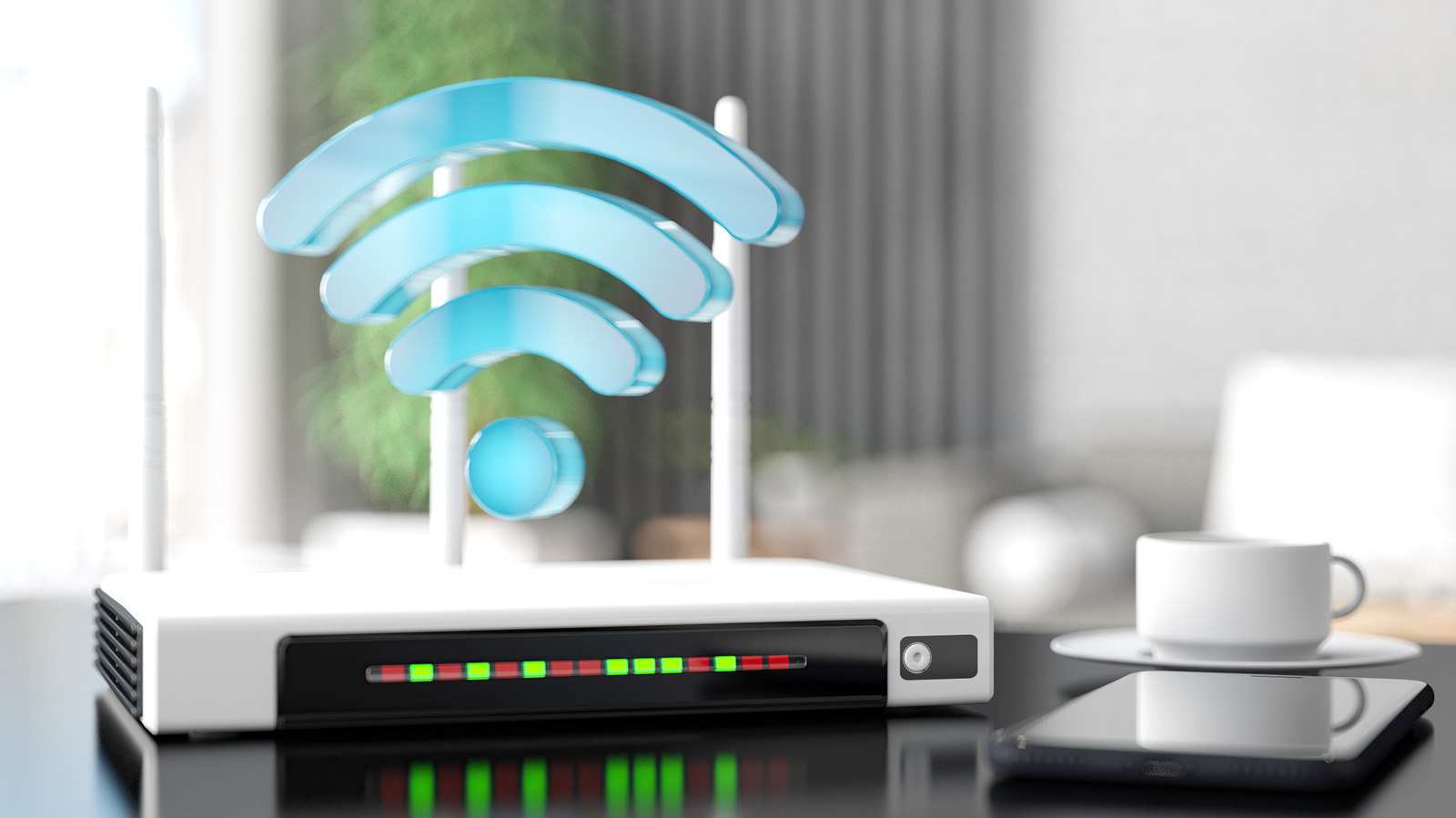
Your Wi-Fi router placement could make or break your connection with the rest of your devices in your home. If you live in a multi-story home, and unless you’ve carefully crafted a good mesh network or installed a Wi-Fi range extender, your router could be the reason why your network connectivity is dropping. Usually, unless your house is small, a router can’t cover all areas in your home at once.

You have to consider not only the size of your home, but also about the objects placed in it and the walls nearby. Wi-Fi signals coming from your router could easily be obstructed depending on the layout of your home. Instead of buying a better router to improve signal strength, identify where the dead zones are in your home, and that’ll help with improving coverage. Correcting a misplaced router could be the magic fix to stabilizing your connection, and it is also the easiest solution to do.

Choose an open central location for your Wi-Fi Router placement
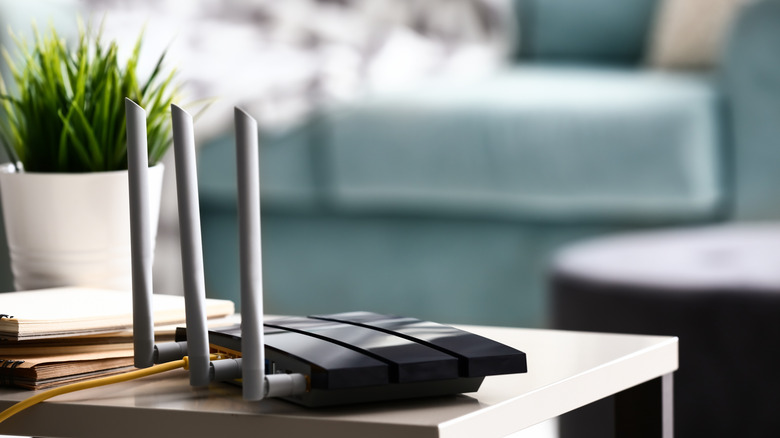

A router on top of a table next to plant and books in the living room
Evelyn Mccarthy/Getty Images

The best place to set up your Wi-Fi router is in an open, central area of your home. Doing so helps broadcast the radio waves at equal distances. When placing the Wi-Fi router in an open area, you also reduce the chance that impermeable objects will block any of these signals. That’s why putting your router near thick walls, inside drawers, and cabinets is a huge no-no. It’s also recommended to place the router on elevated surfaces so nothing gets in the way, like floors and furniture, and to ensure it doesn’t get dusty (dust particles accumulate around carpets and floors).

Putting your router in the basement can also degrade the signal. Basements are often built with dense materials: Think of concrete and how difficult it would be for any electromagnetic wave to penetrate those walls. It is more likely to get absorbed and converted into heat. These factors can obstruct or absorb the signal, and they are also at the lowest part of your home, meaning the Wi-Fi signal is no longer centralized; the upper floors of your home are likely much weaker, further increasing the chance of it becoming a dead zone. Dead zones are the reason why you have slow speeds or dropped connections.

Consider other electronic devices and potential interference
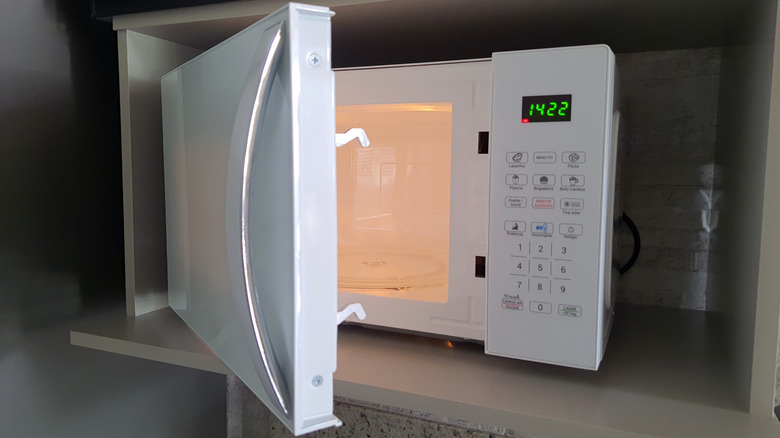

Opened microwave on a shelf
Elis Cora/Getty Images

The physical placement of your router isn’t the only reason why the signal can drop. Sometimes, interference from other electronics, such as microwaves, can weaken the signal because a low-end or old Wi-Fi router will operate in the 2.4 GHz frequency band. Most modern day routers will support 2.4 GHz, 5 GHz, and 6 GHz connections. If your router supports 5 GHz/6 GHz (via a dual-band or tri-band setup), it can help reduce interference, since microwaves operate outside that range. Just note that 5 GHz and 6 GHz will have a shorter range and weaker penetration than the 2.4 GHz band, but in return, they offer faster speeds. 

The long-term solution would be to move your router/pair it with a wired connection, or upgrade your router. Most new routers don’t operate exclusively on 2.4 GHz anymore, so this type of interference shouldn’t be common. Though if it does occur, just be mindful of what can happen when you use the microwave or use other devices that operate on a similar frequency to your router. Microwaves aren’t the only source of EMI (electromagnetic interference); you can experience it with various Bluetooth devices, such as speakers and wireless headphones, as well as fluorescent and LED lighting.


Sign Up For Daily Newsletter

Be keep up! Get the latest breaking news delivered straight to your inbox.
By signing up, you agree to our Terms of Use and acknowledge the data practices in our Privacy Policy. You may unsubscribe at any time.
Share This Article
Facebook Twitter Email Print
Share
What do you think?
Love0
Sad0
Happy0
Sleepy0
Angry0
Dead0
Wink0
Previous Article Fitness Experts Weigh In on Whether Walking Actually Counts as Exercise Fitness Experts Weigh In on Whether Walking Actually Counts as Exercise
Next Article Interview: Erik Mayer, transformation chief clinical information officer, Imperial College | Computer Weekly Interview: Erik Mayer, transformation chief clinical information officer, Imperial College | Computer Weekly
Leave a comment

Leave a Reply Cancel reply

Your email address will not be published. Required fields are marked *

Stay Connected

248.1k Like
69.1k Follow
134k Pin
54.3k Follow

Latest News

Cheap Smart TV Brands, Ranked From Worst To Best (According To Consumer Reports) – BGR
News
Apple @ Work: It is time for Apple TV to get PoE and finally reach its enterprise potential – 9to5Mac
News
More Than Fortnite: The Best Battle Royale Games for 2026
News
Best Apple deal: Save .01 on Apple AirPods Pro 3 at Amazon
Best Apple deal: Save $29.01 on Apple AirPods Pro 3 at Amazon
News

You Might also Like

Cheap Smart TV Brands, Ranked From Worst To Best (According To Consumer Reports) – BGR
News

Cheap Smart TV Brands, Ranked From Worst To Best (According To Consumer Reports) – BGR

14 Min Read
Apple @ Work: It is time for Apple TV to get PoE and finally reach its enterprise potential – 9to5Mac
News

Apple @ Work: It is time for Apple TV to get PoE and finally reach its enterprise potential – 9to5Mac

7 Min Read
More Than Fortnite: The Best Battle Royale Games for 2026
News

More Than Fortnite: The Best Battle Royale Games for 2026

5 Min Read
Best Apple deal: Save .01 on Apple AirPods Pro 3 at Amazon
News

Best Apple deal: Save $29.01 on Apple AirPods Pro 3 at Amazon

4 Min Read
//

World of Software is your one-stop website for the latest tech news and updates, follow us now to get the news that matters to you.

Quick Link

  • Privacy Policy
  • Terms of use
  • Advertise
  • Contact

Topics

  • Computing
  • Software
  • Press Release
  • Trending

Sign Up for Our Newsletter

Subscribe to our newsletter to get our newest articles instantly!

World of SoftwareWorld of Software
Follow US
Copyright © All Rights Reserved. World of Software.
Welcome Back!

Sign in to your account

Lost your password?